
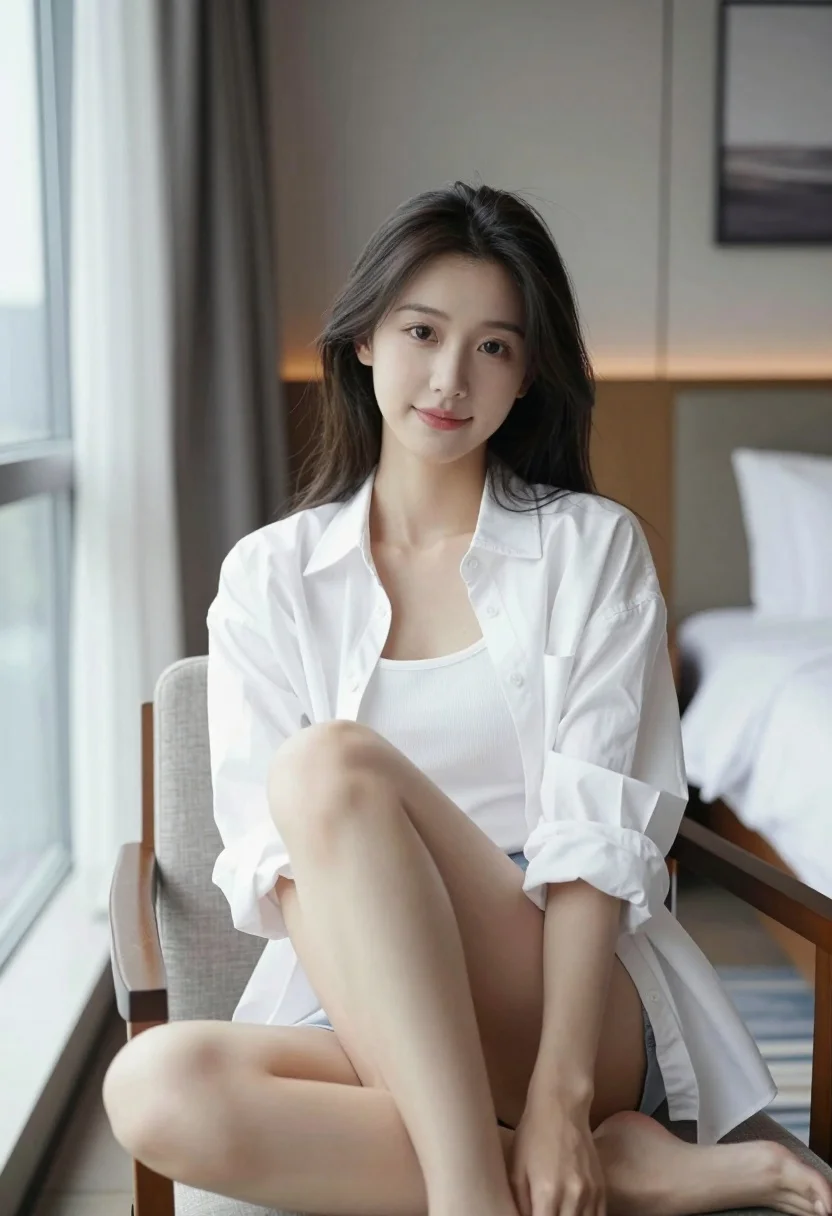
Young east asian woman in white shirt sitting casually in modern hotel
Prompt
A young woman with long dark hair sits casually on a chair in a modern hotel room.

Subject: A young East Asian woman with soft features and long, slightly messy dark hair that falls over her shoulders. She has a gentle, calm expression with a subtle smile and is looking directly at the camera.

Clothing: She wears an oversized white button-down shirt worn open over a white ribbed tank top. The sleeves are rolled up to the elbows, and the shirt hangs loosely off one shoulder.

Action: She is seated in a relaxed pose with her legs crossed at the knee, resting her hands on her thighs. Her body is angled slightly towards the camera while her head faces forward.

Environment: The setting is a modern hotel room featuring a large window with sheer curtains to the left, a wooden bed frame with white linens and pillows to the right, and a framed picture hanging on the wall in the background.

Camera: A medium shot captures the subject from the mid-thigh up, utilizing soft natural light coming from the window to create a gentle, flattering illumination.

Lighting: Soft, diffused daylight enters from the large window on the left, casting a gentle glow on her face and creating subtle shadows that add depth without harshness.

Style Details: The image has a clean, high-definition aesthetic with smooth skin textures and realistic fabric rendering, resembling a professional lifestyle portrait.
Description
This prompt is useful for creating editorial lifestyle portraits, modern interior design mood boards, and intimate personal branding content. The combination of 'soft natural light' from the window and the 'oversized white button-down shirt' ensures that the subject remains softly illuminated while the loose fabric maintains visible folds, preventing the image from looking too stiff or overly staged.
Suggestions
- Change 'large window with sheer curtains' to 'floor-to-ceiling glass wall' for more dramatic light.
- Swap 'medium shot' for 'waist up portrait' to focus more on the upper body interaction.
- Add 'minimalist Scandinavian decor' to the environment description.
Category
Tags
Casual WearFemaleIndoorsMedium ShotRealistic
Date added
July 3, 2026
Added by
PromptDexter Team
Related Prompts
More prompts with similar categories and tags.
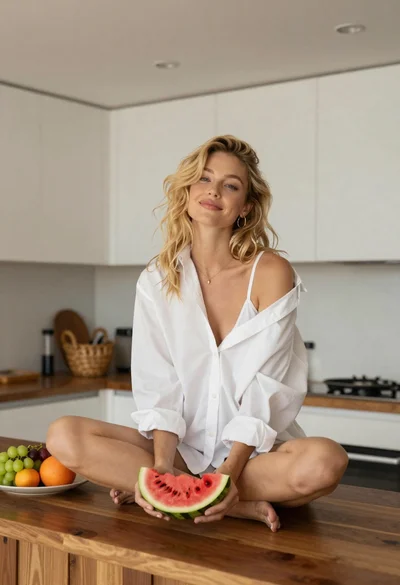
Blonde woman sitting on kitchen counter with watermelon slice

Woman seated in armchair near large windows with greenery

Young blonde woman in brown top seated in modern living room setting
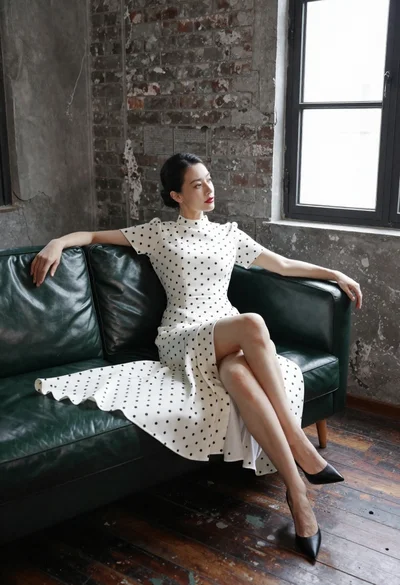
Woman in white polka dot dress seated on green leather sofa
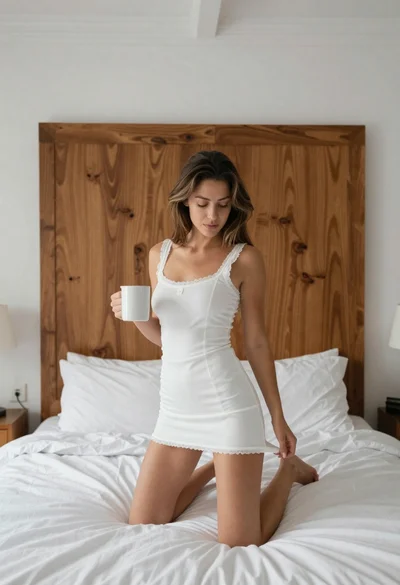
Young woman kneeling on bed holding mug in white dress

Woman sitting gracefully indoors wearing yellow skirt and top
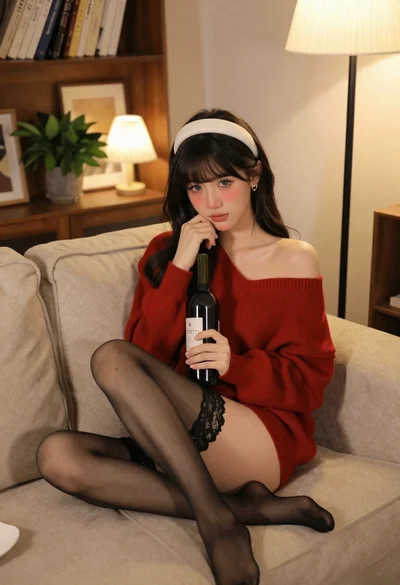
Young woman in red sweater on beige sofa indoors
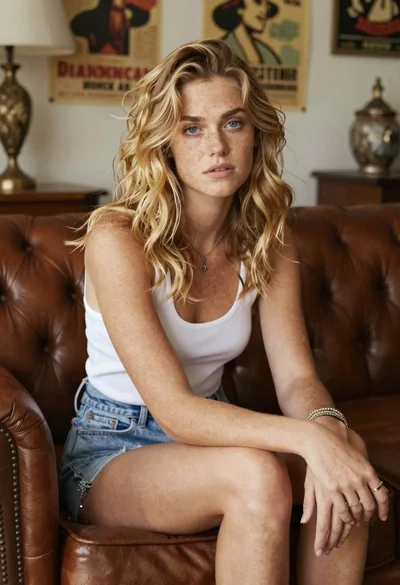
Woman with freckles sitting on brown leather sofa
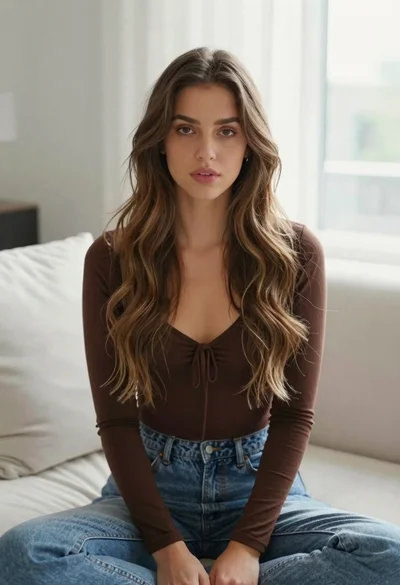
Young woman with brown hair sitting on white sofa in bright modern
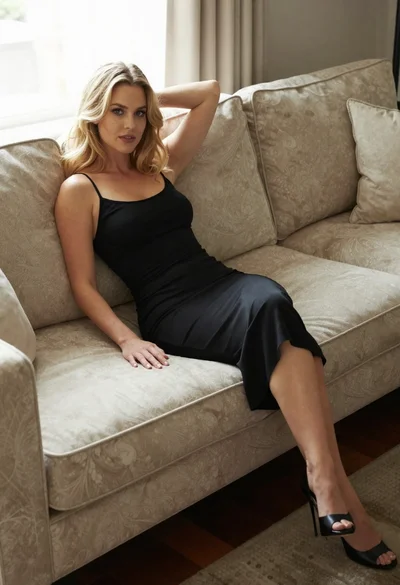
Blonde woman in black slip dress reclining on beige sofa indoors
