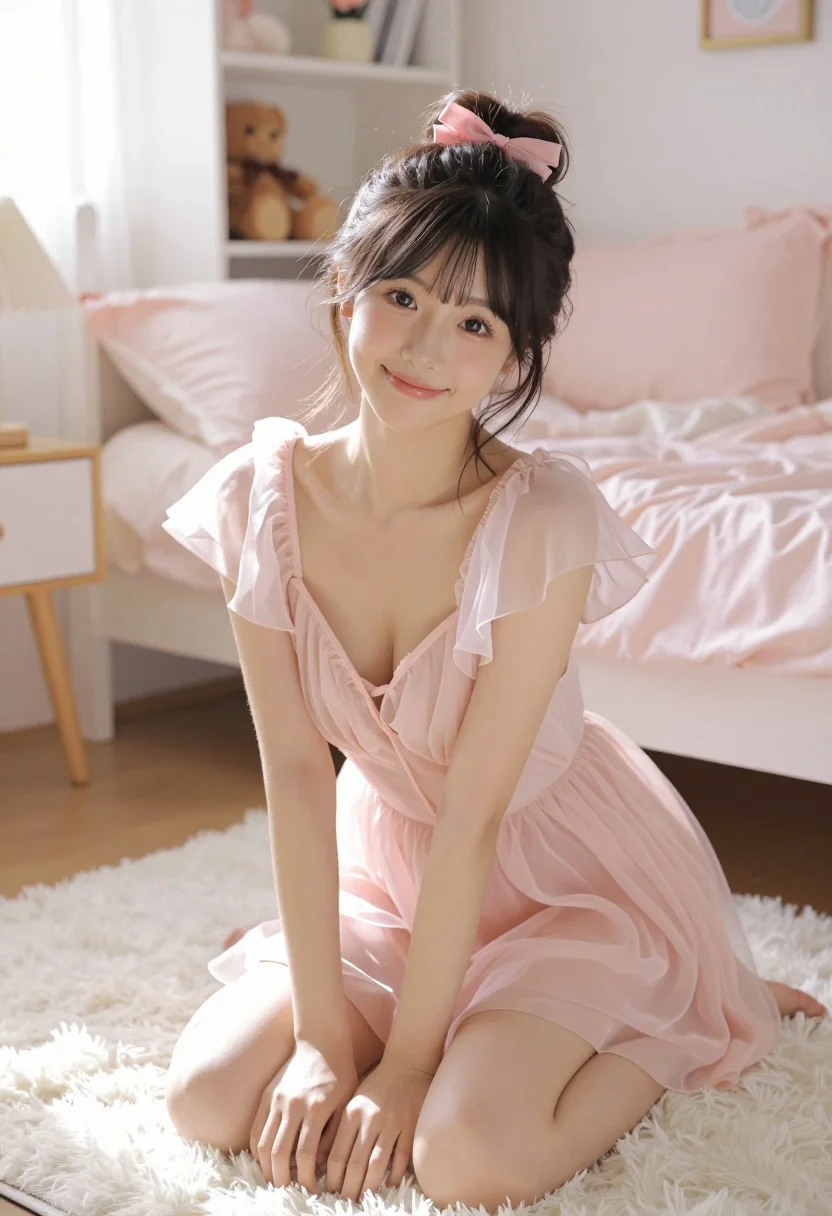
Young east asian woman kneeling on white rug in bright cozy bedroom
Prompt
A young woman with a gentle smile kneels on a fluffy white rug in a cozy bedroom setting.

Subject: A young East Asian woman with dark hair styled in a messy updo secured with a small pink bow, featuring soft bangs framing her face and large expressive eyes.

Clothing: She wears a sheer, pale pink dress made of lightweight chiffon or tulle fabric, featuring a deep plunging neckline, short flutter sleeves, and a gathered waist that flows loosely over her legs.

Action: She is kneeling on her knees with her hands resting gently on the floor in front of her, looking directly at the camera with a soft, inviting expression.

Environment: The scene takes place in a bright bedroom with a white bed covered in pink bedding and fluffy pillows behind her; a white shelving unit against the wall holds a teddy bear and other small decorative items, while a bedside lamp sits on a nightstand to the left.

Lighting: Soft, diffused natural light illuminates the scene from the left side, casting gentle shadows and creating a warm, airy atmosphere with a pastel color palette.

Camera: The shot is taken from a low angle looking slightly upward at the subject, utilizing a shallow depth of field that keeps her in sharp focus while blurring the background elements.

Style Details: The image features a high-quality photo with smooth skin textures, soft lighting effects, and a dreamy, romantic aesthetic reminiscent of modern anime or illustration art.
Description
This prompt is useful for creating intimate portraiture, soft lifestyle advertisements, and romantic character concept art. The combination of 'soft, diffused natural light' and the 'pastel color palette' ensures that the scene feels airy and gentle, which complements the delicate nature of the 'sheer, pale pink dress' while the 'low angle looking slightly upward' emphasizes her inviting expression.
Suggestions
- Change 'fluffy white rug' to 'velvet throw' for a richer texture.
- Swap 'pink bedding' for 'ivory linen' to mute the color scheme.
- Add 'bokeh effect' to enhance the background blur.
Category
Tags
BedroomBrunetteCasual WearFemaleIndoorsLow AnglePortrait ShotRealistic
Date added
July 3, 2026
Added by
PromptDexter Team
Related Prompts
More prompts with similar categories and tags.
Young woman sitting cross legged on bed holding mug looking back over
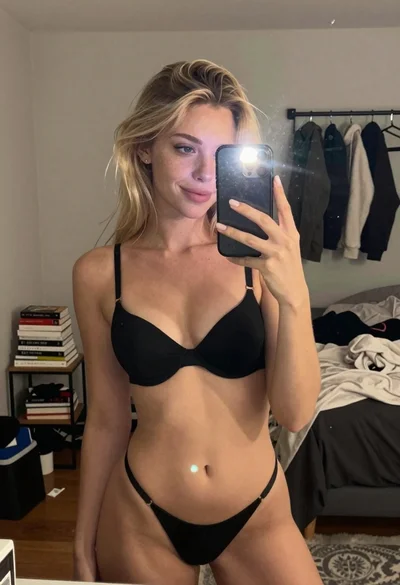
Blonde woman in black lingerie taking a mirror selfie
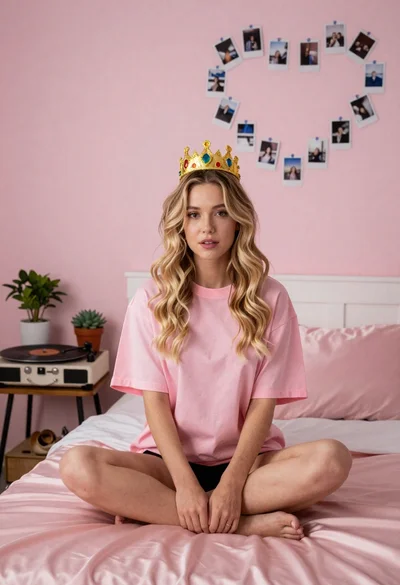
Young woman in pink room with blonde hair
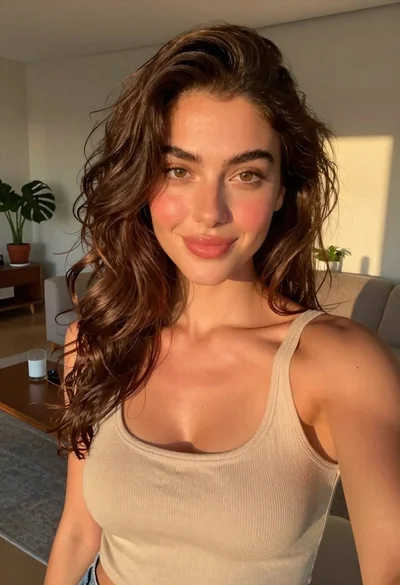
Selfie portrait of woman in cozy living room
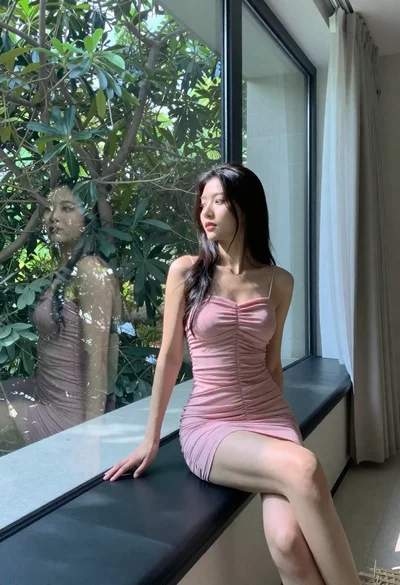
Woman in pink dress sitting by large window overlooking green trees
Young woman taking mirror selfie in bedroom wearing olive green jumpsuit

Fit woman in grey dress standing in modern room with high wood
Portrait of young woman in blue crop top and denim shorts
Young woman resting on a worn beige living room couch
Young woman in deadpool t shirt at glass table indoors