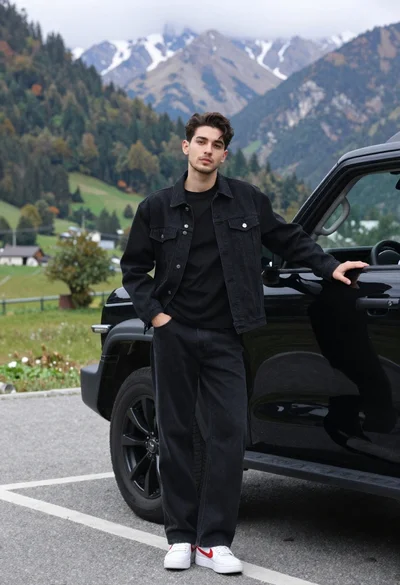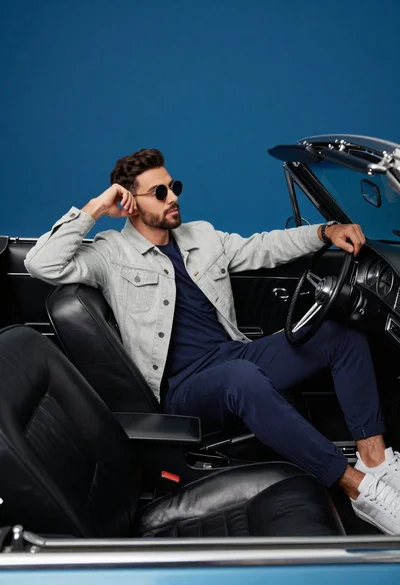
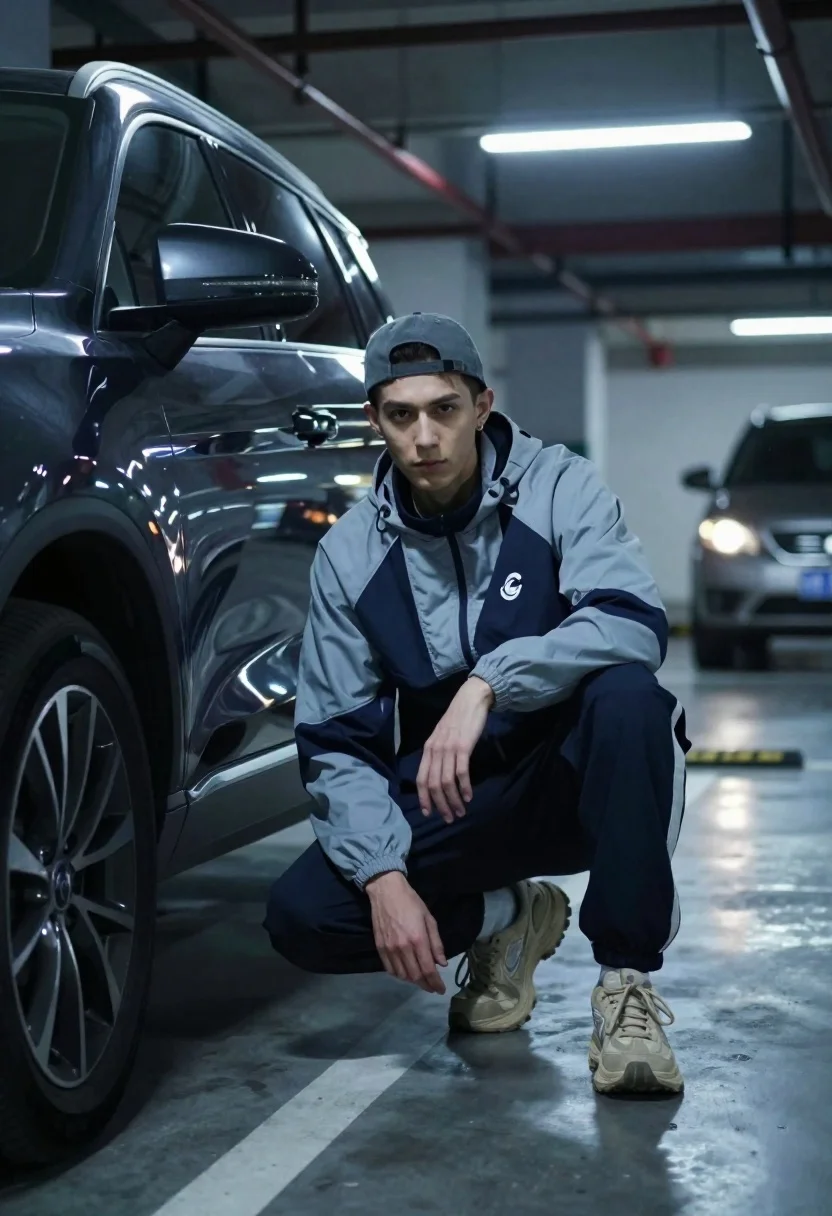
Young man crouching by dark suv in dimly lit underground parking garage
Prompt
A young man crouches next to a large dark SUV in a dimly lit underground parking garage.

Subject: A young male with a serious expression looking directly at the camera, wearing a grey and navy blue windbreaker jacket with a white logo on the chest, dark track pants, chunky beige sneakers, and a grey baseball cap worn backward.

Clothing: The subject wears a two-tone athletic jacket featuring grey sleeves and a navy blue torso, matching navy blue trousers, and oversized beige running shoes.

Action: He is in a low crouch with his left hand resting on the ground for support and his right arm bent near his knee, maintaining steady eye contact with the viewer.

Environment: The setting is a concrete underground parking structure with visible pillars and ceiling pipes; a second vehicle with its headlights on is blurred in the background to the right.

Camera: Shot from a low angle close to the ground to emphasize the subject's height relative to the car, utilizing a shallow depth of field that keeps the foreground sharp while blurring the background.

Lighting: Cool-toned artificial lighting from overhead fluorescent tubes creates high contrast with deep shadows and highlights reflecting off the glossy surface of the SUV.

Style Details: Cinematic aesthetic with a cool blue color grade, realistic texture rendering on the car paint and concrete floor, and a moody urban atmosphere.
Description
This prompt is useful for creating cinematic streetwear lookbooks, concept art for action sequences, and editorial mood shots emphasizing grit. The combination of 'low angle' perspective with 'cool-toned artificial lighting' accentuates the subject's imposing presence against the concrete environment, while the shallow depth of field isolates the figure from the background clutter.
Suggestions
- Change 'grey and navy blue windbreaker jacket' to 'black technical shell jacket' for a more monolithic look.
- Swap 'chunky beige sneakers' for 'high-top black combat boots' to increase visual weight.
- Adjust 'cool blue color grade' to 'teal and orange cinematic grading' for higher contrast.
Category
Tags
Casual WearDark SkinLow AngleMaleMedium ShotStreetwearStudioUrbanVehicle
Date added
June 19, 2026
Added by
PromptDexter Team
Related Prompts
More prompts with similar categories and tags.

Young man leaning on a modified sports car in city night
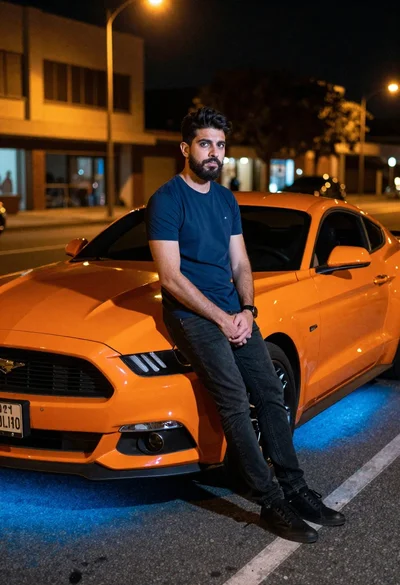
Man leaning on orange mustang at night city street
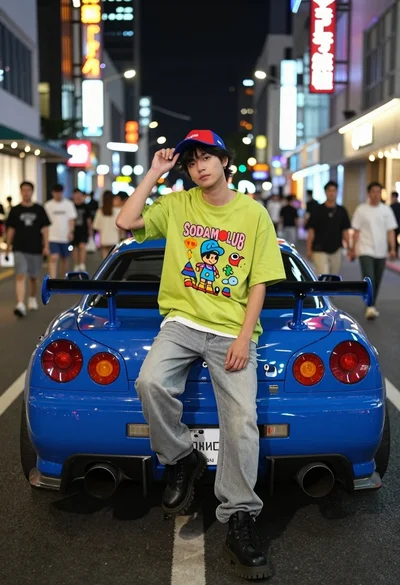
Young man sitting on blue sports car bumper in neon lit city
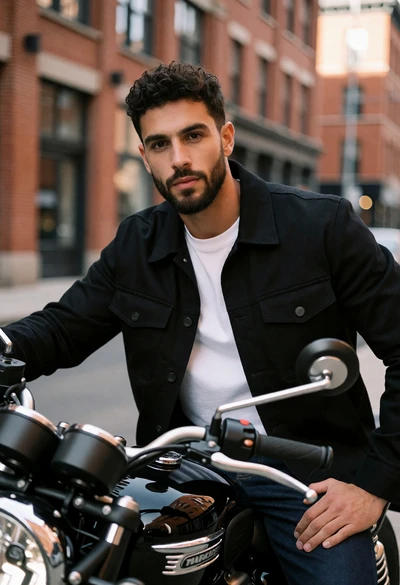
Man with dark curly hair sitting on black motorcycle in brick city
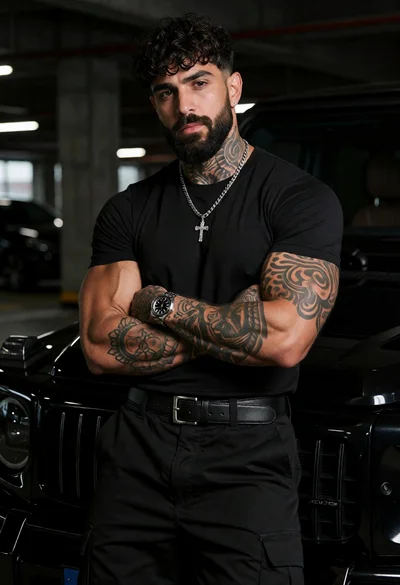
Muscular man with beard leaning on black luxury suv in garage
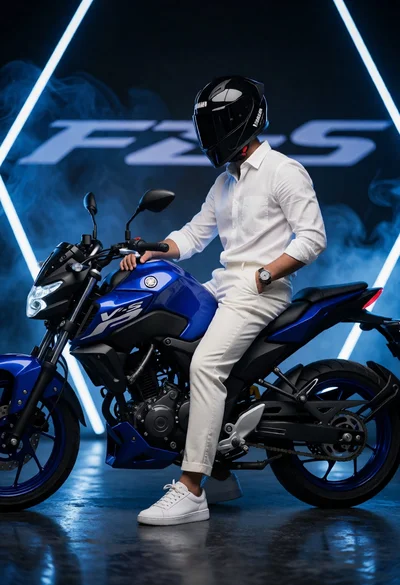
Man sitting casually on blue motorcycle in dark studio setting
Man in red outfit beside classic ferrari testarossa in studio setting
Young man leaning on white sports car graffiti street at night
Bearded man sitting on white sports car at estate gate
Man in leather jacket sitting on golden sports car at night