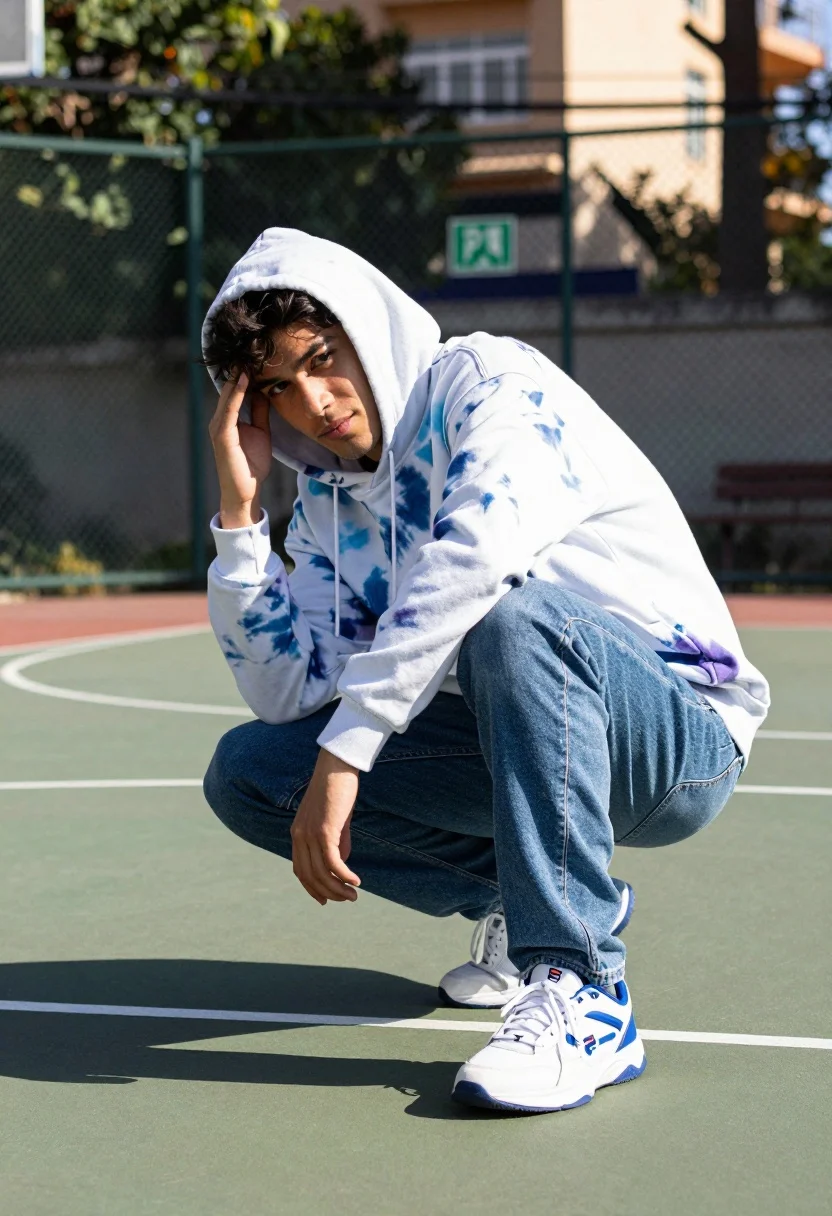
Young man crouching on basketball court wearing tiedye hoodie and jeans
Prompt
A young man crouching in a dynamic pose on an outdoor basketball court.

Subject: A young man with dark hair wearing a tie-dye hoodie and jeans.

Clothing: He wears a white hoodie with blue and purple tie-dye patterns, the hood is up over his head. He wears blue jeans and white sneakers with blue accents that have the Fila logo on the side.

Action: He is crouching low to the ground with one hand resting against his forehead and looking directly at the camera with a serious expression.

Environment: The setting is an outdoor basketball court with painted lines, a chain-link fence in the background, and blurred trees and buildings visible behind the fence.

Camera: The shot uses a shallow depth of field to keep the subject sharp while blurring the background, taken from a slightly low angle looking up at the crouching figure.

Lighting: Bright natural sunlight creates strong highlights on the hoodie and casts distinct shadows on the court surface.

Objects: A green exit sign is visible in the blurred background behind the fence.

Style Details: The image has a high-contrast, vibrant color grading with a slight film grain texture.
Description
This prompt is useful for creating streetwear lookbooks, athletic lifestyle photography, and gritty urban editorial spreads. The combination of 'low angle' perspective and 'strong highlights on the hoodie' emphasizes the subject's grounded power while the 'shallow depth of field' isolates the figure against the distracting background elements like the fence.
Suggestions
- Change 'tie-dye hoodie' to 'graphic oversized hoodie' for a different pattern focus.
- Swap 'blue jeans' for 'cargo pants' to alter the silhouette.
- Adjust 'bright natural sunlight' to 'overcast daylight' for softer shadows.
Category
Tags
Full BodyLow AngleMaleRealisticStreetwear
Date added
July 12, 2026
Added by
PromptDexter Team
Related Prompts
More prompts with similar categories and tags.
Bald man in motorcycle jacket leaning in urban corridor
Two stylish models in black balenciaga streetwear posing in an urban concrete
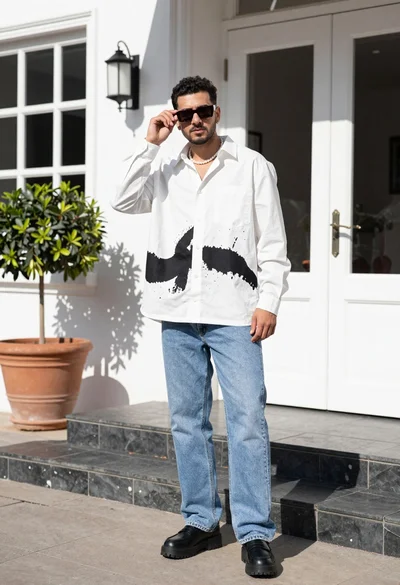
Stylish man in white shirt and jeans standing outdoors near white building
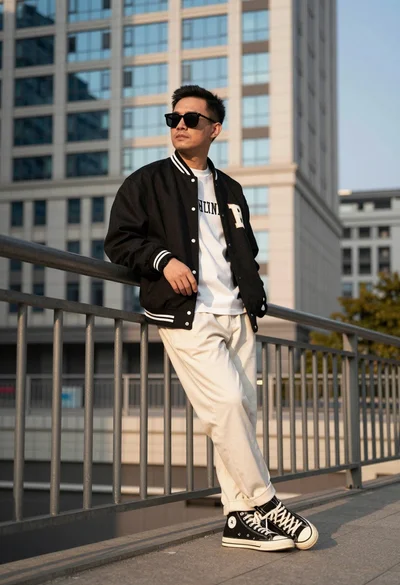
Man leaning against metal railing in urban setting with tall building background
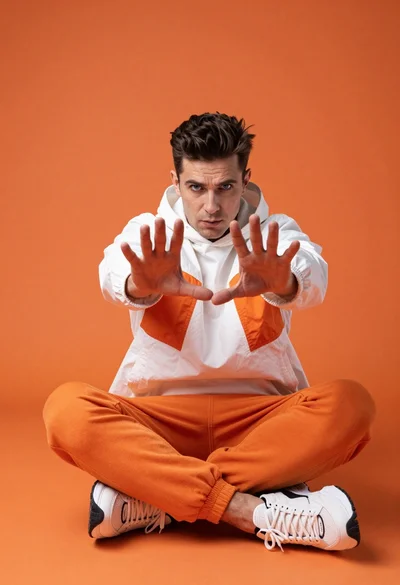
Man sitting cross legged against orange backdrop with splayed hands
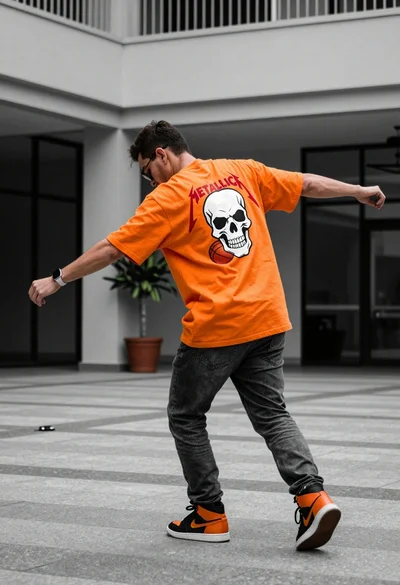
Man in orange tshirt leaning forward in urban plaza setting
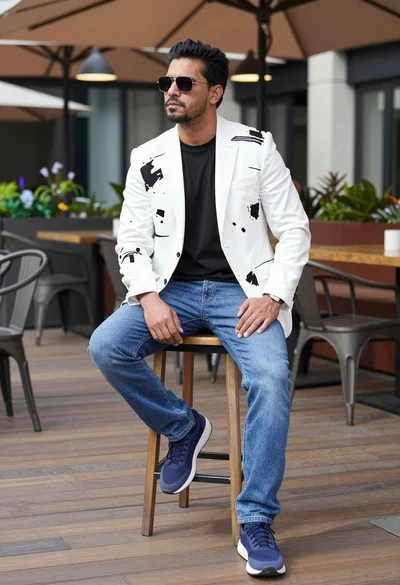
Man sitting confidently on stool on outdoor terrace with modern decor
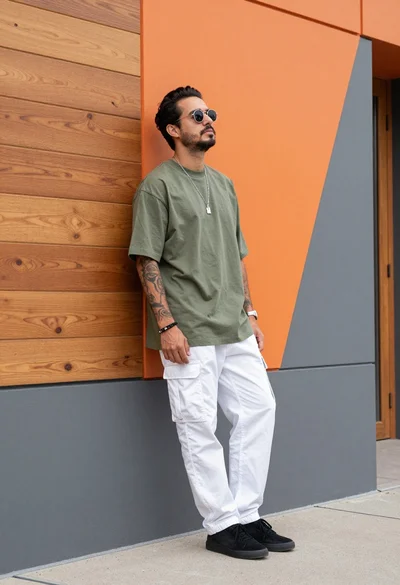
Man leaning against modern orange grey geometric wall in urban setting
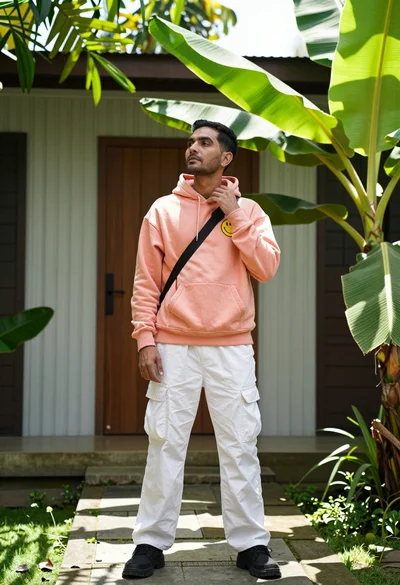
Man in peach hoodie standing in lush garden near modern wooden structure
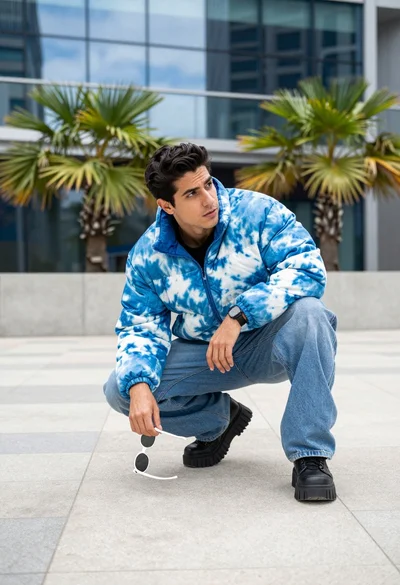
Man crouching low in urban plaza wearing tie dye jacket near glass