

Woman in red satin top seated by blue wall with wooden masks
Prompt
A woman sits in profile on a metal chair against a vibrant blue wall decorated with hanging wooden masks.

Subject: A woman with shoulder-length wavy brown hair and a contemplative expression looking off to the side.

Clothing: She wears a shiny red satin off-the-shoulder top with ruffled sleeves, loose black trousers, and high-heeled shoes.

Action: She is seated in a relaxed pose with one leg crossed over the other, her hands clasped gently in her lap.

Environment: The setting features a deep blue paneled wall adorned with several small wooden masks hanging from hooks. To the right, a large potted agave plant sits on a bright red square table. To the left, green foliage is partially visible.

Camera: Medium shot capturing the subject from the knees up with a shallow depth of field that keeps the background slightly soft.

Lighting: Bright directional sunlight illuminates the scene from the right, casting strong highlights on the woman's face and the plant while creating deep shadows against the blue wall.

Style Details: The image has a polished magazine editorial quality with high contrast between the vivid reds and blues and a smooth, realistic rendering style.
Description
This prompt is useful for creating vibrant fashion editorials, cultural portraiture pieces, and stylized mood boards emphasizing color blocking. The combination of 'shiny red satin' against the 'vibrant blue wall' establishes a high-contrast, saturated palette that immediately draws the eye, while the 'bright directional sunlight' sculpts the subject by creating deep shadows that give dimension to the otherwise flat background elements.
Suggestions
- Change 'shiny red satin' to 'matte velvet' for a more subdued texture.
- Replace 'wooden masks' with 'carved terracotta faces' for an earthy contrast.
- Adjust 'Medium shot' to 'close-up portrait' to focus more on the expression.
Category
Tags
Brown HairBrunetteCasual WearFemaleIndoorsMedium ShotPortrait ShotRealistic
Date added
June 19, 2026
Added by
PromptDexter Team
Related Prompts
More prompts with similar categories and tags.

Fair skinned woman in black sequined outfit sitting elegantly indoors

Stylish young woman in denim shirt holding tablet indoors
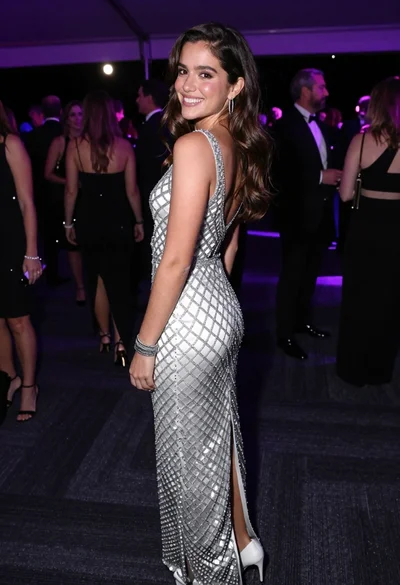
Smiling young woman in crystal gown looking over shoulder at indoor gala
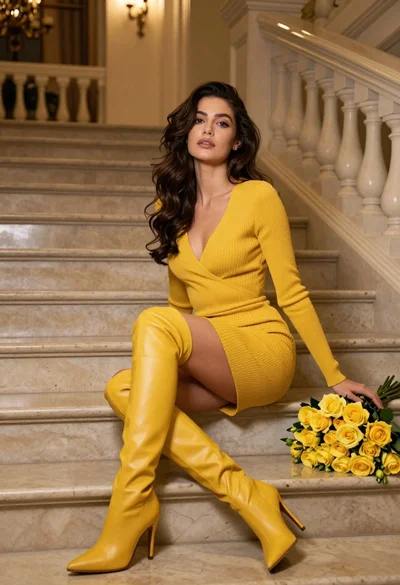
Woman in yellow dress sitting on grand marble staircase with roses

Glamorous woman in red dress framed by beige curtains and olive branches
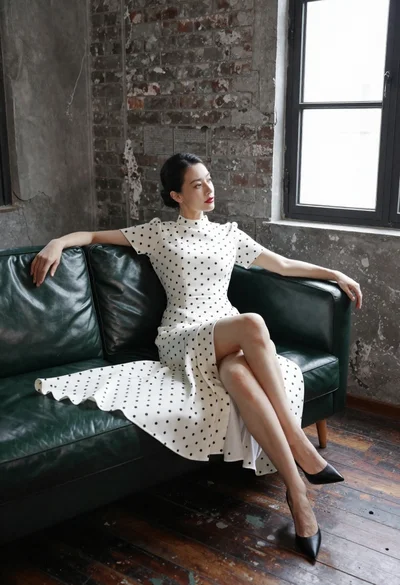
Woman in white polka dot dress seated on green leather sofa
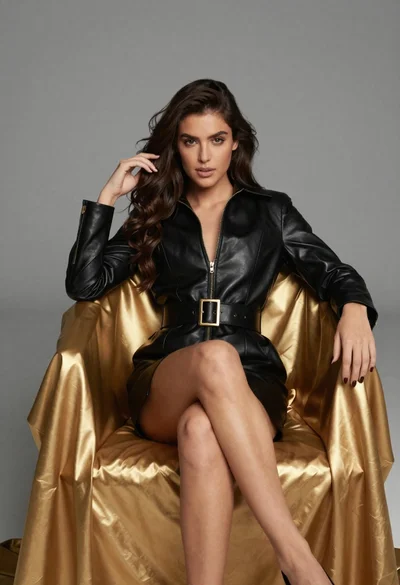
Confident woman in black leather dress sitting on golden chair studio portrait

Poised woman in black blazer sitting on stool against blue gradient background
Young woman in brown dress leaning against beige stone wall
Young woman in rust suede coat seated in weathered architectural corridor
