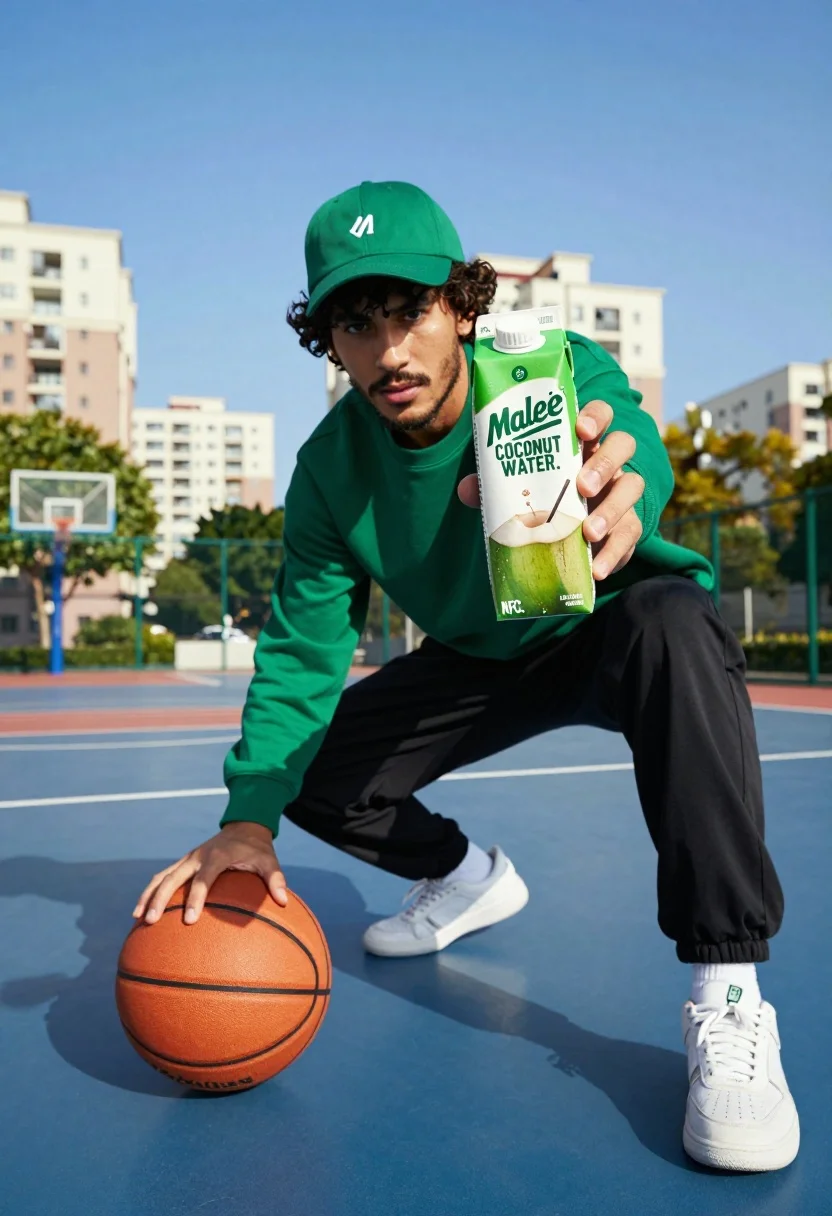
Young man in athletic wear on blue basketball court with coconut water
Prompt
A young man in athletic wear crouches on a blue outdoor basketball court under a clear sky, holding a carton of coconut water in one hand and dribbling a basketball with the other.

Subject: A young man with dark curly hair, a beard, and an intense gaze looking directly at the camera.

Clothing: He wears a green baseball cap with a small white logo, a matching green long-sleeved sweatshirt, black athletic pants, and white sneakers.

Action: The man is in a low athletic stance, leaning forward with one hand extended to present a product while his other hand hovers over an orange basketball.

Environment: An outdoor basketball court with blue flooring and white lines, set against a background of blurred white apartment buildings and green trees under a bright blue sky.

Camera: A low-angle shot looking up at the subject, emphasizing his presence and the product he is holding, with a shallow depth of field blurring the background.

Lighting: Bright, direct sunlight casting sharp shadows on the ground and highlighting the sweat on the coconut water carton, creating a vibrant and energetic mood.

Objects: A large orange basketball and a green rectangular carton labeled Malee Coco Coconut Water held prominently in the foreground.

Text/Graphics: The product packaging features the brand name "Malee" and text reading "COCONUT WATER," "THAI COCONUTS," and "NFC."
Description
This prompt is useful for creating fitness advertisement campaigns, athletic lifestyle editorials, and beverage product placements. The combination of 'low-angle shot looking up at the subject' with 'bright, direct sunlight casting sharp shadows' maximizes the perceived energy and dominance required for advertising, while the shallow depth of field ensures the 'Malee Coco Coconut Water' carton remains the undeniable focal point.
Suggestions
- Change 'green baseball cap' to a neutral gray cap for broader appeal.
- Swap 'blue outdoor basketball court' for concrete pavement to vary the setting.
- Adjust 'intense gaze looking directly at the camera' to a focused, mid-action look.
Category
Tags
Full BodyLow AngleMaleRealisticStreetwear
Date added
July 3, 2026
Added by
PromptDexter Team
Related Prompts
More prompts with similar categories and tags.
Low angle close shot of male athlete deadlifting in gritty gym
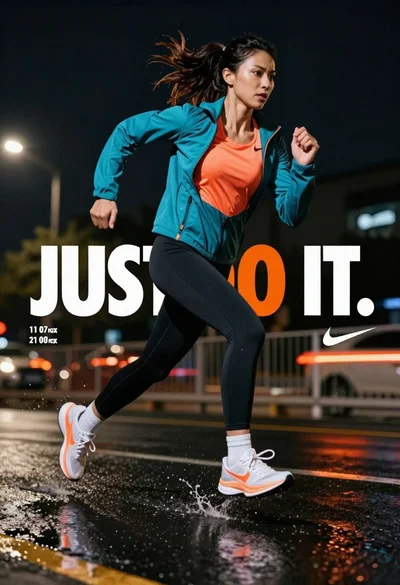
Female athlete sprinting on wet pavement at night with city lights
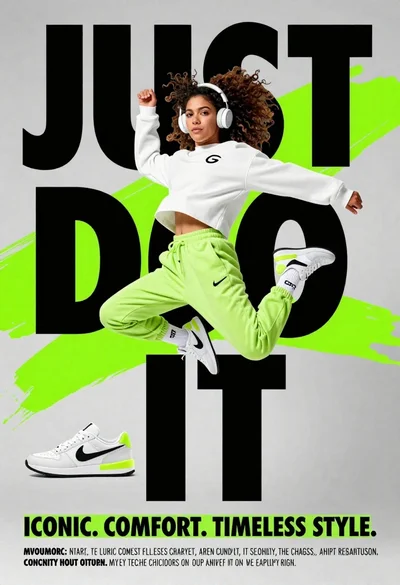
Young woman in athletic pose midair wearing white sneakers against graphic background
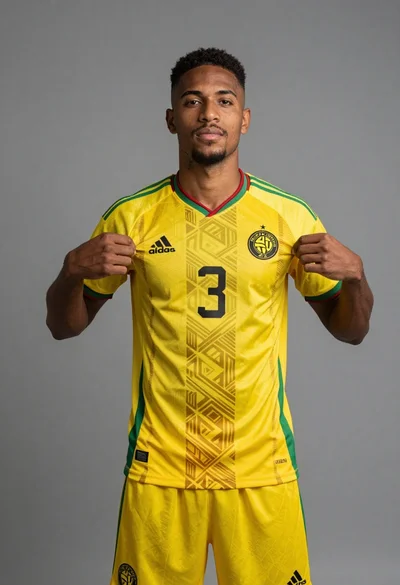
Young black man displaying yellow soccer jersey in professional studio setting
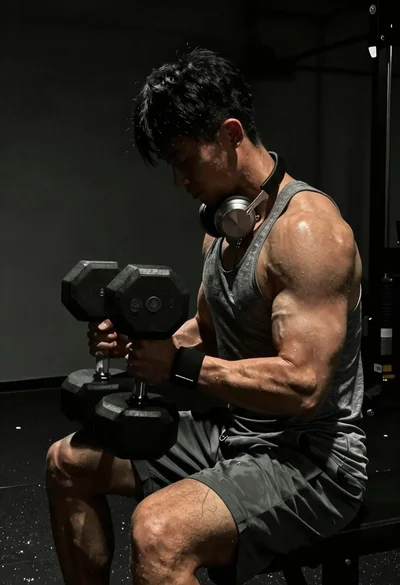
Close up of heavily muscled male athlete performing controlled dumbbell curl
Exhausted female athlete sprinting on treadmill in dim modern gym
Elite male sprinter launching from starting blocks on indoor track
Low angle shot of muscular athlete lifting heavy weights in industrial gym
Young man skateboarding down graffiti covered urban street sidewalk
Muscular man sitting on ledge against graffiti mural