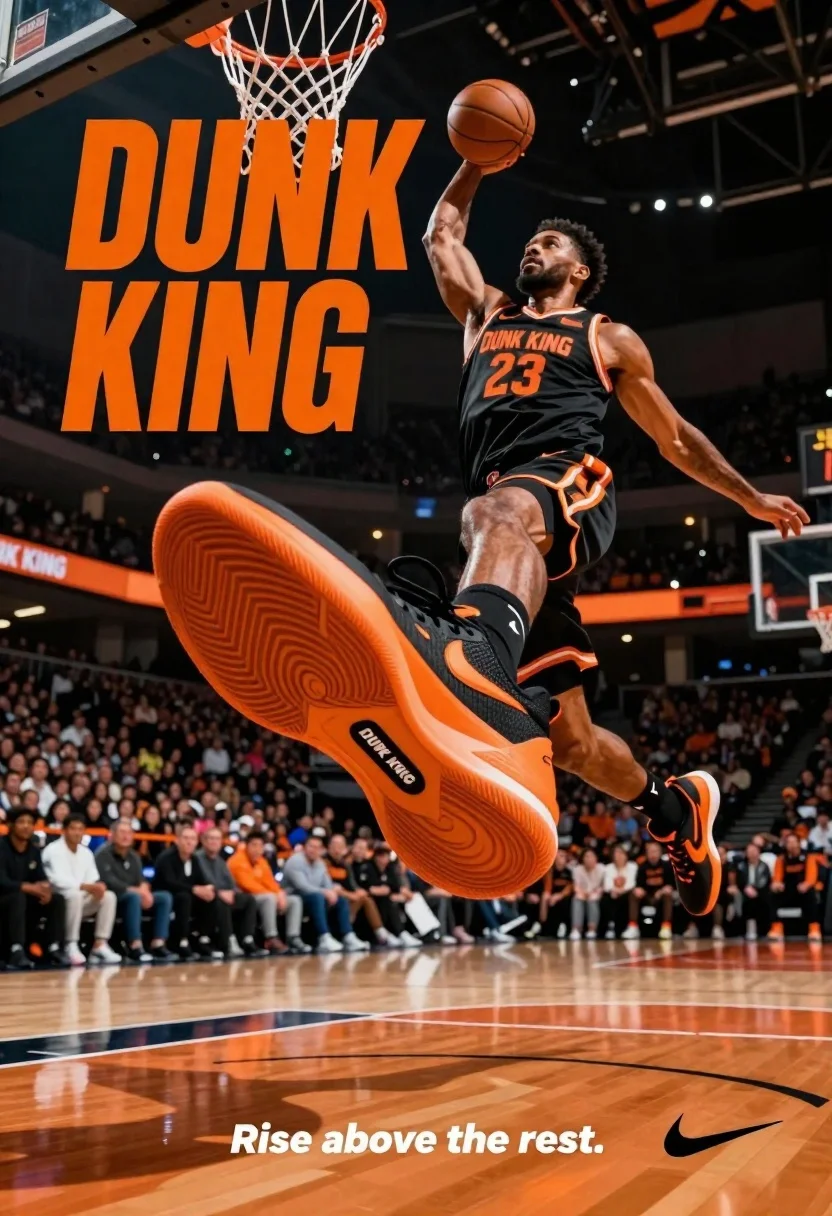
Muscular male basketball player midair dunking with large orange sneaker
Prompt
A dynamic basketball player mid-air performing a dunk with a large orange and black sneaker dominating the foreground.

Subject: A muscular male basketball player in mid-air holding a basketball above his head, wearing a black jersey with orange trim and the number 23.

Clothing: Black athletic jersey with orange accents displaying "DUNK KING" and "23", matching black shorts with orange stripes, black socks, and orange and black sneakers.

Action: The player is leaping vertically in a dunking pose with an upward gaze and focused expression, while the sneaker is angled to show its sole and side profile prominently.

Environment: A professional indoor basketball court with polished wooden flooring, a blurred crowd in stadium seating, and a basketball hoop visible in the background.

Camera: Low-angle shot emphasizing the height of the jump and the size of the shoe, with shallow depth of field blurring the background audience.

Lighting: Dramatic arena lighting with warm orange highlights reflecting off the court and shoe, creating high contrast against the dark background.

Text/Graphics: Large bold orange text reading "DUNK KING" in the upper left, smaller text on the shoe sole reading "DUNK KING", and a tagline at the bottom reading "Rise above the rest." with a Nike swoosh logo.

Style Details: High-energy sports advertisement style with cinematic lighting, vibrant color grading emphasizing orange and black tones, and a polished commercial aesthetic.
Description
This prompt is useful for creating high-impact sportswear advertisements, athletic brand campaigns, and dynamic action photography mockups. The combination of 'low-angle shot' and 'dramatic arena lighting with warm orange highlights' forces the viewer's eye directly to the sneaker while simultaneously exaggerating the player's vertical leap, which is crucial for product visibility in a high-energy context.
Suggestions
- Change 'large orange and black sneaker dominating the foreground' to specify the brand name for better product integration.
- Adjust 'polished wooden flooring' to include visible sweat or scuff marks for added grit.
- Swap 'warm orange highlights' for 'harsh overhead spotlights' to increase contrast.
Category
Tags
Black HairFull BodyLow AngleMaleOutdoorsRealistic
Date added
June 26, 2026
Added by
PromptDexter Team
Related Prompts
More prompts with similar categories and tags.
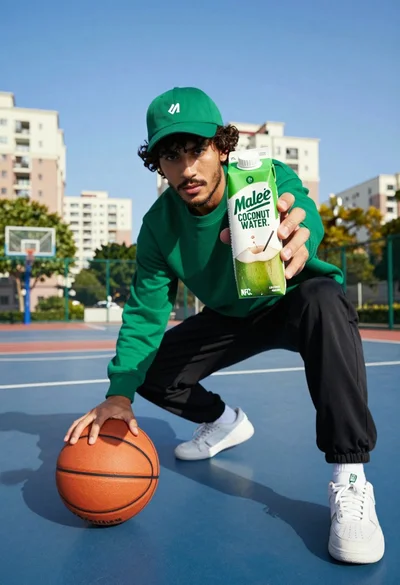
Young man in athletic wear on blue basketball court with coconut water
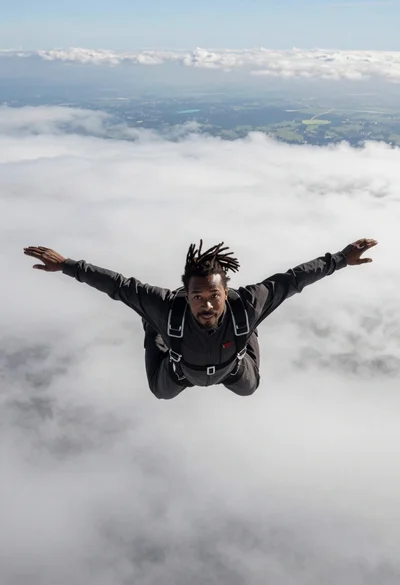
Black man with dreadlocks freefalling through white clouds in black jumpsuit
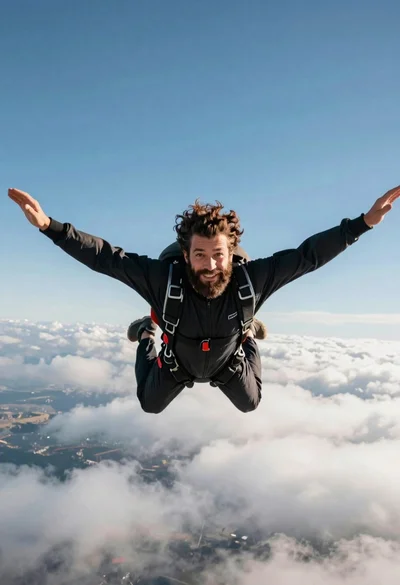
Bearded man with curly hair skydiving in freefall against blue sky
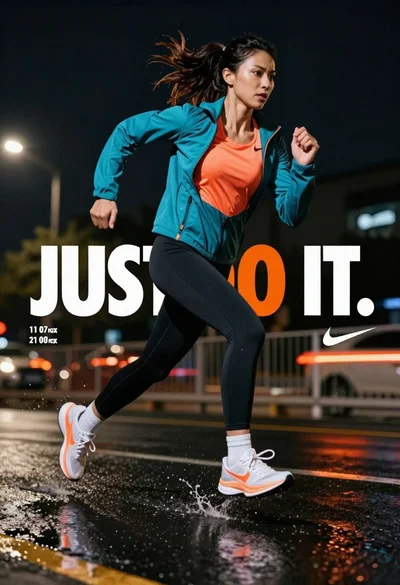
Female athlete sprinting on wet pavement at night with city lights
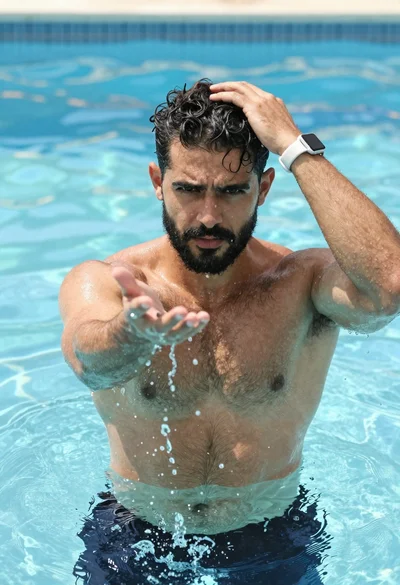
Muscular man in blue pool splashing water under sunlight
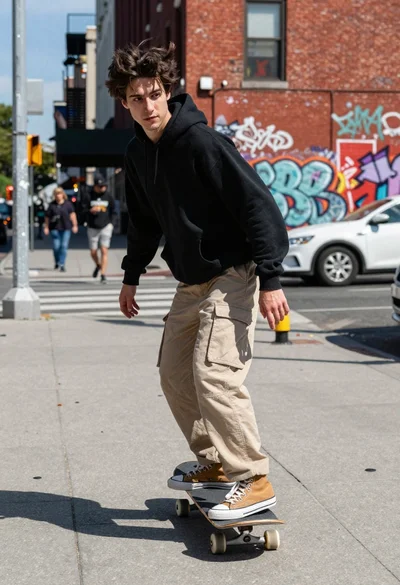
Young man skateboarding down graffiti covered urban street sidewalk
Young soccer player in argentina jersey against cosmic fire and lightning
Fit male cyclist in black gear stands next to mountain bike on
