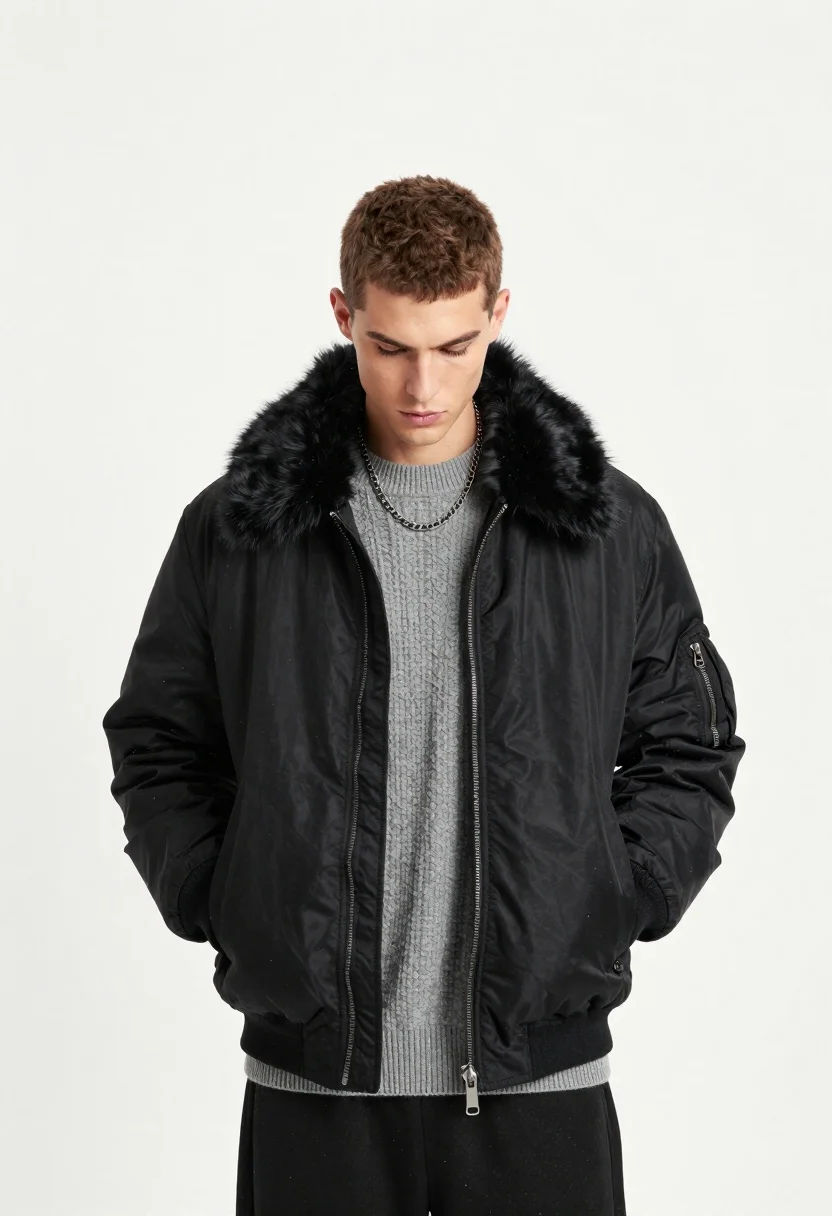
Young man in black bomber jacket and grey sweater standing against white
Prompt
A young man with short brown hair stands against a stark white background, looking downward with a serious expression.

Subject: A young male model with short, textured brown hair and a focused, downward gaze.

Clothing: He wears a black bomber jacket featuring a thick, dark fur collar and lining, layered over a grey ribbed knit sweater. A silver chain necklace rests against his neck. His hands are tucked into the jacket pockets.

Action: The subject stands in a relaxed pose with his head bowed slightly, looking down at the floor.

Environment: The background is a clean, bright white studio space.

Camera: Shot from a straight-on, medium shot perspective that captures the upper body and torso.

Lighting: Bright, even studio lighting illuminates the scene from the front, minimizing harsh shadows and highlighting the textures of the fur and fabric.

Style Details: High-fashion editorial aesthetic with a minimalist composition and a digital particle effect surrounding the subject's silhouette.
Description
This prompt is useful for creating high-fashion lookbooks, character concept art, and modern portraiture needing clean isolation. The combination of 'bright, even studio lighting' with the 'stark white background' ensures that every texture, like the 'thick, dark fur collar,' remains visible without harsh shadows, which is crucial for showcasing expensive materials in a minimalist composition.
Suggestions
- Change 'black bomber jacket' to 'deep navy bomber jacket' for a slight color variation.
- Add 'subtle volumetric fog' to the environment details.
- Swap 'digital particle effect' for 'soft bokeh' to soften the edges.
Category
Tags
Brown HairCasual WearDigital ArtFormal WearMaleMedium ShotOutdoorsRealisticStudio
Date added
June 23, 2026
Added by
PromptDexter Team
Related Prompts
More prompts with similar categories and tags.
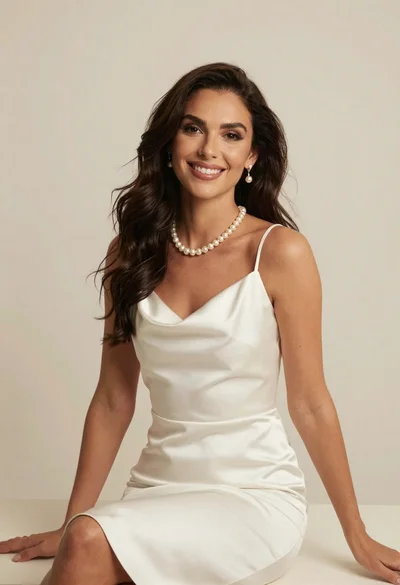
Woman in white satin slip dress with pearl jewelry sitting against cream
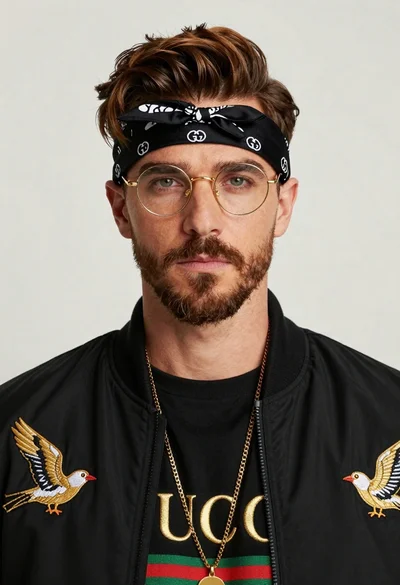
Closeup portrait of man with brown hair gold glasses and bomber jacket
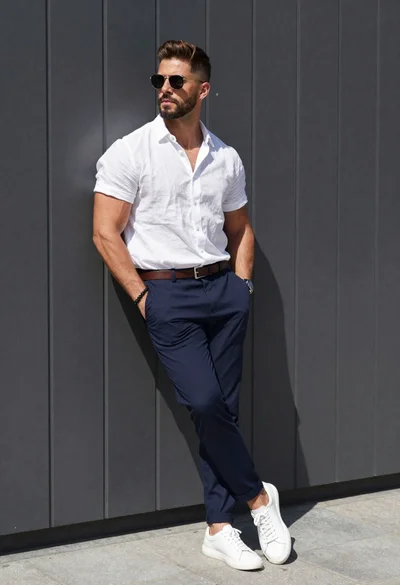
Stylish man against a dark paneled wall in daylight
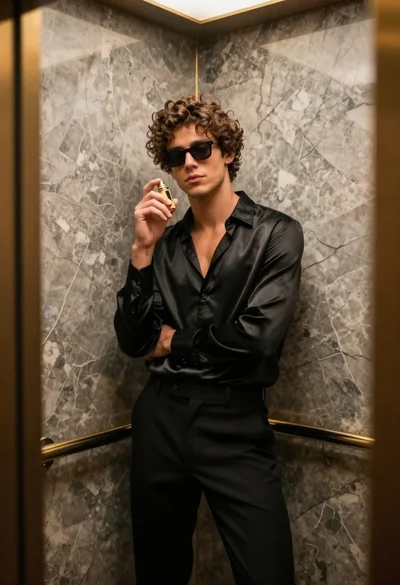
Stylish young man in black satin suit inside luxury marble elevator
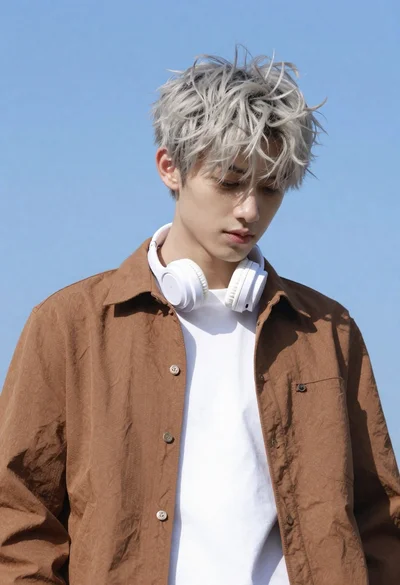
Young man with messy silver hair looking down against clear blue sky
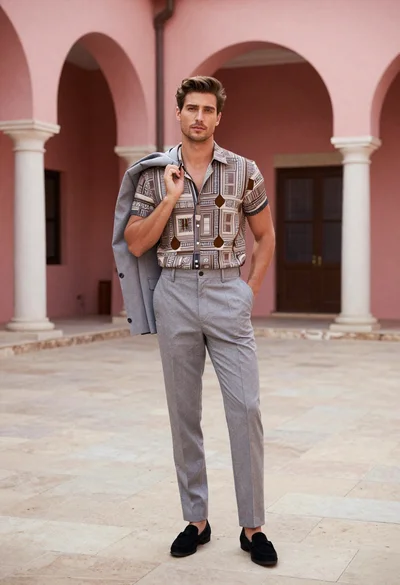
Handsome man in patterned shirt standing in pink arched courtyard
Young man in white linen outfit leaning against stone archway in garden

Man in suit sitting on classic red car outdoors