
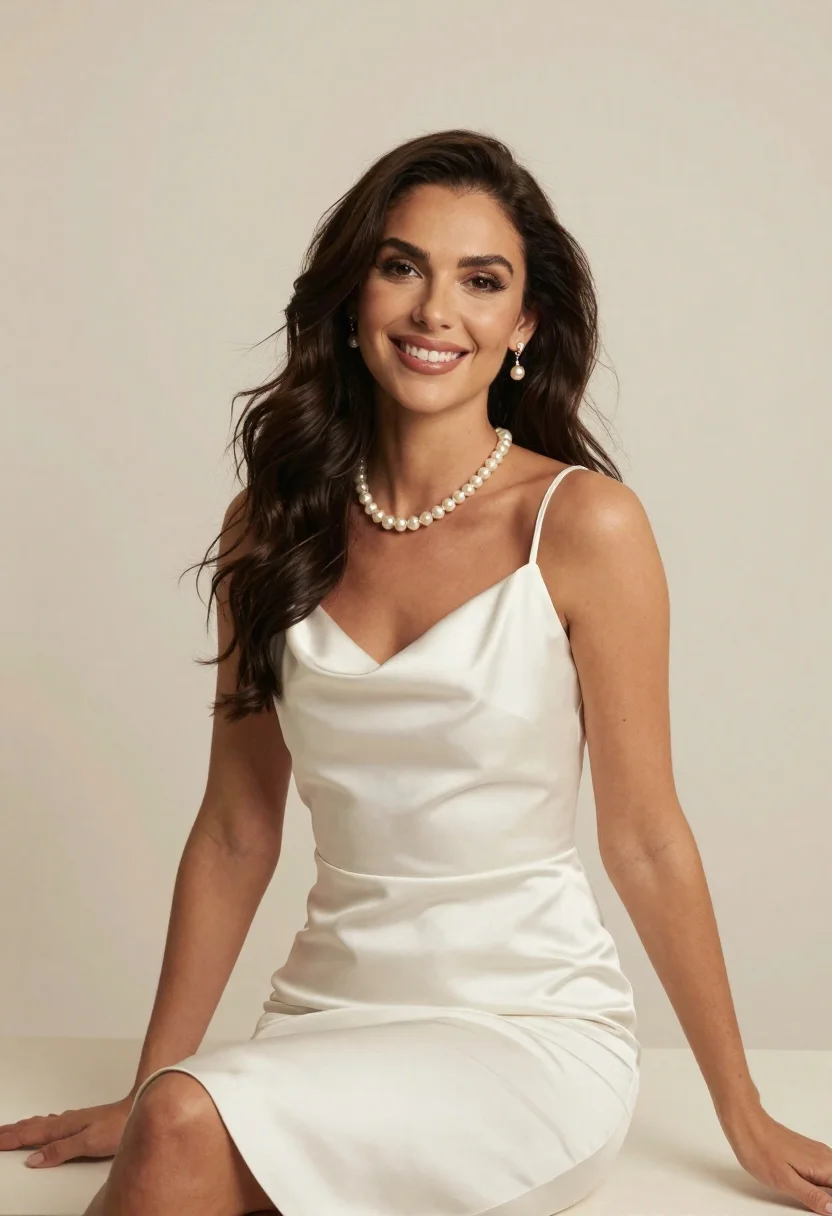
Woman in white satin slip dress with pearl jewelry sitting against cream
Prompt
A woman with long dark wavy hair sits smiling at the camera wearing a white satin slip dress and pearl jewelry.

Subject: A woman with long dark wavy hair and a warm smile.

Clothing: She wears a form-fitting white satin slip dress with thin straps and a scoop neckline, accessorized with a pearl necklace and matching drop earrings.

Action: She is seated in a relaxed pose with her hands resting on the surface beside her, looking directly at the viewer.

Environment: The background is a plain solid cream-colored wall that provides a neutral backdrop.

Camera: A medium shot captures the subject from the thighs up with soft studio lighting and a shallow depth of field.

Lighting: Soft diffused lighting illuminates the scene evenly to highlight the texture of the satin fabric without harsh shadows.

Style Details: High-resolution portrait photography with smooth skin tones and elegant composition.
Description
This prompt is useful for creating intimate bridal portraits, high-end lingerie lookbooks, and sophisticated character studies requiring a clean aesthetic. The combination of 'soft diffused lighting' and the 'plain solid cream-colored wall' ensures that the sheen of the 'white satin slip dress' remains visible without harsh reflections or distracting environmental context, keeping focus solely on the subject's expression.
Suggestions
- Change 'pearl necklace' to 'diamond choker' for a more modern feel.
- Swap 'cream-colored wall' for 'pale blush backdrop' to introduce subtle warmth.
- Adjust 'medium shot' to 'close up' to emphasize the jewelry.
Category
Tags
Brown HairCasual WearFemaleFormal WearIndoorsMedium ShotOutdoorsPortrait ShotRealisticStudio
Date added
June 23, 2026
Added by
PromptDexter Team
Related Prompts
More prompts with similar categories and tags.

Blonde woman in cream sweater sitting on beige couch
Smiling young woman in pink dress seated indoors with glowing backlight
Young woman in cream blouse leaning against rustic wood
Young woman with braids sitting cross legged in green sweatshirt studio portrait

Young woman in white lace dress seated against soft floral backdrop
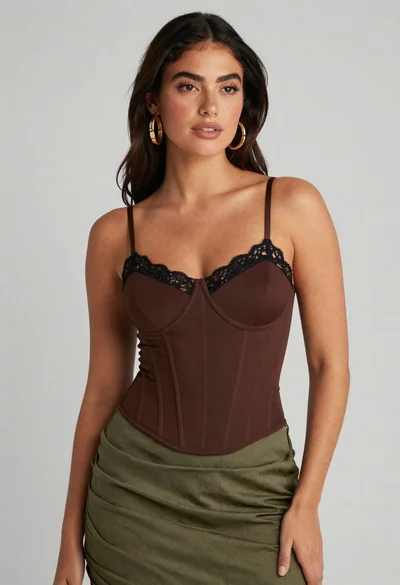
Confident woman in brown corset top and green skirt against gray background

Young woman in blue denim jacket posing against pale pink seamless background

Smiling blonde woman in black leather outfit at an indoor evening event
