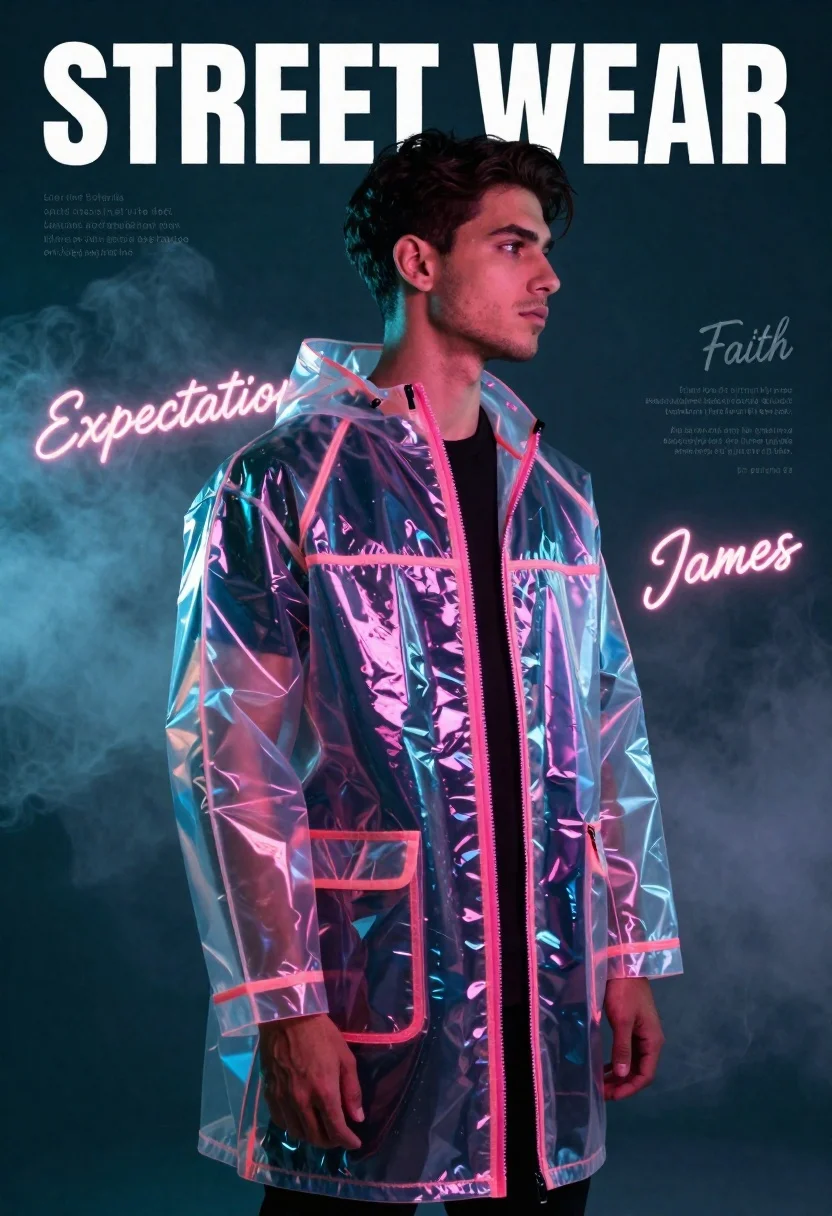
Young man in iridescent raincoat standing in smoky studio with neon lights
Prompt
A young man in profile wearing a transparent, iridescent raincoat with a glowing pink zipper and hood over a black shirt stands against a dark teal background filled with atmospheric smoke.

Subject: A handsome young man with short dark hair and light stubble shown in profile facing right.

Clothing: He wears a clear, glossy plastic raincoat that reflects neon colors, featuring a high collar, a bright pink zipper running down the front, and a chest pocket; underneath is a simple black crew-neck t-shirt.

Action: He stands with a relaxed posture, hands hanging loosely at his sides, gazing forward with a neutral expression.

Environment: The setting is a moody, dark studio space filled with swirling fog or smoke that adds depth to the background.

Camera: Medium shot framing the subject from the waist up, captured with a soft focus on the background and sharp detail on the foreground figure.

Lighting: Dramatic neon lighting casts pink and blue reflections across the transparent coat, creating high contrast against the dark surroundings.

Text/Graphics: Large white text reading "STREET WEAR" appears at the top, while glowing neon script words like "Faith," "Expectation," and "James" float in the background alongside placeholder text blocks.

Style Details: The image features a hyper-realistic digital art style with vibrant color grading, glossy textures on the raincoat, and a cinematic composition emphasizing urban fashion aesthetics.
Description
This prompt is useful for creating cyberpunk editorial spreads, futuristic character portraits, and album cover art for electronic music. The combination of 'iridescent raincoat' with 'dramatic neon lighting' ensures the subject catches light in multiple ways, preventing the glossy plastic from looking flat against the smoky background while the 'dark teal background' grounds the vibrant pink and blue reflections.
Suggestions
- Change 'glowing pink zipper' to 'electric cyan zipper' for a different color contrast.
- Add 'anamorphic lens flare' to enhance the neon atmosphere.
- Swap 'hyper-realistic digital art style' for 'vaporwave aesthetic' to shift the mood.
Category
Tags
MaleMedium ShotPortrait ShotRealisticSide ProfileStudioUrban
Date added
June 21, 2026
Added by
PromptDexter Team
Related Prompts
More prompts with similar categories and tags.
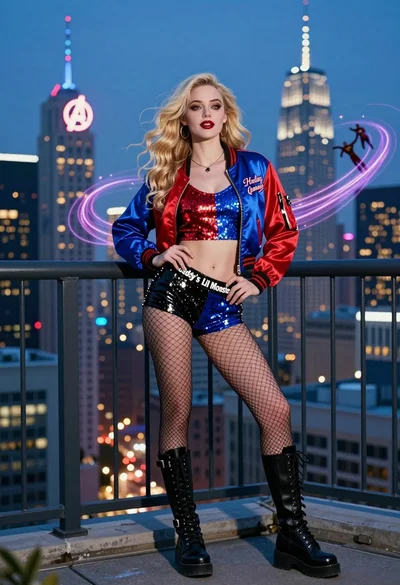
Blonde woman in bomber jacket on balcony overlooking futuristic city skyline
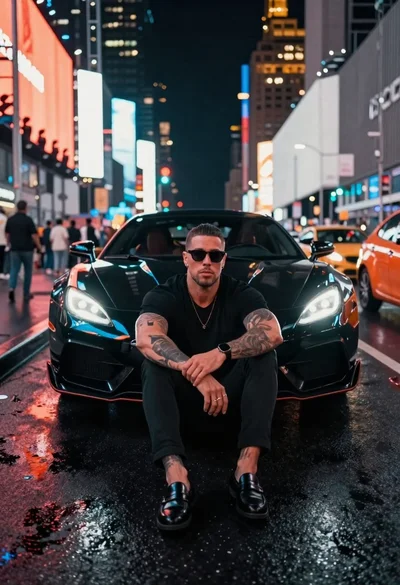
Muscular man by black sports car on wet city street
Young woman looking back over shoulder in wet neon alleyway
Man in leather jacket against cyberpunk neon city background
Woman in neon lit futuristic bar interior
Futuristic traveler walking on wet neon street at midnight
Young man with sports car against massive translucent portrait at night

Stylish man in black blazer against vibrant city skyline at night
