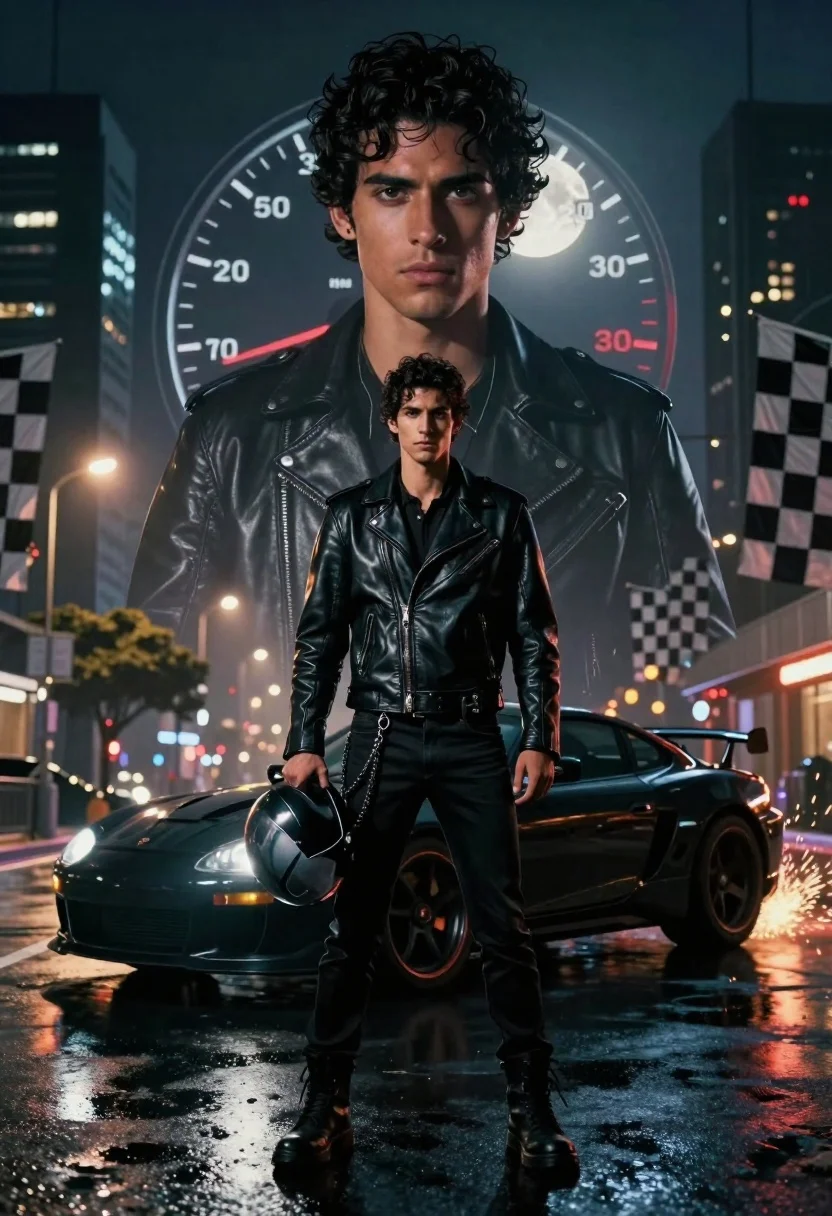
Young man with sports car against massive translucent portrait at night
Prompt
A cinematic movie poster composition featuring a young man standing confidently in the foreground with a black sports car behind him, layered over a massive translucent portrait of his own face and a speedometer graphic.

Subject: A young man with dark curly hair and intense eyes stands center frame wearing a black leather jacket and black pants, holding a helmet in one hand while looking directly at the viewer.

Clothing: He wears a fitted black leather motorcycle jacket with zippers and pockets, paired with slim black trousers and heavy boots, accessorized with a chain hanging from his belt loop.

Action: The man stands still with a serious expression, holding a motorcycle helmet in his left hand, while the background figure gazes forward with a focused intensity.

Environment: A wet city street at night with tall buildings in the distance, flanked by checkered racing flags on both sides and illuminated by streetlights reflecting off the pavement.

Camera: Low angle shot emphasizing the subject’s dominance, with a wide composition that includes layered depth from the foreground figure to the giant background portrait.

Lighting: Dramatic nighttime lighting with reflections of car lights in the wet asphalt, glowing streetlamps, and a full moon visible behind the large face, creating high contrast and moody shadows.

Style Details: Cinematic poster art style with hyper-realistic textures, dynamic motion blur on the car tires, sparks flying from the rear wheel, and a layered depth-of-field effect blending realism with graphic design elements.
Description
This prompt is useful for creating cyberpunk movie posters, high-octane vehicle advertisements, and dramatic character concept art. The combination of 'low angle shot' emphasizing dominance, the 'wet city street at night' reflections, and the 'layered depth-of-field effect blending realism with graphic design elements' ensures the subject feels powerful against a complex, stylized backdrop.
Suggestions
- Change 'black sports car' to 'neon-lit concept vehicle' for more cyberpunk flair.
- Swap 'full moon visible behind the large face' for 'holographic advertisement glow' to enhance the digital feel.
- Adjust 'hyper-realistic textures' to 'synthwave vaporwave aesthetic' for a specific retro-futuristic tone.
Category
Tags
Digital ArtLow AngleMalePortrait ShotRealisticStreetUrbanVehicleWide Shot
Date added
June 19, 2026
Added by
PromptDexter Team
Related Prompts
More prompts with similar categories and tags.
Muscular man by black sports car on wet city street
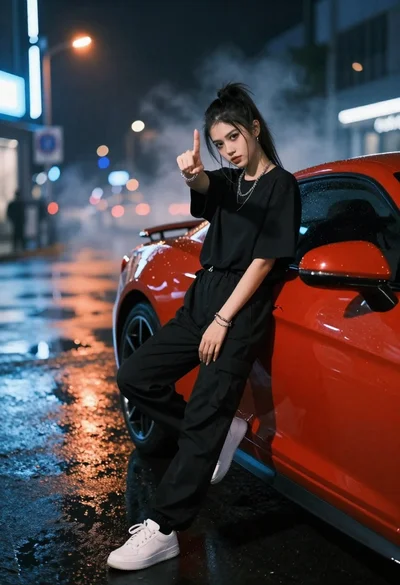
Young woman in black clothes on red sports car at night street
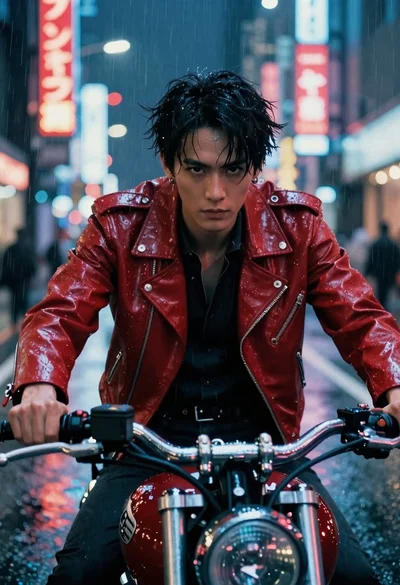
Man on motorcycle through rainy cyberpunk city street
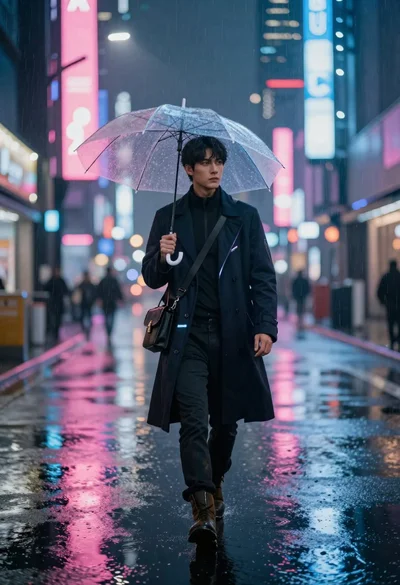
Futuristic traveler walking on wet neon street at midnight
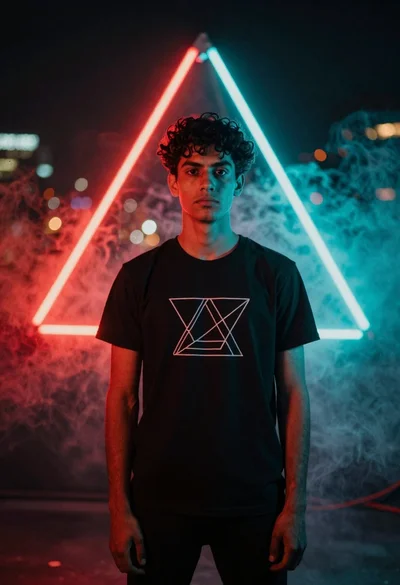
Young man in black tshirt against glowing red cyan neon frame
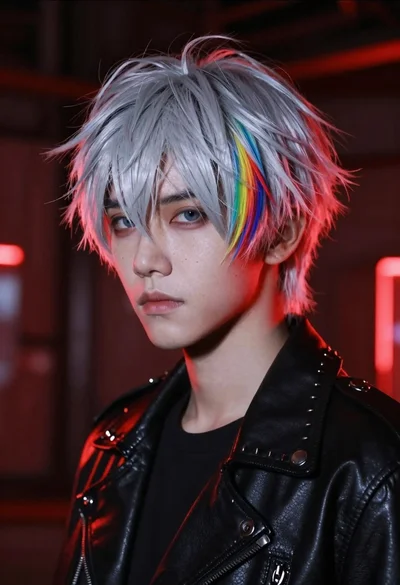
Closeup portrait of young person with pale skin and sharp features in
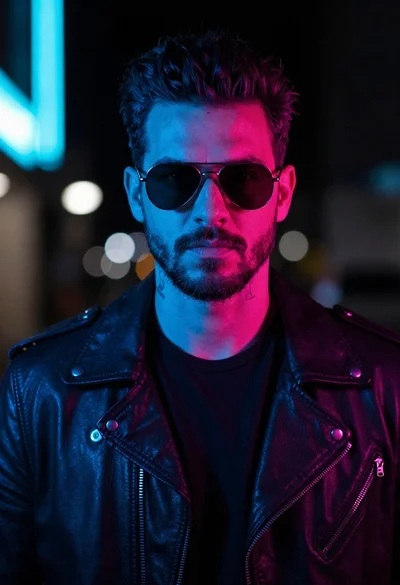
Man in leather jacket against cyberpunk neon city background
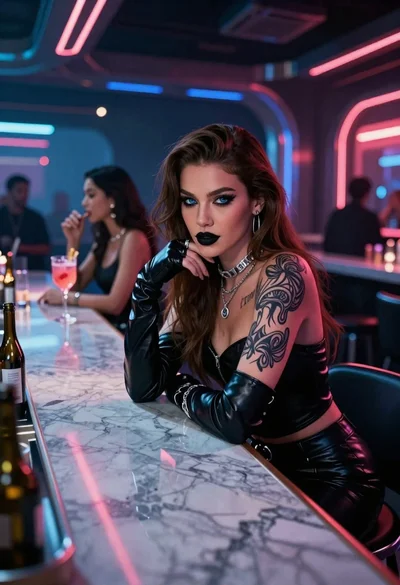
Woman in neon lit futuristic bar interior
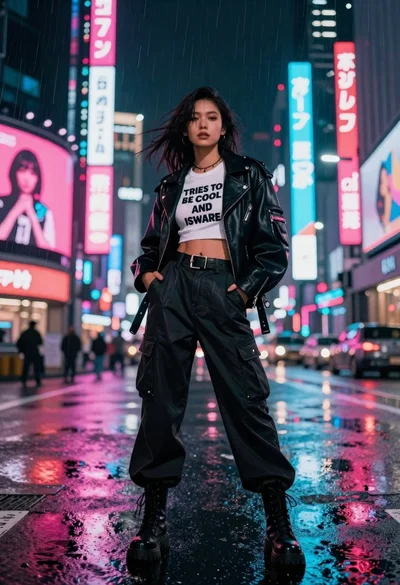
Woman in leather jacket on neon lit rainy city street
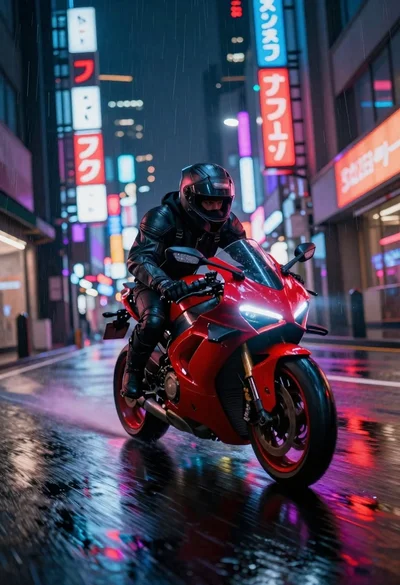
Cyberpunk motorcycle speeding down wet neon city street