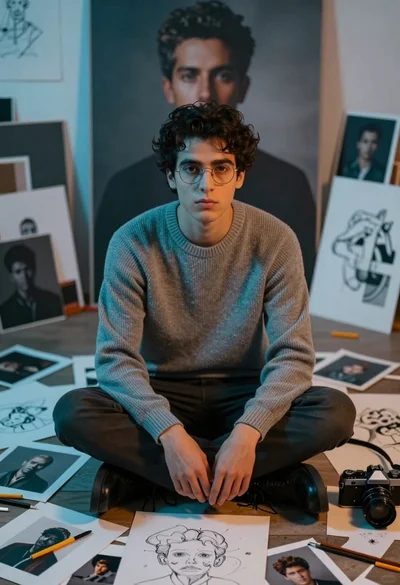
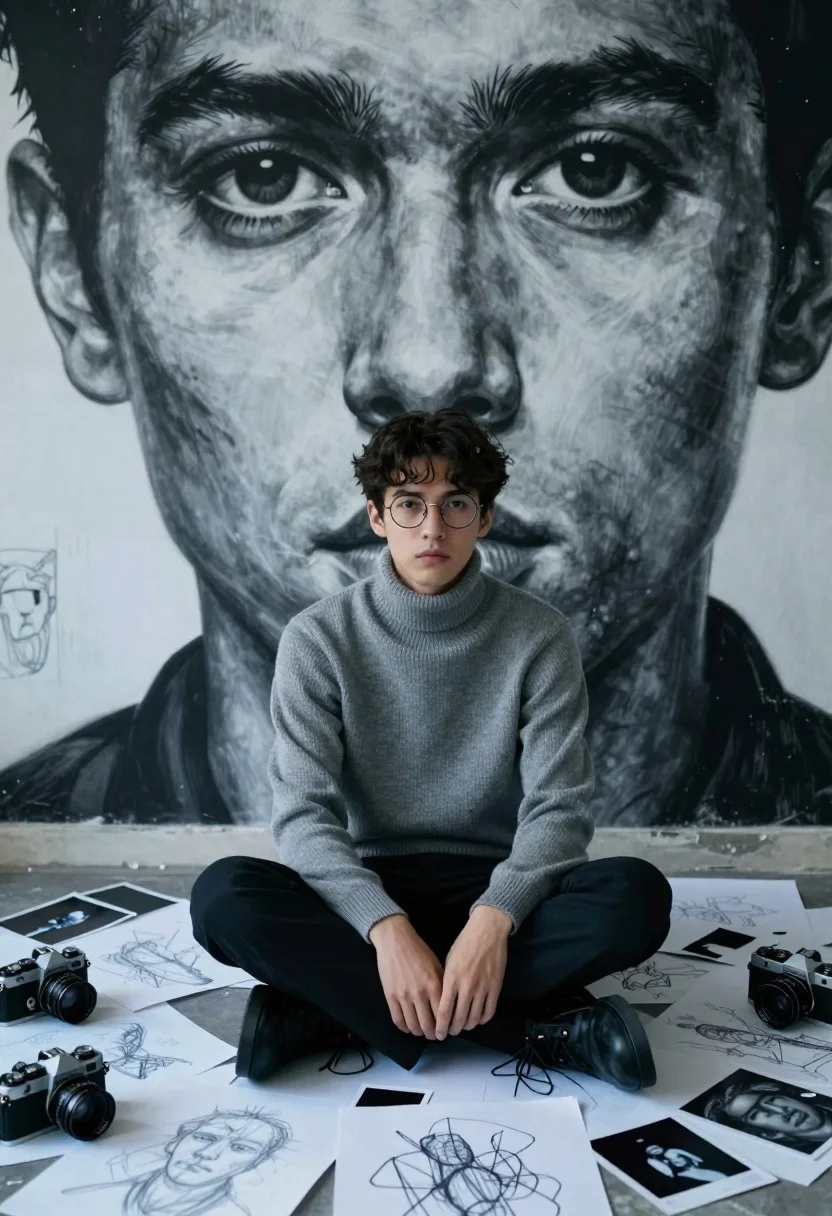
Young man in turtleneck surrounded by sketches and mural viewed from above
Prompt
A young man with dark hair and glasses sits cross-legged on a floor covered in scattered sketches and photographs, looking directly at the viewer.

Subject: A young man with short dark hair, wearing round wire-rimmed glasses, sitting cross-legged with his hands resting near his knees.

Clothing: He wears a grey ribbed turtleneck sweater and dark trousers.

Action: The subject sits in a relaxed but attentive pose, gazing forward with a neutral expression.

Environment: The floor is densely covered with loose sheets of paper featuring pencil sketches, drawings, and instant photos. Behind the seated man looms a massive, high-contrast black-and-white mural of his own face, specifically focusing on his eyes and nose.

Objects: Several vintage film cameras are scattered among the papers on the floor.

Lighting: The scene features dramatic lighting with cool blue tones washing over the foreground elements and the subject, contrasting with the stark monochrome of the giant background portrait.

Camera: The shot is taken from a high angle looking down at the seated figure, emphasizing the scale of the background mural relative to the person.

Style Details: The image has a cinematic, moody aesthetic with a distinct color grading that separates the cool foreground from the neutral background, resembling a stylized digital painting or high-end photography.
Description
This prompt is useful for creating artistic character portraits, concept art mood boards for filmmakers, and editorial spreads focusing on creative process. The combination of 'high angle looking down' with the 'cool blue tones washing over the foreground elements' directs the viewer's eye across the scattered objects while simultaneously using the dramatic contrast against the monochrome mural to establish a moody, intellectual atmosphere.
Suggestions
- Change 'grey ribbed turtleneck sweater' to 'charcoal wool turtleneck' for more depth.
- Add 'scattered ink pens and charcoal sticks' among the papers for more detail.
- Adjust 'cool blue tones' to 'deep cyan wash' for a more specific color grade.
Category
Tags
High AngleMaleRealisticStudio
Date added
July 3, 2026
Added by
PromptDexter Team
Related Prompts
More prompts with similar categories and tags.
Woman in black suit sitting in armchair with large portrait on wall
Young woman in black blazer sitting in wire frame chair at studio
Black man lounging in white bathtub with heart pillows
Man in monochrome suit with yellow accents studio portrait

Muscular man in blue blazer on solid deep blue background
Portrait of person with dark hair against red background
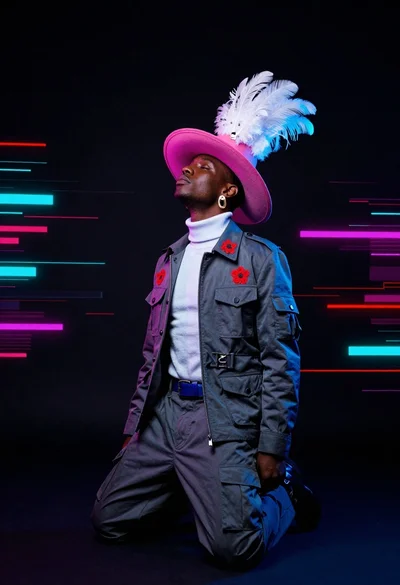
Dark skinned man kneeling in studio with neon glitch background
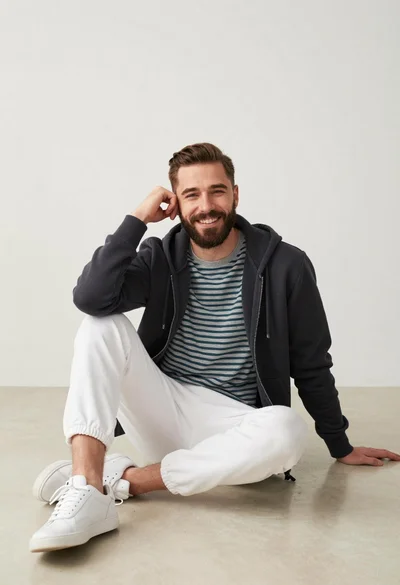
Man sitting casually in studio against plain backdrop

Stylish man in black blazer against vibrant city skyline at night
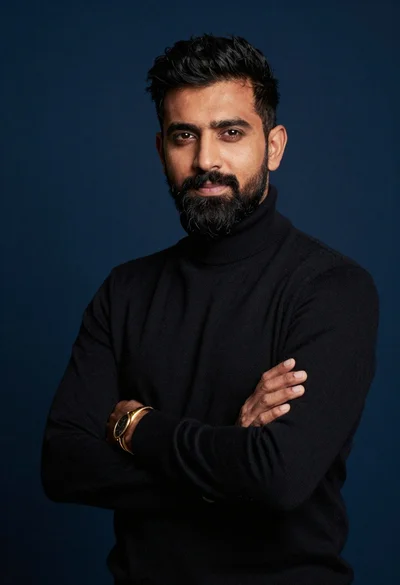
Studio portrait of man in black turtleneck against blue background