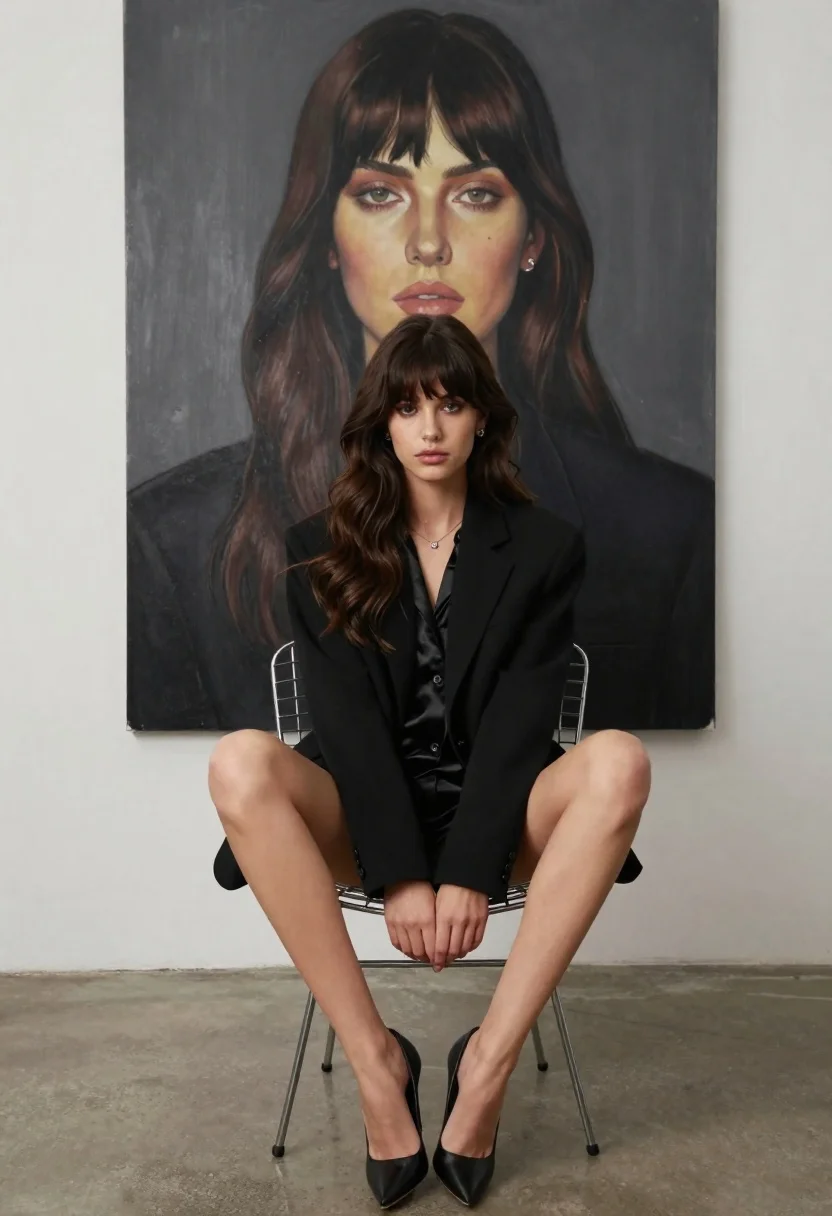
Young woman in black blazer sitting in wire frame chair at studio
Prompt
A young woman with dark wavy hair sits confidently in a modern wire-frame chair, wearing a black blazer over a satin blouse and black high heels.

Subject: A young woman with long dark brown wavy hair featuring bangs, fair skin, and a serious, direct gaze.

Clothing: She wears a tailored black blazer over a silky black blouse, accessorized with a delicate silver necklace and stud earrings.

Action: She sits with her legs crossed at the ankles, hands resting gently on her knees, maintaining a poised posture.

Environment: The setting is a minimalist studio space with a concrete floor and white walls, dominated by a massive painted portrait of herself hanging directly behind her.

Camera: Shot from a low angle looking up slightly to emphasize the subject's stature against the large artwork, utilizing a medium shot that captures her full seated form.

Lighting: Soft, diffused studio lighting illuminates the scene evenly, creating gentle shadows and highlighting the texture of her hair and clothing without harsh contrast.

Style Details: The image features a clean, high-fashion editorial aesthetic with a focus on monochromatic tones and a polished, professional composition.
Description
This prompt is useful for creating high-concept fashion editorials, character portraits emphasizing power dynamics, and gallery exhibition mockups. The combination of 'low angle looking up slightly' and the 'massive painted portrait of herself hanging directly behind her' establishes a sense of monumental self-reflection, while the 'soft, diffused studio lighting' ensures that the texture of the 'satin blouse' remains visible without harsh specular highlights.
Suggestions
- Change 'black blazer' to 'charcoal wool blazer' for more visual weight.
- Swap 'concrete floor' for 'polished marble floor' to change the material contrast.
- Adjust 'serious, direct gaze' to 'pensive, thoughtful gaze' for a different emotional tone.
Category
Tags
Fair SkinFemaleFormal WearLow AngleMedium ShotOutdoorsRealisticStudioTraditinal Art
Date added
June 26, 2026
Added by
PromptDexter Team
Related Prompts
More prompts with similar categories and tags.
Woman in deep red satin gown standing on blue carpet at an
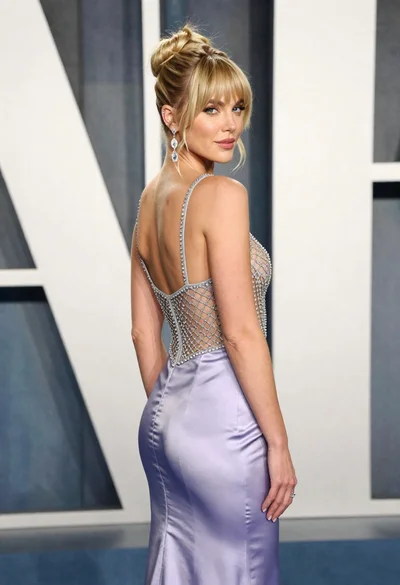
Blonde woman in lavender gown posing at a formal gala event
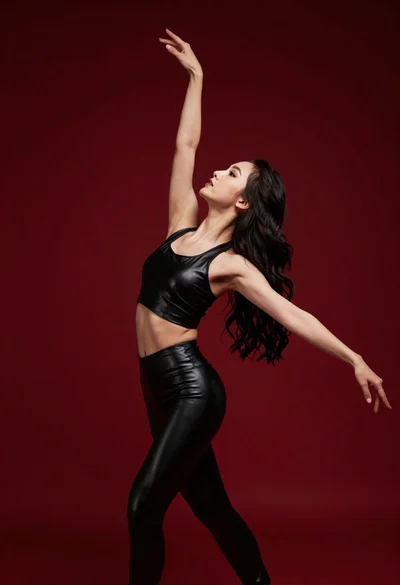
Graceful woman in black leather outfit dancing against deep red studio backdrop
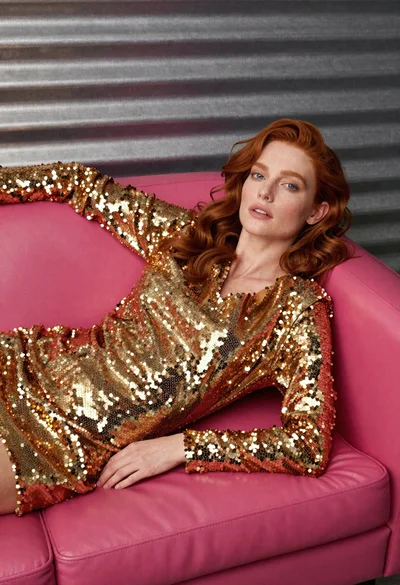
Woman in gold sequin jacket reclining on pink leather sofa
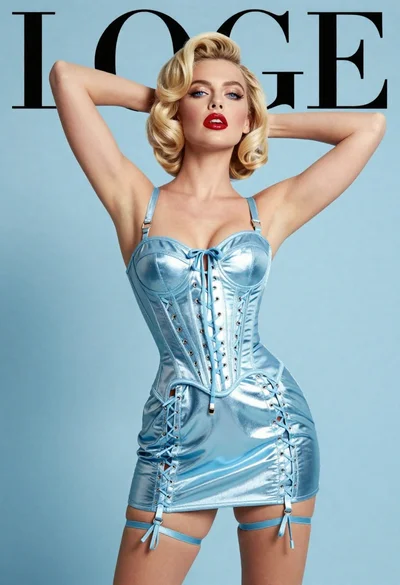
Fair blonde woman in metallic corset mini dress against light blue studio
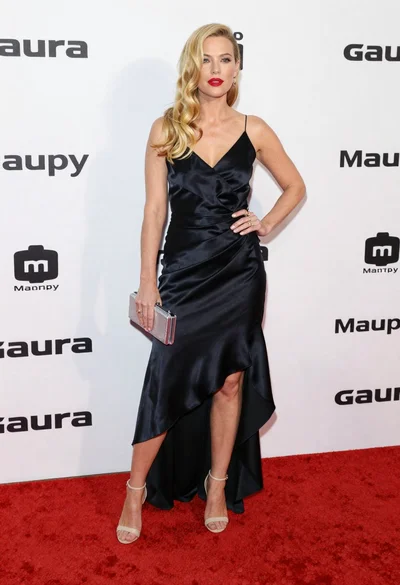
Blonde woman in black slip dress posing on red carpet at formal
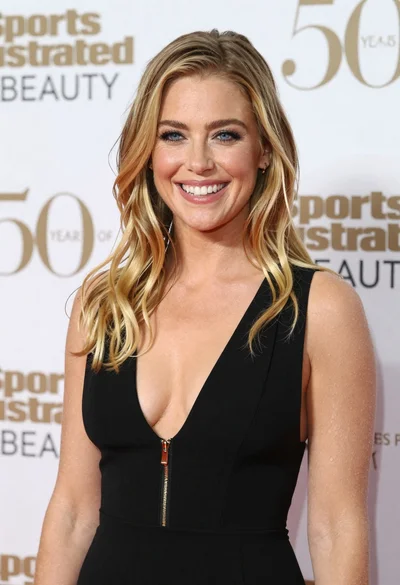
Smiling blonde woman in black dress at sports illustrated event backdrop
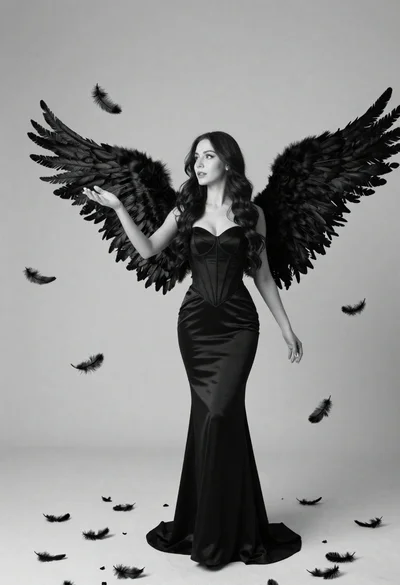
Woman with large black feathered wings standing against a plain backdrop