
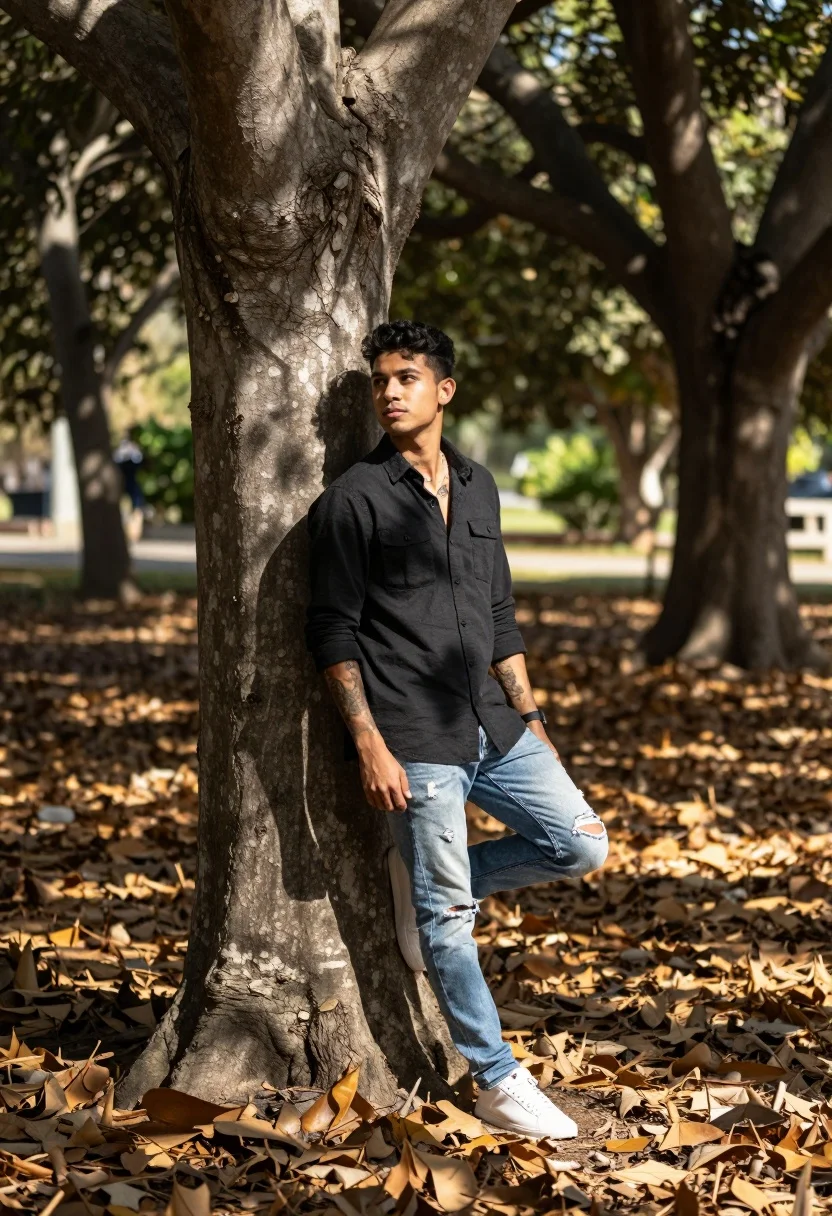
Young man leaning against tree trunk in sundappled forest grove setting
Prompt
A young man leans casually against a large tree trunk in a sun-dappled grove of trees with fallen leaves covering the ground.

Subject: A man wearing a black button-up shirt and light blue jeans stands leaning back against a thick tree, looking off to the side with a relaxed expression. Visible tattoos are present on his arms and chest.

Clothing: He wears a dark, long-sleeved button-up shirt with two chest pockets and light wash denim jeans that feature rips at the knees. He is wearing white sneakers.

Action: The man leans back against the tree trunk with one leg crossed over the other in a relaxed pose, his hands resting loosely near his waist.

Environment: The setting is an outdoor grove or park filled with tall trees and a ground covered in dry brown leaves.

Lighting: Natural sunlight filters through the canopy above, creating dappled patterns of light and shadow on the subject and the forest floor.

Camera: The shot is taken at eye level with a shallow depth of field that keeps the man sharp while blurring the background trees.

Style Details: The image has a naturalistic photography aesthetic with warm tones and soft focus in the background.
Description
This prompt is useful for creating editorial lifestyle shots, rustic character portraits, and narrative scene illustrations. The combination of 'natural sunlight filters through the canopy' and 'shallow depth of field' ensures that the subject remains sharply defined against a softly blurred background, which directs the viewer's eye specifically to the man's relaxed pose and visible tattoos without letting distracting forest details compete for attention.
Suggestions
- Change 'black button-up shirt' to 'earth-toned linen shirt' for better integration with the environment.
- Add 'golden hour backlighting' to enhance the dappled effect.
- Swap 'dry brown leaves' for 'moss and ferns' to vary the ground texture.
Category
Tags
Black HairBrown SkinCasual WearForestFull BodyMaleOutdoorsRealistic
Date added
August 5, 2026
Added by
PromptDexter Team
Related Prompts
More prompts with similar categories and tags.
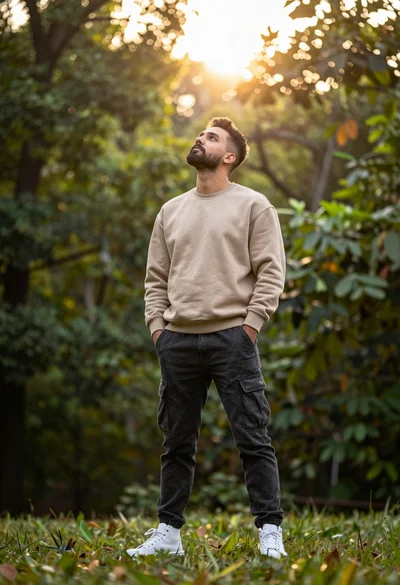
Man in beige sweatshirt looking up into sunlit forest background

Man sitting casually in sundrenched forest clearing with warm light

Man walking through shallow river holding camera in lush green forest

Young man in striped shirt standing in an autumnal forest clearing bokeh

Young man tossing pink flower petals on dirt path in autumn park
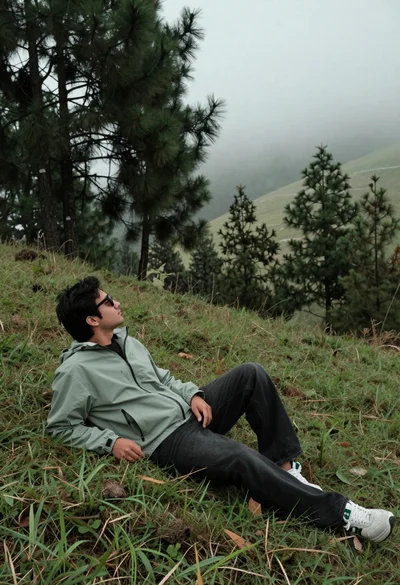
Man reclining on grassy hillside looking up at misty forest landscape
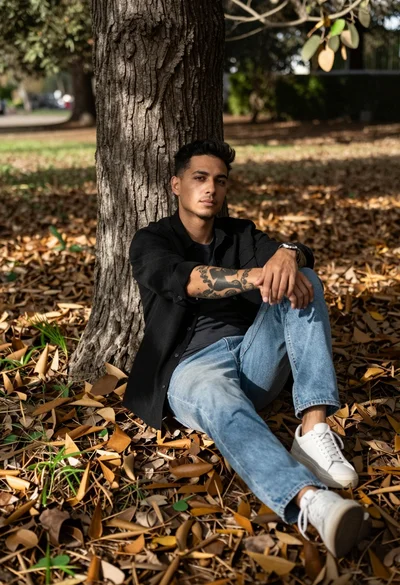
Man with tattoos sitting against a tree trunk in fallen leaf covered
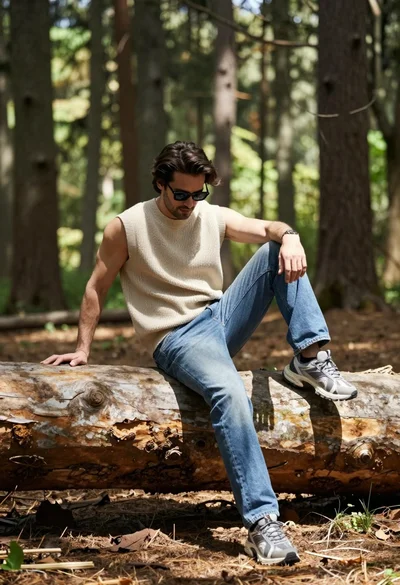
Man sitting casually on fallen log in sun dappled forest setting

Man standing in wooded area with fallen leaves and filtered sunlight

Man sitting against tree trunk in forest with soft sunlight filtering through