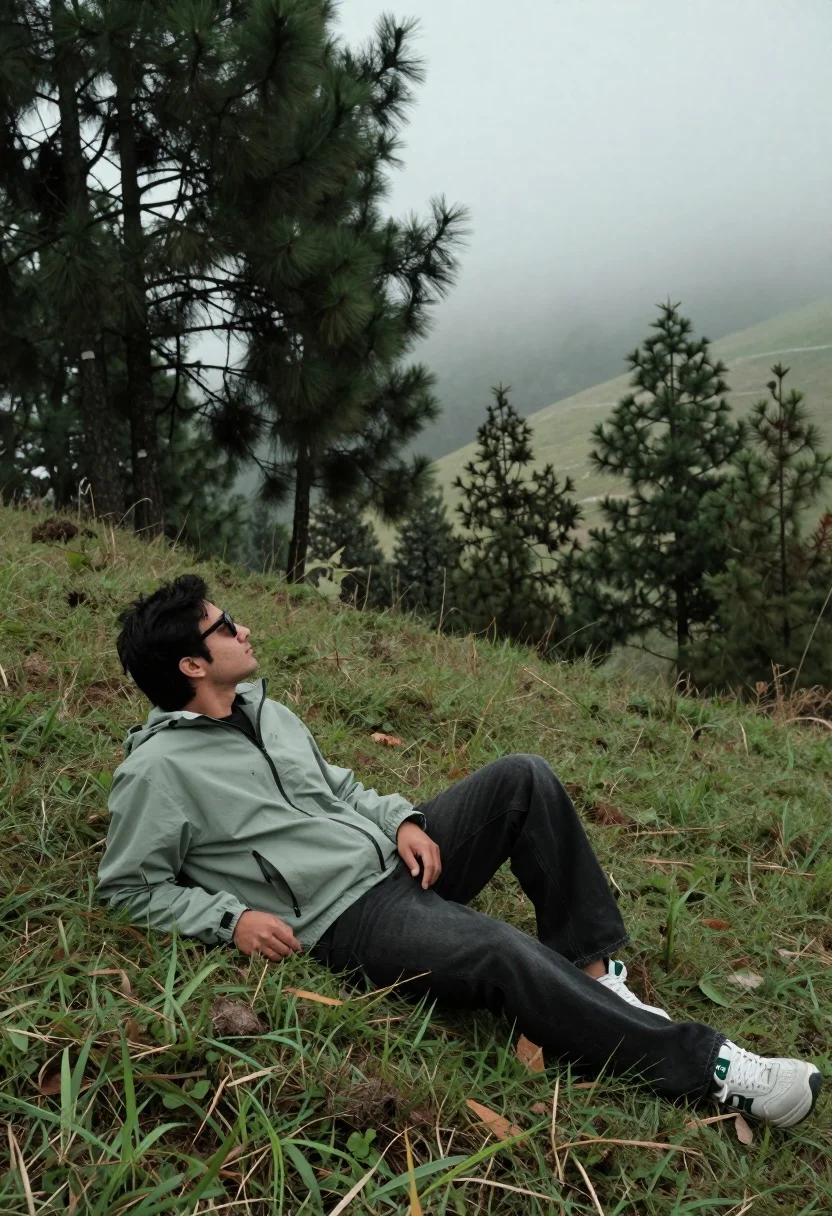
Man reclining on grassy hillside looking up at misty forest landscape
Prompt
A man reclines on a grassy hillside gazing upward at the misty landscape.

Subject: A man with dark hair wearing sunglasses sits in a relaxed pose on his side, looking up toward the sky and distant trees.

Clothing: He wears a light green hooded jacket over a black shirt, loose-fitting black jeans, and white sneakers with green accents.

Action: The man is seated on the grass with one leg bent and the other extended, hands resting near his lap in a contemplative posture.

Environment: A lush green forest surrounds him with tall pine trees rising into a foggy, overcast sky that obscures distant hills.

Camera: Shot from a low angle looking up at the subject, creating a sense of scale against the vast misty background.

Lighting: Soft diffused natural light filters through the clouds and tree canopy, casting gentle shadows and enhancing the moody atmosphere.

Style Details: Naturalistic photography with muted earth tones, soft focus on distant elements, and a serene outdoor aesthetic.
Description
This prompt is useful for creating contemplative portraiture, nature documentary stills, and atmospheric travel blog headers. The combination of 'low angle looking up at the subject' against the 'foggy, overcast sky' exaggerates the scale of both the man and the surrounding forest, while the 'soft diffused natural light' prevents harsh shadows that would distract from the intended moody atmosphere.
Suggestions
- Change 'light green hooded jacket' to 'khaki canvas jacket' for a more rugged feel.
- Swap 'tall pine trees' for 'birch forest' to alter the texture of the background.
- Adjust 'muted earth tones' to include 'touches of deep indigo' for color variation.
Category
Tags
Casual WearForestFull BodyLow AngleMaleMedium ShotNatureOutdoorsRealistic
Date added
August 5, 2026
Added by
PromptDexter Team
Related Prompts
More prompts with similar categories and tags.

Muscular man standing before massive waterfall in lush jungle setting
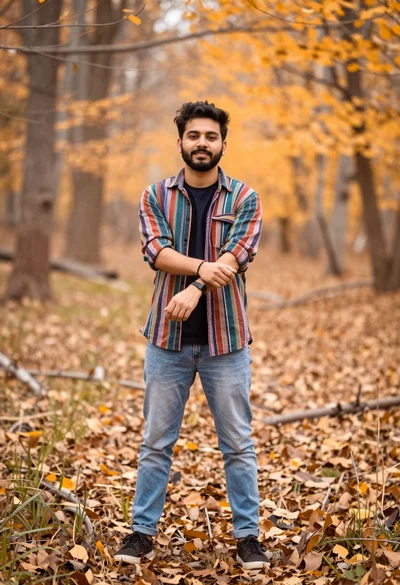
Young man in striped shirt standing in an autumnal forest clearing bokeh
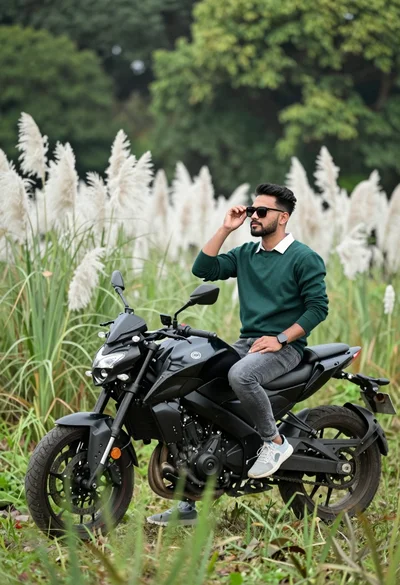
Man sitting on black motorcycle in tall grass with blurred forest background
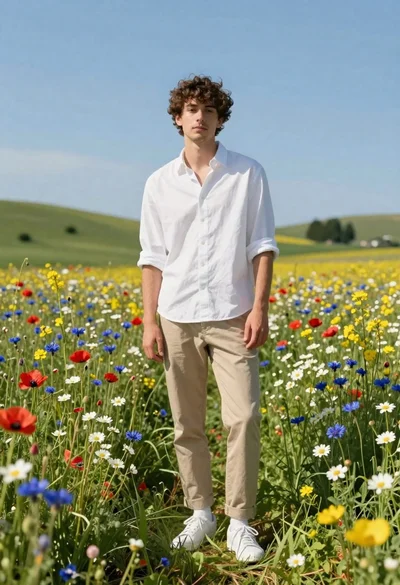
Young man in white shirt standing in wildflower meadow under blue sky
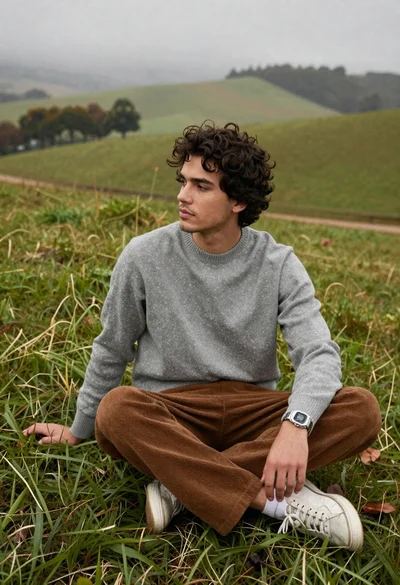
Young man in grey sweater on green hillside overlooking misty distant hills

Bearded man in striped shirt holding purple water lilies in wooden boat
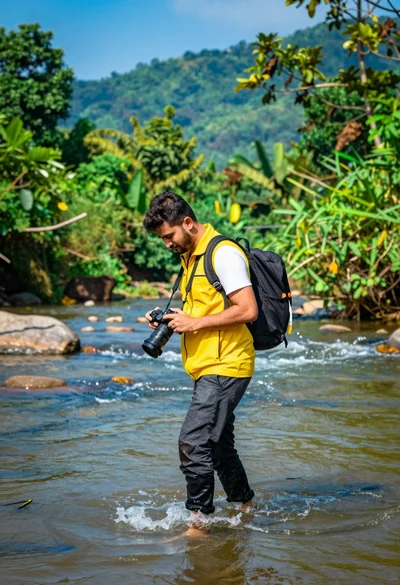
Man walking through shallow river holding camera in lush green forest
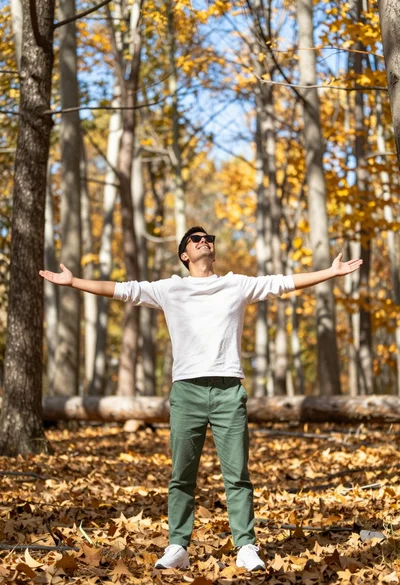
Man standing in sundrenched forest with arms outstretched showing joy
Man under black and white umbrella standing on paved road surrounded by

Man standing in green field with outstretched arms facing snow capped mountain
