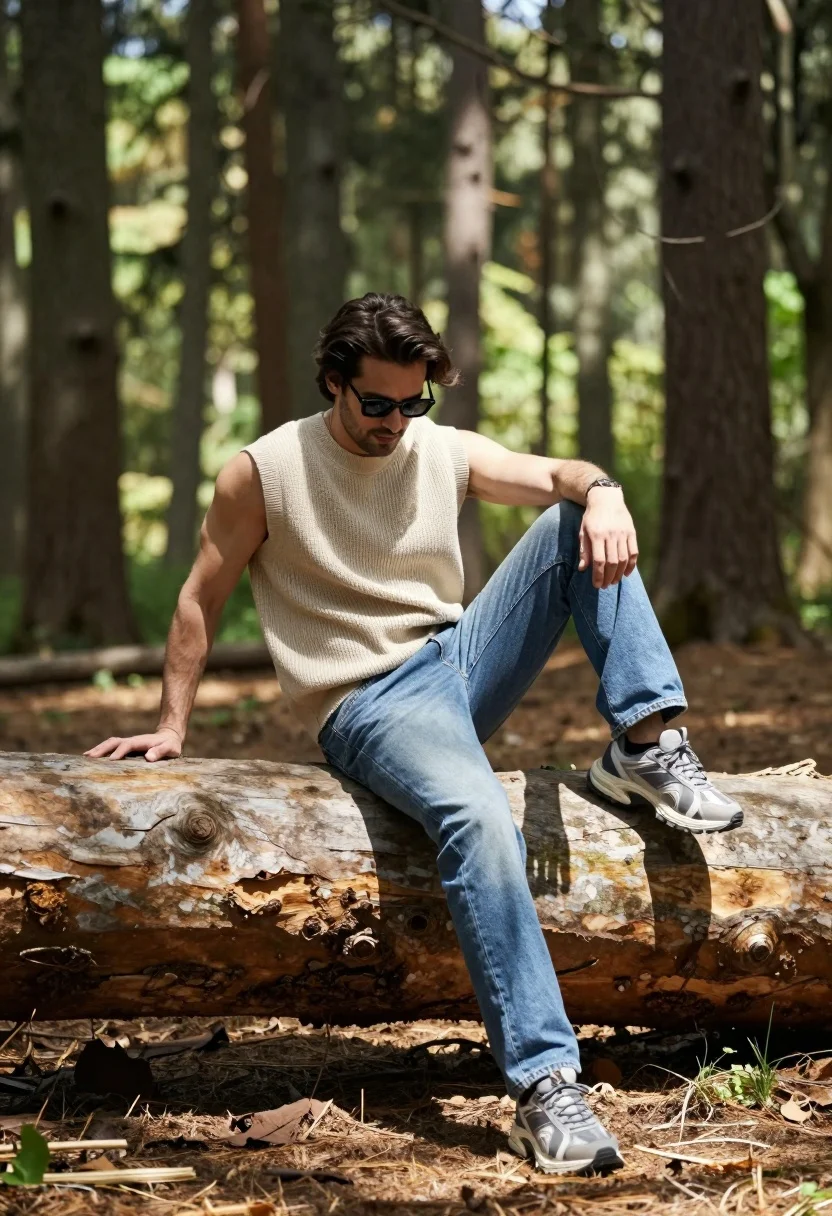
Man sitting casually on fallen log in sun dappled forest setting
Prompt
A man sits casually on a large fallen tree trunk in a sun-dappled forest.

Subject: A man with dark hair wearing sunglasses and looking downward with a relaxed expression.

Clothing: He wears a beige sleeveless knit top, blue jeans, and chunky grey sneakers.

Action: He is seated sideways on the log with one leg bent and resting on the wood while the other hangs down.

Environment: A dense forest setting with tall, thin tree trunks rising vertically in the background and dappled sunlight filtering through the canopy.

Camera: Medium shot capturing the subject from a slightly low angle with a shallow depth of field that blurs the background trees.

Lighting: Bright natural daylight creating soft shadows on the ground and highlighting the texture of the wood and clothing.

Objects: A large weathered tree trunk serves as the seat, with smaller tree trunks visible in the blurred background.

Style Details: High-quality photography with a cinematic color palette and a focus on fashion and lifestyle aesthetics.
Description
This prompt is useful for creating outdoor lifestyle editorials, rustic menswear lookbooks, and atmospheric travel blog imagery. The combination of 'dappled sunlight' filtering through the canopy and the 'shallow depth of field' ensures that while the subject remains clear, the background forest elements are softened enough to prevent visual clutter, allowing the focus on the man's casual pose and beige knit top.
Suggestions
- Change 'beige sleeveless knit top' to 'olive green linen shirt' for a more earthy tone.
- Add 'golden hour rim light' to enhance the silhouette against the background.
- Adjust 'medium shot' to 'full body portrait' to better capture the interaction with the fallen log.
Category
Tags
Casual WearForestFull BodyLow AngleMaleMedium ShotNatureOutdoorsRealistic
Date added
August 5, 2026
Added by
PromptDexter Team
Related Prompts
More prompts with similar categories and tags.

Muscular man standing before massive waterfall in lush jungle setting
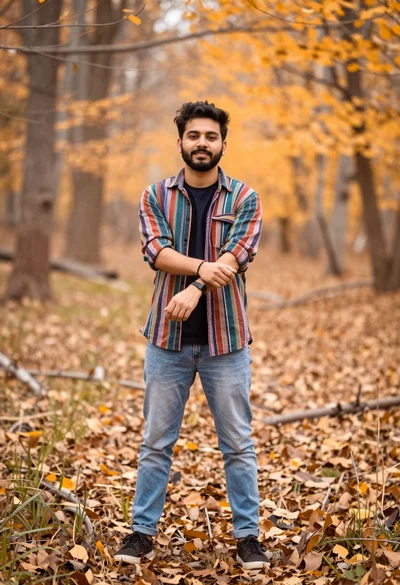
Young man in striped shirt standing in an autumnal forest clearing bokeh
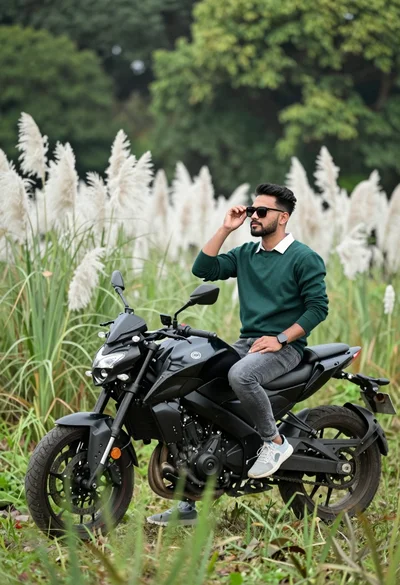
Man sitting on black motorcycle in tall grass with blurred forest background
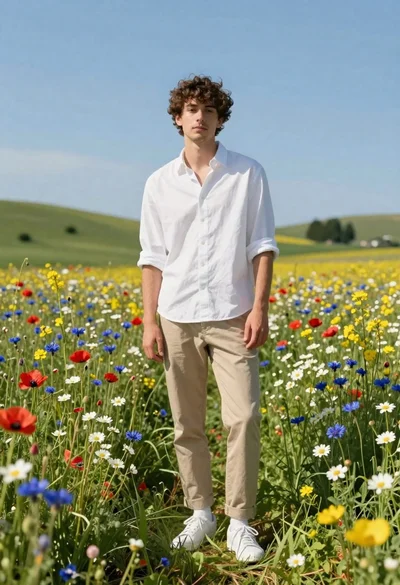
Young man in white shirt standing in wildflower meadow under blue sky
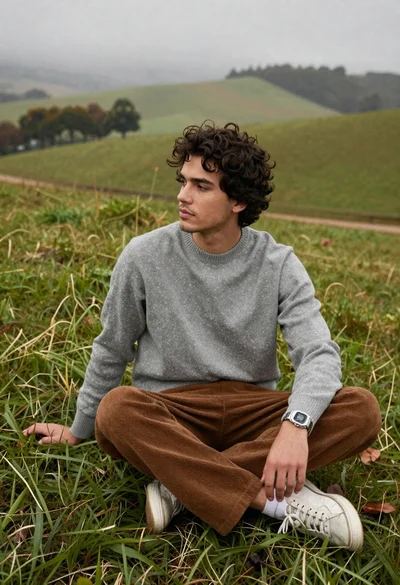
Young man in grey sweater on green hillside overlooking misty distant hills

Bearded man in striped shirt holding purple water lilies in wooden boat
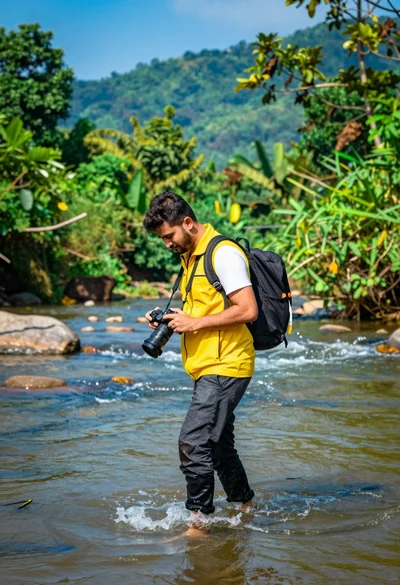
Man walking through shallow river holding camera in lush green forest
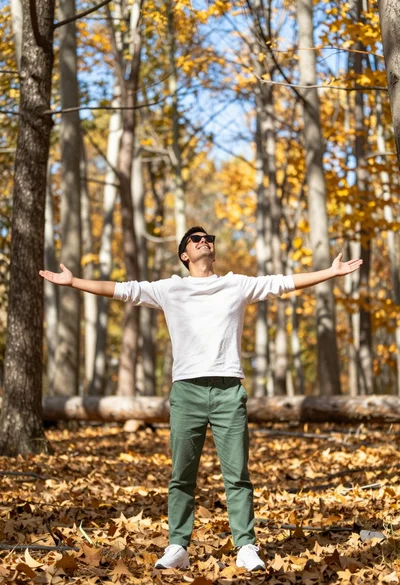
Man standing in sundrenched forest with arms outstretched showing joy
Man under black and white umbrella standing on paved road surrounded by

Man standing in green field with outstretched arms facing snow capped mountain
