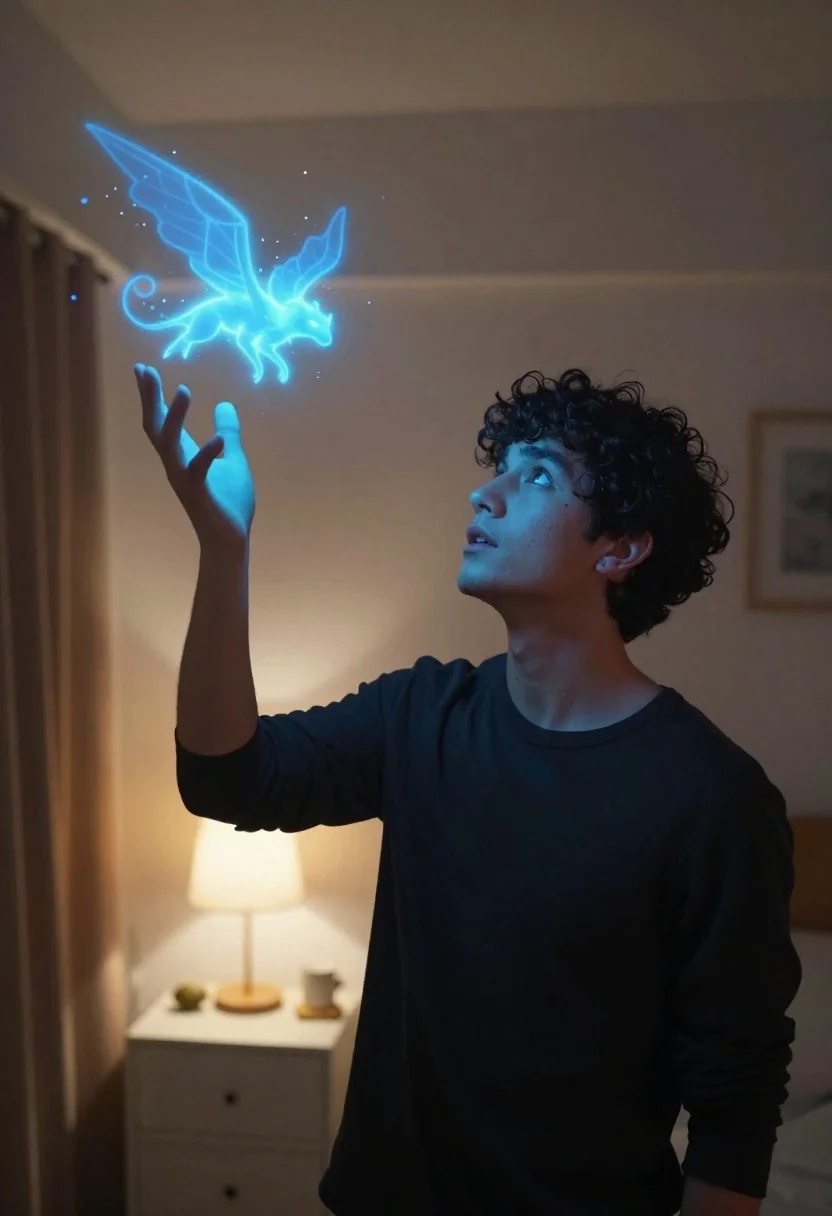
Young man looking up at glowing magical creature in dimly lit bedroom
Prompt
A young man with dark curly hair stands in a dimly lit bedroom, gazing upward at a glowing magical creature hovering above his open palm.

Subject: A young male with short dark curly hair and a focused expression looking upwards.

Clothing: He wears a simple black long-sleeved crewneck shirt.

Action: His right hand is raised with the palm facing up, holding a swirling mass of blue light that forms the creature; his face shows wonder and concentration as he looks at the entity.

Environment: The setting is a softly lit bedroom interior featuring a white nightstand with a lamp in the background and a wooden door frame to the left.

Lighting: The scene is illuminated by cool blue magical light emanating from the creature and glowing on the man's hand, contrasting with warm ambient room lighting that casts soft shadows on his face and neck.

Camera: The shot is a medium close-up taken from a low angle looking up at the subject, emphasizing the height of the floating creature and the upward gaze.

Style Details: The image features a cinematic aesthetic with high contrast between the cool blue magical glow and the warm background tones, rendered with a soft focus on the background to highlight the glowing particles and the ethereal nature of the creature.
Description
This prompt is useful for creating fantasy character portraits, narrative concept art for video games, and moody book cover illustrations. The combination of 'cool blue magical light' contrasting with 'warm ambient room lighting' establishes a dramatic visual tension that emphasizes the wonder in his gaze while using the 'low angle looking up at the subject' to make the glowing creature feel monumental.
Suggestions
- Change 'black long-sleeved crewneck shirt' to 'dark velvet smoking jacket' for more drama.
- Swap 'blue magical light' for 'cyan bioluminescent energy' to refine the color palette.
- Adjust 'soft focus on the background' to 'shallow depth of field, bokeh' for a more professional photographic feel.
Category
Tags
BedroomBlack HairCasual WearDigital ArtIndoorsLow AngleMaleRealistic
Date added
June 19, 2026
Added by
PromptDexter Team
Related Prompts
More prompts with similar categories and tags.
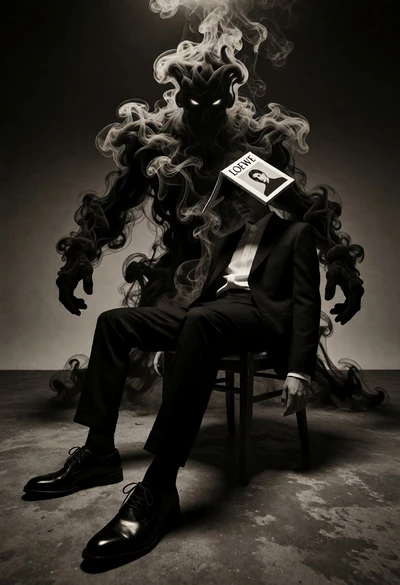
Surreal figure in suit seated on chair with smoke entity behind
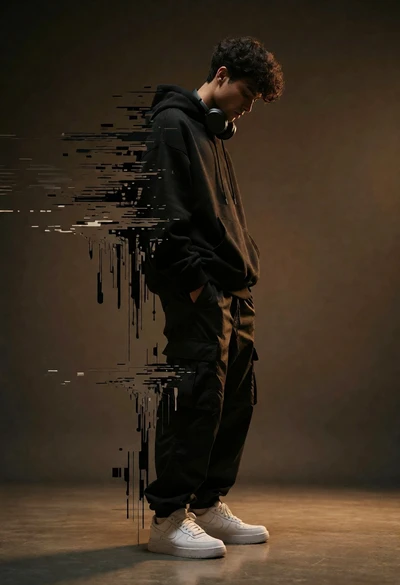
Young man dissolving into glitch artifacts against a brown studio backdrop
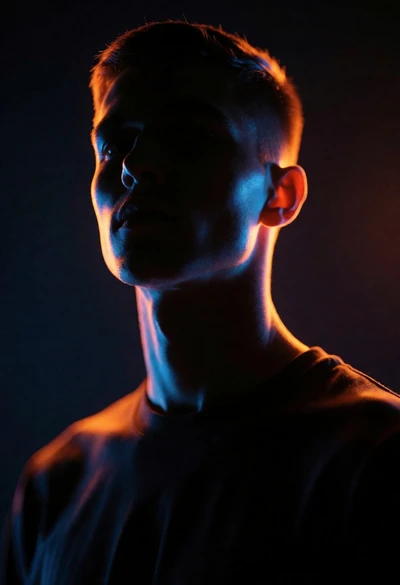
Dramatic portrait silhouette lit by contrasting orange and blue neon glow
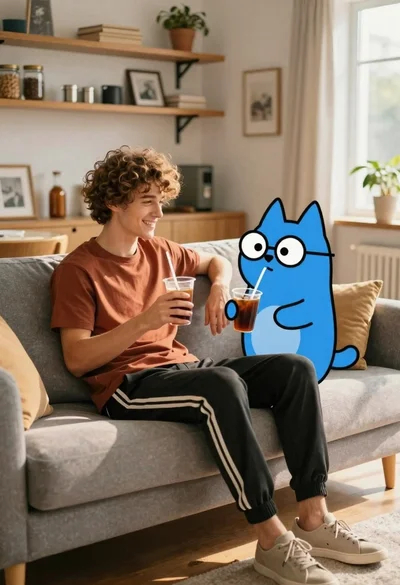
Young man with dog sitting on sofa in sunlit living room
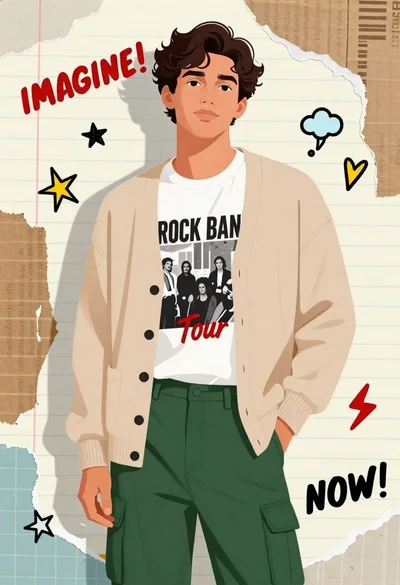
Digital illustration of young man in cardigan and cargo pants against scrap
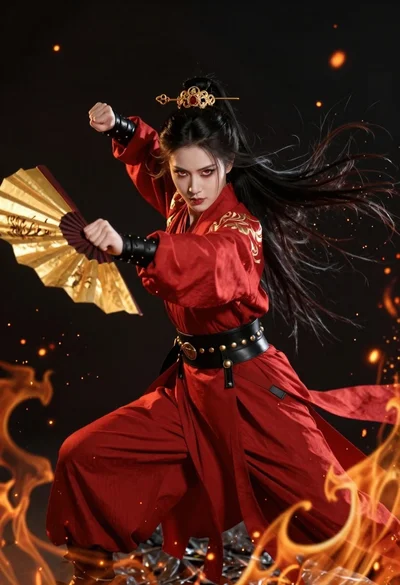
Fierce female warrior in red robe holding golden fan against dark void
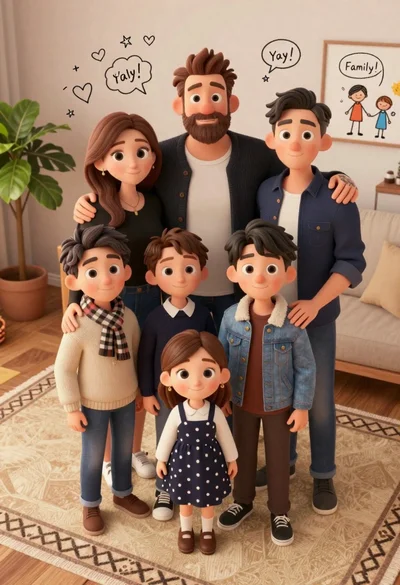
High angle group portrait of stylized family of six standing on patterned
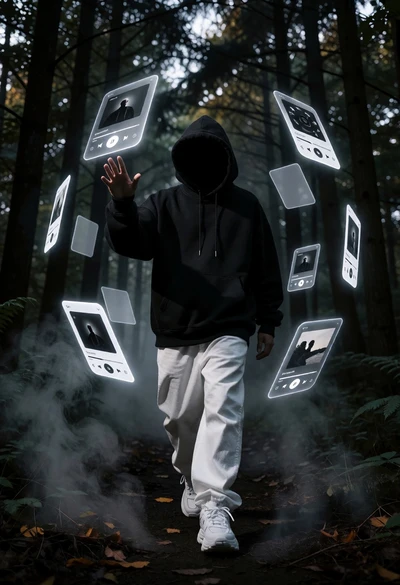
Hooded figure in misty forest interacting with floating holographic music cards
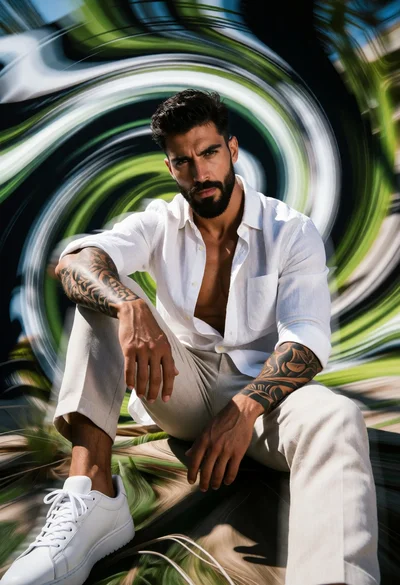
Muscular man sitting amidst abstract green white black vortex motion blur
Full body studio shot of woman with orange shirt and white pants