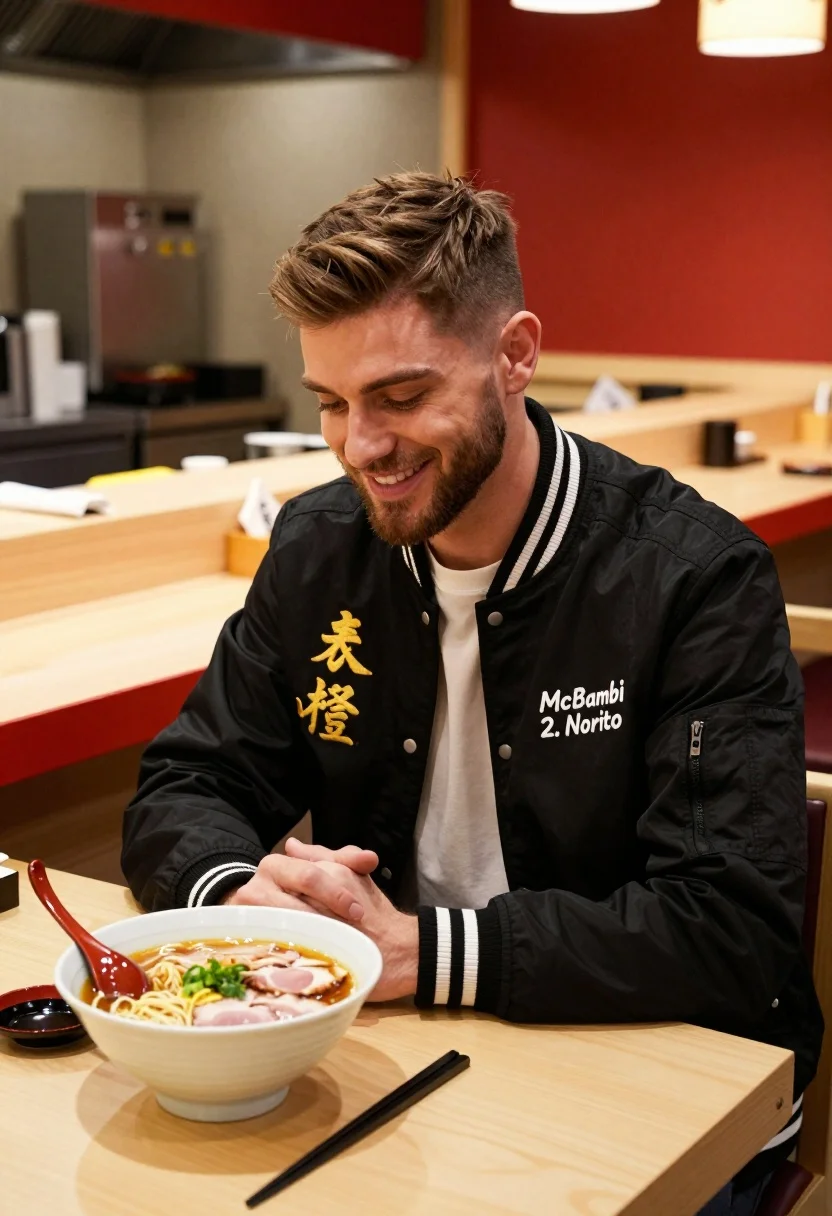
Young man smiling at ramen bowl in modern japanese restaurant setting
Prompt
A young man with short brown hair and a beard sits smiling warmly at a bowl of ramen on a wooden counter in a modern restaurant setting.

Subject: A handsome young man with light brown hair styled in a fade and a well-groomed beard, looking down with a gentle smile.

Clothing: He wears a black bomber jacket featuring white striped ribbed cuffs and collar, gold Japanese kanji characters embroidered on the left chest, and a white logo reading "McBambi 2. Norinto" on the right chest over a plain white t-shirt.

Action: The man is seated in a relaxed pose with his hands clasped in his lap, gazing affectionately at the food before him.

Environment: A modern Japanese-style restaurant interior featuring a light wood counter with red trim, stainless steel kitchen equipment in the background, and a bright red wall.

Objects: A large white bowl of ramen containing noodles, broth, and pieces of pork sits on the counter next to a red ceramic spoon and chopsticks.

Lighting: The scene is illuminated by soft, warm ambient light that highlights the subject's face and creates a cozy, inviting atmosphere with gentle shadows.

Camera: Shot from a medium close-up angle at eye level, focusing on the man and the food while keeping the background slightly blurred to emphasize depth.

Style Details: High-quality commercial photography with vibrant colors, sharp focus on the foreground elements, and a polished aesthetic typical of brand advertising campaigns.
Description
This prompt is useful for creating lifestyle food advertisements, restaurant menu mockups, and casual portraiture featuring culinary subjects. The combination of 'soft, warm ambient light' and 'vibrant colors' ensures the ramen bowl pops against the background while the 'medium close-up angle at eye level' keeps the focus tightly on both the subject's expression and the food's appetizing details.
Suggestions
- Change 'black bomber jacket' to a charcoal grey jacket for a more muted palette.
- Swap 'red trim' for deep navy blue to contrast with the ramen broth.
- Adjust 'soft, warm ambient light' to include some directional overhead lighting to add drama.
Category
Tags
Brown HairCasual WearIndoorsMaleMedium ShotRealistic
Date added
July 3, 2026
Added by
PromptDexter Team
Related Prompts
More prompts with similar categories and tags.
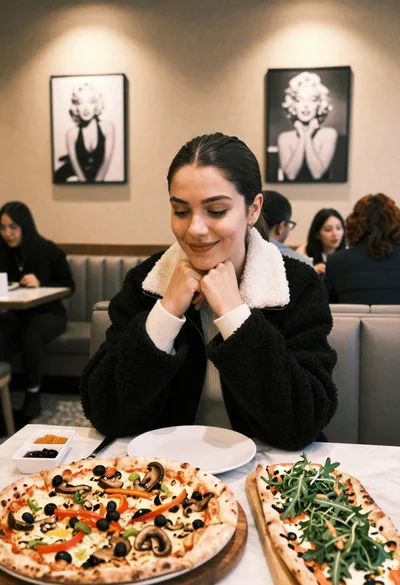
Young woman smiling at table with pizzas in modern restaurant setting
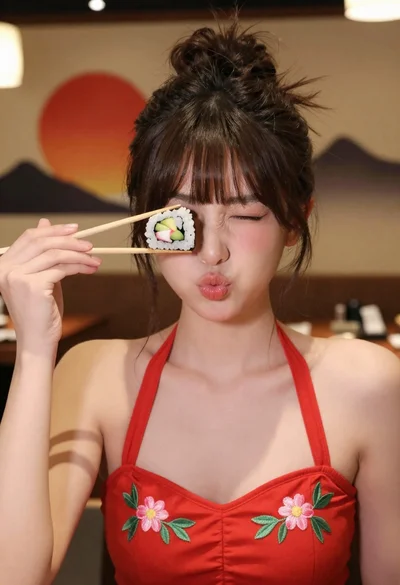
Young woman in red floral top holding sushi near eye indoors
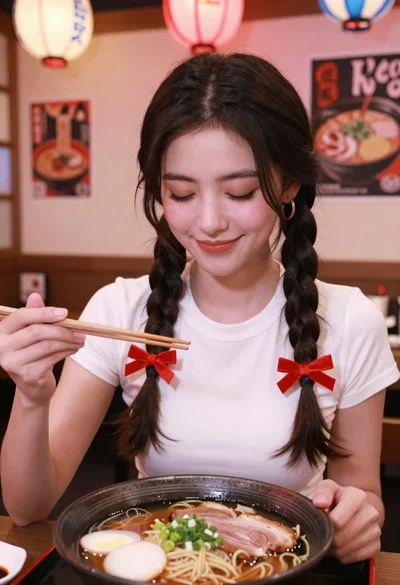
Young woman with braids smiling while holding chopsticks over ramen bowl
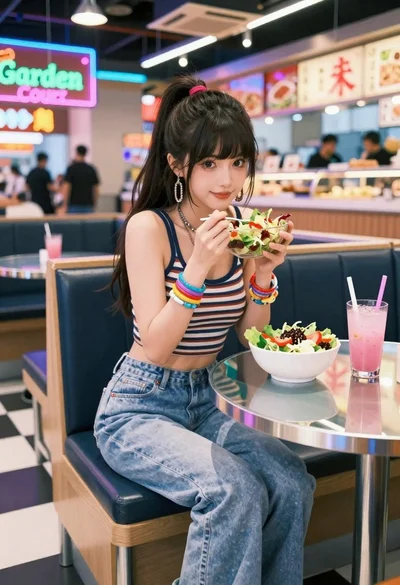
Anime woman in food court eating salad
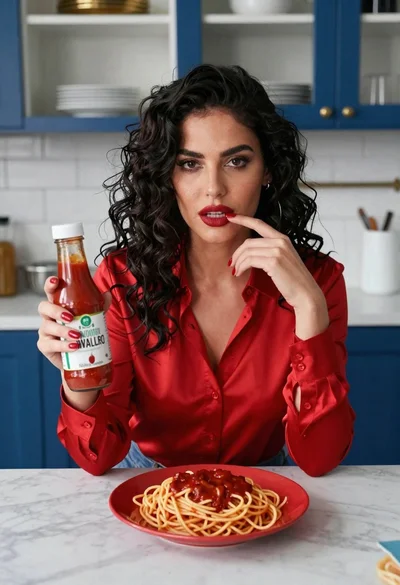
Woman with dark hair at marble table holding tomato sauce over spaghetti
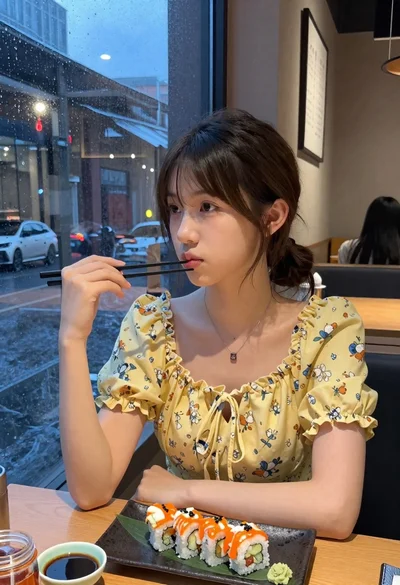
Young woman eating sushi at restaurant window with raindrops visible

Smiling woman in orange dress holding fresh fruit in an outdoor citrus

Smiling woman eating pizza slice outdoors at night in red dress

Young woman smiling with spaghetti in rustic italian restaurant setting

Young woman eating spaghetti outdoors overlooking blue bay with pizza