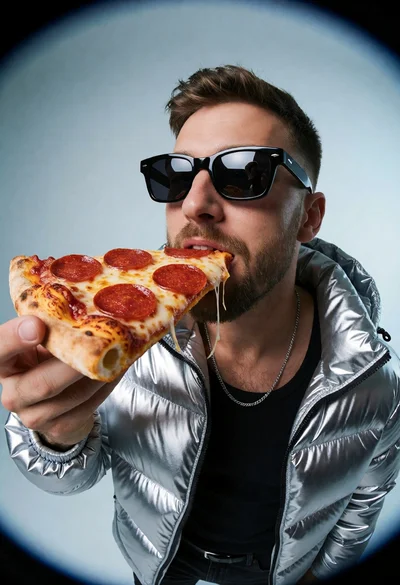
Man in silver puffer jacket eating pepperoni pizza under studio spotlight
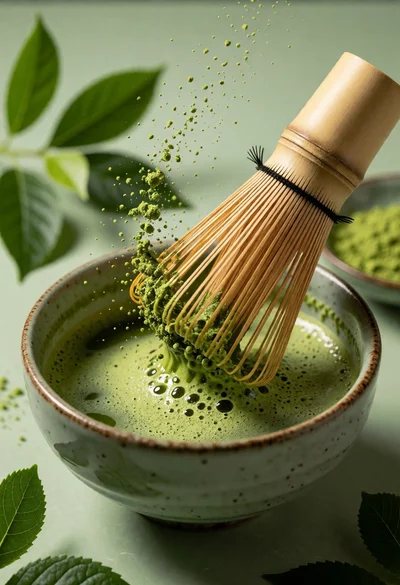
Close up still life of matcha whisk stirring vibrant green tea in
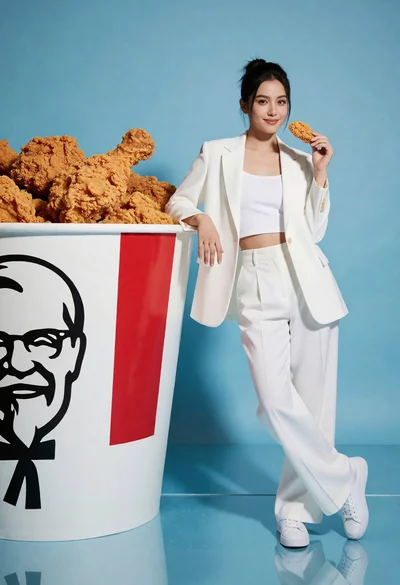
Woman in white suit posing next to giant kfc bucket against blue
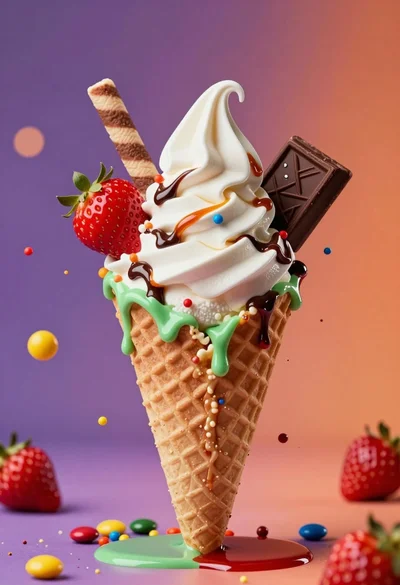
Hyperrealistic close up of ice cream cone with colorful candy splash

Colossal hamburger shaped building in a busy metropolitan city street setting
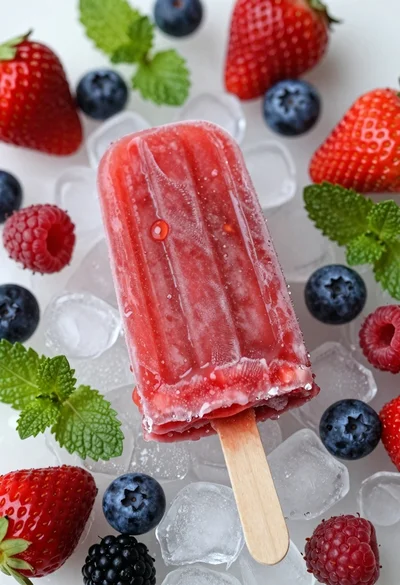
Top down close up of red strawberry popsicle on ice with fresh
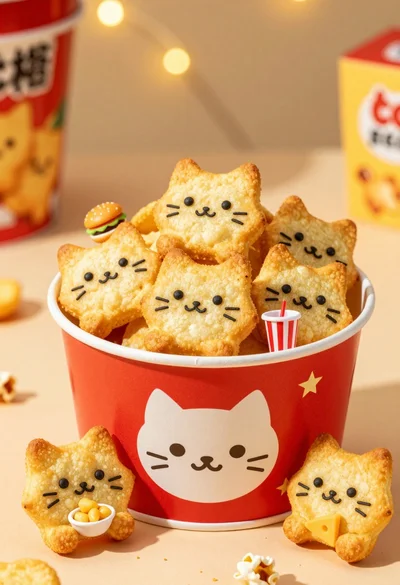
Close up of cat shaped potato chips in red bucket with bokeh
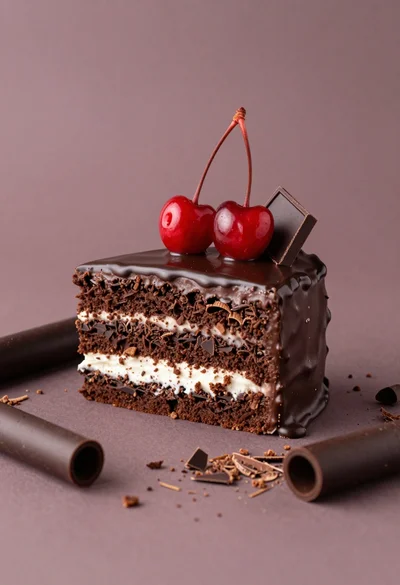
Square layered dark chocolate cake with white filling and red cherries
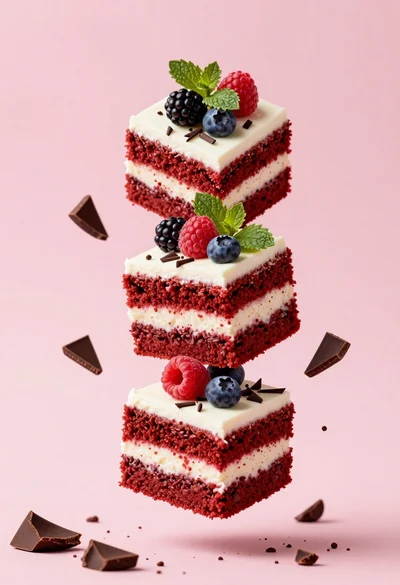
Three floating red velvet cake slices with berries on pink background
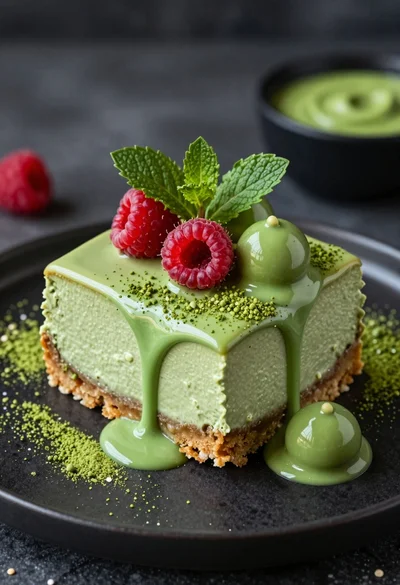
Close up shot of matcha cheesecake slice with dripping glaze and berries

Hyperrealistic close up of pepperoni pizza slice lifting cheese strands

Hyperrealistic noodles exploding upward from wok with dramatic firelight
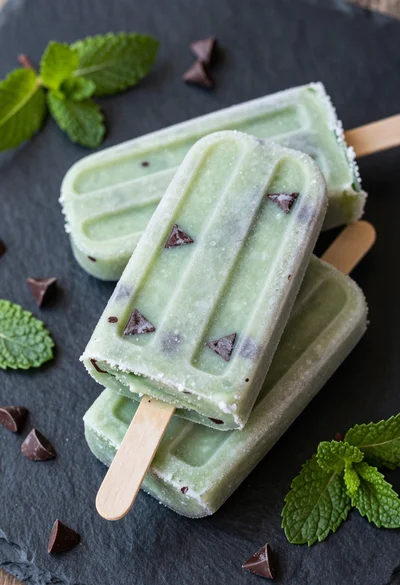
High angle close up food photography of green mint chocolate chip popsicles
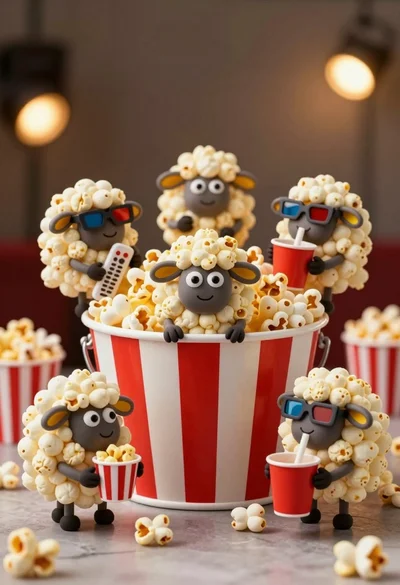
Hyperrealistic popcorn sheep characters gathered around a striped bucket
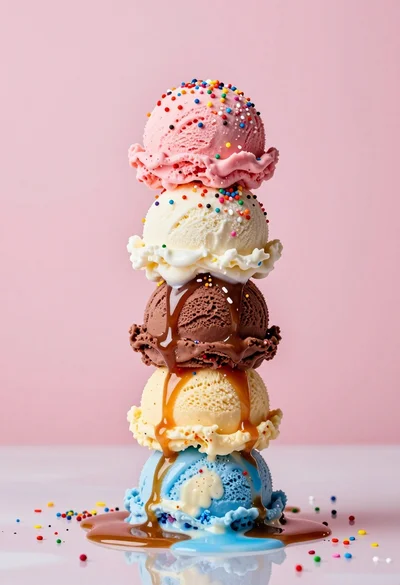
Hyperrealistic close up of melting ice cream tower with rainbow sprinkles
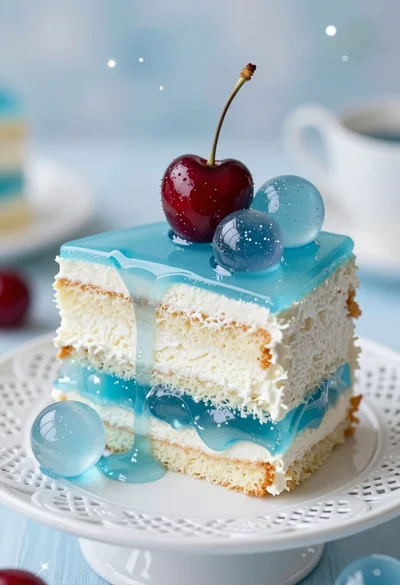
Close up of layered cake with white sponge blue jelly and glossy
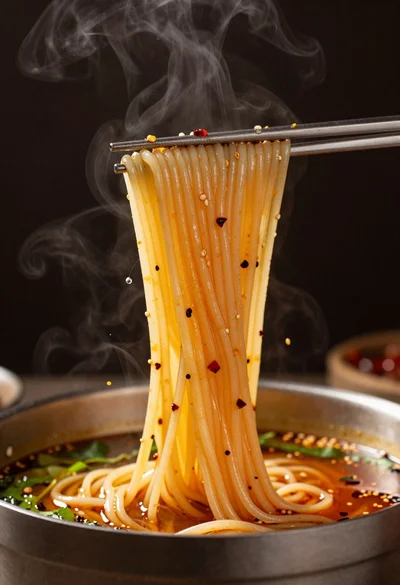
Extreme close up of steaming noodles lifted from a dark bowl
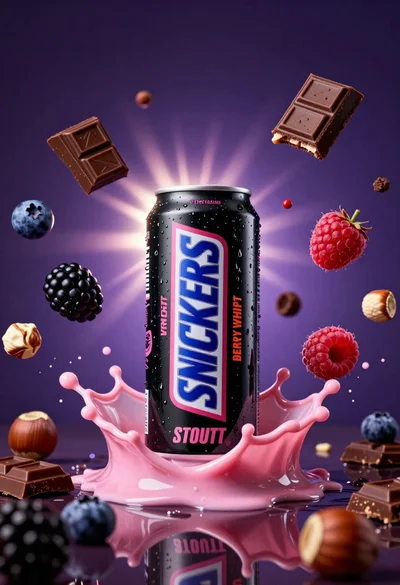
Black beverage can splashing pink liquid with berries and chocolate pieces
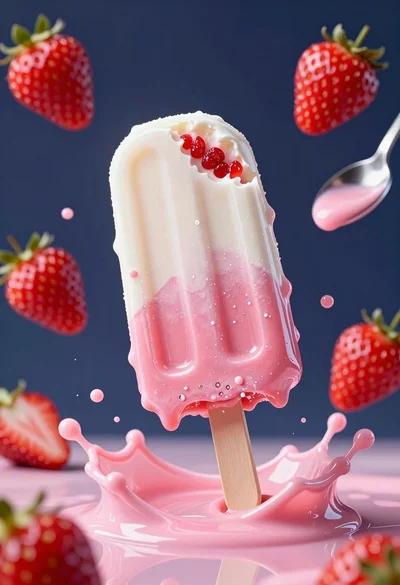
Melting popsicle dripping pink liquid surrounded by floating strawberries
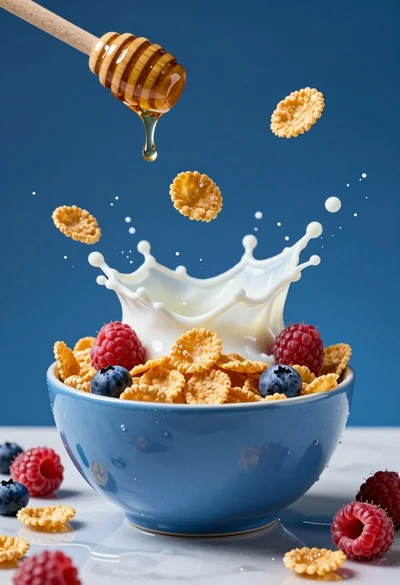
High speed freeze frame of blue bowl overflowing with cornflakes milk and
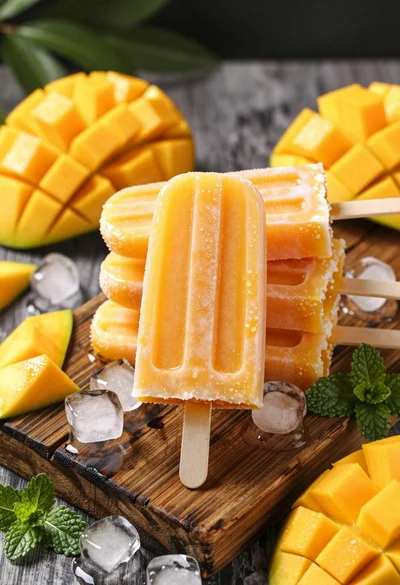
Close up of golden mango popsicles on rustic wood board with ice

Giant coffee cup building in modern urban plaza at dusk with skyscrapers

Dynamic food photograph of guacamole bowl suspended midair against bright green background

Exploding sandwich cookie midair against a vibrant bright yellow studio background
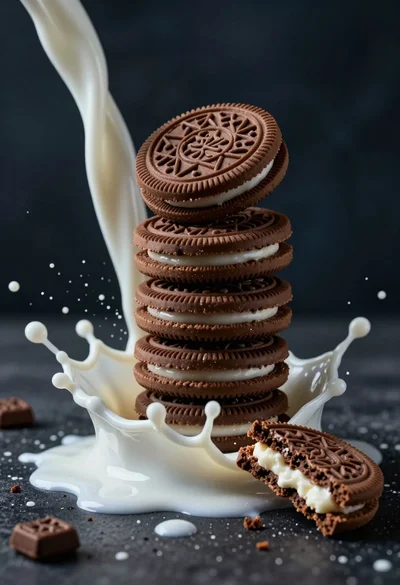
Macro photograph of chocolate cookie tower hit by dramatic milk splash

Close up view of golden french fries tumbling onto a wooden board

Dynamic potato chips exploding from a rustic bowl on orange backdrop
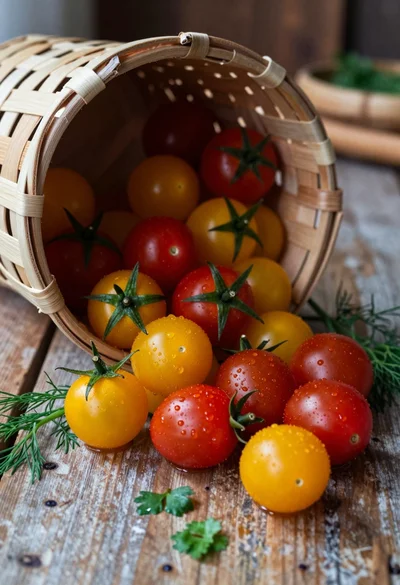
Close up of spilled cherry tomatoes and herbs from woven basket on
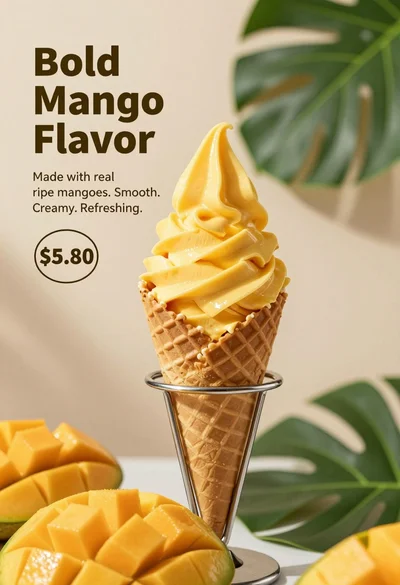
Close up advertisement of yellow soft serve ice cream in waffle cone

Stack of glossy dark chocolate brownies with raspberry and mint on parchment
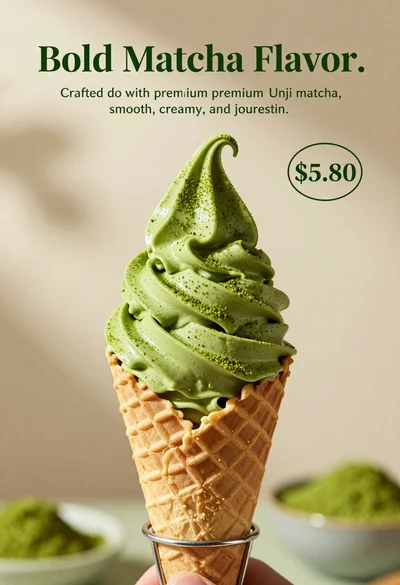
Close up shot of matcha soft serve ice cream in waffle cone

Close up view of colorful fresh vegetables overflowing from a wicker basket
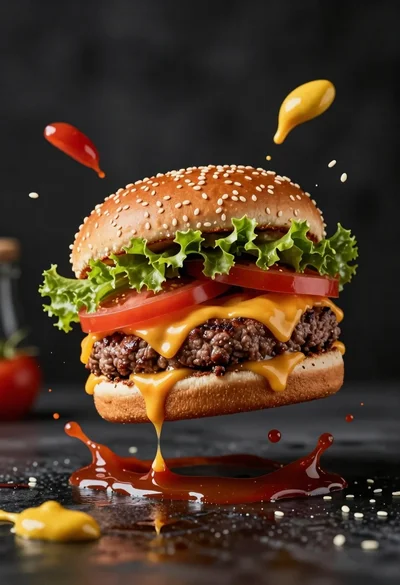
Hyperrealistic close up of cheeseburger exploding with condiments on wet surface
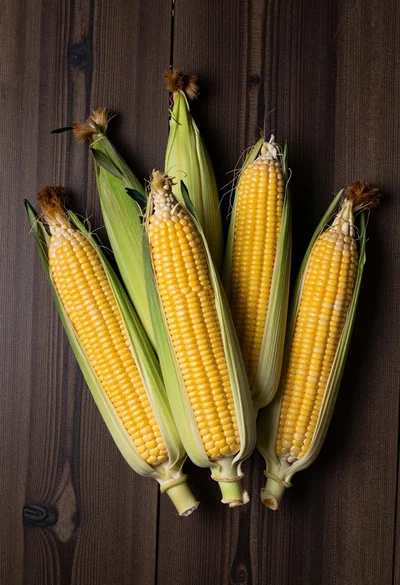
Top down view of five yellow corn cobs on a dark wooden
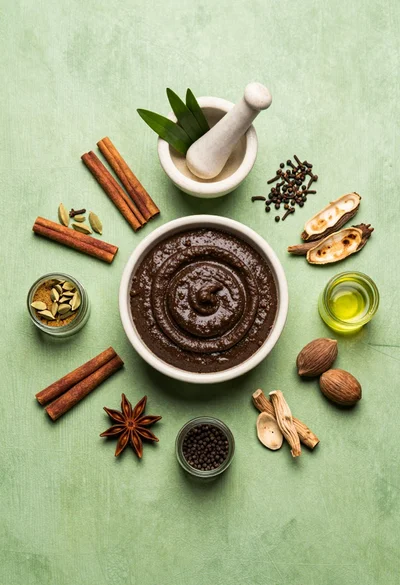
Flat lay arrangement of ayurvedic ingredients on a textured green surface
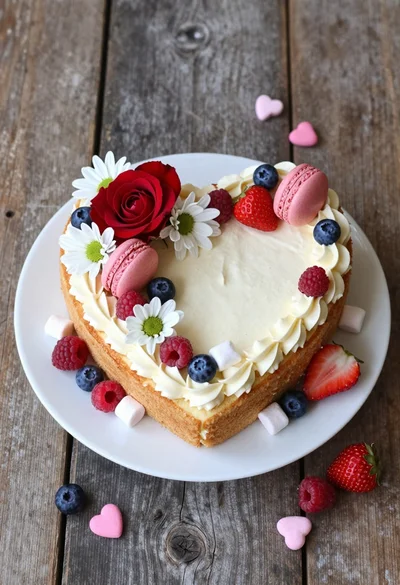
High angle shot of heart cake decorated with fresh berries flowers and

Medium close up of young woman eating bibimbap in dimly lit restaurant

Close up cinematic shot of male chef seasoning searing steaks in professional

Four potatoes suspended in midair with dramatic water splashes erupting beneath

Young woman biting grilled meat skewer in dimly lit restaurant setting

Close up view of white frosted birthday cake with rainbow glitter topper

Smiling woman drinking beer in dimly lit japanese restaurant setting

Young east asian woman taking a selfie in a park setting
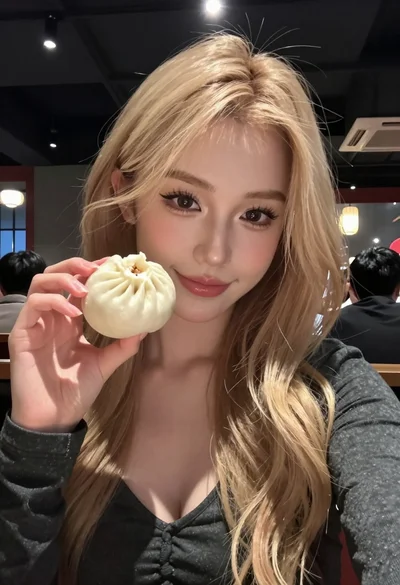
Close up selfie of blonde woman holding steamed bun in dimly lit

Young woman in white top at japanese restaurant with food and lanterns

Smiling woman toasting beer in cozy japanese restaurant setting

Chef pouring red wine onto steak and tomatoes in modern professional kitchen

Close up still life of onions in a wicker basket on striped
