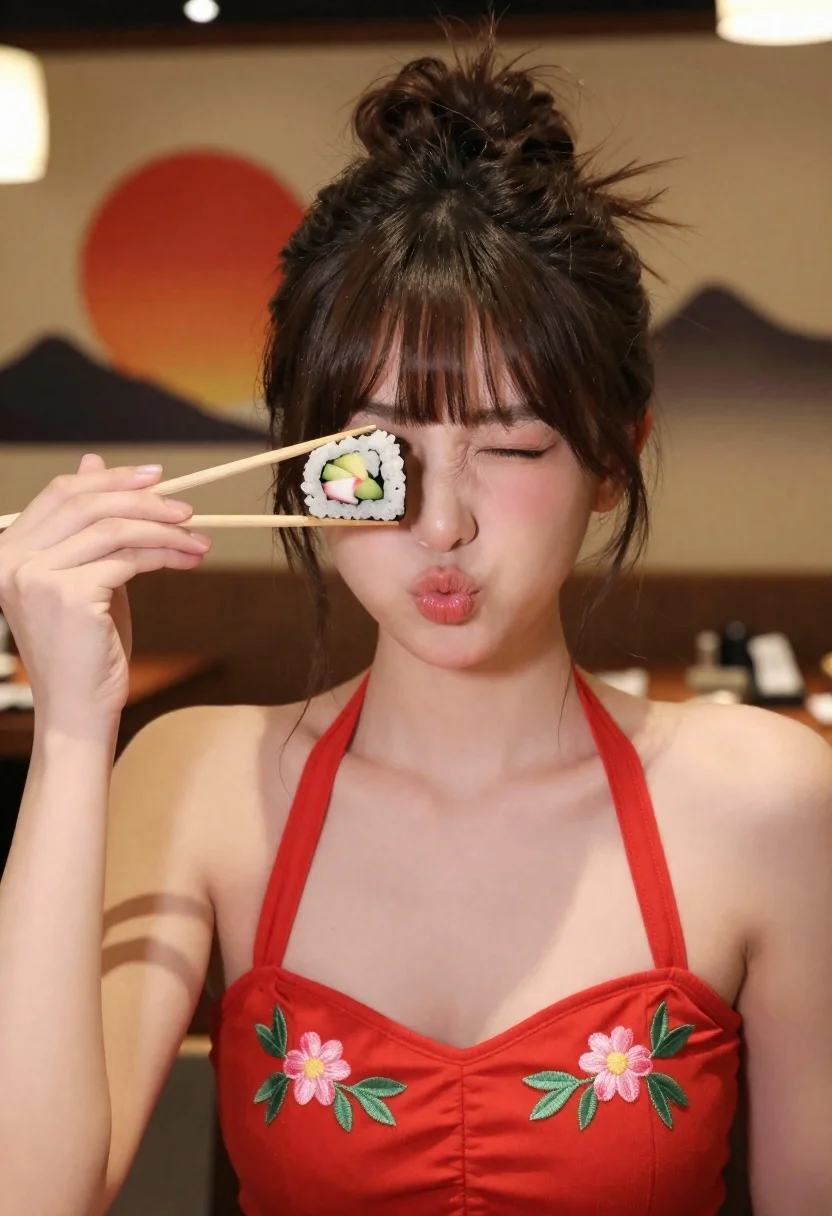
Young woman in red floral top holding sushi near eye indoors
Prompt
A young woman with dark hair styled in a messy updo holds a piece of sushi on chopsticks near her eye while puckering her lips playfully.

Subject: A young woman with dark brown hair pulled back into a loose, textured bun and long side-swept bangs framing her face.

Clothing: She wears a vibrant red halter-neck top featuring delicate pink floral embroidery on the chest and green leaves.

Action: Her right hand holds wooden chopsticks lifting a piece of sushi roll to cover one eye, while she puckers her lips in a playful expression with her eyes closed or squinting slightly.

Environment: The setting appears to be a restaurant interior with warm ambient lighting, featuring a blurred wall art background depicting a large red sun and dark mountain silhouettes.

Camera: A medium close-up shot focusing on the upper body with a shallow depth of field that keeps the subject sharp while blurring the background elements.

Lighting: Soft, warm indoor lighting highlights her skin tones and creates gentle shadows, emphasizing the texture of her hair and the embroidery on her top.

Objects: Wooden chopsticks holding a sushi roll containing rice, nori, avocado, and crab or fish filling.

Style Details: High-resolution photography with a focus on vibrant colors, particularly the red of her outfit against the warm background tones.
Description
This prompt is useful for creating playful food photography concepts, intimate portraiture featuring props, and lifestyle content for restaurants or culinary blogs. The combination of 'vibrant red halter-neck top' and the 'soft, warm indoor lighting' directs attention to both the subject's expression and the colorful sushi object, while the shallow depth of field ensures the viewer focuses on the playful interaction rather than distracting background details.
Suggestions
- Change 'messy updo' to 'braided crown' for a more structured look.
- Swap 'vibrant red halter-neck top' for 'navy blue silk blouse' to change the color focus.
- Add 'bokeh effect' to the camera section for an even softer background blur.
Category
Tags
Brown SkinCasual WearFemaleFoodIndoorsMedium ShotRealistic
Date added
June 23, 2026
Added by
PromptDexter Team
Related Prompts
More prompts with similar categories and tags.
Young woman with braids smiling while holding chopsticks over ramen bowl
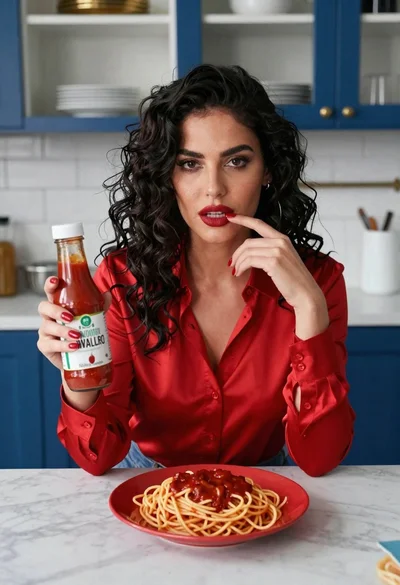
Woman with dark hair at marble table holding tomato sauce over spaghetti
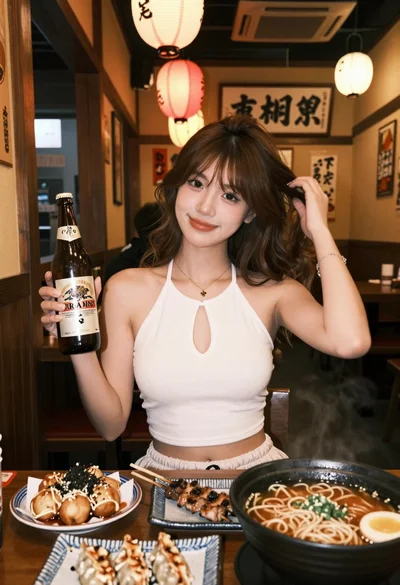
Young woman in white top at japanese restaurant with food and lanterns
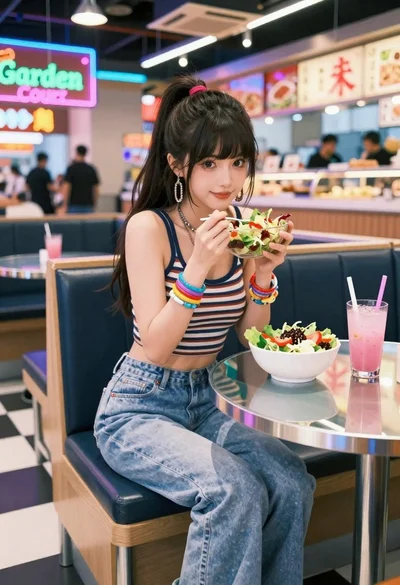
Anime woman in food court eating salad
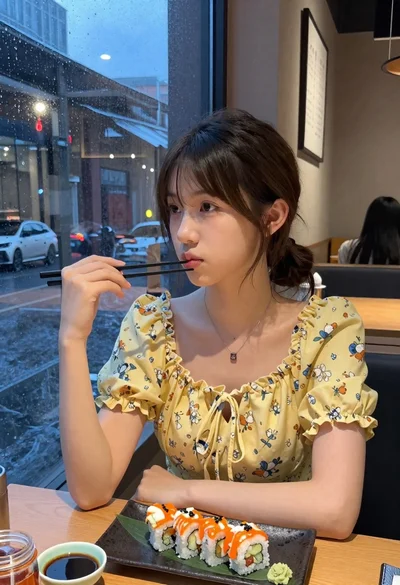
Young woman eating sushi at restaurant window with raindrops visible
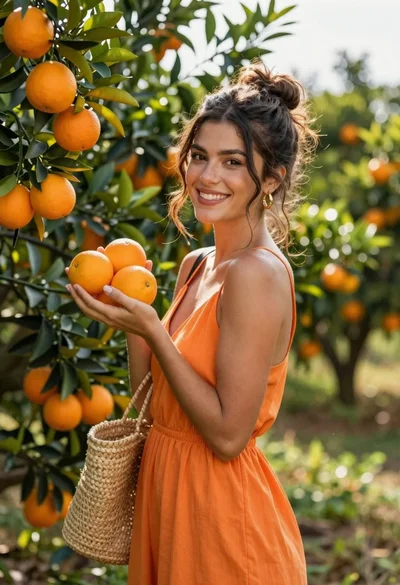
Smiling woman in orange dress holding fresh fruit in an outdoor citrus
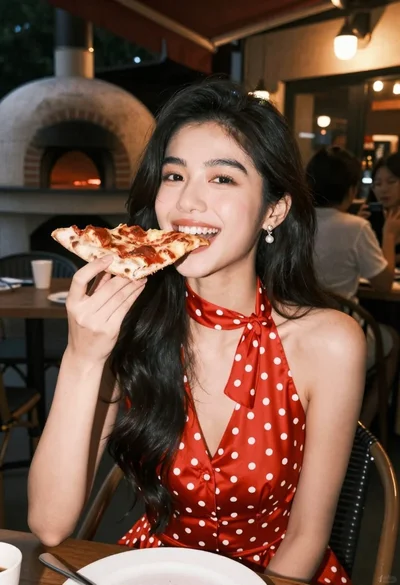
Smiling woman eating pizza slice outdoors at night in red dress
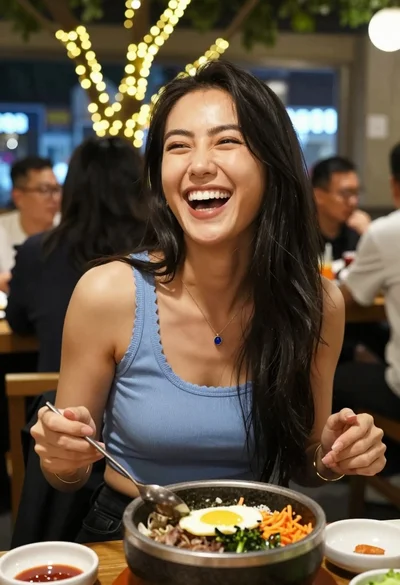
Joyful woman laughing at restaurant table with bibimbap in foreground