
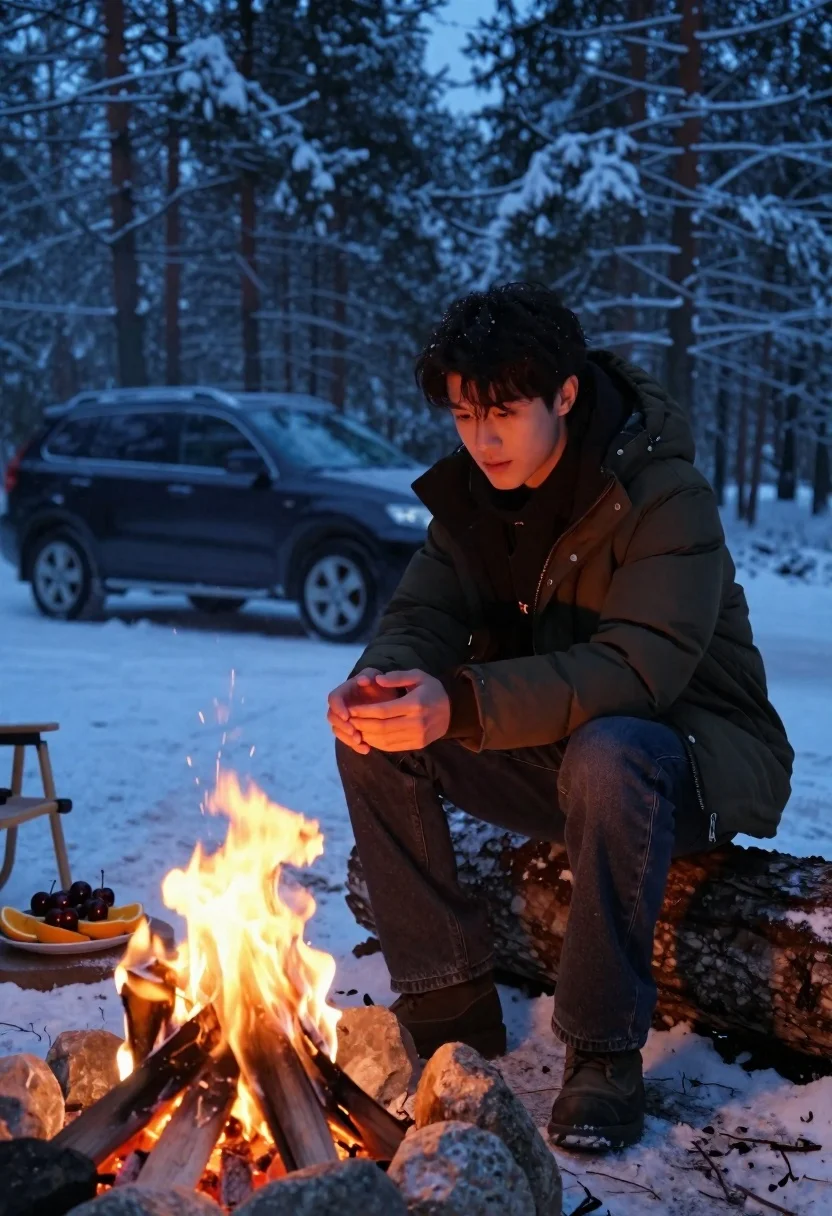
Young man warming hands by campfire in snowy forest clearing at dusk
Prompt
A young man sits by a campfire in a snowy forest at dusk, warming his hands over the flames.

Subject: A young man with dark wavy hair and a contemplative expression, wearing a dark puffer jacket and dark jeans.

Clothing: He wears a dark olive or brown hooded puffer jacket with visible stitching and buttons, paired with dark denim jeans and dark boots.

Action: He is crouching on a large log, leaning forward slightly with his hands cupped together over the fire to warm them. His gaze is directed downward toward the flames.

Environment: A snowy forest clearing with tall pine trees covered in snow in the background. A black SUV is parked behind him on the snow.

Objects: A campfire burns brightly in the foreground, surrounded by stones and logs. To the left, a plate of fruit including cherries and orange slices rests on a stone slab near the fire.

Lighting: The scene is lit by the warm glow of the campfire illuminating his hands and face, contrasting with the cool blue ambient light of the winter evening sky.

Camera: Shot from a low angle looking slightly up at the subject, emphasizing the warmth of the fire against the cold environment.

Style Details: Cinematic composition with high contrast between the warm orange firelight and the cool blue tones of the snow and trees, creating a cozy yet atmospheric mood.
Description
This prompt is useful for creating cinematic wilderness storytelling stills, moody character portraits set in harsh environments, and editorial content emphasizing warmth against cold. The combination of 'warm glow of the campfire' illuminating his hands and face juxtaposed with the 'cool blue ambient light' achieves a high contrast that visually anchors the subject to the immediate source of comfort, preventing the scene from feeling uniformly flat or overly bright.
Suggestions
- Change 'dark olive or brown hooded puffer jacket' to 'charcoal wool coat' for a different texture.
- Add 'shallow depth of field' to blur the background pine trees.
- Swap 'black SUV' for 'vintage red truck' to introduce a pop of color.
Category
Tags
ForestLow AngleMaleRealistic
Date added
June 19, 2026
Added by
PromptDexter Team
Related Prompts
More prompts with similar categories and tags.
Young man in white shirt sitting on grass in forest clearing at
Man sitting against tree in autumnal park with golden filtered sunlight
Man sitting on park bench holding red rose in golden hour sunlight

Young man looking up under large tree with falling autumn leaves
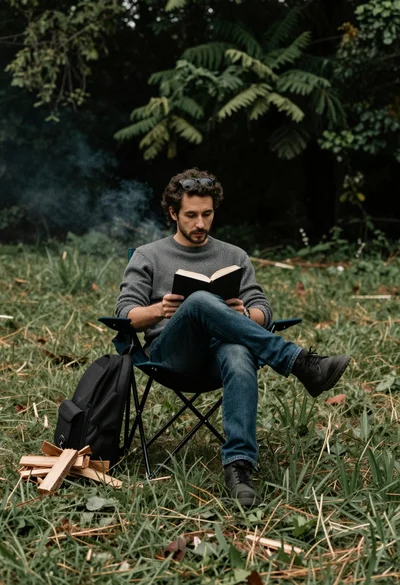
Man reading book in folding chair on grassy field near wood pile
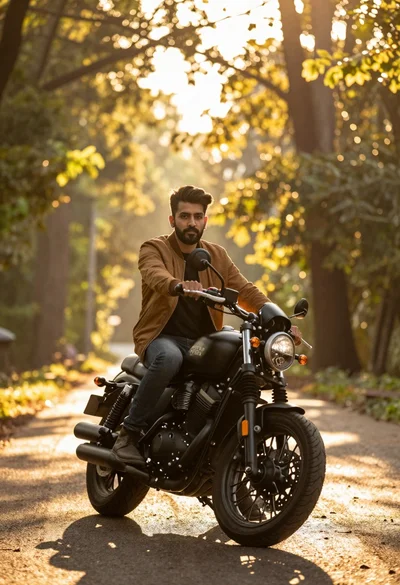
Man sitting on black motorcycle in sundrenched forest clearing at golden hour
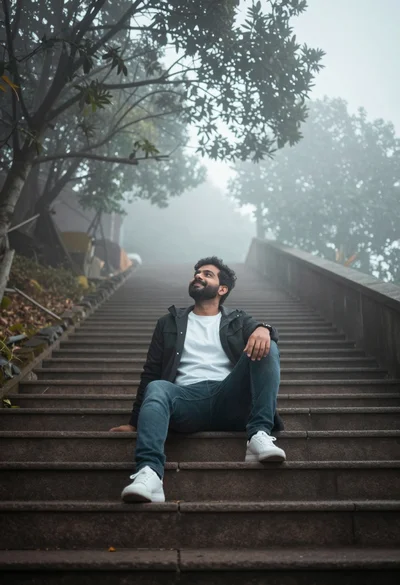
Man sitting on wide stone staircase in misty outdoor setting looking up
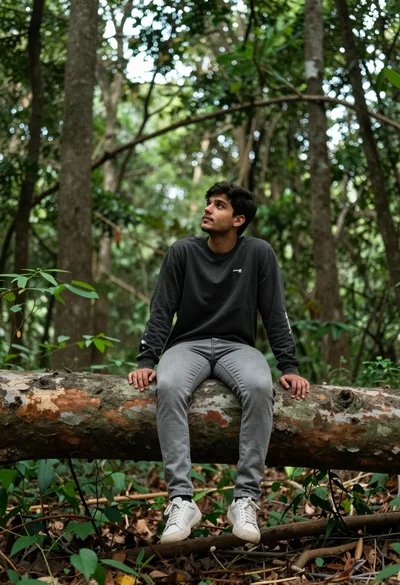
Young man sitting on fallen log in lush forest under soft daylight

Young man reading book on wooden bench in misty autumn forest setting

Man sitting by lake at surreal sunset with fiery orange and red