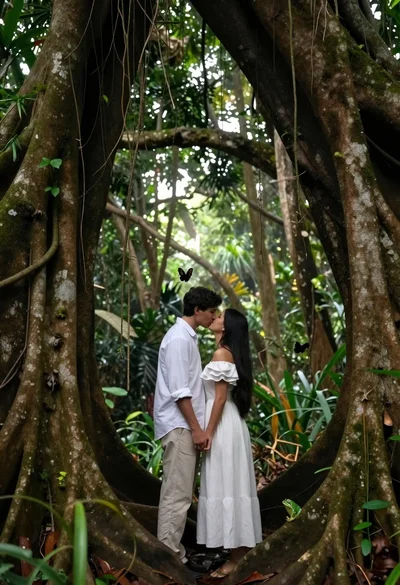
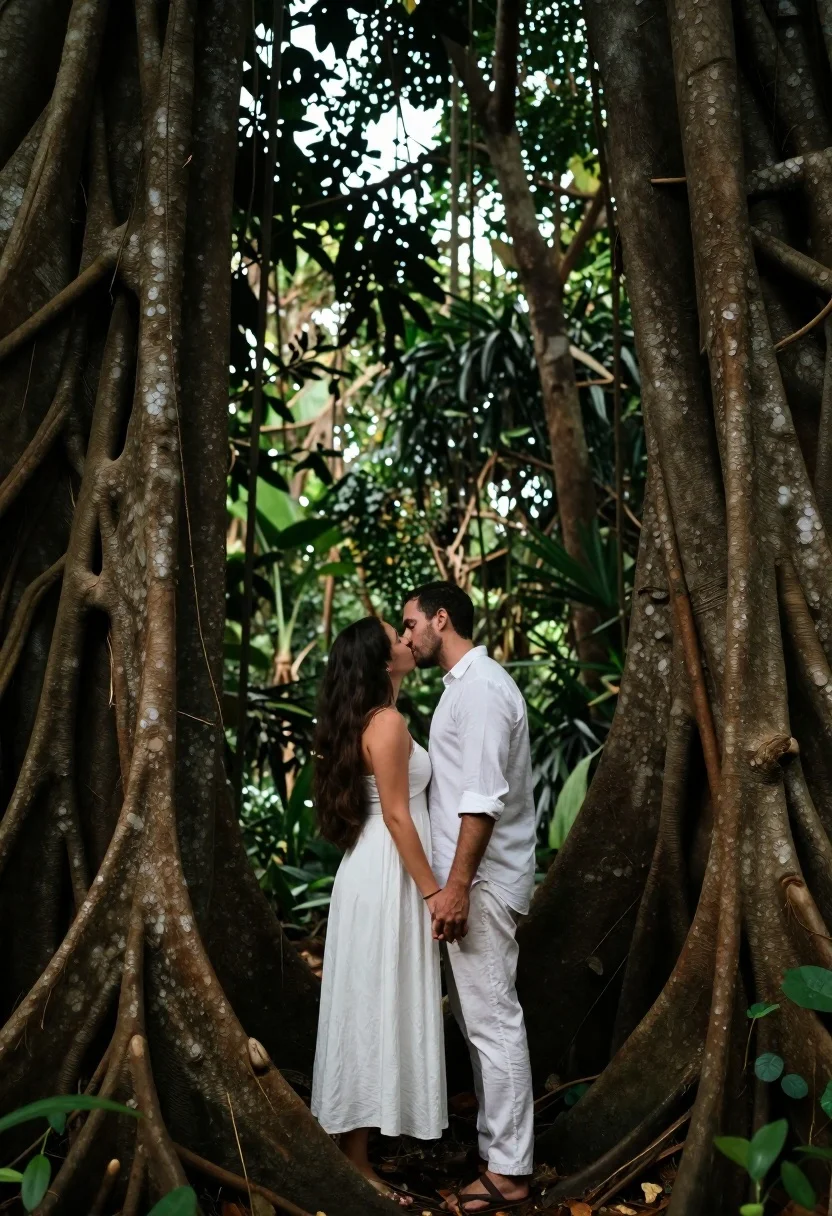
Romantic couple kissing under massive banyan tree roots in lush jungle
Prompt
A romantic couple sharing a gentle kiss amidst the massive, twisting roots of an ancient banyan tree in a lush jungle.

Subject: A man and a woman standing close together, holding hands as they lean in to kiss. The woman has long dark hair and the man has short dark hair with stubble.

Clothing: The woman wears a simple white sleeveless dress that flows down to her ankles. The man wears a matching white button-down shirt with rolled-up sleeves and white trousers.

Action: They are standing still in an intimate embrace, gazing into each other's eyes while holding hands. Their posture is relaxed and affectionate.

Environment: A dense, verdant jungle setting dominated by the enormous, gnarled buttress roots of a massive tree that frame the couple on both sides. The background is filled with deep green foliage and dappled light filtering through the canopy.

Camera: Shot from a low angle looking up at the couple to emphasize the scale of the surrounding tree roots, with a shallow depth of field that keeps the subjects sharp while softening the forest background.

Lighting: Soft, ethereal natural light filters down from above, creating a dreamy atmosphere with gentle highlights on their faces and clothing, contrasting with the darker shadows of the deep forest floor.

Style Details: Cinematic photography style with rich, saturated greens and earthy tones, featuring a slightly moody and romantic color grading that enhances the magical quality of the scene.
Description
This prompt is useful for creating cinematic wedding album spreads, editorial romance editorials, and high-concept nature advertising campaigns. The combination of 'low angle looking up' and 'massive, twisting roots' dramatically emphasizes the scale of the environment relative to the couple, while the 'soft, ethereal natural light' ensures that even within the deep forest floor shadows, the subjects remain visible and romantically highlighted.
Suggestions
- Change 'simple white sleeveless dress' to 'flowing silk gown' for more dramatic movement.
- Swap 'deep green foliage' for 'ferns and moss' to increase foreground detail.
- Adjust 'slightly moody and romantic color grading' to 'golden hour warmth' for a brighter feel.
Category
Tags
FemaleForestFormal WearLow AngleMaleNatureOutdoorsRealistic
Date added
June 23, 2026
Added by
PromptDexter Team
Related Prompts
More prompts with similar categories and tags.
Joyful couple laughing under bright sunlight filtering through green forest canopy

Romantic couple embracing on misty mountains during golden hour sunrise

Romantic couple dancing intimately on cobblestone street at dusk
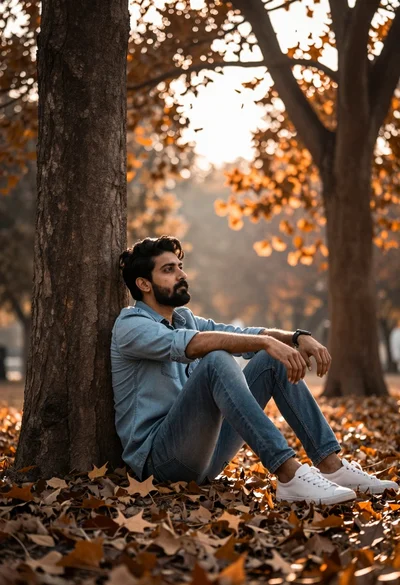
Man sitting against tree in autumnal park with golden filtered sunlight
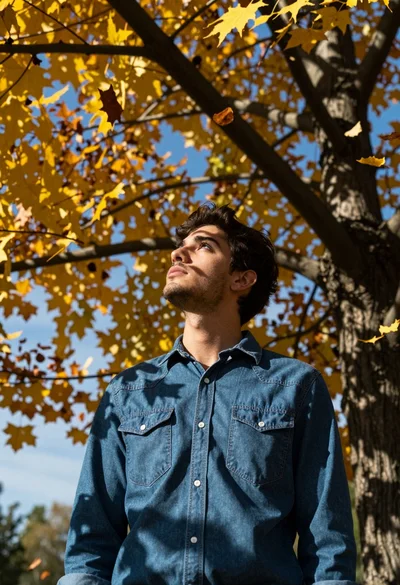
Young man looking up under large tree with falling autumn leaves
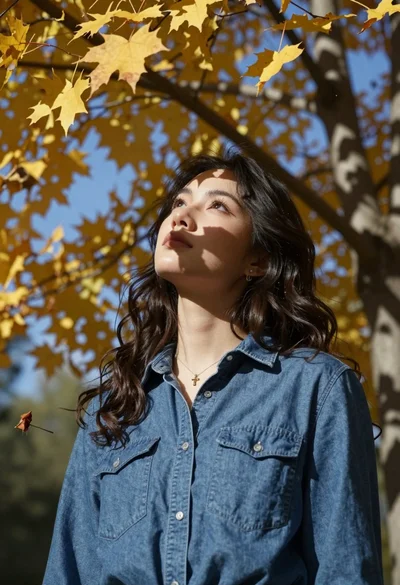
Young woman looking up through autumn leaves dappled sunlight forest setting
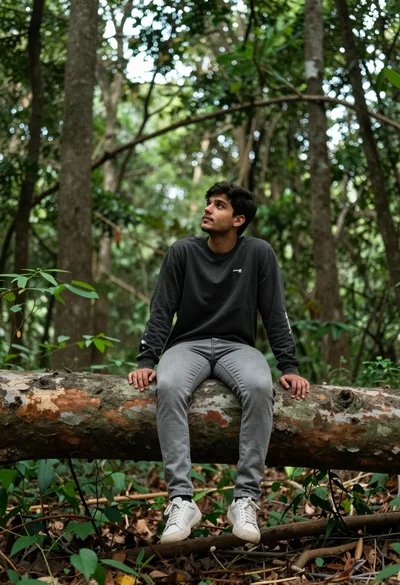
Young man sitting on fallen log in lush forest under soft daylight

Romantic couple feeding strawberries on picnic blanket in forest near lake