

Young man with brown hair sitting at desk with white robot
Prompt
A warm and cozy digital illustration of a young man sitting at a wooden desk with a cute white robot companion.

Subject: A young man with brown hair and a light beard sits next to a small, white, rounded robot with glowing blue heart-shaped eyes and a pink heart on its chest.

Clothing: The man wears a red hooded sweatshirt over a white t-shirt. The robot has a sleek white body with black accents around its head and joints.

Action: The man smiles warmly while gently placing his hand on the top of the robot's head, and the robot clasps its hands together in a gesture of happiness or gratitude.

Environment: They are seated at a wooden desk cluttered with office items including a laptop, keyboard, smartphone, notebook, pen, and pencil holder. A computer monitor displaying a social media feed is visible in the background along with a shelf holding books and a potted plant.

Objects: A white mug filled with coffee sits on the desk near the man's hand. Small floating pink hearts appear in the air between the two characters.

Lighting: The scene is illuminated by soft, warm ambient light coming from string lights hanging in the background and glowing blue accents from the robot's eyes and headphones.

Camera: A medium shot captures both subjects at eye level with a shallow depth of field that blurs the background slightly to emphasize the foreground interaction.

Style Details: The image features a vibrant, polished digital art style with smooth gradients, soft shadows, and a heartwarming color palette dominated by warm oranges, reds, and cool blues.
Description
This prompt is useful for creating cozy character concept art, narrative illustration spreads, and whimsical companion pieces for children's books. The combination of 'soft, warm ambient light' from string lights against the 'glowing blue accents' on the robot creates a focused emotional core, while the 'shallow depth of field' ensures that the gentle interaction between the man and the robot remains the primary visual focus.
Suggestions
- Change 'red hooded sweatshirt' to 'navy blue sweater' for a more muted palette.
- Add 'bokeh effect' to the string lights for increased background magic.
- Swap 'wooden desk cluttered with office items' for 'minimalist white workspace' to simplify the composition.
Category
Tags
Brown HairDigital ArtFictional CharacterMaleMedium ShotRealisticRobot
Date added
June 21, 2026
Added by
PromptDexter Team
Related Prompts
More prompts with similar categories and tags.
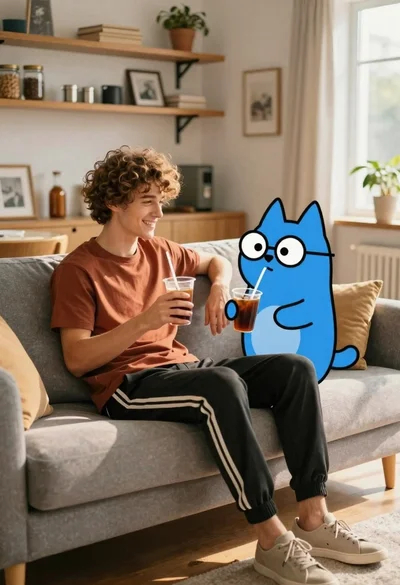
Young man with dog sitting on sofa in sunlit living room
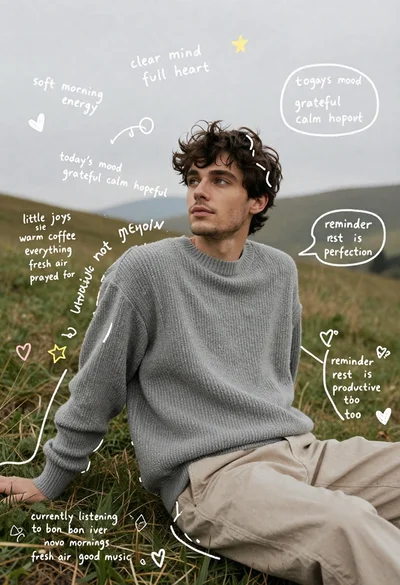
Young man in grey sweater sitting on a grassy hillside looking up

Young woman with brown hair smiling over shoulder in white sweater holding
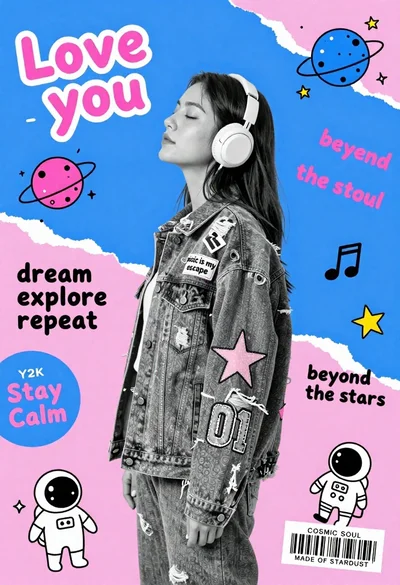
Young woman in profile wearing headphones and denim jacket against geometric background
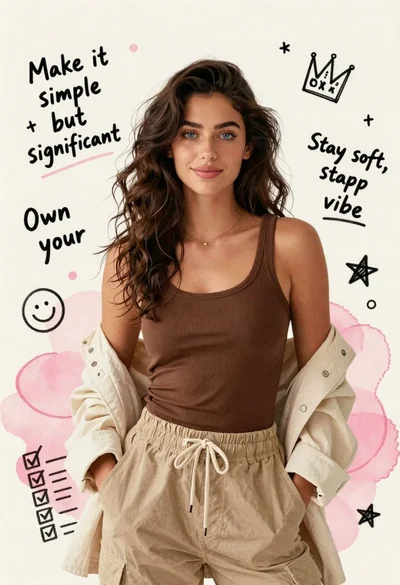
Young woman in brown tank top against pink watercolor doodle background

Portrait of a young woman in a cardigan against scrapbook collage background
Digital illustration of young man in cardigan and cargo pants against scrap

Smiling couple baking together in a sunlit kitchen with flour flying