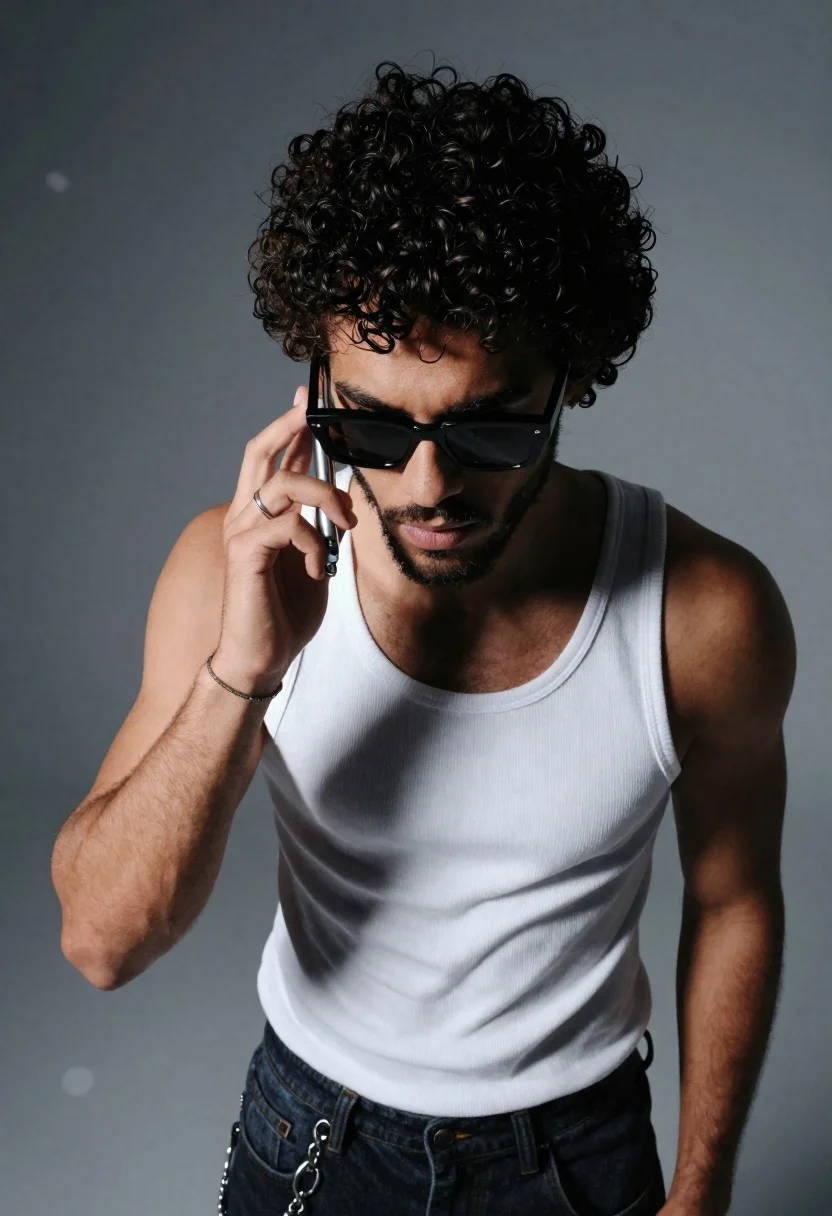
Young man with dark curly hair talking on a silver flip phone
Prompt
A high-angle shot of a young man with dark curly hair talking on a silver flip phone.

Subject: A young man with thick, dark curly hair and a well-groomed beard and mustache. He is wearing black sunglasses that obscure his eyes.

Clothing: He wears a white ribbed tank top and dark denim jeans featuring a decorative chain hanging from the belt loop.

Action: The subject holds a silver flip phone to his right ear with his right hand, which features a simple ring on the index finger and a thin bracelet on the wrist. His expression is serious and focused as he looks slightly downward.

Environment: The background is a smooth, out-of-focus gradient of cool grey tones with soft bokeh highlights suggesting a studio setting.

Camera: High-angle perspective looking down at the subject, utilizing a shallow depth of field to blur the background and emphasize the foreground figure.

Lighting: Dramatic lighting creates a spotlight effect on the subject's face and hair, casting deep shadows and highlighting the texture of his curly hair against a darker backdrop.

Style Details: Cinematic photography with high contrast, cool color grading, and a polished, modern aesthetic.
Description
This prompt is useful for creating character concept art, modern portraiture editorials, and stylized advertising campaigns requiring focus on texture. The combination of 'dramatic lighting' casting deep shadows against the 'cool grey tones' background sculpts the subject's face and emphasizes the texture of his curly hair, which prevents the image from looking flat despite the 'shallow depth of field'.
Suggestions
- Change 'silver flip phone' to a specific brand model for more realism.
- Swap 'black sunglasses' for clear lenses to allow eye visibility.
- Adjust 'cool color grading' to include hints of cyan for an edgier feel.
Category
Tags
Black HairCasual WearDark SkinHigh AngleMaleMedium ShotRealisticStudio
Date added
June 26, 2026
Added by
PromptDexter Team
Related Prompts
More prompts with similar categories and tags.
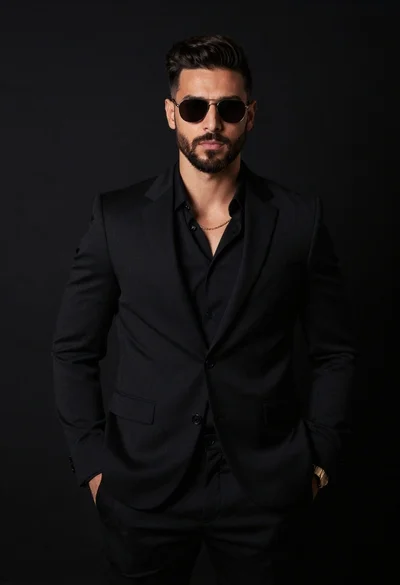
Handsome man in all black suit standing against solid dark studio background

Woman in black velvet cheongsam holding katana against red background
Handsome young man with dark curly hair sits on stone ledge by
Closeup portrait of handsome man with brown hair and blue eyes in

Studio portrait of young man with sunglasses against yellow
Portrait of young woman in black corset top against soft blue background
Close up portrait of dark skinned man with wet hair

Black and white portrait of young man in turtleneck sweater