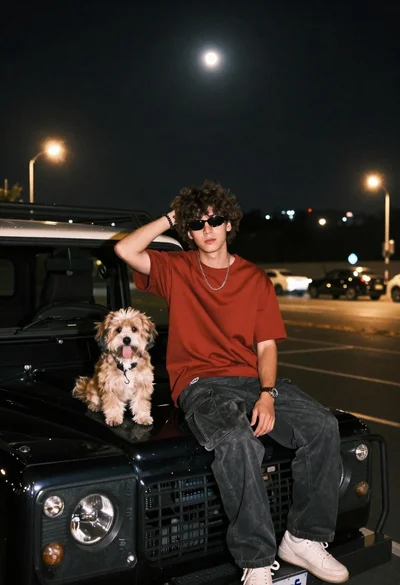
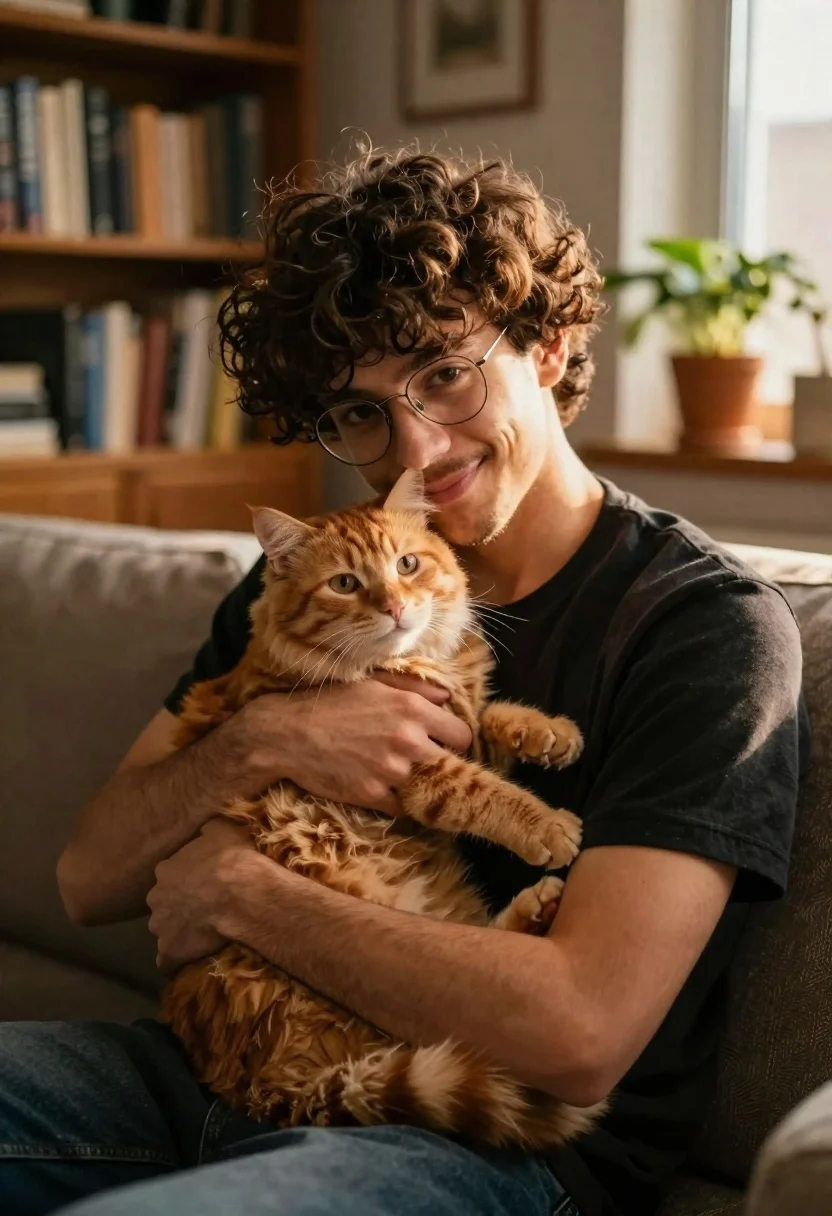
Young man with ginger cat on couch in warmly lit living room
Prompt
A young man with curly dark hair and wire-rimmed glasses sits on a couch holding a fluffy ginger cat close to his chest.

Subject: A young man with messy curly brown hair, light stubble, and rectangular wire-rimmed glasses looking gently at the camera while cradling a large orange tabby cat in his arms.

Clothing: The man wears a simple black crew-neck t-shirt that contrasts with the warm tones of the scene.

Action: He holds the cat securely but tenderly against his chest, resting his chin near the animal's head with a soft, affectionate smile.

Environment: A cozy indoor living room setting featuring wooden bookshelves filled with books in the background and potted plants on a windowsill to the right.

Camera: Close-up medium shot focusing on the upper body of the man and cat, utilizing a shallow depth of field that blurs the background elements softly.

Lighting: Warm golden hour sunlight streams from the right side, casting soft highlights on the man's face and the cat's fur while creating gentle shadows across the room.

Style Details: Cinematic photography style with high color temperature, rich textures in the fur and fabric, and a warm, intimate atmosphere.
Description
This prompt is useful for creating cozy lifestyle advertisements, pet portraiture prints, and narrative scene illustrations. The combination of 'warm golden hour sunlight' streaming from the right side and the 'shallow depth of field' ensures that the focus remains tightly on the man and cat, while the soft highlights prevent harsh shadows across the visible fur and skin.
Suggestions
- Change 'black crew-neck t-shirt' to 'charcoal knit sweater' for a more textured look.
- Swap 'ginger cat' for 'calico cat' to introduce color variation.
- Adjust 'warm golden hour sunlight' to 'soft window light' for a less intense glow.
Category
Tags
AnimalsBlack HairBrown HairClose UpMaleMedium ShotRealistic
Date added
June 19, 2026
Added by
PromptDexter Team
Related Prompts
More prompts with similar categories and tags.
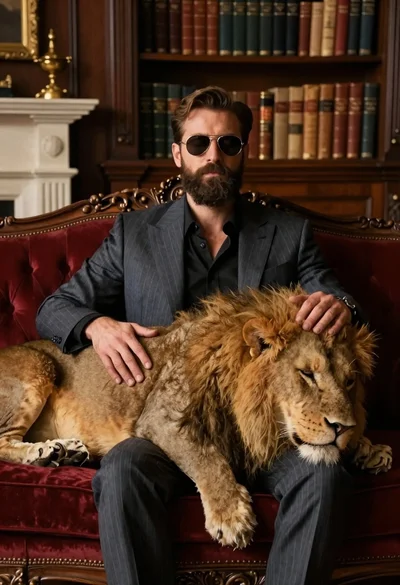
Man in suit resting with lion on red velvet couch
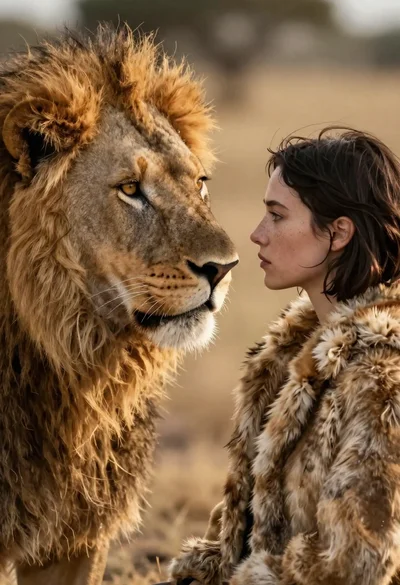
Cinematic close up of lion and woman profiles touching noses on savannah
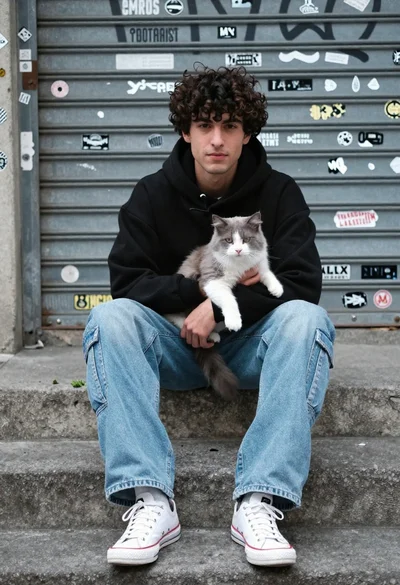
Young man with cat sitting on concrete steps in an urban setting
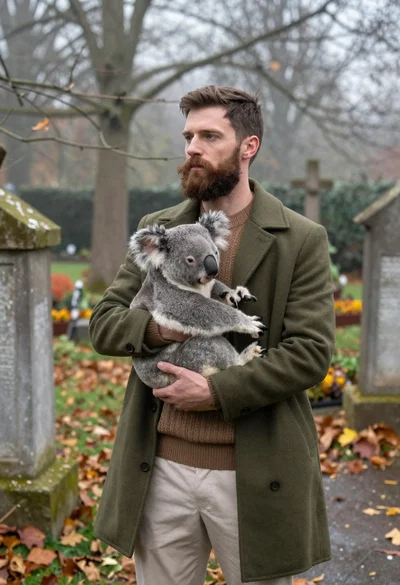
Bearded man holding koala in misty overgrown garden setting
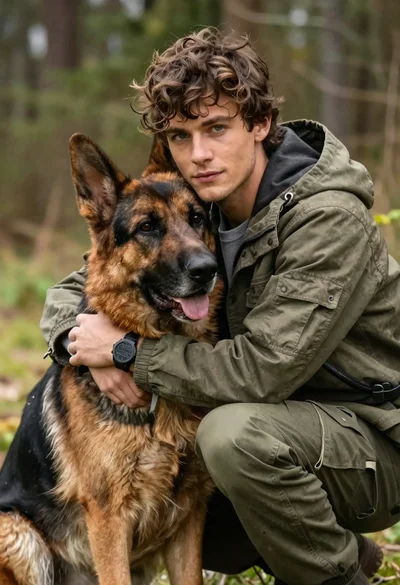
Young man with brown hair embracing a german shepherd in forest
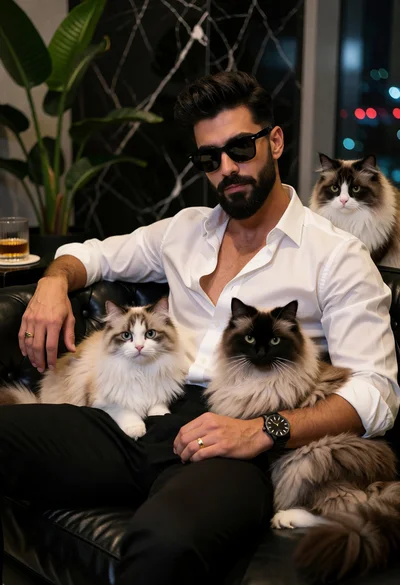
Stylish man with beard sitting on black couch surrounded by three fluffy

Close up selfie of smiling woman and brindle french bulldog in bedroom
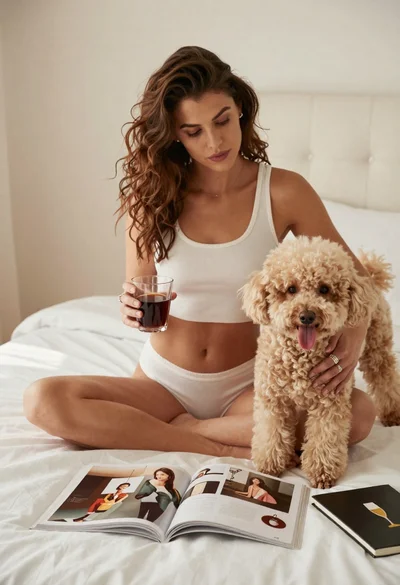
Woman with poodle on white bed reading magazine in bright bedroom
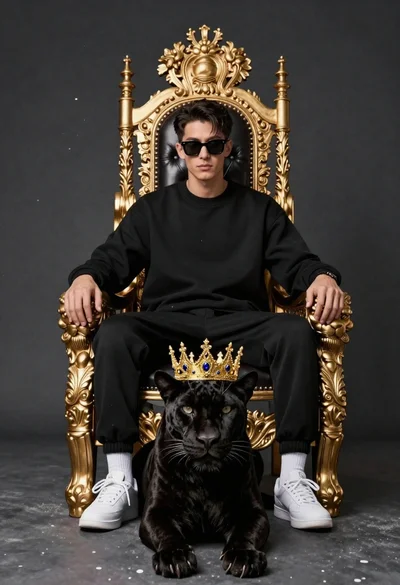
Man on golden throne with black panther companion

Young couple with cat in hogwarts style robes
