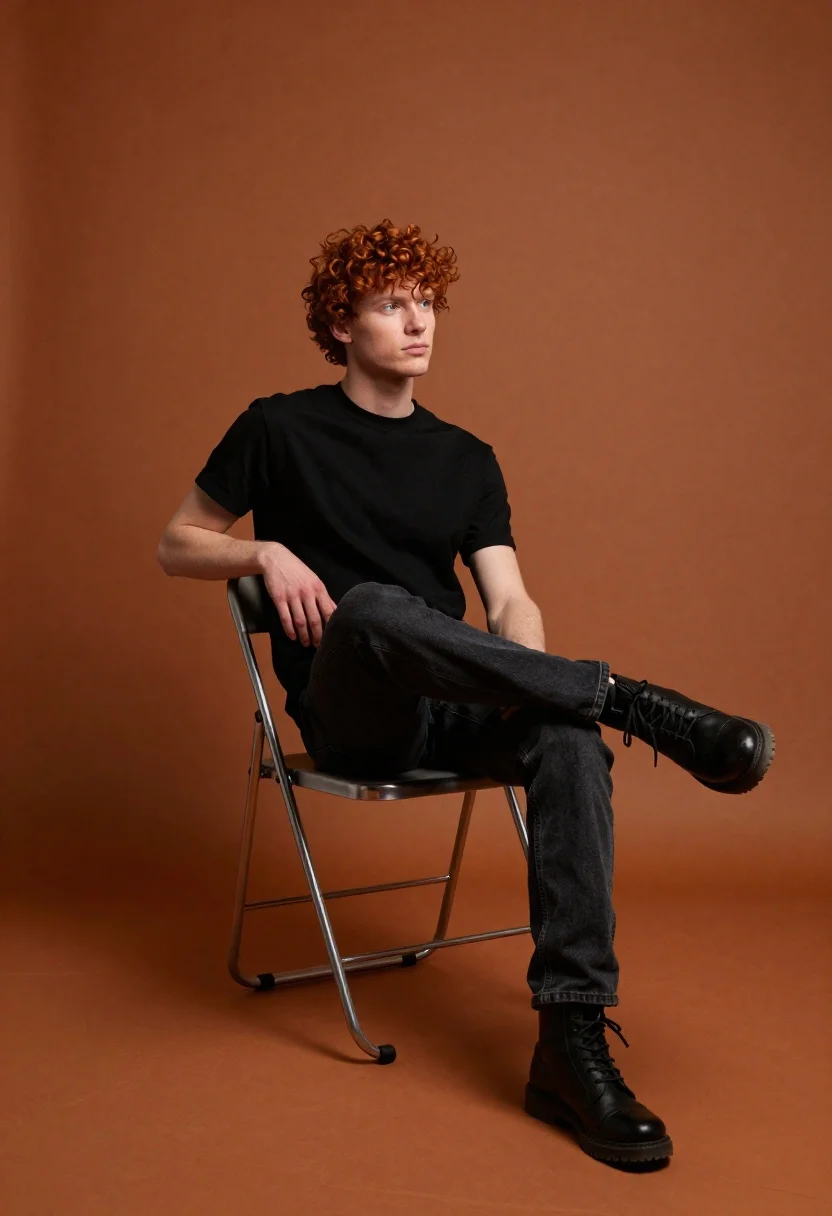
Young man with red curly hair sitting on chair against burnt orange
Prompt
A young man with curly red hair sits casually on a metal folding chair against a textured burnt orange backdrop.

Subject: A young male model with fair skin and voluminous curly red hair, looking off to the right side of the frame with a neutral expression.

Clothing: He wears a plain black crew-neck t-shirt, dark washed denim jeans, and black lace-up boots.

Action: He sits in a relaxed pose with his left leg crossed over his right knee, resting his left arm on the back of the chair while his right hand rests on his thigh.

Environment: The setting is a studio space featuring a seamless, textured background and floor in a deep burnt orange hue that fills the entire frame.

Camera: Shot from a low angle looking up at the subject, utilizing a medium-full shot to capture the full seated figure and the surrounding negative space.

Lighting: Soft, directional lighting illuminates the subject from the front-left, casting gentle shadows on the right side of his face and body while highlighting the texture of his hair and clothing.

Style Details: The image has a cinematic, high-contrast aesthetic with rich, warm color grading and a smooth, polished studio photography finish.
Description
This prompt is useful for creating character portraits for album art, editorial fashion spreads, and stylized actor headshots. The combination of 'low angle looking up' and the 'burnt orange backdrop' creates an imposing, dramatic presence that suits promotional materials by emphasizing the subject's stature against a saturated, warm field.
Suggestions
- Change 'plain black crew-neck t-shirt' to 'charcoal knit sweater' for more texture.
- Swap 'burnt orange backdrop' for 'deep terracotta backdrop' to shift the warmth.
- Adjust 'low angle looking up' to 'eye level' if you want a more intimate portrait.
Category
Tags
Fair SkinLow AngleMaleMedium ShotRealisticRed HairStudio
Date added
June 19, 2026
Added by
PromptDexter Team
Related Prompts
More prompts with similar categories and tags.
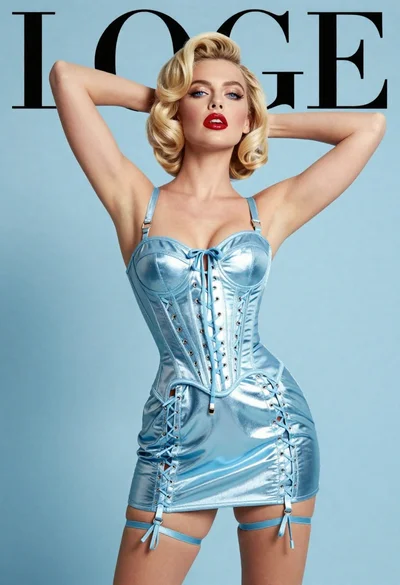
Fair blonde woman in metallic corset mini dress against light blue studio
Fair blonde woman in deep red velvet dress posing against plain white
Fair skinned woman with red hair in brown satin dress against gray
Woman with wavy red hair in yellow floral dress seated on red
Man in black suit against abstract geometric backdrop
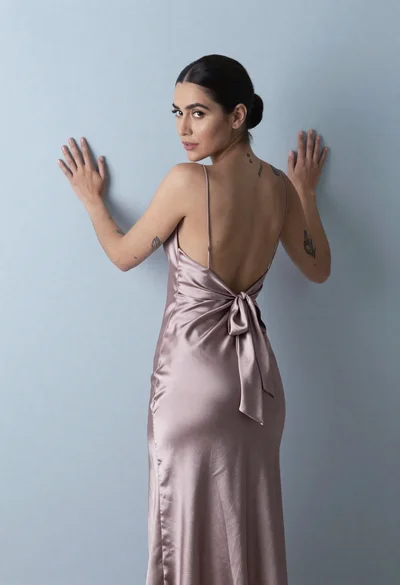
Woman in dusty rose slip dress looking over shoulder against light blue
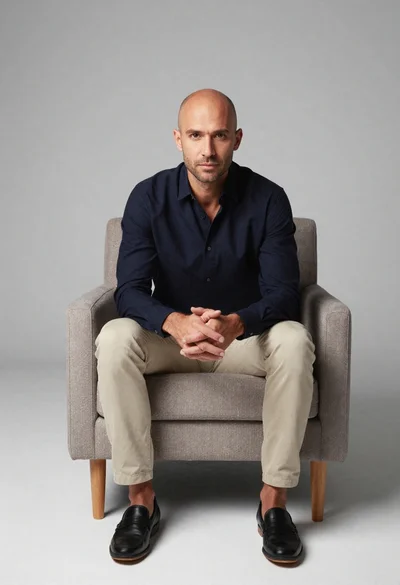
Studio portrait of man in armchair against gray background
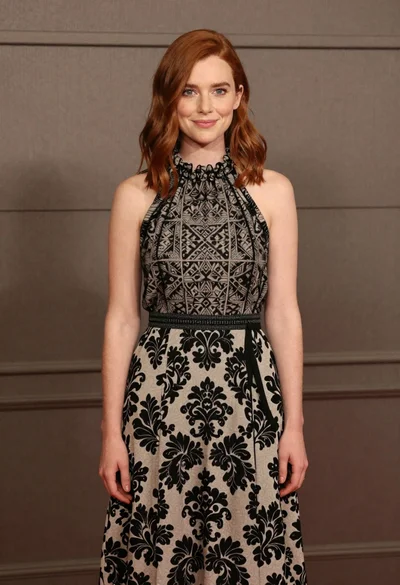
Full body portrait of woman in patterned halter dress against neutral paneling
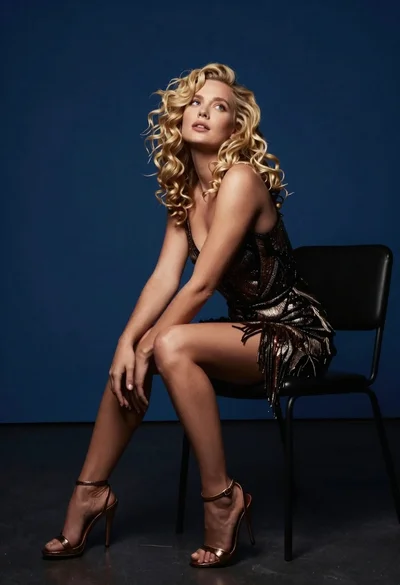
Blonde woman in dark patterned dress seated on black chair against deep
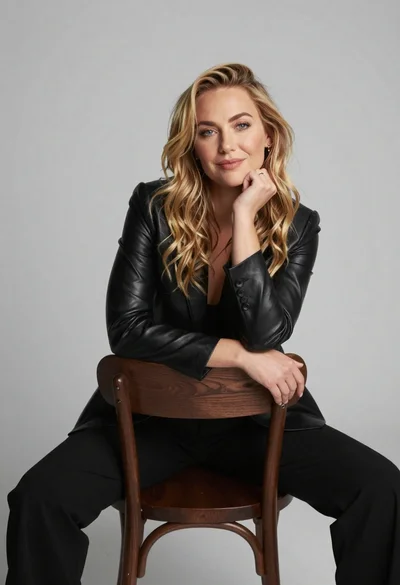
Fair blonde woman in black blazer sitting on chair in studio