
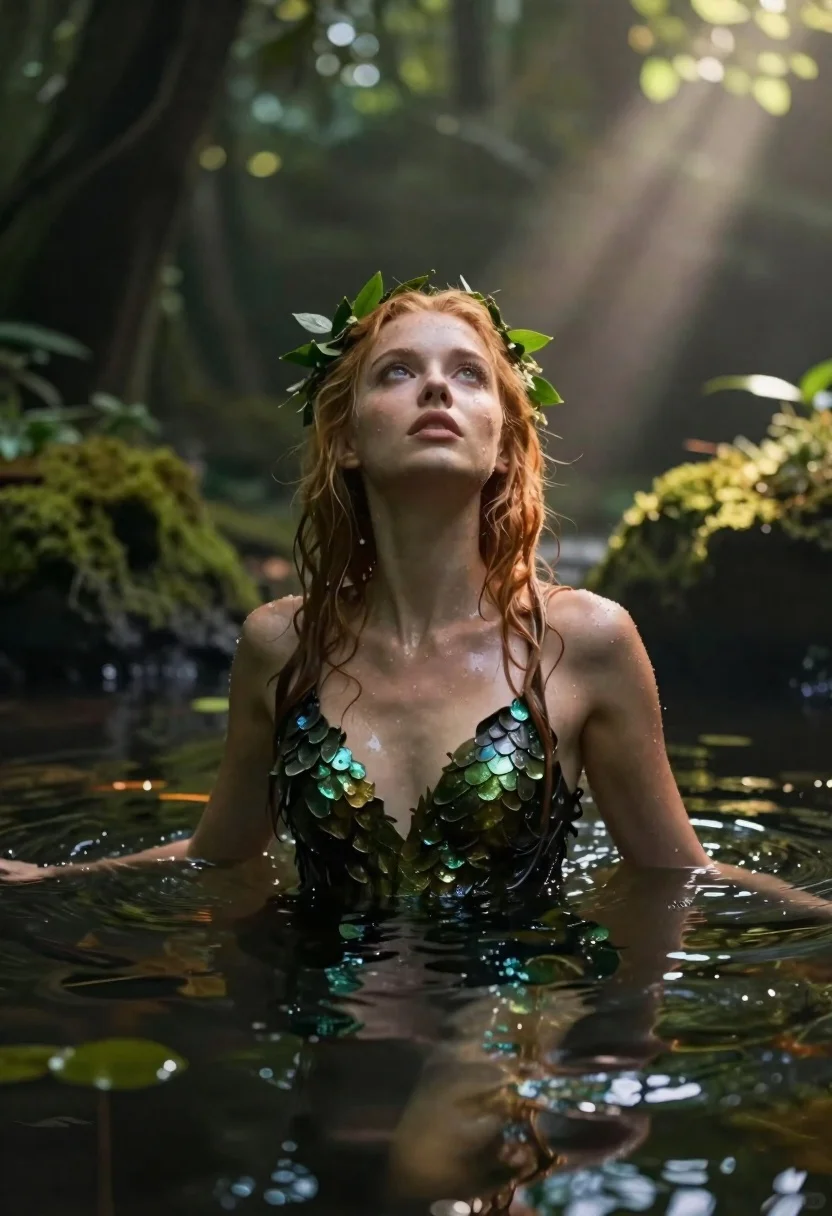
Woman submerged in water in a mossy forest
Prompt
A cinematic fantasy portrait of a young woman submerged in water up to her chest

Subject: fair-skinned woman with wet reddish-blonde hair and glowing eyes gazing upward; she wears small green leaves woven into her hair like an organic crown.

Clothing: sleek, dark bodysuit made of shimmering scales or leaf-like texture that clings to her form beneath the surface.

Action: head tilted back slightly with serene expression, arms resting at sides as if suspended in stillness; water ripples gently around her torso.

Environment: dense forest setting with mossy banks and floating aquatic plants surrounding her; sunlight filters through canopy above creating ethereal beams of light piercing down into scene.

Lighting: soft volumetric lighting from top-right direction casting gentle highlights on face, shoulders, and hair while leaving lower body in subtle shadow for depth.

Camera: medium close-up shot framed low-angle to emphasize upward gaze and sunlit atmosphere; shallow depth-of-field blurs background foliage enhancing focus on subject.
Description
This prompt is useful for creating fantasy editorial spreads, ethereal character portraits, and concept art for nature-based narratives. The combination of 'soft volumetric lighting' filtering through the canopy and the 'low-angle' framing directs the viewer's eye upward toward the subject's gaze, while the 'shallow depth-of-field' ensures that the surrounding mossy banks remain atmospheric without distracting from the figure.
Suggestions
- Change 'reddish-blonde hair' to 'wet platinum blonde hair' for a more otherworldly feel.
- Swap 'shimmering scales or leaf-like texture' for 'translucent orchid petals' for a softer material focus.
- Adjust 'medium close-up shot' to 'full body shot' to better capture the water dynamics.
Category
Tags
BlondeFair SkinFemaleForestFull BodyLow AngleMedium ShotOutdoorsPortrait ShotRealisticRed HairUnderwater
Date added
June 19, 2026
Added by
PromptDexter Team
Related Prompts
More prompts with similar categories and tags.

Full length shot of woman in dusty pink lace gown at indoor
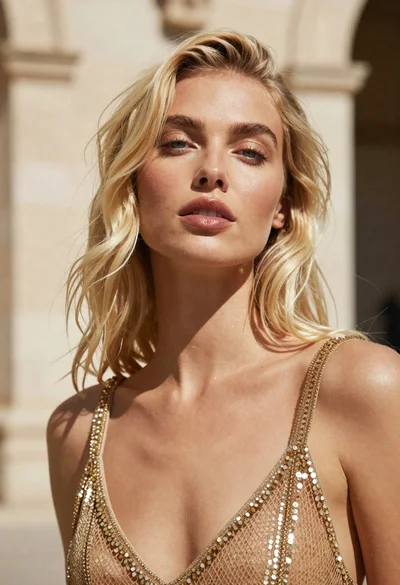
Close up portrait of blonde woman in gold beaded top against stone
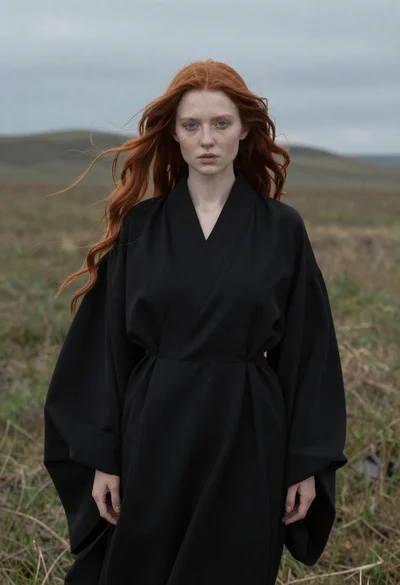
Woman in black robe standing in open field

Blonde woman in rust knit sweater leaning against textured wall

Fair blonde woman in metallic corset mini dress against light blue studio
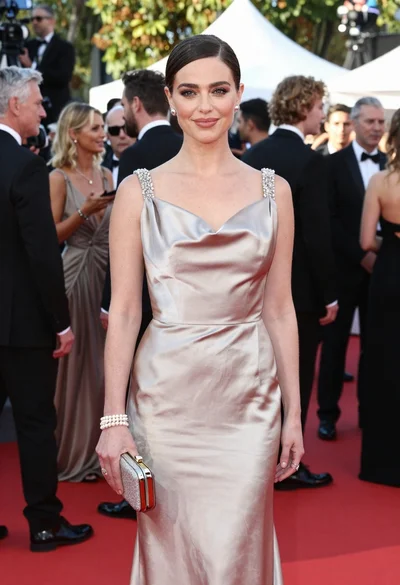
Glamorous woman in champagne gown posing at a bright outdoor event
Blonde woman in silver gown seated on red booth looking back
Woman in white dress holding lotus flower in shallow pool with fish
