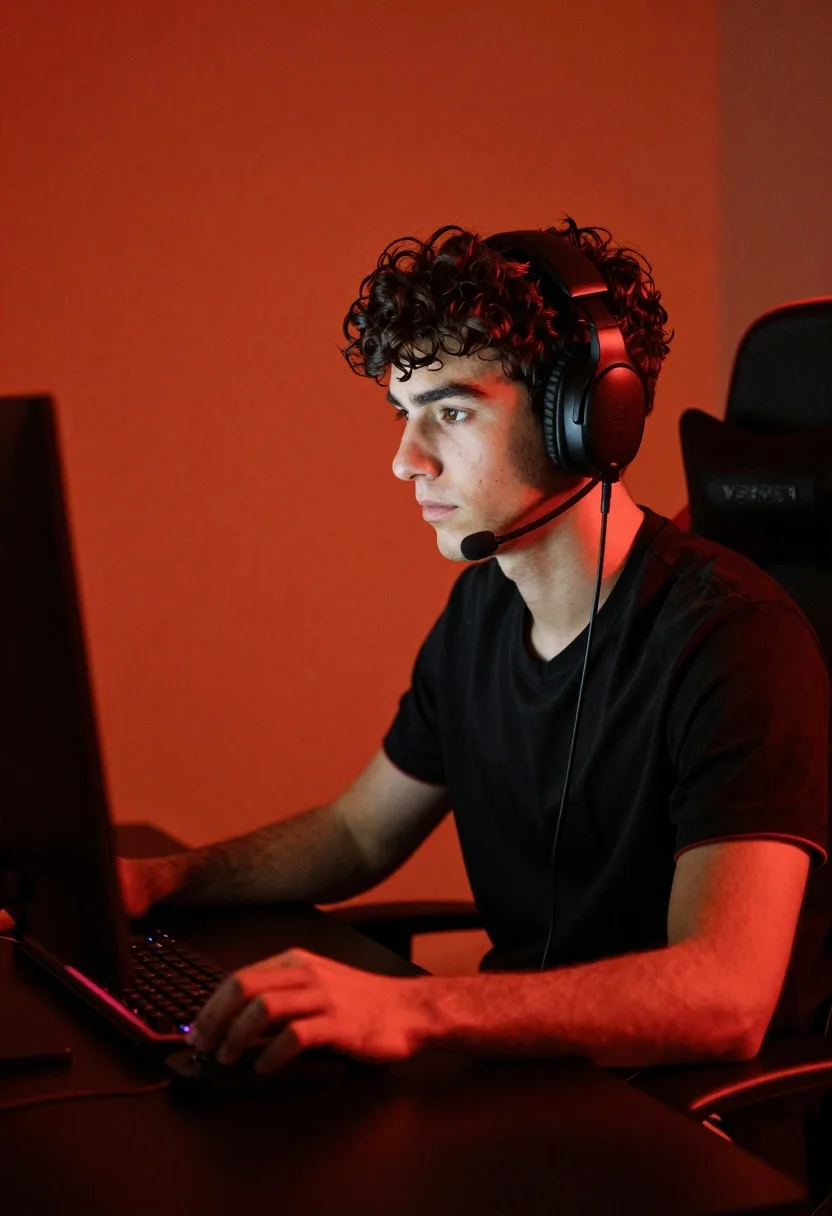
Young man working at desk with computer screen under red ambient light
Prompt
A young man with curly dark hair sits at a desk focused on a computer screen.

Subject: A young man with wavy dark brown hair and a serious expression looking intently at a monitor.

Clothing: He wears a black short-sleeved V-neck t-shirt with red trim on the sleeves.

Action: His right hand rests on a computer mouse while he sits in a gaming chair, wearing large black over-ear headphones with an attached microphone boom.

Environment: The setting is a dimly lit room with a solid deep orange background wall and a dark desk surface.

Camera: A medium close-up shot framed from the side profile, capturing the subject's face and upper body against the screen.

Lighting: Strong red ambient lighting casts a warm glow across the scene, highlighting the contours of his face and hands while leaving parts of the room in shadow.

Style Details: High-contrast cinematic photography with a moody atmosphere and vibrant color grading.
Description
This prompt is useful for creating cyberpunk concept art, dramatic character portraits for gaming profiles, and mood pieces depicting late-night focus sessions. The combination of 'strong red ambient lighting' and 'high-contrast cinematic photography' ensures that the subject's face and hands are dramatically sculpted by the glow, preventing a flat look while the 'deep orange background wall' anchors the intense color palette.
Suggestions
- Change 'black short-sleeved V-neck t-shirt' to 'charcoal hoodie' for more texture.
- Adjust 'strong red ambient lighting' to 'neon magenta backlighting' for a different hue.
- Modify 'medium close-up shot' to 'over the shoulder view' to emphasize the screen.
Category
Tags
Black HairIndoorsMaleMedium ShotRealisticSide ProfileStreetwear
Date added
June 19, 2026
Added by
PromptDexter Team
Related Prompts
More prompts with similar categories and tags.
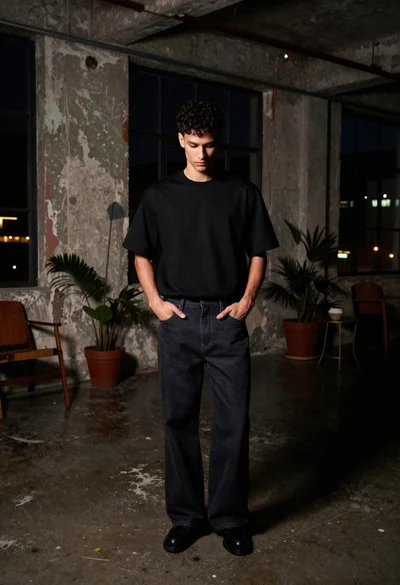
Young man in black t shirt standing in dimly lit industrial loft

Close up portrait of young woman with brown braid indoors
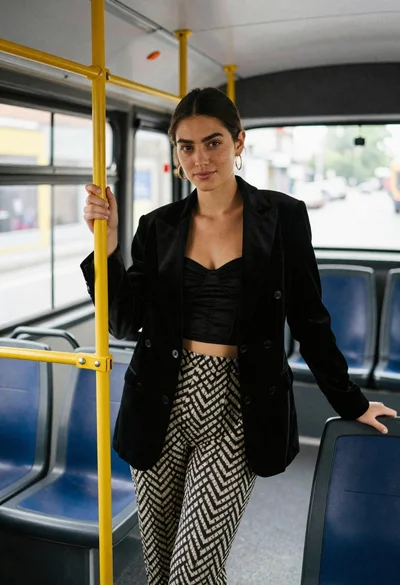
Young woman in black blazer standing inside public transit bus
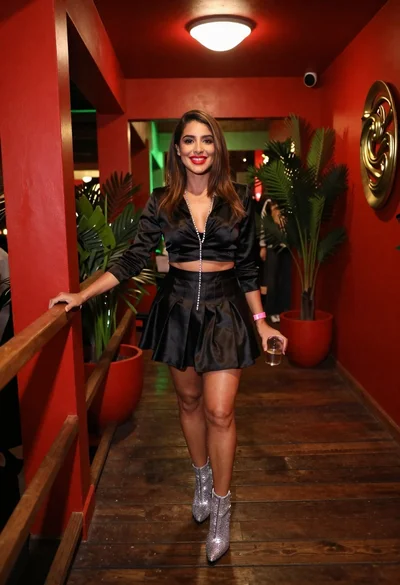
Confident woman smiling indoors on dark wood walkway with red decor
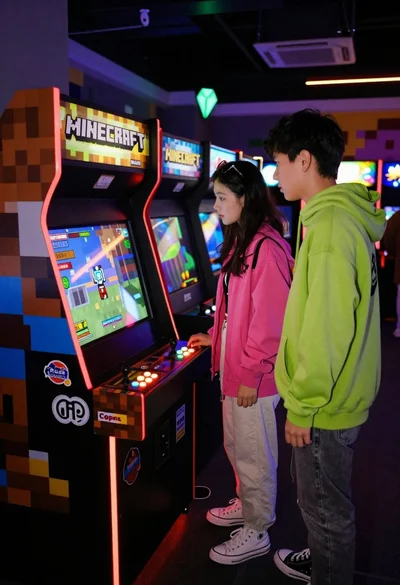
Two people looking at arcade cabinet in dimly lit hall
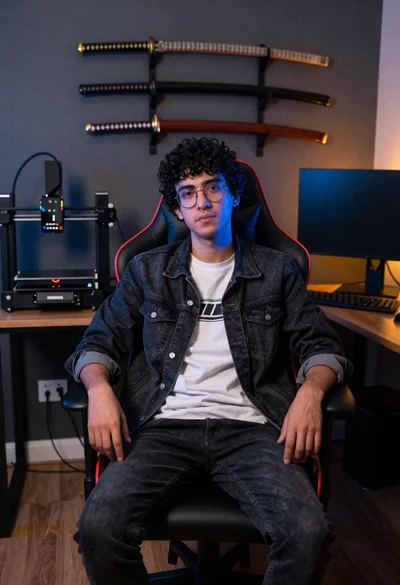
Young man sitting in office gaming chair with katanas
African american man mirror selfie in modern living room
Young man sketching at a wooden desk in dark studio

Young man leaning on a modified sports car in city night
Middle aged man with beard holding amber drink in dimly lit lounge