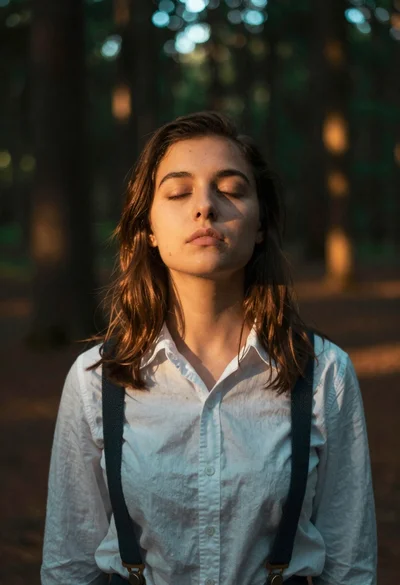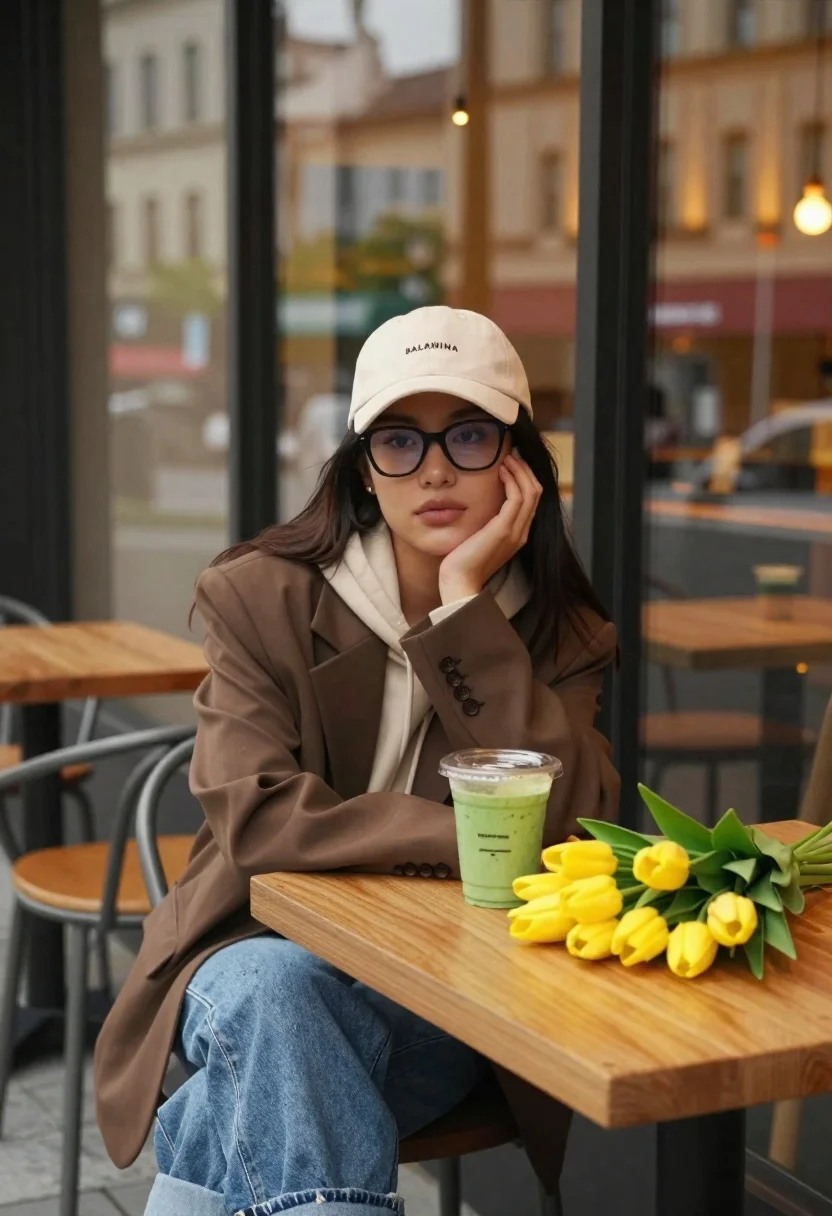
Young woman at cafe table with smoothie and yellow tulips
Prompt
A young woman sits at a wooden table in a cafe with large glass windows reflecting the street outside.

Subject: A young woman with long dark hair wearing black-rimmed glasses and a cream-colored baseball cap with the text BALANNINA embroidered on the front.

Clothing: She wears a brown oversized blazer over a beige hooded sweatshirt, paired with light blue denim jeans that are cuffed at the ankles.

Action: She rests her chin on her left hand in a relaxed pose, looking directly forward with a calm expression.

Environment: The setting is an outdoor cafe seating area next to a large glass storefront, with blurred city buildings and warm interior lights visible in the reflection behind her.

Objects: A clear plastic cup filled with green smoothie sits on the table next to a vibrant bouquet of yellow tulips with green leaves.

Lighting: Warm golden ambient light from the cafe interior reflects off the glass, creating a soft glow that highlights the subject against the slightly darker evening background.

Camera: The shot is framed as a medium close-up at eye level, utilizing a shallow depth of field to keep the woman and table sharp while blurring the background reflections.

Style Details: The image features a cinematic color palette with earthy tones and vibrant accents, rendered in high definition with a soft, polished aesthetic.
Description
This prompt is useful for creating lifestyle blog imagery, seasonal product placements featuring florals, and casual portraiture suitable for brand editorials. The combination of 'warm golden ambient light' reflecting off the glass and the 'shallow depth of field' ensures the subject remains the focal point while allowing the vibrant yellow tulips to provide necessary color contrast against the otherwise earthy tones.
Suggestions
- Change 'cream-colored baseball cap' to 'black knit beanie' for a more autumnal feel.
- Swap 'green smoothie' for 'berry acai bowl' to change the object's visual weight.
- Adjust 'medium close-up' to 'waist shot' to better incorporate the blazer and table setting.
Category
Tags
Brown HairCafeCasual WearFemaleOutdoorsRealistic
Date added
June 19, 2026
Added by
PromptDexter Team
Related Prompts
More prompts with similar categories and tags.
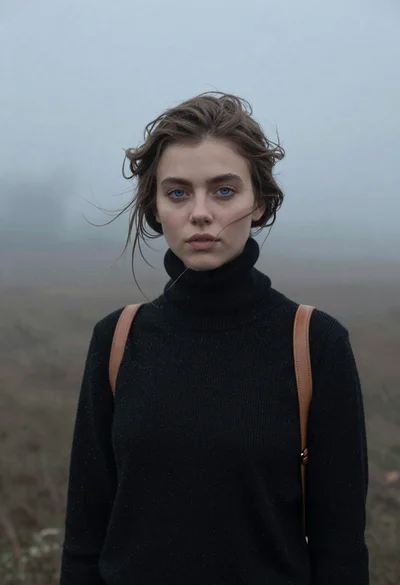
Portrait of woman in black sweater in thick fog

Blonde woman in rust knit sweater leaning against textured wall

Woman in gold sequin slip dress looking over shoulder in forest

Woman in black dress by window overlooking ocean at golden hour
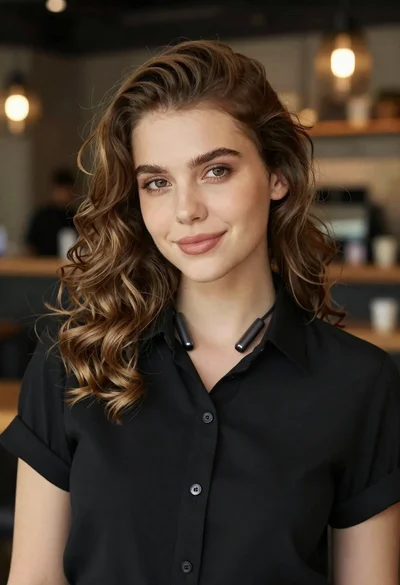
Portrait of young woman with light brown hair in black shirt
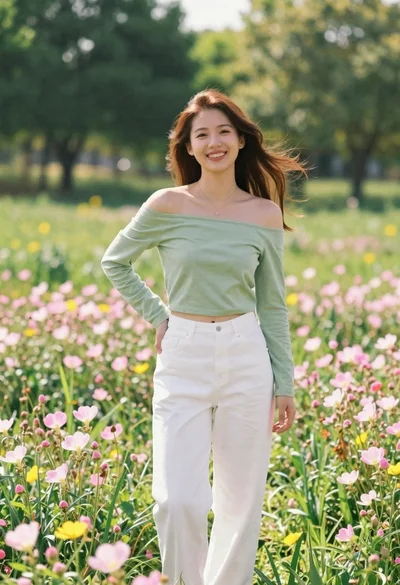
Smiling young woman in green top standing in wildflower meadow
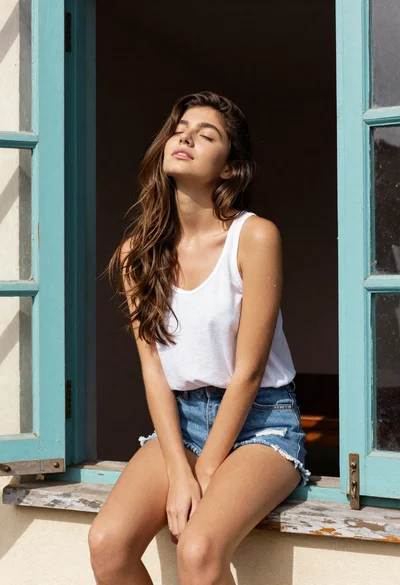
Young woman in white tank top by open window
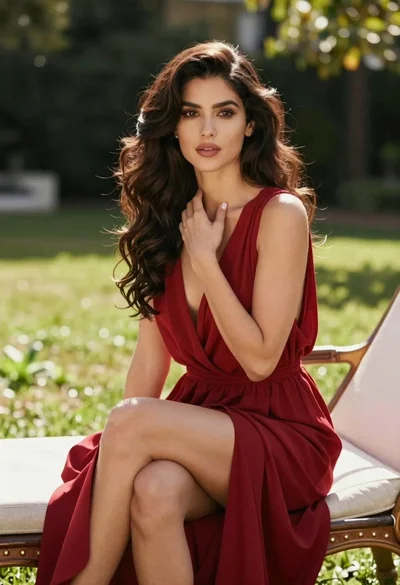
Woman in deep red dress seated elegantly outdoors on grassy lawn
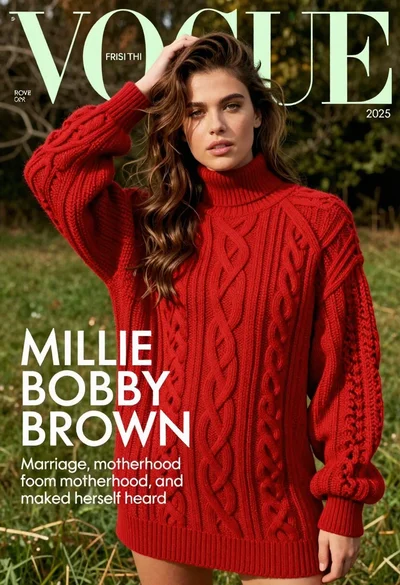
Young woman in red sweater dress standing in grassy field fashion shoot
Fairskinned woman in white dress standing in sunny meadow wildflowers