
Young woman at pool table holding cue stick looking at eight ball
Prompt
A young woman with long brown hair stands at a green pool table in a dimly lit billiards hall, holding a cue stick and looking down at a blue eight-ball.

Subject: A young woman with long wavy brown hair, fair skin, and large hoop earrings.

Clothing: She wears a fuzzy lime green cardigan over a white lace-trimmed camisole top and light-wash denim jeans.

Action: She leans forward slightly with her left hand resting on the table edge and her right hand gripping a wooden pool cue, gazing downward at the blue eight-ball positioned near the rail.

Environment: The setting is an indoor pool hall with dark ceilings, multiple black pendant lights hanging above, red upholstered seating in the background, white picket fence-style dividers between tables, and green ambient lighting along the walls.

Camera: Medium shot from a slightly low angle emphasizing her posture and the table surface, with shallow depth of field blurring the distant background.

Lighting: Warm overhead spotlights create soft highlights on her hair and shoulders, while cool green accent lights add atmospheric contrast in the background.

Style Details: Photorealistic image with natural skin texture, realistic fabric details, and cinematic indoor lighting typical of social media photography.
Description
This prompt is useful for creating editorial lifestyle shots, moody portraiture for advertising campaigns, and atmospheric scene setting pieces. The combination of 'warm overhead spotlights' contrasting with 'cool green accent lights' establishes a dramatic visual tension that draws focus to the subject's hands and the 'blue eight-ball,' while the 'shallow depth of field' ensures the viewer's eye remains locked on her focused gaze rather than being distracted by the detailed background elements.
Suggestions
- Change 'fuzzy lime green cardigan' to 'velvet emerald cardigan' for a richer color pop.
- Adjust 'dimly lit billiards hall' to 'vintage speakeasy pool room' for more character.
- Swap 'blue eight-ball' for 'solid yellow eight-ball' to complement the green accents.
Category
Tags
Brown HairCasual WearFair SkinFemaleIndoorsLow AngleMedium ShotRealistic
Date added
June 19, 2026
Added by
PromptDexter Team
Related Prompts
More prompts with similar categories and tags.

Young blonde woman in brown top seated in modern living room setting
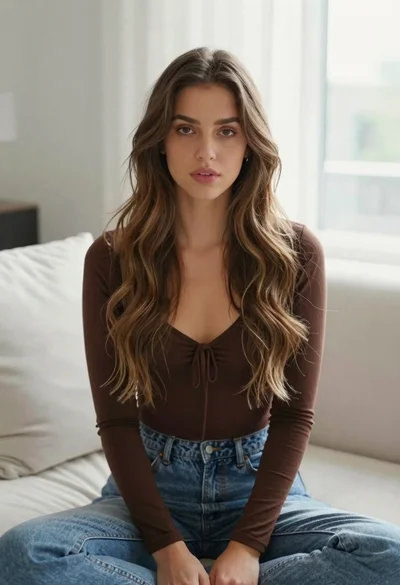
Young woman with brown hair sitting on white sofa in bright modern
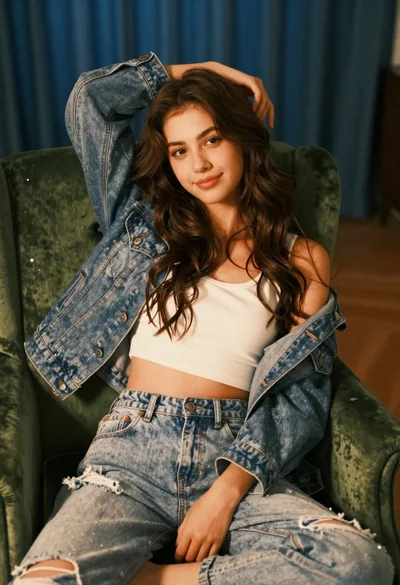
Young woman with brown hair sitting on green velvet chair indoors

Woman in dusty rose slip dress looking over shoulder against light blue
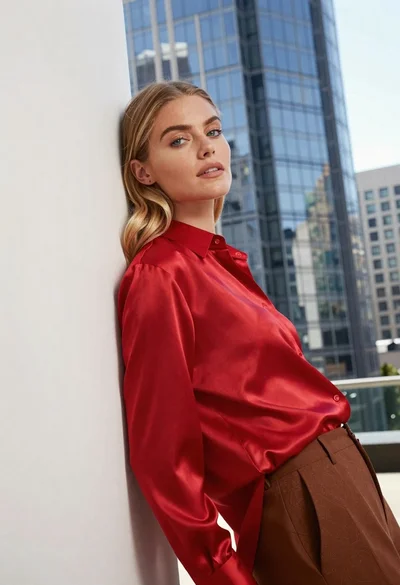
Blonde woman in red satin shirt leaning against white architecture
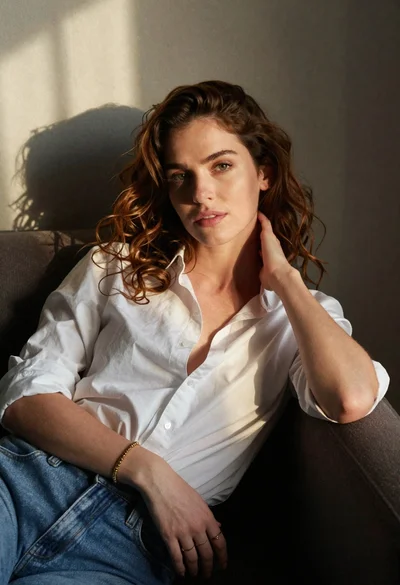
Woman with chestnut hair reclining on dark couch indoors

Blonde woman in black coat leaning against white wall by window
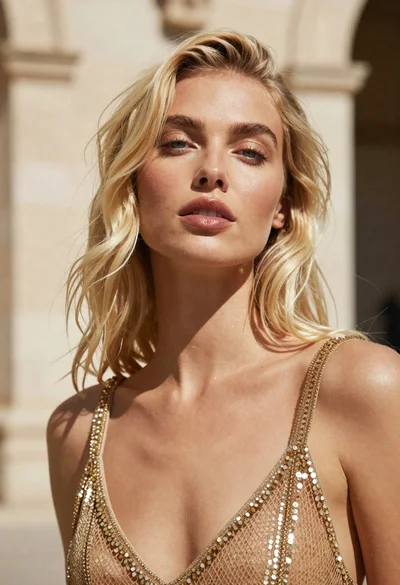
Close up portrait of blonde woman in gold beaded top against stone
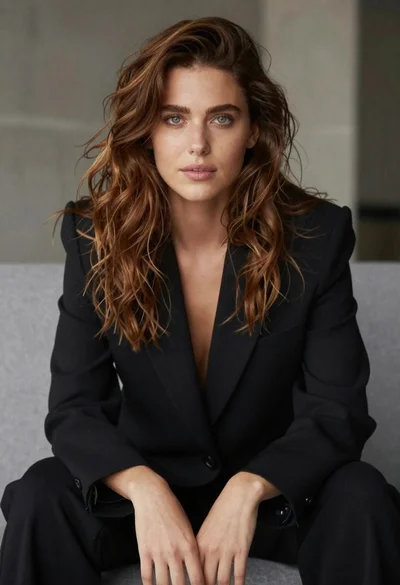
Studio portrait of woman in black blazer
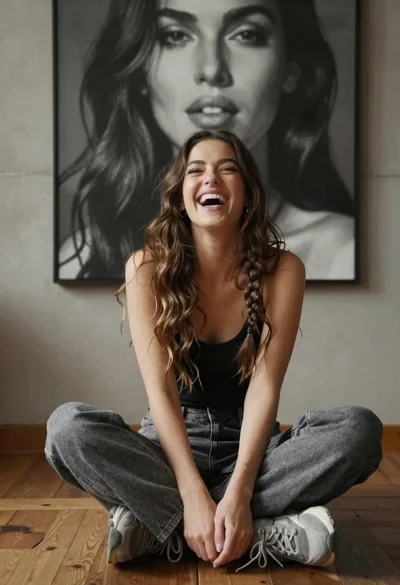
Young woman laughing cross legged indoors near large black and white portrait