Close up portrait of blonde woman in gold beaded top against stone
Prompt
A close-up portrait of a woman with long, wavy platinum blonde hair and fair skin.

Subject: A young woman with a soft, natural complexion, light blue eyes, and subtle makeup featuring glossy lips and defined eyebrows. Her hair is styled in loose waves that fall over her shoulders.

Clothing: She wears a shimmering, gold-toned mesh top or dress adorned with intricate beading and sequins along the straps and neckline. The fabric has a delicate, netted texture that catches the light.

Lighting: Bright, direct sunlight illuminates the scene from above, casting soft shadows on her face and highlighting the sparkle of her outfit. The lighting creates a warm, sun-drenched atmosphere with a slight sheen on her skin.

Environment: A blurred background of light-colored stone architecture, possibly an outdoor plaza or historic building, provides a neutral, textured backdrop that keeps the focus on the subject.

Camera: A tight medium close-up shot with a shallow depth of field that blurs the background while keeping the subject's face and upper torso in sharp focus. The angle is slightly low, looking up at the subject.

Style Details: High-resolution photography with a naturalistic color palette, emphasizing realistic skin textures and the reflective quality of the jewelry-like clothing.
Description
This prompt is useful for creating editorial beauty campaigns, luxury resort advertising, and high-end portrait galleries. The combination of 'bright, direct sunlight' casting soft shadows and the 'shimmering, gold-toned mesh top' ensures that the subject's skin texture remains visible while maximizing the reflective quality of the outfit against the blurred stone backdrop.
Suggestions
- Change 'platinum blonde hair' to 'honey blonde hair' for a warmer tone.
- Swap 'gold-toned mesh top' for 'ivory beaded bodice' to change the color focus.
- Adjust 'shallow depth of field' to 'bokeh effect' for an even softer background blur.
Category
Tags
BlondeBrown HairCasual WearClose UpFair SkinFemaleLow AngleMedium ShotOutdoorsPortrait ShotRealistic
Date added
June 19, 2026
Added by
PromptDexter Team
Related Prompts
More prompts with similar categories and tags.

Blonde woman reading at a cafe table with roses

Woman in black dress by window overlooking ocean at golden hour

Young blonde woman in brown top seated in modern living room setting
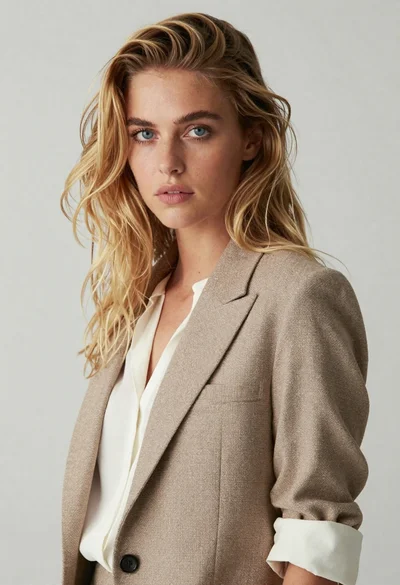
Medium close up portrait of blonde woman in beige blazer studio setting
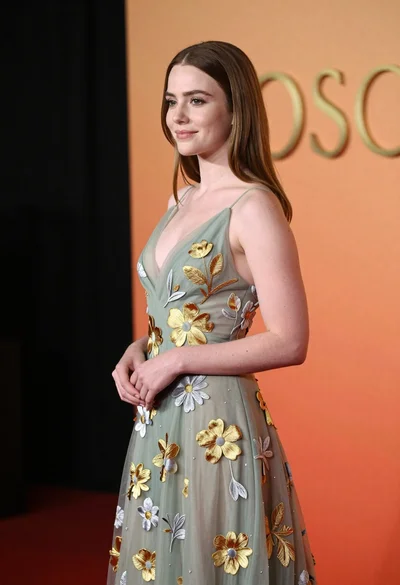
Young woman in sage green embroidered gown against orange backdrop
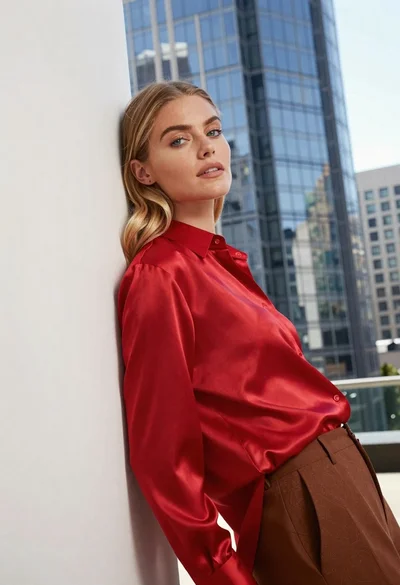
Blonde woman in red satin shirt leaning against white architecture

Fair blonde woman touching hair outdoors overlooking hazy cityscape

Blonde woman in black coat leaning against white wall by window

Woman submerged in water in a mossy forest
Woman lying in meadow with yellow daisies at golden hour