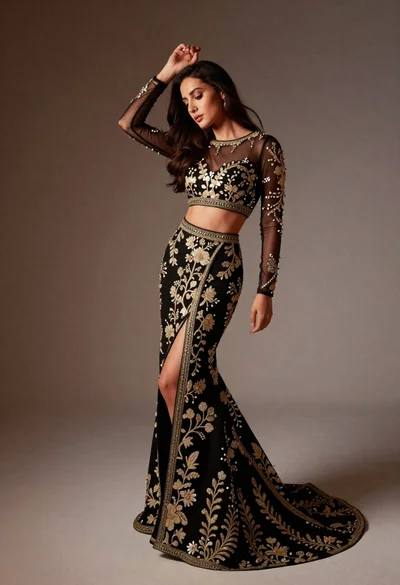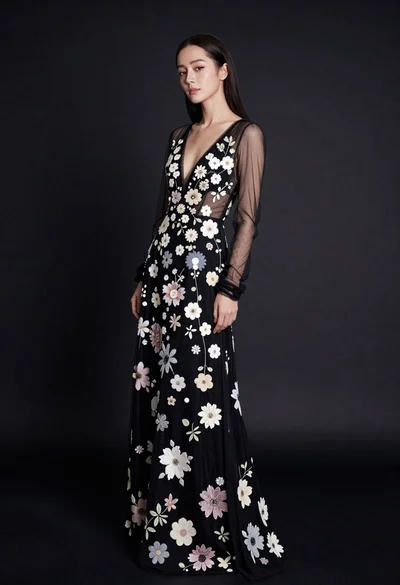
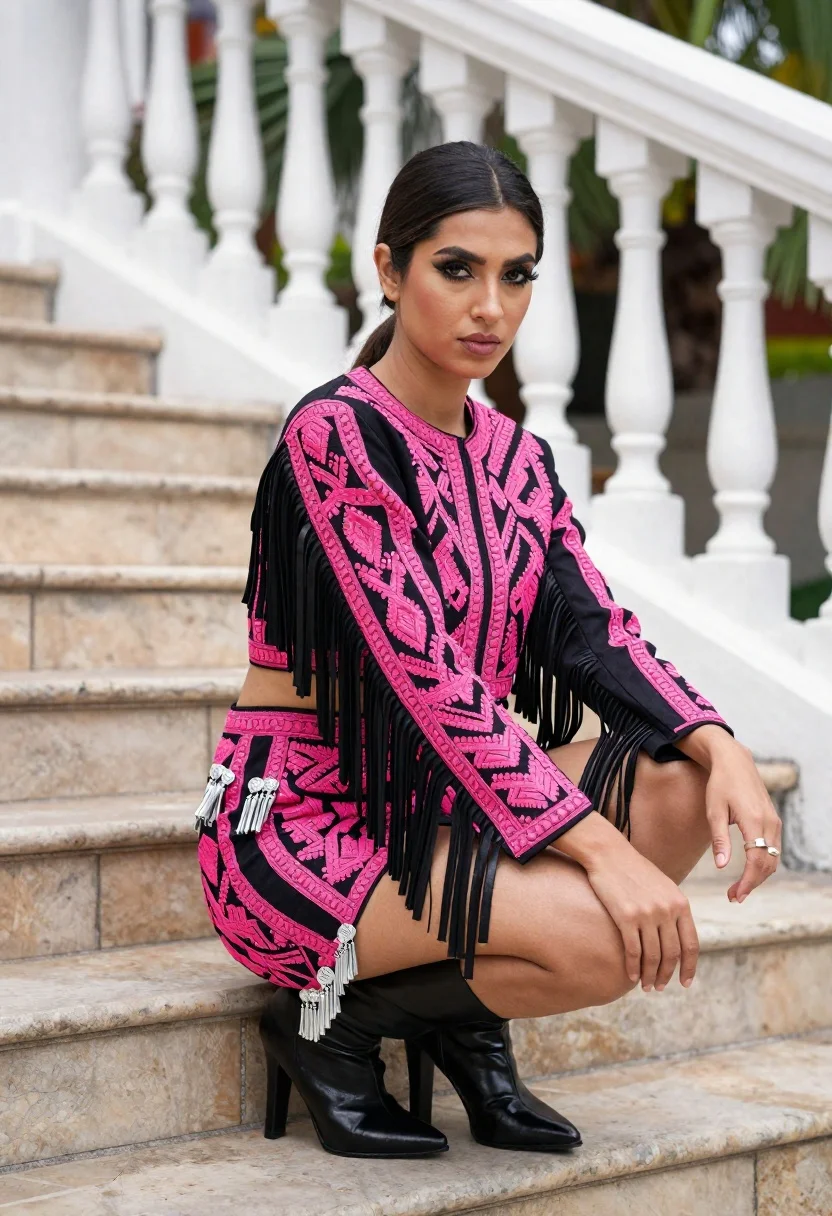
Young woman crouching on stone stairs in embroidered pink and black outfit
Prompt
A woman crouching on stone stairs wearing a vibrant pink and black embroidered outfit with long black fringe sleeves and silver tassels.

Subject: A young woman with dark hair pulled back, featuring prominent eye makeup and a serious expression looking directly at the camera.

Clothing: She wears a matching two-piece set consisting of a cropped jacket and a mini skirt, both covered in bright pink geometric embroidery, black leather-like fringe strips along the arms and hem, and silver tassel details on the skirt. She is wearing shiny black high-heeled boots.

Action: The subject is crouching with her knees drawn up to her chest, one hand resting near her knee and the other extended slightly outward, displaying a ring on her finger.

Environment: The setting is an outdoor staircase made of light-colored stone blocks, featuring white balustrades with turned spindles in the background, with green foliage visible behind the railing.

Lighting: Natural daylight illuminates the scene from the side, casting soft shadows and highlighting the textures of the embroidery and leather fringe.

Camera: The shot is a medium close-up taken at eye level with a shallow depth of field that keeps the subject sharp while softly blurring the background stairs and plants.

Style Details: High-resolution photography with vivid color saturation emphasizing the contrast between the bright pink patterns and the black accessories.
Description
This prompt is useful for creating editorial fashion spreads, character concept art for period dramas, and high-end lookbook imagery. The combination of 'natural daylight' casting soft shadows against the 'light-colored stone blocks' grounds the vibrant outfit while the 'shallow depth of field' ensures that the intricate details of the embroidery and fringe remain the primary focus.
Suggestions
- Change 'vibrant pink' to 'dusty rose' for a more muted palette.
- Swap 'black leather-like fringe strips' for 'velvet trim' to alter the texture.
- Adjust 'medium close-up' to 'full body shot' to better capture the staircase environment.
Category
Tags
Black HairFemaleFormal WearRealistic
Date added
June 19, 2026
Added by
PromptDexter Team
Related Prompts
More prompts with similar categories and tags.
Glamorous portrait of woman in dark fur stole and black gown
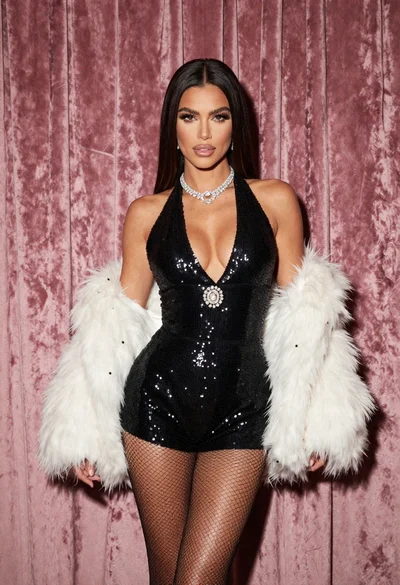
Glamorous woman in black sequined romper standing before dusty rose velvet curtains
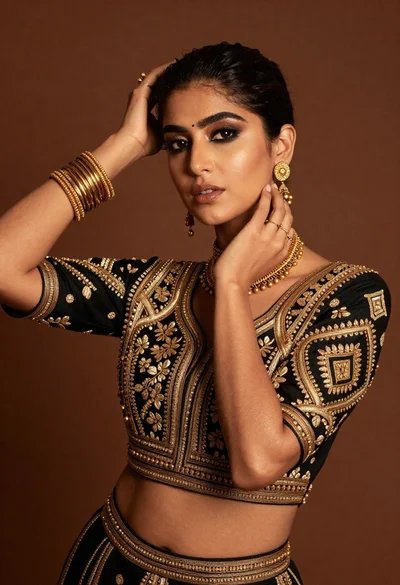
Glamorous woman posing in black embroidered top against warm brown studio backdrop

Poised woman in black gown posing indoors with dramatic low key lighting
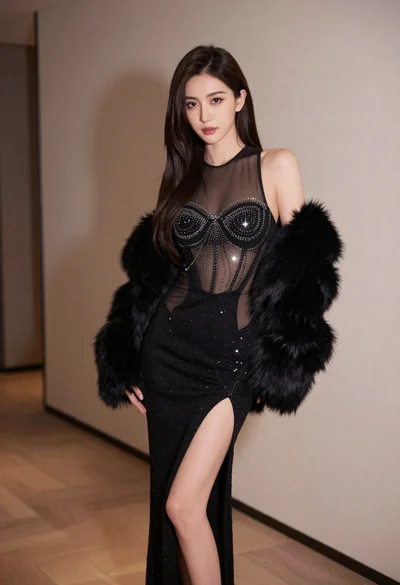
Glamorous woman in black mesh dress with fur stole indoors
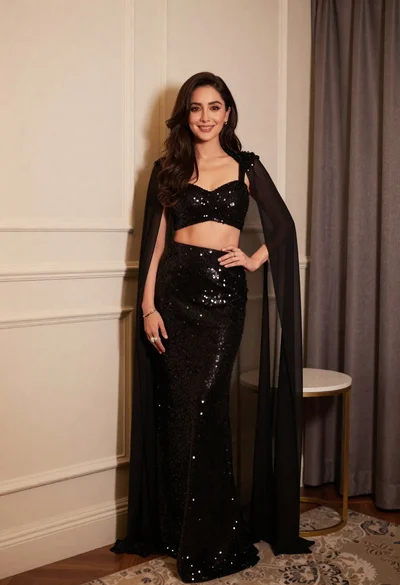
Poised woman in black sequined two piece outfit indoors
Smiling woman in black strapless gown against dark blue draped curtains
Confident woman in black embroidered dress against dark grey studio backdrop
Full body portrait of blonde woman in elegant black gown on pedestal
Young woman in red one shoulder dress posing against solid backdrop