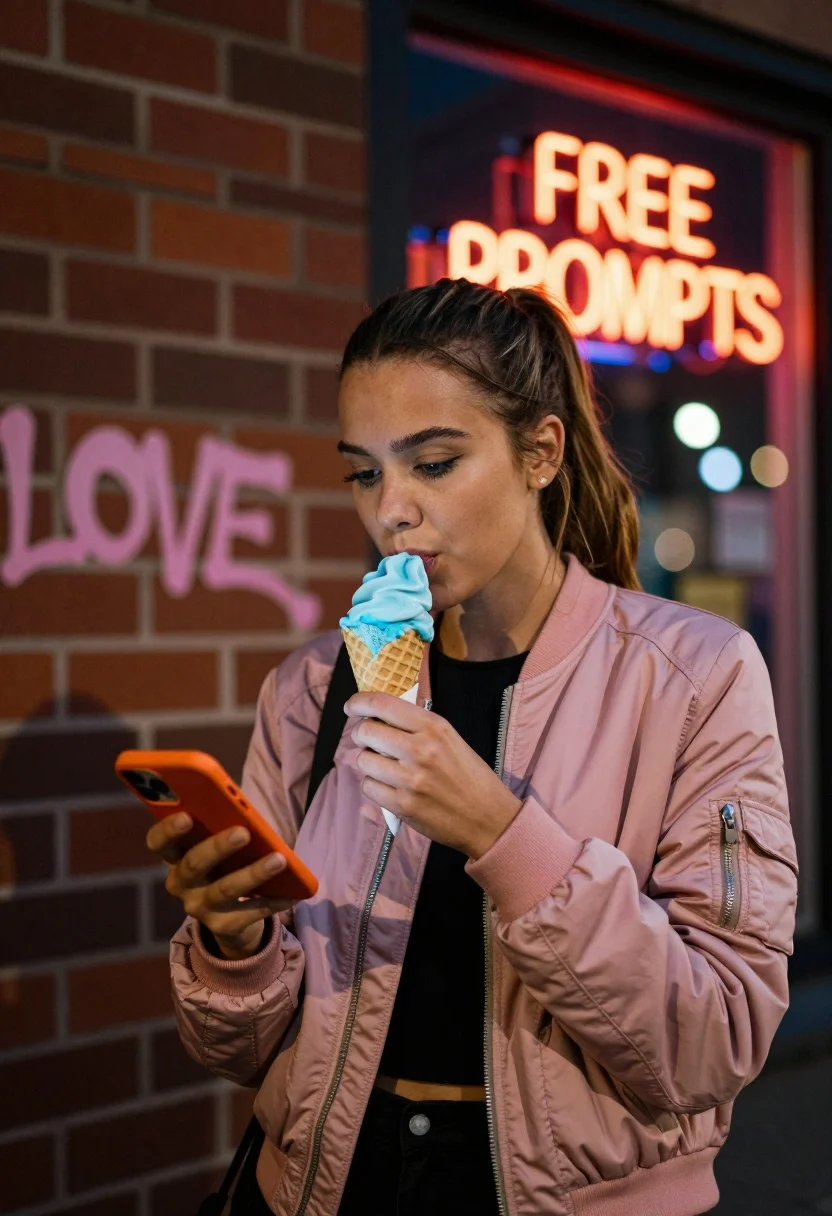
Young woman eating blue ice cream on city street near graffiti and
Prompt
A young woman with brown hair tied back in a ponytail stands on a city street at night, eating a blue ice cream cone while holding an orange smartphone in her other hand.

Subject: A young woman with fair skin and brown hair pulled back into a low ponytail, wearing subtle makeup including defined eyebrows and eyeliner.

Clothing: She wears a pink bomber-style jacket over a black top, with the jacket featuring visible zippers and pockets.

Action: She is looking down at her phone screen while taking a bite of the ice cream cone held in her right hand.

Environment: The scene takes place outdoors at night next to a brick wall covered in pink graffiti tags that reads "LOVE." A window behind her displays a bright orange neon sign reading "FREE PROMPTS" in capital letters.

Camera: The shot is a medium close-up framed vertically, capturing the subject from the waist up against the textured background of the brick wall and window.

Lighting: The scene is lit by ambient street lights and the glow from the neon sign, creating a soft contrast between the dark night sky and the illuminated subject.

Objects: An orange smartphone held in her left hand and a waffle cone filled with blue ice cream held in her right hand.

Text/Graphics: Pink graffiti text spelling "LOVE." on the brick wall and an orange neon sign displaying the words "FREE PROMPTS" inside the window frame.

Style Details: The image has a candid, urban photography aesthetic with a shallow depth of field that blurs the background lights into soft bokeh circles.
Description
This prompt is useful for creating editorial street portraits, concept art for music videos, and moody lifestyle advertisements. The combination of 'ambient street lights' and the 'shallow depth of field' ensures the subject remains sharp against a beautifully blurred background bokeh, which directs focus to the interaction between her face, the blue ice cream, and the vibrant neon glow.
Suggestions
- Change 'pink bomber-style jacket' to 'denim jacket' for a more timeless feel.
- Swap 'blue ice cream cone' for 'neon green ice cream cone' to match the graffiti palette.
- Adjust 'ambient street lights' to 'single overhead sodium vapor lamp' for harsher contrast.
Category
Tags
Brown HairCasual WearFair SkinFemaleMedium ShotRealisticStreetUrban
Date added
July 12, 2026
Added by
PromptDexter Team
Related Prompts
More prompts with similar categories and tags.
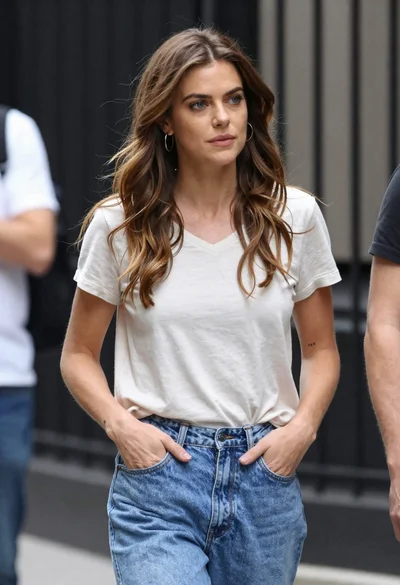
Candid medium shot of woman in jeans standing on urban street
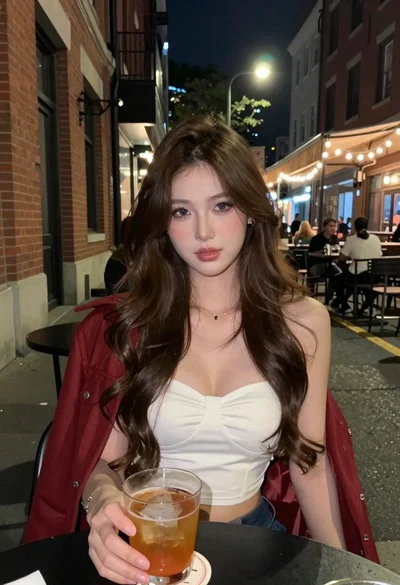
Young woman with brown hair at outdoor cafe table on city street
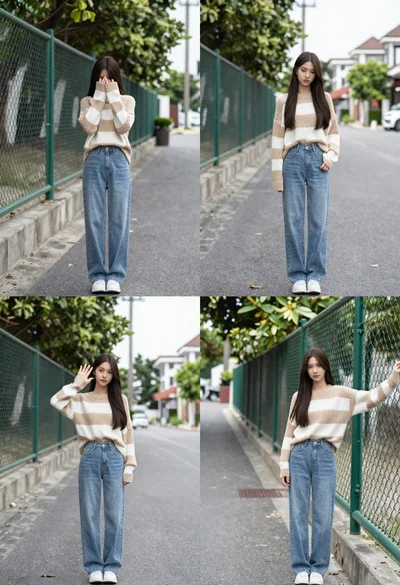
Young woman in striped sweater posing on a residential street
Young woman in casual wear stands on an urban sidewalk with trees

Blonde woman in black top on balcony overlooking beige stone street

Young woman posing against vibrant graffiti wall in bright daylight
Young woman holding pink smoothie outdoors near palm trees sunny day

Young woman with wavy brown hair sitting on leather sofa in lounge
Woman in black coat stirring coffee at an outdoor urban cafe

Young woman with brown hair sitting on stone steps in lavender top