Young woman holding pink smoothie outdoors near palm trees sunny day
Prompt
A young woman stands outdoors on a sunny day holding a pink smoothie in one hand and touching her hair with the other.

Subject: A young woman with long dark wavy hair parted in the middle, fair skin, and subtle makeup featuring soft lips and defined eyes.

Clothing: She wears a light beige ribbed knit sweater with sleeves pushed up to the elbows, revealing a gold ring on one finger and a stack of gold bangles on her wrist.

Action: She holds a clear plastic cup containing a pink smoothie with a blue straw in her right hand while her left hand gently touches her hair near her face.

Environment: The setting is a paved street lined with tall palm trees under a bright blue sky with scattered clouds, suggesting a warm coastal or suburban location.

Camera: Shot from a medium close-up angle with a shallow depth of field that keeps the subject sharp while softly blurring the background trees and road.

Lighting: Bright natural sunlight illuminates the scene from above, casting soft shadows on the pavement and highlighting the texture of her sweater and skin.

Objects: A clear plastic cup filled with a pink smoothie and topped with a blue straw is held in her right hand.

Text/Graphics: The word "EREWHO" is printed in bold black letters on a white band around the middle of the smoothie cup.

Style Details: The image has a clean, high-resolution aesthetic with vibrant colors and a naturalistic feel typical of modern lifestyle photography.
Description
This prompt is useful for creating casual lifestyle content, summer beverage advertisements, and personal social media portraiture. The combination of 'bright natural sunlight' casting soft shadows and the 'shallow depth of field' ensures the subject remains crisp while the background palm trees are softly blurred, which directs immediate focus to the smoothie and the woman’s interaction with her hair.
Suggestions
- Change 'light beige ribbed knit sweater' to 'white linen top' for a brighter feel.
- Swap 'pink smoothie' for 'tropical yellow drink' to change the color palette.
- Adjust 'medium close-up angle' to 'waist shot' to include more of the environment.
Category
Tags
Brown HairCasual WearFair SkinFemaleMedium ShotNatureOutdoorsRealisticStreet
Date added
June 19, 2026
Added by
PromptDexter Team
Related Prompts
More prompts with similar categories and tags.

Young woman in pink camisole standing in sunlit rolling hills

Blonde woman in black top on balcony overlooking beige stone street

Young woman in olive saree leaning on railing outdoors during golden hour

Young woman with dark hair at wooden table in open air setting

Young woman in patterned dress looking back over grassy hills

Blonde woman in purple polo shirt on an urban street setting
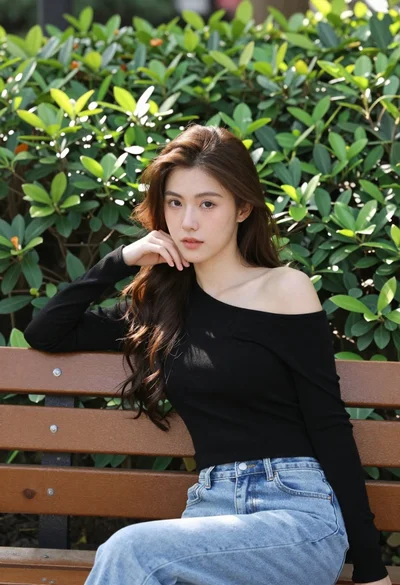
Young woman with brown hair sitting on bench near green bushes outdoors
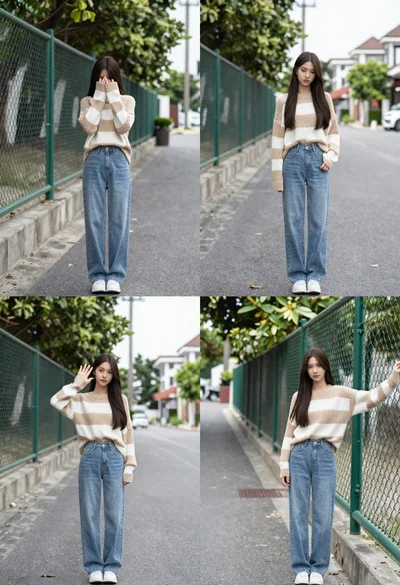
Young woman in striped sweater posing on a residential street
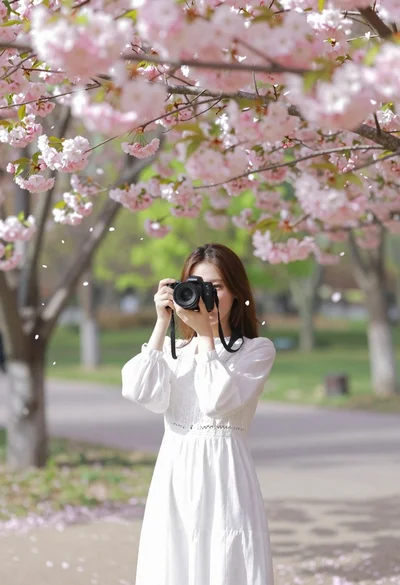
Young woman in white lace dress holding camera under cherry blossoms
Young woman in casual wear stands on an urban sidewalk with trees