
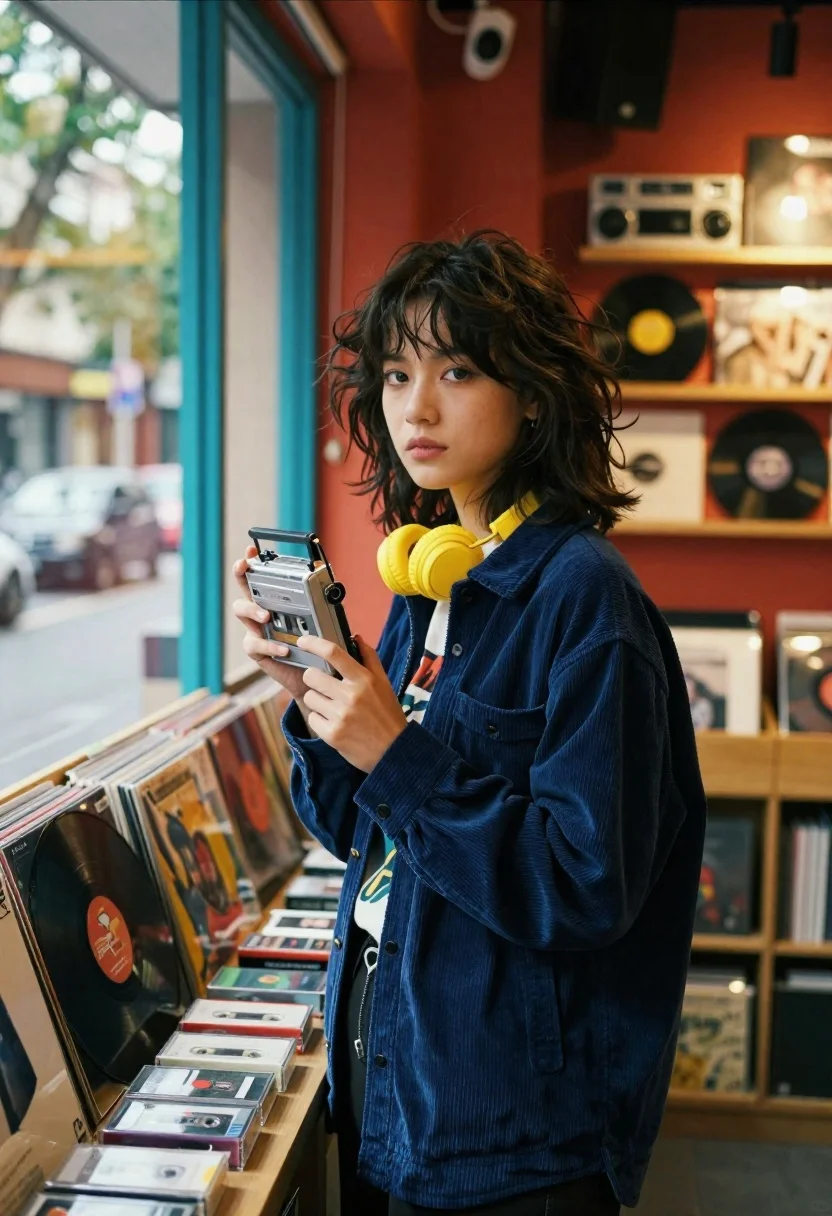
Young woman holding silver cassette player in cozy record store near window
Prompt
A young woman with tousled dark hair stands in a cozy record store holding a silver cassette player near a large window.

Subject: A young woman with shoulder-length dark brown hair featuring wispy bangs and a slightly messy, natural texture. Her expression is calm and contemplative as she gazes toward the camera.

Clothing: She wears a navy blue corduroy button-up shirt over a graphic t-shirt, with bright yellow headphones resting around her neck.

Action: She stands in a relaxed pose holding a silver portable cassette player in both hands, looking directly at the viewer.

Environment: The setting is an intimate record shop or music store filled with shelves of vinyl records and audio equipment. A large window with teal frames is to her left, showing a blurred street scene outside.

Camera: Shot from a medium distance with a shallow depth of field that keeps the subject sharp while softly blurring the background shelves and the window view.

Lighting: Warm, golden interior lighting contrasts with cool natural daylight streaming in from the window, creating soft shadows and a nostalgic mood.

Objects: A table in the foreground is cluttered with various cassette tapes and vinyl records, including one large record leaning against the window frame.

Style Details: The image features a cinematic color palette with rich reds and warm wood tones mixed with cool blues, rendered with a film grain texture and soft focus to evoke a retro aesthetic.
Description
This prompt is useful for creating editorial lifestyle shots, music-themed album art mockups, and nostalgic portraiture pieces. The combination of 'warm, golden interior lighting' contrasting with the cool daylight from the window establishes a specific mood that complements the subject's contemplative gaze, while the inclusion of 'film grain texture' grounds the image in a tangible retro aesthetic.
Suggestions
- Change 'navy blue corduroy button-up shirt' to 'cream knit sweater' for a softer feel.
- Swap 'teal frames' for 'verdigris frames' to enhance the aged look.
- Add 'bokeh effect on window view' to deepen the background blur.
Category
Tags
Casual WearFemaleIndoorsMedium ShotRealistic
Date added
June 26, 2026
Added by
PromptDexter Team
Related Prompts
More prompts with similar categories and tags.

Woman seated in armchair near large windows with greenery

Young blonde woman in brown top seated in modern living room setting

Woman with freckles sitting on brown leather sofa

Young woman with brown hair sitting on white sofa in bright modern

Woman with dark hair wearing red blazer sitting indoors at event

Smiling blonde woman in black leather outfit at an indoor evening event

Smiling woman in navy top sitting on black chair against white wall

Young woman in white blouse leaning against beige wall near mirror
