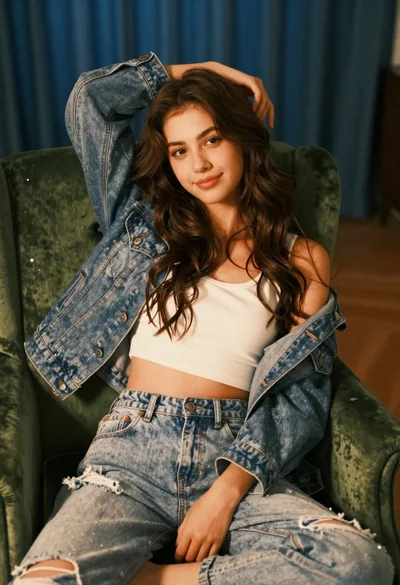
Woman in black suit sitting on white desk in modern office setting
Prompt
A woman with long brown hair and striking blue eyes sits on a white desk in an office setting.

Subject: A woman with long wavy brown hair and piercing blue eyes looking directly at the camera with a serious expression.

Clothing: She wears a black business suit jacket over a light blue button-down shirt that is unbuttoned low, revealing cleavage, paired with sheer black stockings.

Action: She is seated on the edge of a white desk with her hands resting flat on the surface beside her hips and one knee raised.

Environment: The background shows a blurred modern office interior with large windows and blue chairs visible in the distance.

Lighting: Soft natural light illuminates the scene from the front, creating a bright and airy atmosphere with gentle shadows.

Camera: A medium shot captures the subject from the waist up with a shallow depth of field that keeps her in sharp focus while blurring the background.

Style Details: The image has a high-definition, realistic photographic quality with vibrant colors and smooth skin texture.
Description
This prompt is useful for creating corporate editorial portraits, character concept art for sophisticated roles, and modern lifestyle magazine spreads. The combination of 'soft natural light' from the front ensures that while the background remains blurred by a shallow depth of field, the subject's features are evenly lit without harsh shadows, which supports both the direct gaze required for portraiture and the bright aesthetic needed for editorial work.
Suggestions
- Change 'piercing blue eyes' to 'smoldering green eyes' for an alternative color palette.
- Swap 'black business suit jacket' for 'charcoal wool blazer' to adjust the formality level.
- Add 'anamorphic lens flare' to the lighting description for added cinematic drama.
Category
Tags
Black HairBrown HairCasual WearFemaleIndoorsMedium ShotRealistic
Date added
June 19, 2026
Added by
PromptDexter Team
Related Prompts
More prompts with similar categories and tags.
Young woman laughing cross legged indoors near large black and white portrait
Medium close up of woman with dark bob in modern cafe setting
Smiling woman with dark hair at wooden table wearing blue ribbed outfit
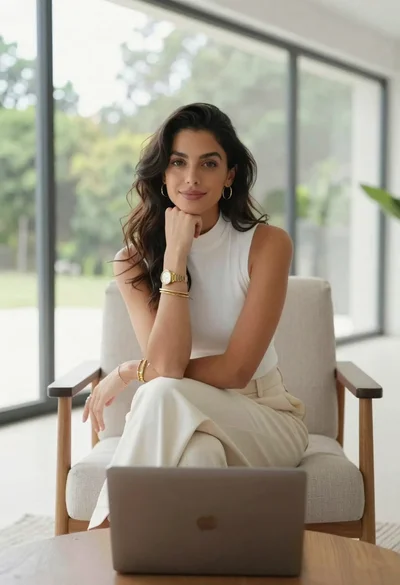
Woman seated in armchair near large windows with greenery

Woman in black dress by window overlooking ocean at golden hour

Young blonde woman in brown top seated in modern living room setting
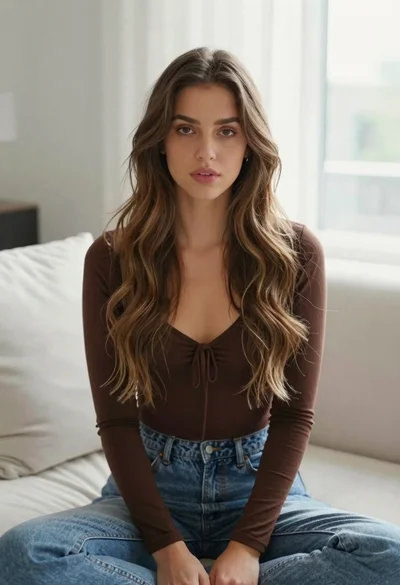
Young woman with brown hair sitting on white sofa in bright modern
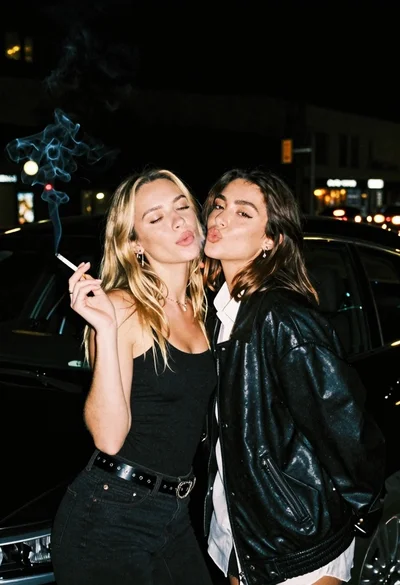
Two young women posing by a car at night

Blonde woman in sequined black dress looking back over shoulder
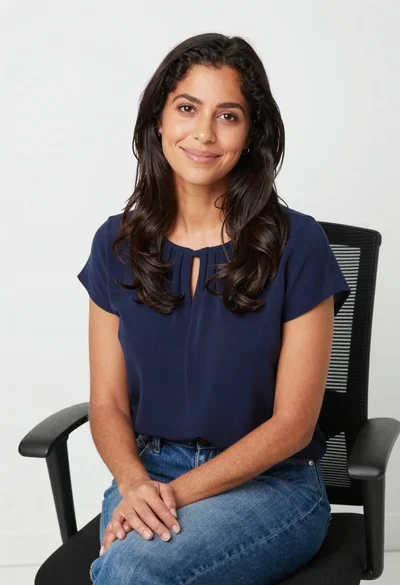
Smiling woman in navy top sitting on black chair against white wall