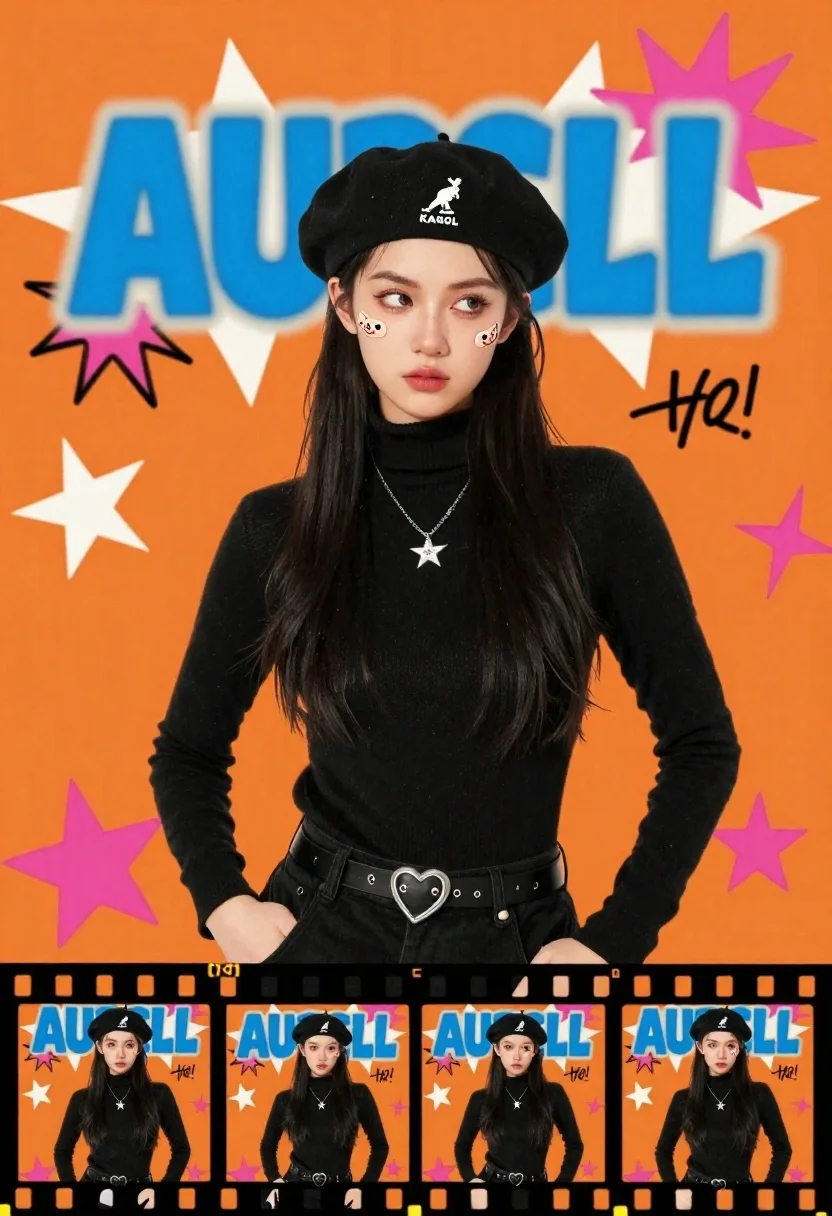
Young woman in black beret and turtleneck posing against vibrant orange graffiti
Prompt
A young woman with long dark hair wearing a black beret and black turtleneck poses against a vibrant orange background filled with graffiti-style text and graphics.

Subject: A young woman with long, straight black hair, pale skin, and a serious expression looking slightly to the side. She has two small cartoon band-aids placed on her left cheek.

Clothing: She wears a black beret with a white kangaroo logo reading KANGOL, a black turtleneck sweater, a silver star pendant necklace, and black trousers with a heart-shaped belt buckle.

Action: The subject stands in a relaxed pose with hands near her hips, maintaining a cool and detached facial expression.

Environment: A stylized studio setting featuring a bright orange background decorated with white starbursts, pink stars, and various hand-drawn text elements including the large blue graffiti word AURELL.

Camera: Medium shot composition that captures the subject from the waist up, framed within a film strip layout at the bottom showing multiple angles of the same pose.

Lighting: Bright and even lighting that highlights the subject's face clearly while maintaining high contrast against the vivid orange backdrop.

Style Details: Pop art aesthetic with bold colors, graffiti typography, collage elements, and a retro 90s streetwear vibe.
Description
This prompt is useful for creating album cover art, editorial street style features, and graphic design mockups needing high visual energy. The combination of 'Pop art aesthetic with bold colors' and the specific inclusion of 'graffiti-style text and graphics' ensures the background reads as a dynamic collage rather than just a painted backdrop, while the 'bright and even lighting' keeps the subject's details visible against the vivid orange.
Suggestions
- Change 'vibrant orange background' to 'electric magenta background' for a different pop color scheme.
- Replace 'cartoon band-aids' with 'delicate silver temporary tattoos' for a more mature look.
- Adjust 'retro 90s streetwear vibe' to 'Y2K maximalist aesthetic' for an updated feel.
Category
Tags
Black HairCasual WearFemaleMedium ShotStudio
Date added
June 23, 2026
Added by
PromptDexter Team
Related Prompts
More prompts with similar categories and tags.
Young woman in fantasy armor leaning on stone column in elegant courtyard
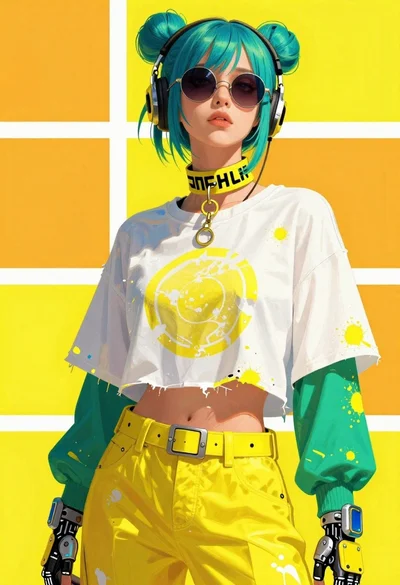
Fashion illustration of a person with futuristic yellow and white accessories
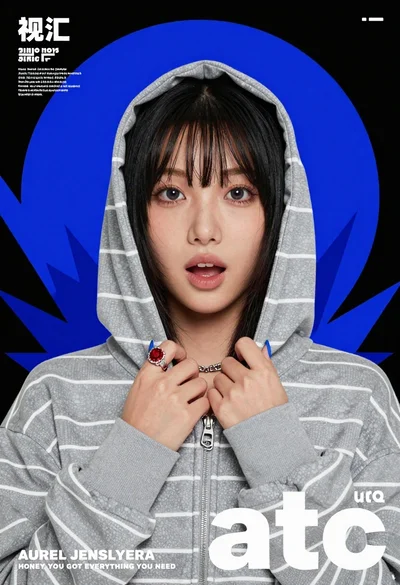
Young east asian woman in grey striped hoodie holding zipper against black
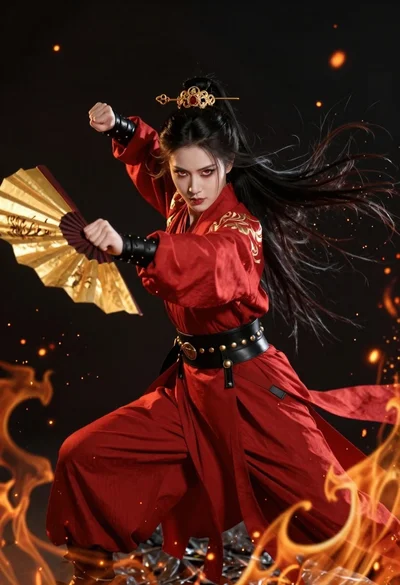
Fierce female warrior in red robe holding golden fan against dark void
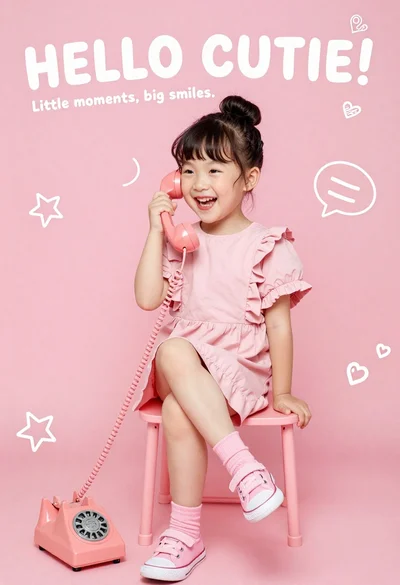
Happy young asian girl laughing while holding a vintage pink telephone
Young woman with black and white tones and glowing red highlights in
Young woman with blonde hair in black shirt against solid black background
Woman in black crop top posing against purple pink gradient background