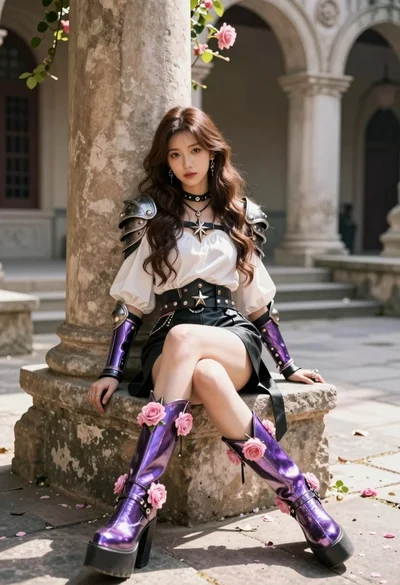
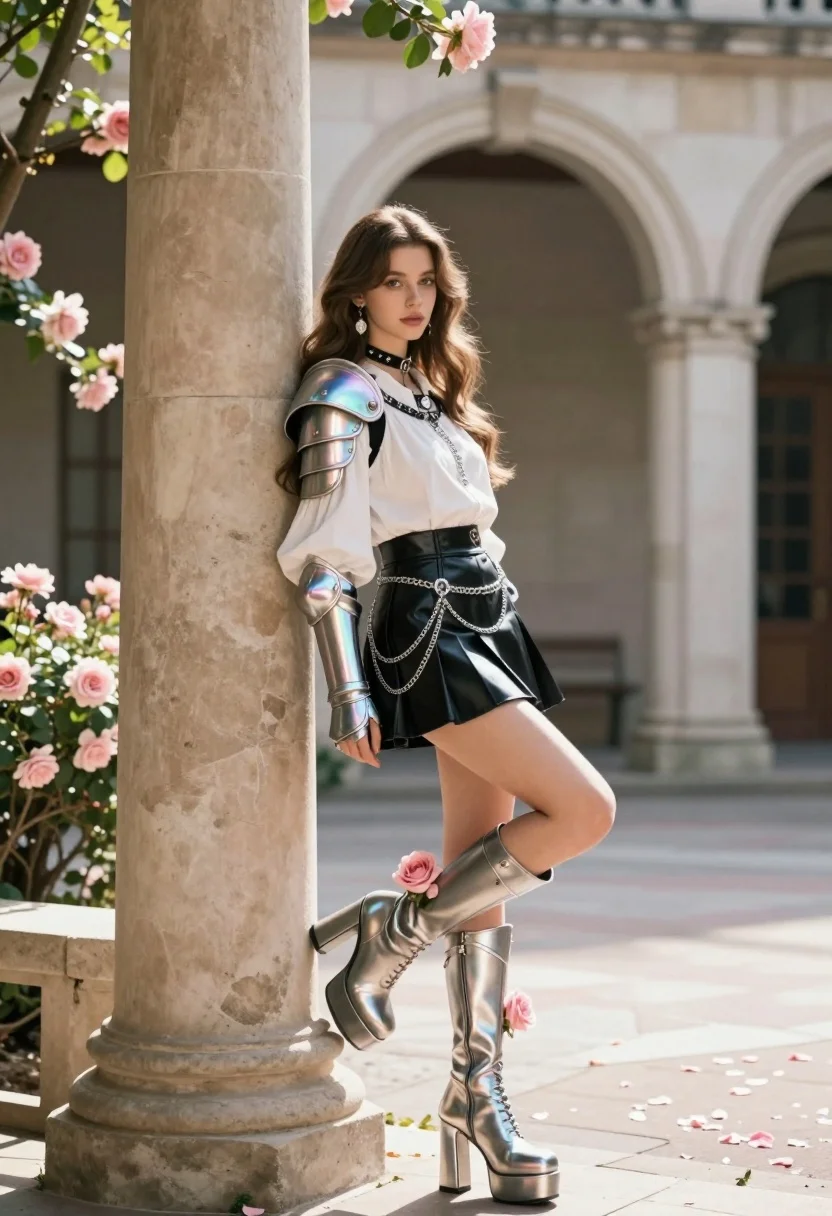
Young woman in fantasy armor leaning on stone column in elegant courtyard
Prompt
A young woman with long wavy brown hair leans against a large stone column in an elegant courtyard.

Subject: A young woman with long wavy brown hair and fair skin, wearing elaborate fantasy armor pieces on her shoulders and arms that shimmer with iridescent pearlescent colors. She wears a white blouse with puffed sleeves, a black leather pleated mini skirt adorned with silver chains, and tall metallic platform boots decorated with pink roses.

Clothing: A white blouse with voluminous puffed sleeves, a black leather pleated mini skirt featuring silver chain embellishments, iridescent shoulder pauldrons, matching arm bracers, and tall metallic platform boots decorated with pink roses. She wears a choker necklace and dangling earrings.

Action: Leaning casually against a large stone column with one leg crossed over the other, looking directly at the viewer with a calm expression.

Environment: An elegant stone courtyard featuring classical architecture with arches and columns, surrounded by lush greenery and blooming pink roses, with fallen petals scattered on the ground.

Camera: Medium shot capturing the full figure from head to toe, framed vertically with soft depth of field blurring the background slightly.

Lighting: Soft natural sunlight filtering through the arches creating gentle highlights on her skin and metallic armor, casting subtle shadows that enhance the romantic atmosphere.

Style Details: Fantasy fashion photography style with hyper-realistic rendering, warm color grading, and a dreamy ethereal quality reminiscent of high-end editorial fashion shoots.
Description
This prompt is useful for creating fantasy character concept art, high-fashion editorial spreads featuring armor, and immersive game promotional artwork. The combination of 'iridescent pearlescent colors' on the armor against the soft natural sunlight ensures that the metallic elements catch light dynamically, preventing them from looking flat while the 'lush greenery and blooming pink roses' ground the fantastical subject in a believable, romantic setting.
Suggestions
- Change 'iridescent pearlescent colors' to 'oxidized bronze' for a darker fantasy feel.
- Swap 'pink roses' for 'deep blue irises' to shift the color palette.
- Adjust 'Medium shot capturing the full figure from head to toe' to 'full body, low angle' for more dramatic impact.
Category
Tags
ArmorBrown HairDigital ArtFair SkinFemaleFull BodyMedium ShotRealistic
Date added
July 3, 2026
Added by
PromptDexter Team
Related Prompts
More prompts with similar categories and tags.
Young woman in white sweatshirt with crossed arms against illustrated doodle background
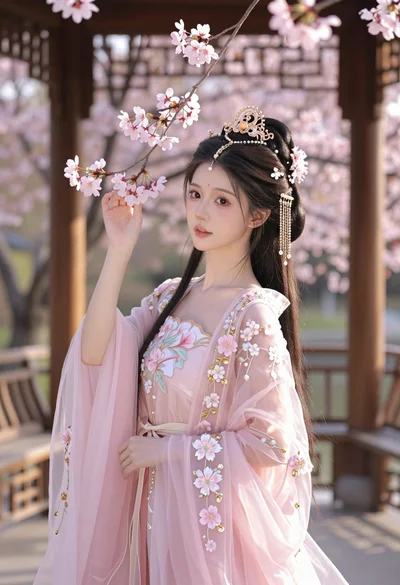
Young woman in pink gown standing in cherry blossom pavilion at golden
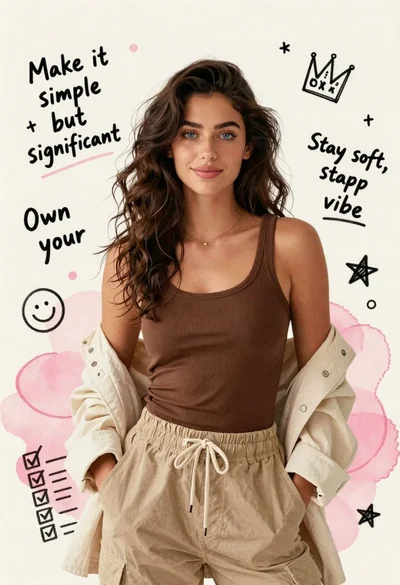
Young woman in brown tank top against pink watercolor doodle background
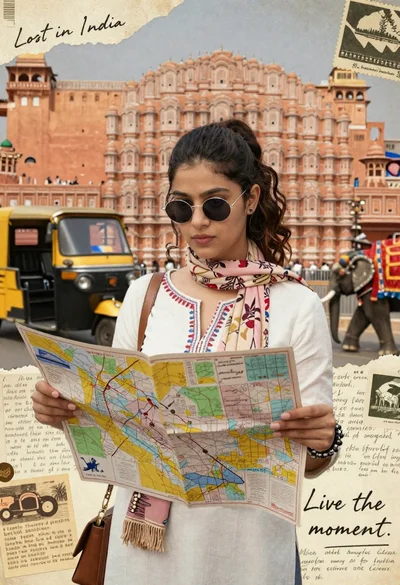
Young woman holding map against indian architectural collage background
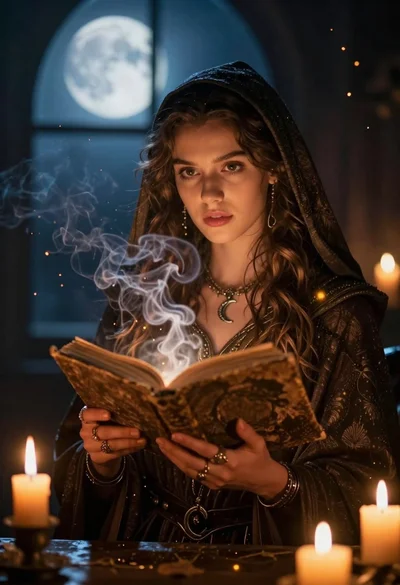
Young woman holding ancient book emitting magic under moonlight

Portrait of a young woman in a cardigan against scrapbook collage background
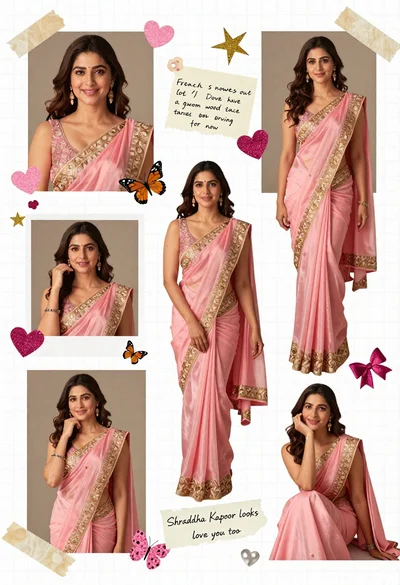
Digital scrapbook collage of a woman in pink saree with decorations
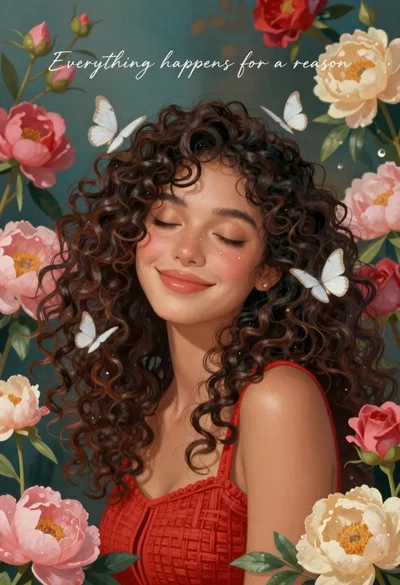
Smiling woman with curly hair in floral garden with white butterflies
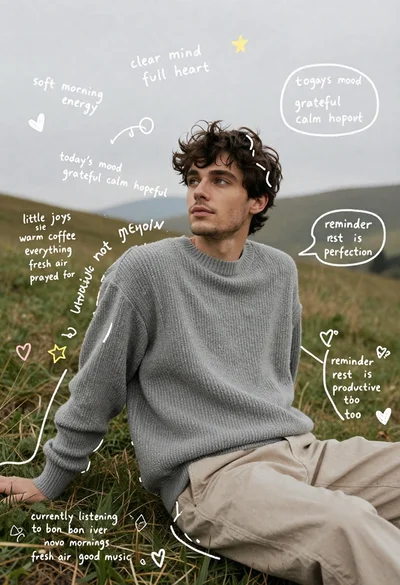
Young man in grey sweater sitting on a grassy hillside looking up
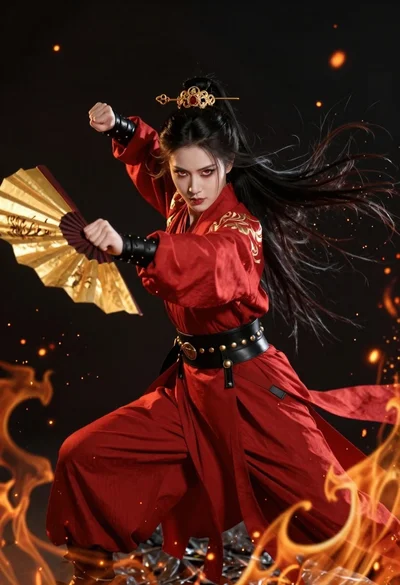
Fierce female warrior in red robe holding golden fan against dark void