Young woman in black blazer standing confidently against white paneled wall
Prompt
A young woman with long brown hair stands confidently in a medium shot against a textured white wall.

Subject: A young woman with long, straight dark brown hair parted in the middle and fair skin. She has defined eyebrows, prominent eyelashes, and is wearing deep burgundy lipstick. Her expression is neutral and direct as she looks at the camera.

Clothing: She wears a black blazer with distinct pointed shoulder pads over a matching two-piece set featuring a red, blue, and black floral pattern. The top is a cropped bustier style that exposes her midriff, and the bottom piece matches the fabric of the top.
Accessories: She wears two layered necklaces; one features a small green cross pendant and the other has a silver-toned cross pendant.

Action: She stands with her hands placed firmly on her hips in a confident pose.

Environment: The background consists of a white wall with vertical paneling or molding details, suggesting an indoor event space.

Lighting: The lighting is bright and direct, likely from a flash, creating soft shadows behind her and highlighting the texture of her clothing.

Camera: A medium shot captures her from the waist up, framed straight-on with a shallow depth of field that keeps the focus sharply on her face and upper body.

Style Details: The image has a polished, high-quality portrait aesthetic typical of red carpet or event photography, with vibrant colors and sharp detail.
Description
This prompt is useful for creating editorial fashion editorials, professional corporate headshots, and stylized event gallery pieces. The combination of 'black blazer' against the 'white wall with vertical paneling' establishes a high-contrast, structured backdrop that prevents the subject from looking lost in an undifferentiated space, while the 'direct' gaze anchors the viewer to her confident posture.
Suggestions
- Change 'deep burgundy lipstick' to 'nude lipstick' for a more corporate feel.
- Swap 'black blazer' for 'charcoal wool blazer' to adjust the texture.
- Add 'rim lighting from the side' to separate the subject further from the background.
Category
Tags
Brown HairFair SkinFemaleMedium ShotRealisticStudio
Date added
June 19, 2026
Added by
PromptDexter Team
Related Prompts
More prompts with similar categories and tags.

Woman in rust gown posing on white step and repeat backdrop
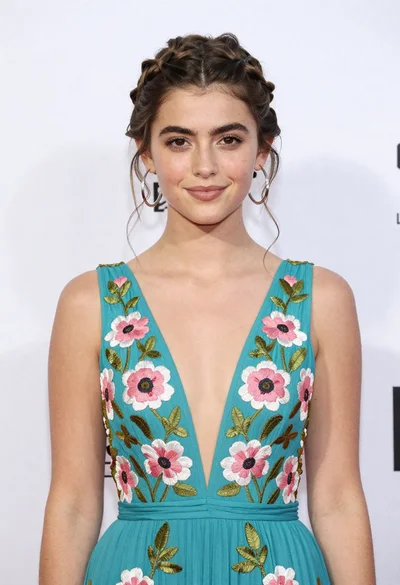
Portrait of young woman in teal embroidered gown against white backdrop

Woman in dusty rose slip dress looking over shoulder against light blue
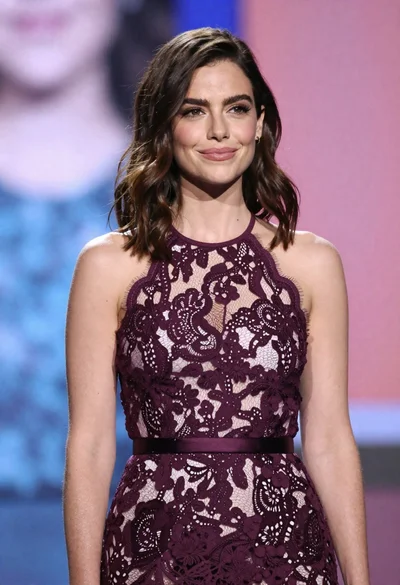
Woman in dark purple lace halter dress at an event setting

Smiling blonde woman in pink satin dress against dark branded backdrop
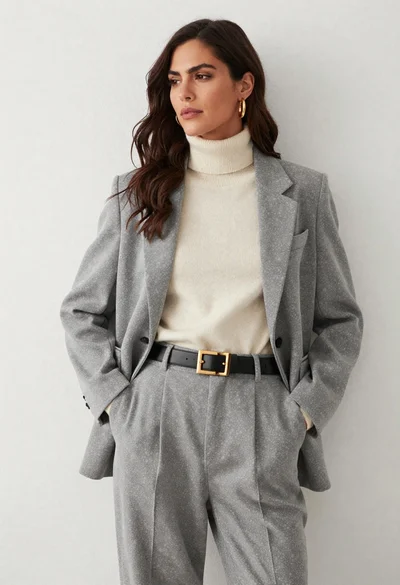
Woman in grey suit and cream turtleneck standing against white wall
Portrait of young woman with brown hair in white shirt and suspenders
Young woman with wavy brown hair sitting among pink peonies and roses
Elegant woman in black velvet gown reclining among large red heart balloons
Young woman in elegant burgundy gown with rose accents on white background