Full body shot of woman in strapless black leather dress studio portrait
Prompt
A full-body shot of a woman standing in a studio setting against a plain white backdrop.

Subject: A woman with her dark hair styled in an updo, featuring loose wisps of hair framing her face and neck. She has a fair complexion and is looking back over her shoulder towards the camera with a neutral expression.

Clothing: She wears a strapless black leather dress that features a large bow tied at the hip on one side and a high slit revealing her leg. The material appears to be smooth leather or faux leather. She is wearing black strappy high-heeled sandals with buckles around the ankle and toes.

Action: She stands in a relaxed pose with her left hand placed firmly on her hip, while her right arm hangs by her side. Her body is angled slightly away from the camera, but she turns her head to face forward.

Environment: The setting is a minimalist studio with a seamless white floor and a large white backdrop wall. A dark area is visible in the upper right corner of the frame.

Lighting: Strong, directional studio lighting illuminates the scene from the left side, casting a bright highlight on the woman's skin and creating a distinct shadow behind her on the white background. The light emphasizes the sheen of the leather dress and the texture of her legs.

Camera: A full-body shot taken from a slightly low angle to emphasize the height of the subject and the length of the dress. The composition is clean with ample negative space on the left side of the frame.

Style Details: High-fashion editorial photography style with sharp focus, high contrast between the black outfit and white background, and a polished, commercial aesthetic.
Description
This prompt is useful for creating high-contrast fashion editorials, album art featuring dramatic silhouettes, and luxury catalog imagery. The combination of 'strong, directional studio lighting' casting a distinct shadow against the 'plain white backdrop' maximizes the visual impact of the 'black leather dress,' ensuring the material's sheen reads as expensive rather than flat under illumination.
Suggestions
- Change 'strapless black leather dress' to 'velvet strapless gown' for a different texture.
- Adjust 'low angle' to 'eye-level shot' for a more intimate portrait feel.
- Swap 'plain white backdrop' for 'charcoal grey seamless backdrop' to deepen the contrast.
Category
Tags
Black HairFair SkinFemaleFull BodyLow AnglePortrait ShotRealisticStudio
Date added
June 19, 2026
Added by
PromptDexter Team
Related Prompts
More prompts with similar categories and tags.

Blonde woman posing in black lingerie against pink purple gradient studio backdrop

Blonde woman in black gown seated on white stool in bright room
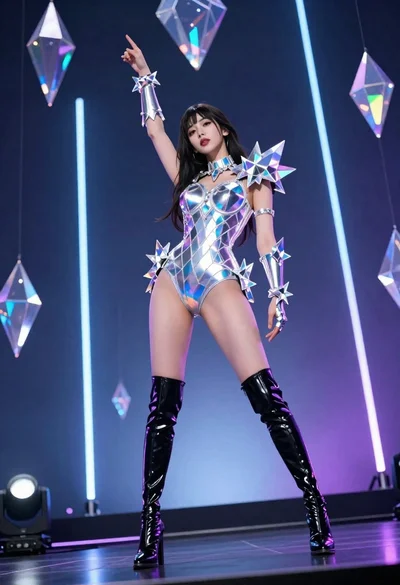
Woman in futuristic crystal bodysuit on glowing stage
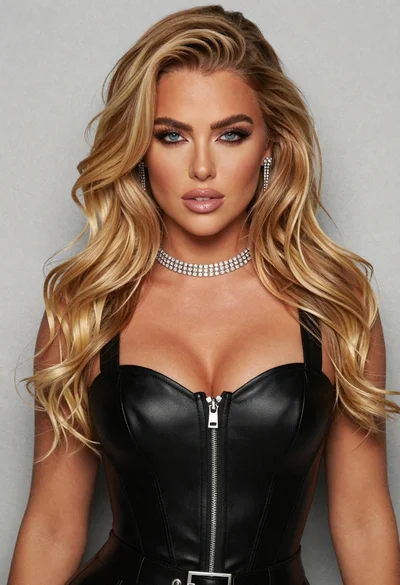
Glamorous portrait of blonde woman in black leather bustier top
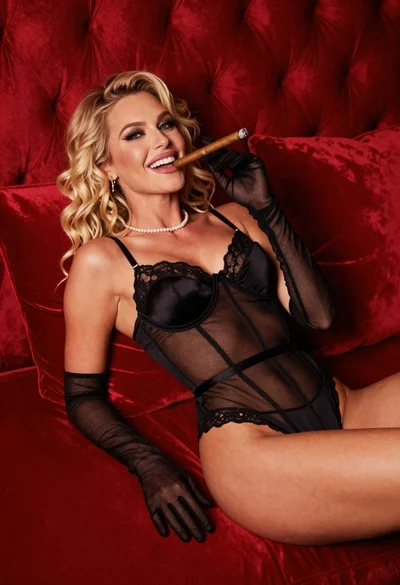
Blonde woman in black lingerie reclining on red quilted surface
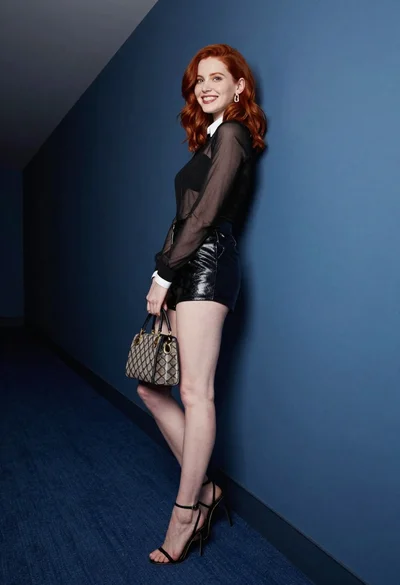
Red haired woman in black top and shorts leaning against blue wall
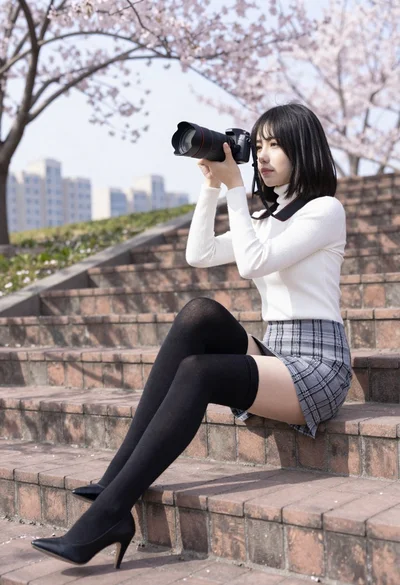
Young woman taking photo sitting on wide brick steps near cherry blossoms
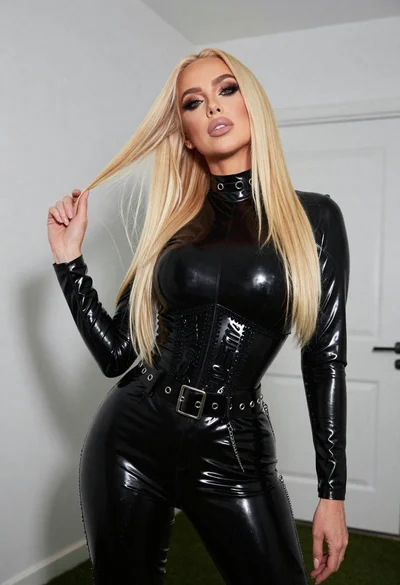
Fair blonde woman in black latex outfit posed indoors against white wall
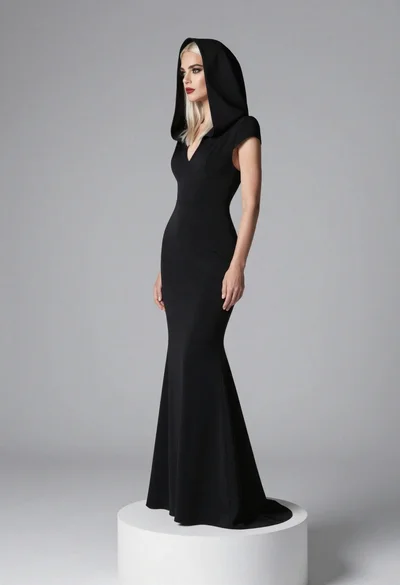
Full body portrait of blonde woman in elegant black gown on pedestal
Full length studio portrait of woman in elaborate black and gold ensemble