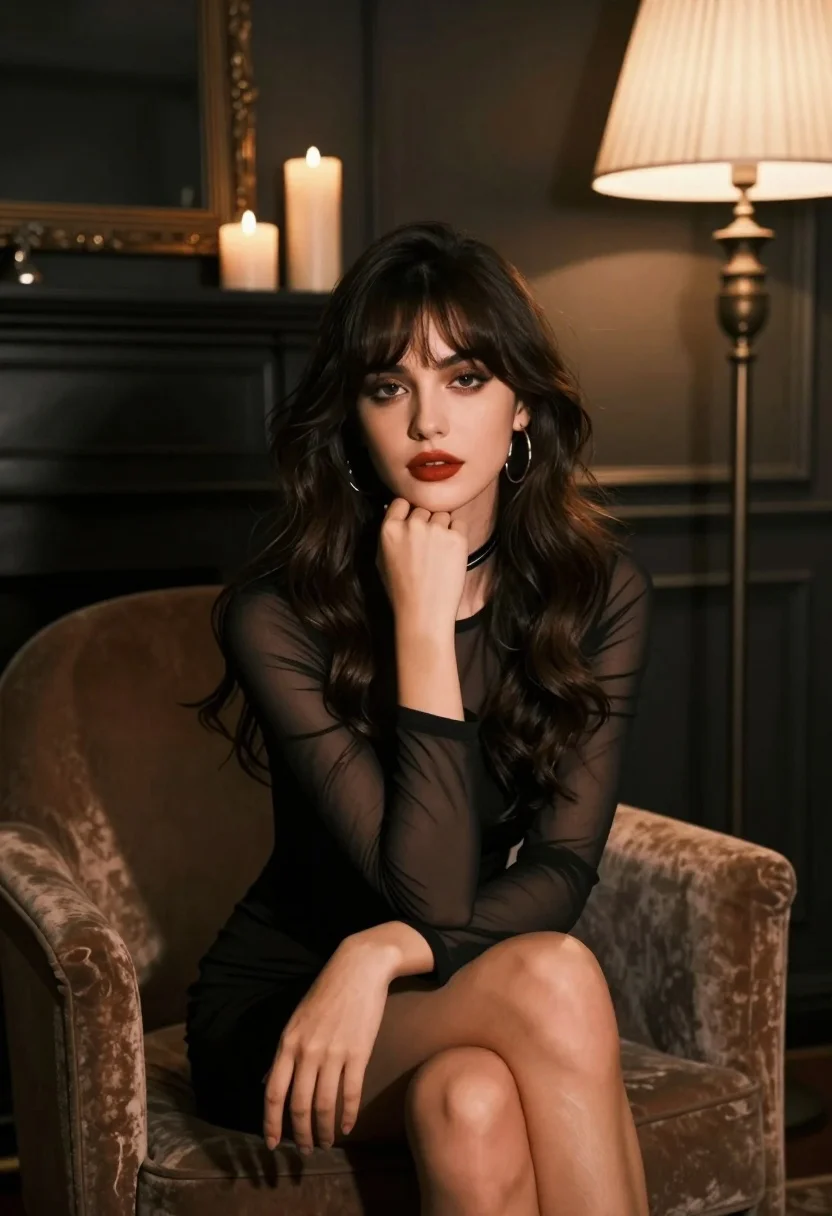
Young woman in black dress seated contemplatively in dimly lit room
Prompt
A woman with long dark wavy hair sits in a plush armchair, her hand resting gently against her chin in a contemplative pose.

Subject: A young woman with voluminous dark brown wavy hair and bangs framing her face, featuring defined eyebrows, smoky eye makeup, and deep red lipstick.

Clothing: She wears a black dress with sheer long sleeves and a solid bodice, accessorized with a thin black choker necklace and large hoop earrings.

Action: The woman is seated with one hand resting on her knee and the other supporting her chin, gazing directly at the viewer with a calm expression.

Environment: A dimly lit room featuring a dark fireplace mantle in the background holding several tall white candles, alongside a floor lamp with a pleated shade to the right.

Lighting: The scene is illuminated by warm ambient light from the candles and lamp, creating soft highlights on her hair and face against a moody, shadowed atmosphere.

Camera: A medium shot capturing the subject from the thighs up, utilizing a shallow depth of field that blurs the background elements to emphasize the portrait.

Style Details: The image exhibits a cinematic aesthetic with high contrast, rich dark tones, and a polished photographic quality reminiscent of professional studio portraiture.
Description
This prompt is useful for creating dramatic character portraits, moody editorial spreads, and sophisticated album covers requiring intense focus on the subject's expression. The combination of 'dimly lit room,' 'warm ambient light from the candles,' and a 'shallow depth of field' ensures that the viewer's attention remains locked onto the subject's face and 'deep red lipstick' against the surrounding shadows, preventing any background elements from competing with the narrative focus.
Suggestions
- Change 'plush armchair' to 'velvet chaise lounge' for a richer texture.
- Swap 'smoky eye makeup' for 'winged eyeliner' for a sharper gaze.
- Adjust 'warm ambient light' to 'single spotlight' for more dramatic contrast.
Category
Tags
BrunetteFemaleIndoorsMedium ShotPortrait ShotRealisticStudio
Date added
August 5, 2026
Added by
PromptDexter Team
Related Prompts
More prompts with similar categories and tags.
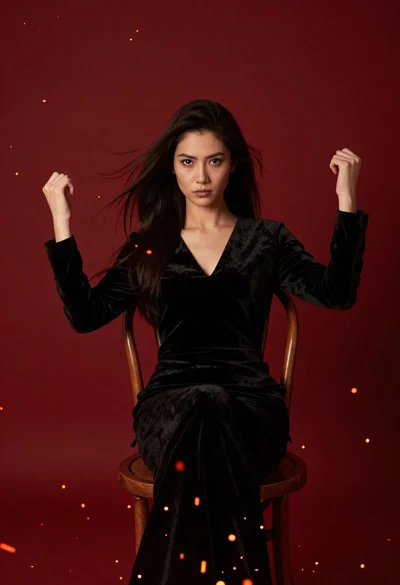
Woman seated in black velvet chair against red sparks
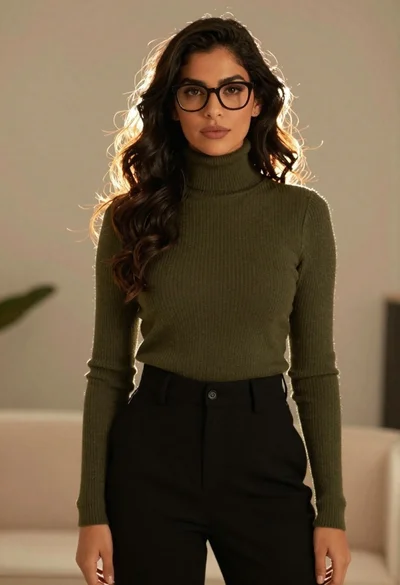
Stylish woman in olive sweater with dark hair

Poised woman in olive suit seated in plush armchair against geometric backdrop

Woman seated in armchair near large windows with greenery
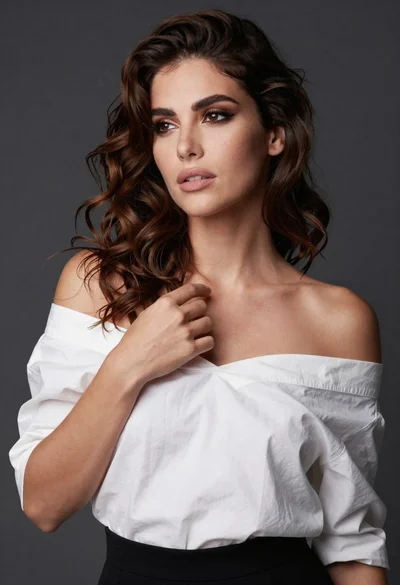
Poised woman in white top touching collarbone against dark studio background

Glamorous woman in gold sequin gown holding white cup in modern kitchen
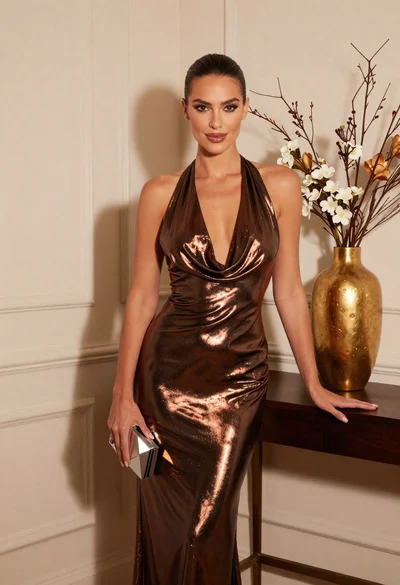
Glamorous woman in metallic bronze gown standing indoors at an elegant setting
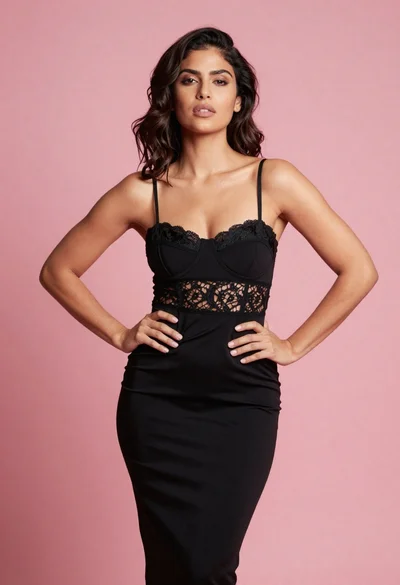
Confident woman in black lace dress against solid pink studio background
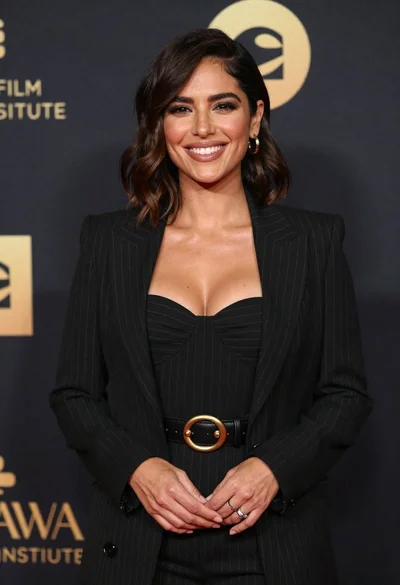
Smiling woman in black pinstripe suit jacket against dark backdrop

Blonde woman looking back over shoulder against white wall
