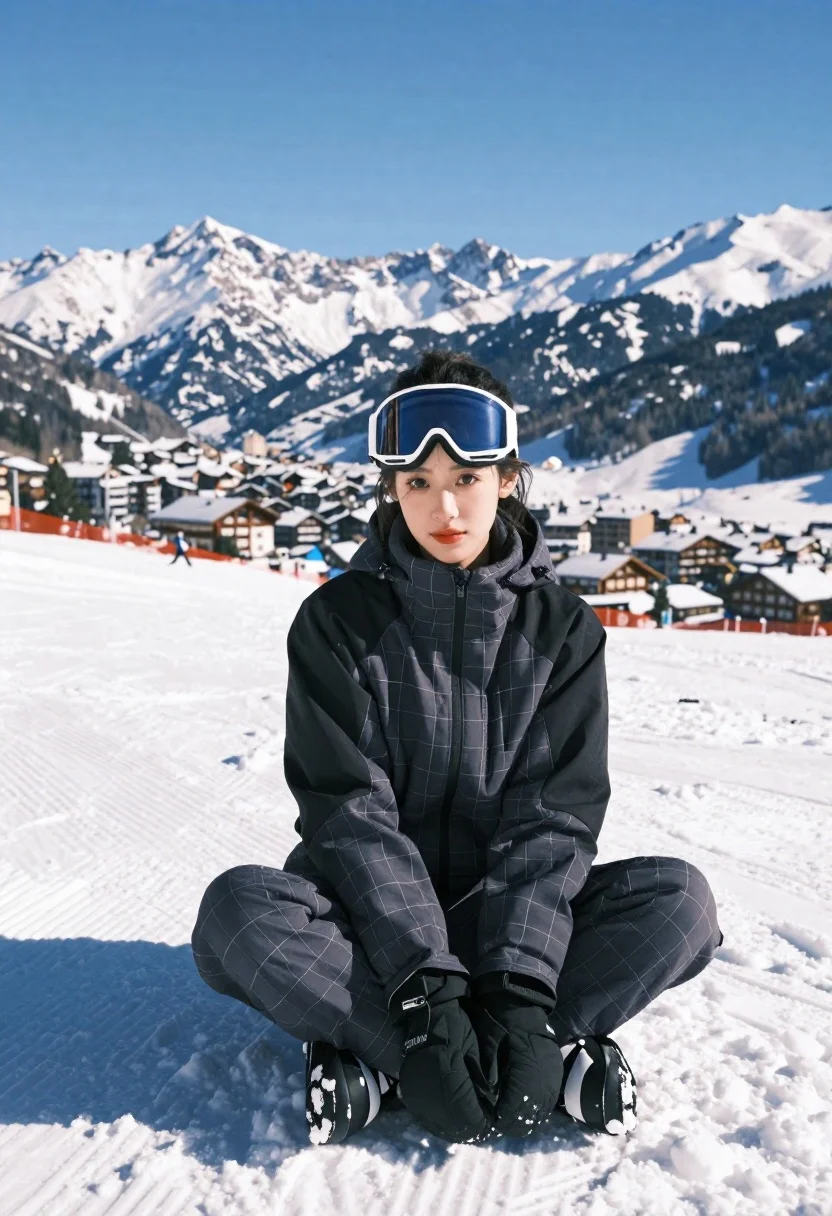
Young woman in charcoal ski suit sitting in deep snow mountains
Prompt
A young woman sits cross-legged in deep snow with a vast mountain range and ski resort village visible behind her under a clear blue sky.

Subject: A young woman with dark hair pulled back, wearing large white-framed ski goggles pushed up onto her forehead, looking directly at the camera with a calm expression.

Clothing: She wears a matching two-piece ski suit in a dark charcoal color featuring a subtle light-colored grid pattern, with solid black panels on the shoulders and upper arms.

Action: She is seated in a relaxed pose with her hands clasped together between her knees, leaning slightly forward into the snow.

Environment: A bright, sunlit snowy landscape with groomed ski tracks visible to the left, set against a backdrop of rugged snow-covered mountains and a distant village with buildings nestled in the valley.

Camera: Shot from a low angle looking up at the subject, emphasizing her presence against the towering mountain background with a shallow depth of field that keeps the foreground sharp while softly blurring the distant peaks.

Lighting: Bright natural sunlight coming from the side, casting a distinct shadow to the left and highlighting the texture of the snow and the grid pattern on her clothing.

Style Details: High-resolution photography with crisp details, vibrant colors, and a clean composition that emphasizes the winter sports aesthetic.
Description
This prompt is useful for creating high-end ski resort advertising campaigns, editorial adventure travel features, and sportswear lookbooks emphasizing rugged elegance. The combination of 'low angle looking up' and 'bright natural sunlight coming from the side' dramatically frames the subject against the 'towering mountain background,' ensuring her presence feels monumental while the shallow depth of field keeps focus on the crisp details of the charcoal suit.
Suggestions
- Change 'dark charcoal color' to 'slate grey' for a more muted tone.
- Add 'powder snow texture' to the environment description for increased realism.
- Swap 'ski goggles pushed up onto her forehead' for 'goggles resting on her collar' for a different pose.
Category
Tags
Black HairFemaleFull BodyLow AngleMedium ShotMountainsOutdoorsRealisticSportswear
Date added
June 21, 2026
Added by
PromptDexter Team
Related Prompts
More prompts with similar categories and tags.
Smiling young woman in winter clothes crouching by a snowman in snow
Young woman in leather jacket leaning against black suv in mountains

Young woman in denim dress standing on balcony before hawa mahal
Young woman in white winter clothes on snowy street with mount fuji
Smiling young woman in white puffer jacket holding vintage camera by lake
Young blonde woman in white puffer jacket sitting on ski lift
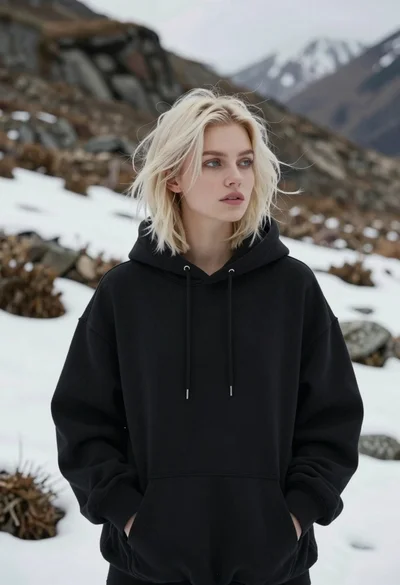
Fair blonde woman in black sweatshirt against snowy mountain landscape backdrop
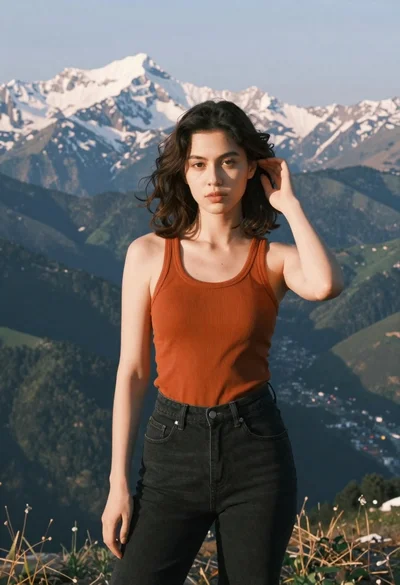
Young woman in orange tank top standing before snow capped mountains