
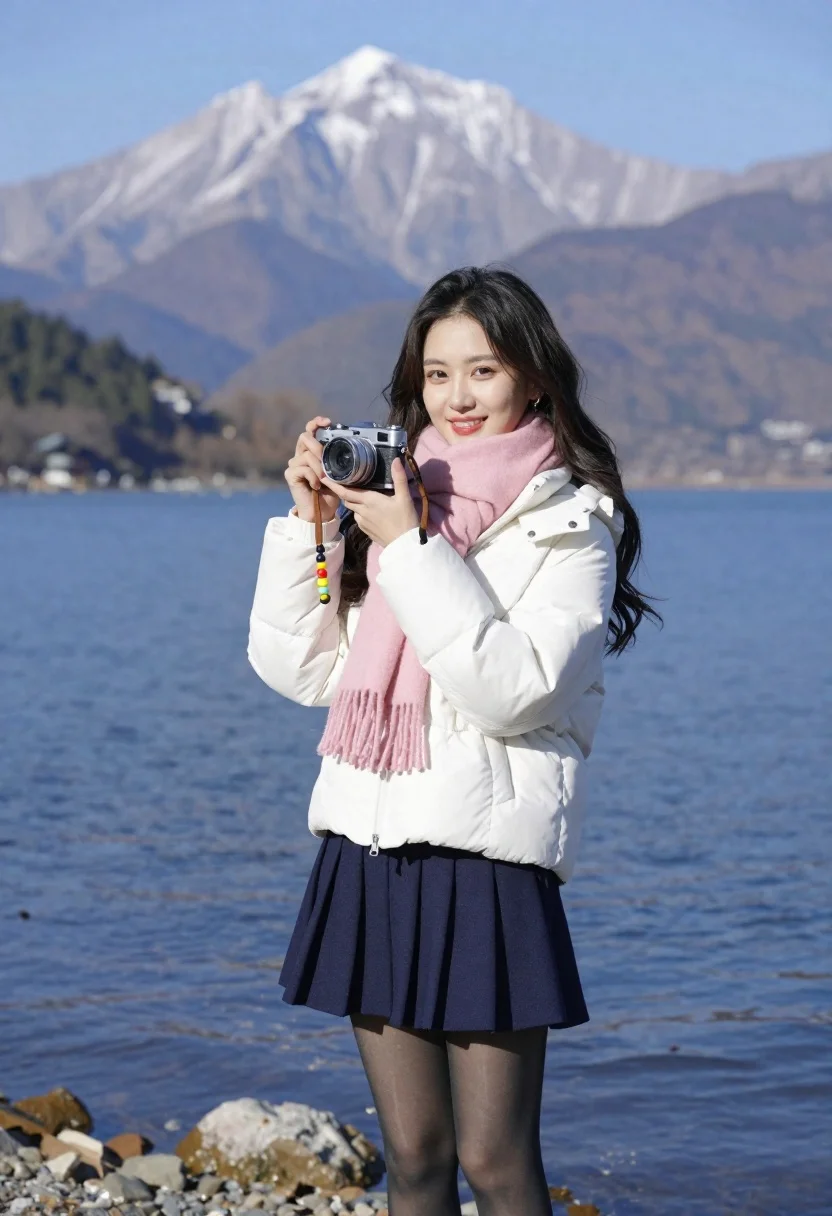
Smiling young woman in white puffer jacket holding vintage camera by lake
Prompt
A smiling young woman stands on a rocky lakeshore holding a vintage camera with a colorful beaded strap.

Subject: A young woman with long dark hair and a warm smile looking directly at the viewer.

Clothing: She wears a white puffer jacket, a pink scarf wrapped around her neck, a navy blue pleated skirt, and sheer black tights.

Action: She holds a silver vintage camera in both hands near her chest, posing for a portrait with a relaxed stance.

Environment: The setting is a calm blue lake with a rocky shoreline in the foreground, and a large snow-capped mountain rising majestically in the background under a clear sky.

Camera: Shot with a medium telephoto lens to compress the distance between the subject and the distant mountain, creating a shallow depth of field that keeps the woman sharp while softly blurring the landscape.

Lighting: Bright natural sunlight illuminates the scene from the side, casting soft shadows and highlighting the texture of her jacket and the snow on the mountain peak.

Style Details: The image features high dynamic range with vibrant colors, crisp details in the foreground, and a clean, professional photographic aesthetic.
Description
This prompt is useful for creating travel blog feature images, lifestyle portraiture for fashion brands, and scenic destination guides. The combination of 'medium telephoto lens' to compress distance and 'bright natural sunlight' casting soft shadows ensures the subject remains crisp against a softly blurred background, which is ideal for showcasing both the woman and the majestic mountain backdrop.
Suggestions
- Change 'white puffer jacket' to 'cream quilted jacket' for a warmer tone.
- Swap 'pink scarf' for 'mustard yellow scarf' to complement the blues.
- Add 'bokeh effect' to enhance the shallow depth of field.
Category
Tags
Black HairFair SkinFemaleMedium ShotMountainsNatureOutdoorsPortrait ShotRealistic
Date added
June 21, 2026
Added by
PromptDexter Team
Related Prompts
More prompts with similar categories and tags.
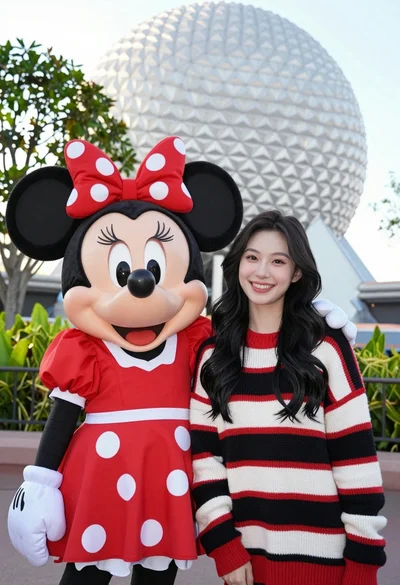
Smiling young woman next to minnie mouse character at epcot geodesic sphere
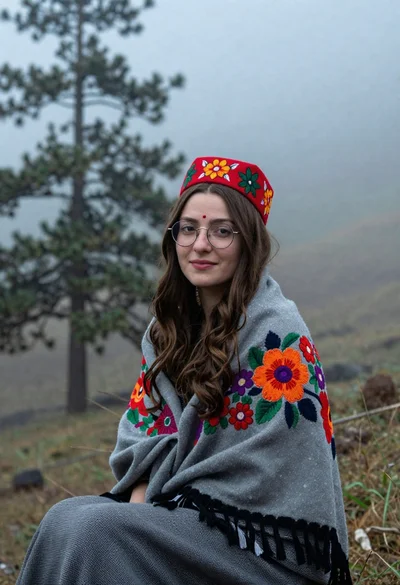
Young woman with brown hair and traditional shawl in misty mountains
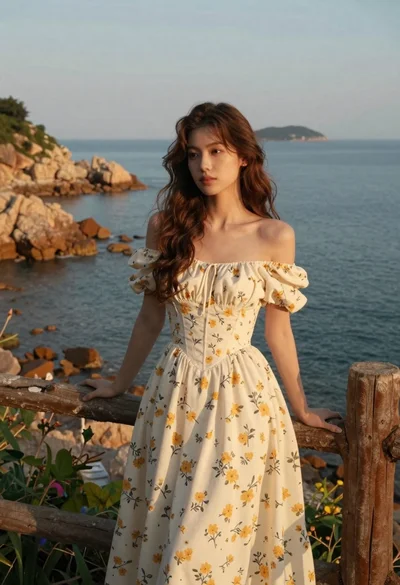
Young woman in cream floral dress leaning on coastal cliff railing
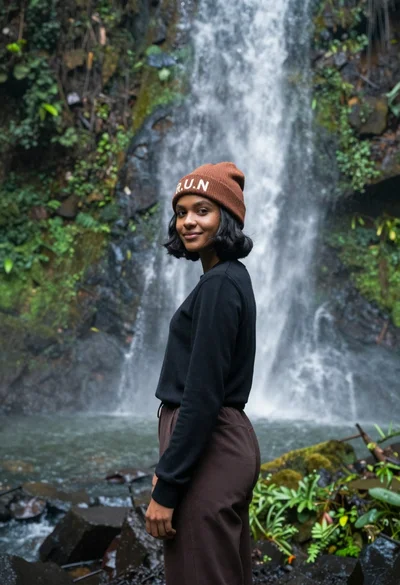
Young woman with dark skin and beanie standing before jungle waterfall

Young woman with long dark hair sitting on a traditional boat

Woman in pink satin slip dress on balcony overlooking coastal town
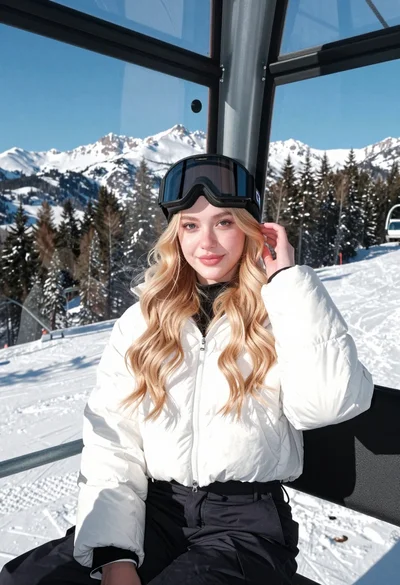
Young blonde woman in white puffer jacket sitting on ski lift
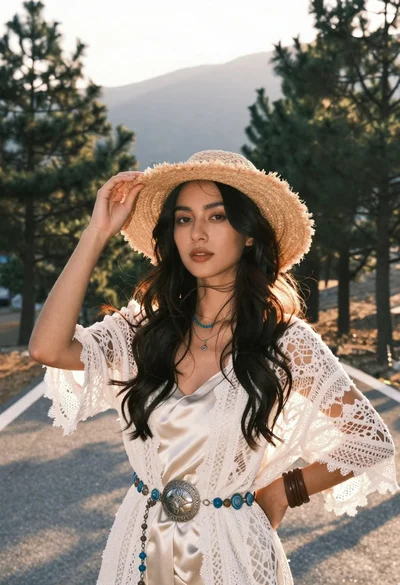
Woman in white lace cardigan and straw hat in mountain landscape
