
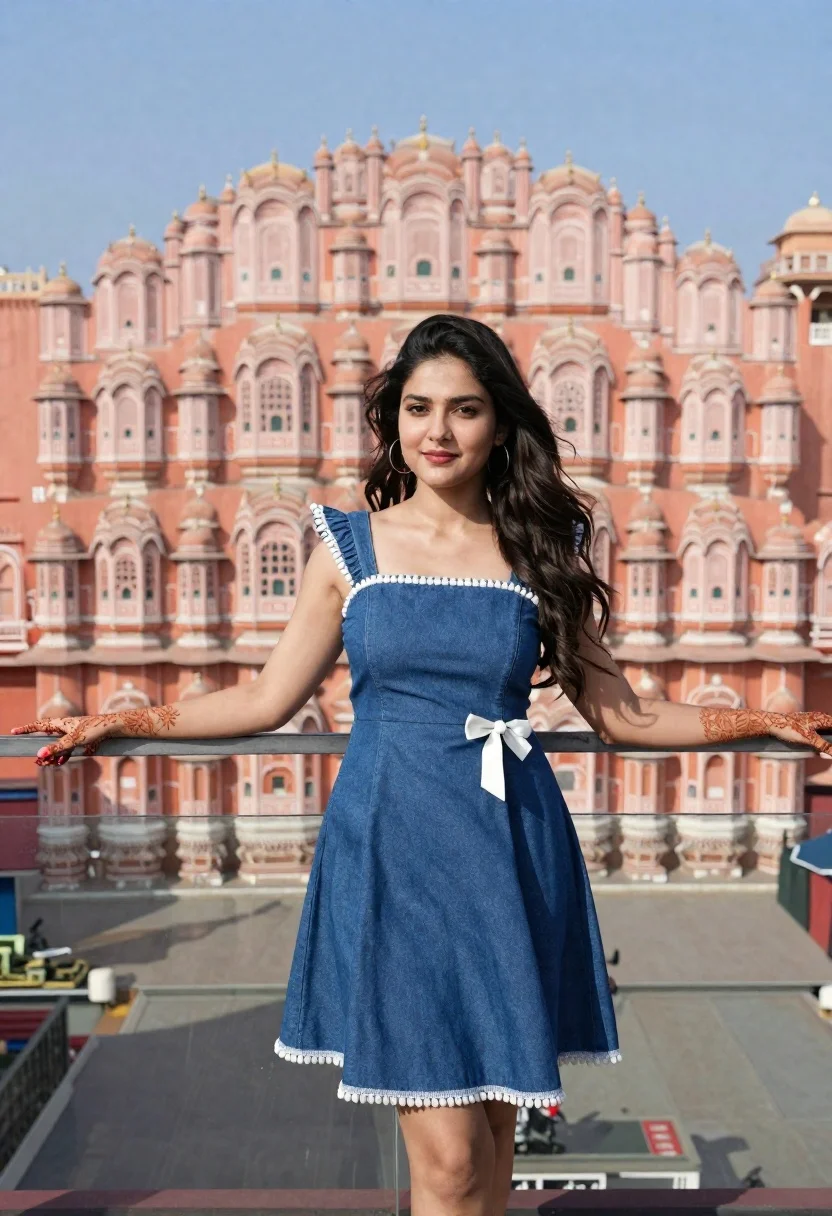
Young woman in denim dress standing on balcony before hawa mahal
Prompt
A young woman stands confidently with her arms outstretched on a glass balcony, framed by the iconic pink sandstone facade of the Hawa Mahal in Jaipur.

Subject: A young woman with long dark hair flowing gently in the breeze, wearing large hoop earrings and displaying intricate henna designs on her hands and forearms.

Clothing: She wears a navy blue denim dress featuring square shoulders, white pom-pom trim along the neckline and hem, and a white bow detail at the waist.

Action: Her arms are extended outward with palms facing up in an open gesture, and she looks directly at the camera with a soft, pleasant smile.

Environment: The background is dominated by the detailed honeycomb-like architecture of the Hawa Mahal under a clear blue sky, while the foreground consists of a transparent glass floor reflecting the surroundings.

Lighting: Bright natural daylight illuminates the scene from above, casting soft shadows and highlighting the warm tones of the building and the cool blue of the dress.

Camera: The shot is taken at eye level with a medium-full framing that captures the subject's entire body while keeping the architectural backdrop in sharp focus.

Style Details: High-resolution photography with vibrant colors, natural depth of field, and a clean, polished aesthetic typical of travel or portrait photography.
Description
This prompt is useful for creating destination lifestyle blogs, fashion editorials set in historical locations, and high-end travel brochures. The combination of 'navy blue denim dress' against the 'pink sandstone facade' creates a deliberate contrast that prevents the subject from blending into the background, while the 'transparent glass floor reflecting the surroundings' adds an unexpected layer of visual complexity suitable for polished editorial work.
Suggestions
- Change 'navy blue denim dress' to 'indigo chambray maxi dress' for a softer wash.
- Add 'golden hour sunlight' to the lighting description for warmer tones.
- Swap 'medium-full framing' for 'full body shot' to emphasize the outstretched arms.
Category
Tags
Black HairFair SkinFemaleFull BodyMedium ShotOutdoorsRealisticTraditional WearUrban
Date added
June 21, 2026
Added by
PromptDexter Team
Related Prompts
More prompts with similar categories and tags.
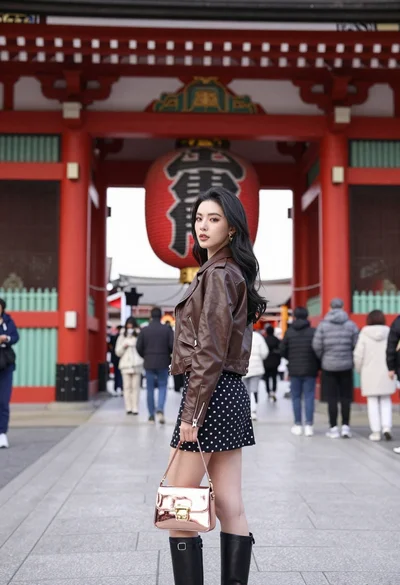
Young woman in leather jacket standing before traditional japanese temple gate

Smiling woman in cycling gear making peace sign on forest road
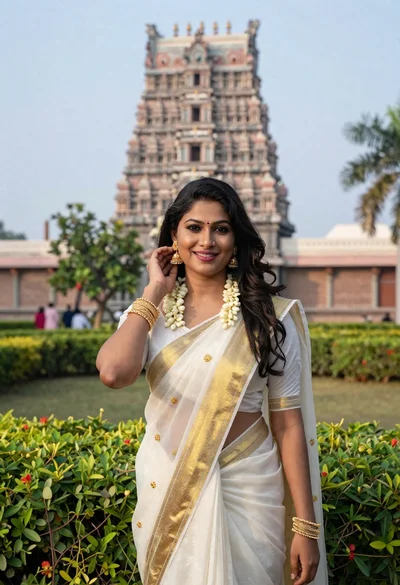
Smiling indian woman in traditional white saree standing before an ornate temple
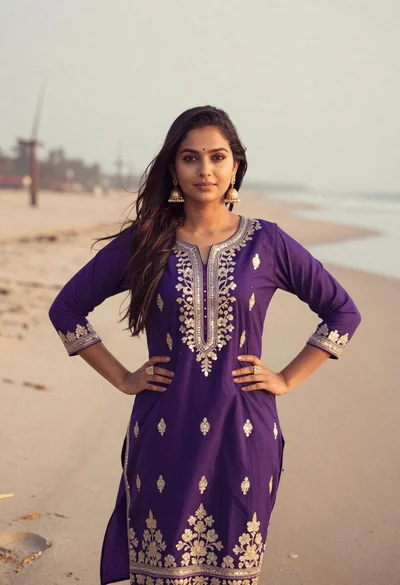
Young woman in purple embroidered dress standing on sandy beach
Young woman shielding eyes on japanese street with traditional buildings
Fair blonde woman sitting on sandy beach looking at camera
Cheerful woman in knit sweater making peace sign next to snowman

Smiling young woman in pink top and white skirt before sandstone palace
