Young woman in distressed sweater dress on blue carpet at event
Prompt
A full-length shot of a young woman with long brown hair standing on a blue carpet.

Subject: A young woman with shoulder-length straight brown hair and a warm smile looking directly at the camera.

Clothing: She wears an oversized, distressed grey sweater dress featuring large white patches and rips, layered over a white collared shirt with cuffs visible at the wrists. She is wearing tall black leather boots that reach her mid-thigh, paired with distinctive red laced-up open-toed heels.

Action: She stands in a relaxed pose with her legs slightly apart, one hand hanging by her side and the other holding a small dark object near her hip.

Environment: The setting is an event backdrop featuring logos for RBC, WE, TELUS, and MTV on a white wall behind her.

Camera: A full-body vertical shot taken from a straight-on angle with a shallow depth of field that keeps the subject sharp while slightly blurring the background logos.

Lighting: Bright, even studio lighting illuminates the scene from the front, casting soft shadows behind the subject and highlighting the texture of her clothing.

Style Details: High-resolution photography with vibrant colors and a clean, polished aesthetic typical of red carpet event coverage.
Description
This prompt is useful for creating editorial fashion moodboards, celebrity event coverage mockups, and catalog shoots emphasizing distressed style. The combination of 'oversized, distressed grey sweater dress' with the 'bright, even studio lighting' ensures that the rips and patches remain visible details rather than being lost in shadow or overexposed by harsh light, which is crucial for showcasing intentional wear.
Suggestions
- Change 'blue carpet' to 'deep burgundy carpet' for a richer color contrast.
- Swap 'large white patches and rips' for 'subtle embroidery accents' if you want less damage visible.
- Adjust the lighting from 'bright, even studio lighting' to 'soft box illumination' for more directional modeling.
Category
Tags
Brown HairBrunetteCasual WearFemaleFull BodyPortrait ShotRealisticStudio
Date added
June 19, 2026
Added by
PromptDexter Team
Related Prompts
More prompts with similar categories and tags.
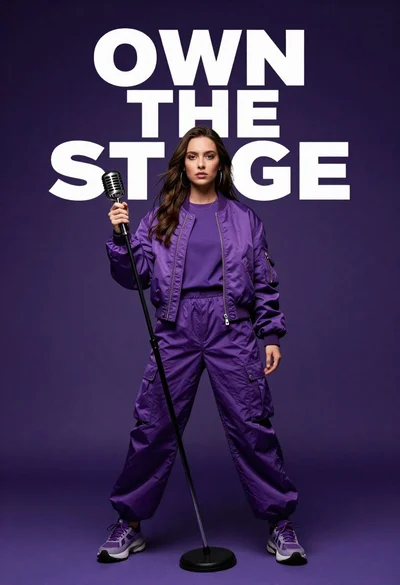
Singer in purple outfit with microphone against violet background
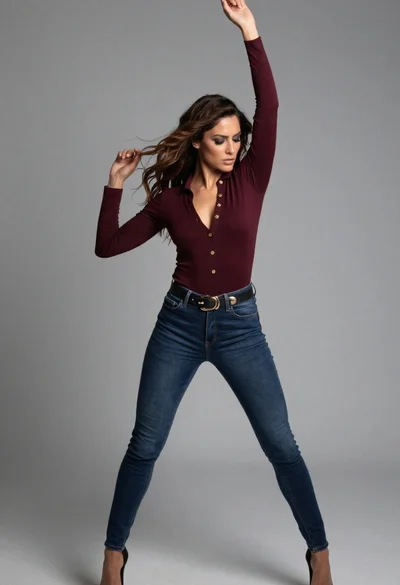
Full body shot of woman posing against plain grey studio background
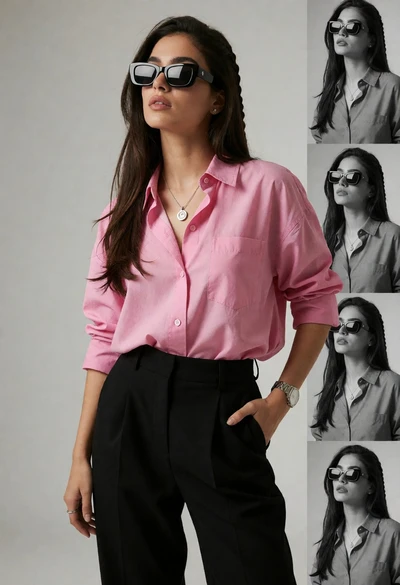
Stylish woman in pink shirt and black trousers against grey studio backdrop

Blonde woman in burgundy velvet gown holding flower in white studio
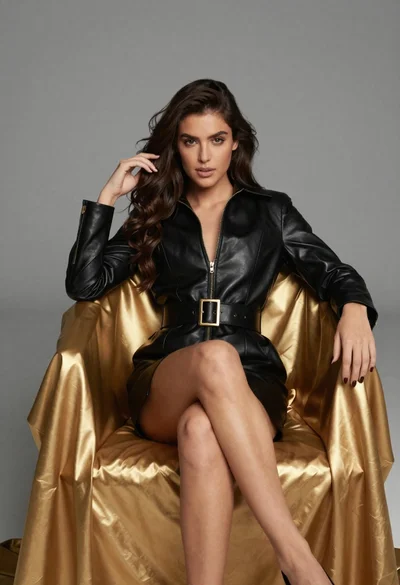
Confident woman in black leather dress sitting on golden chair studio portrait

Poised woman in black blazer sitting on stool against blue gradient background

Woman sitting gracefully indoors wearing yellow skirt and top

Fair skinned woman in black sequined outfit sitting elegantly indoors

Woman in rust gown posing on white step and repeat backdrop
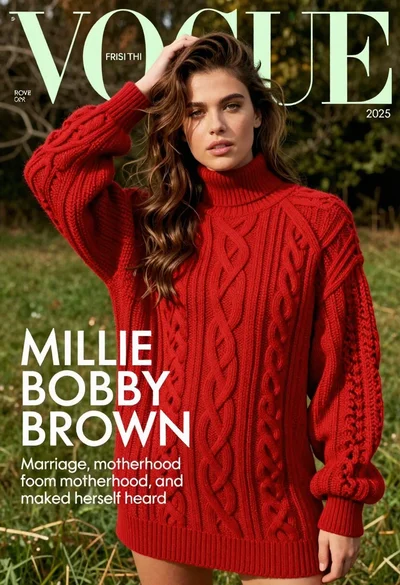
Young woman in red sweater dress standing in grassy field fashion shoot