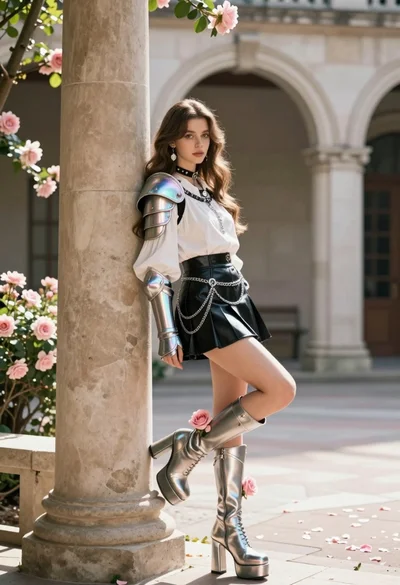
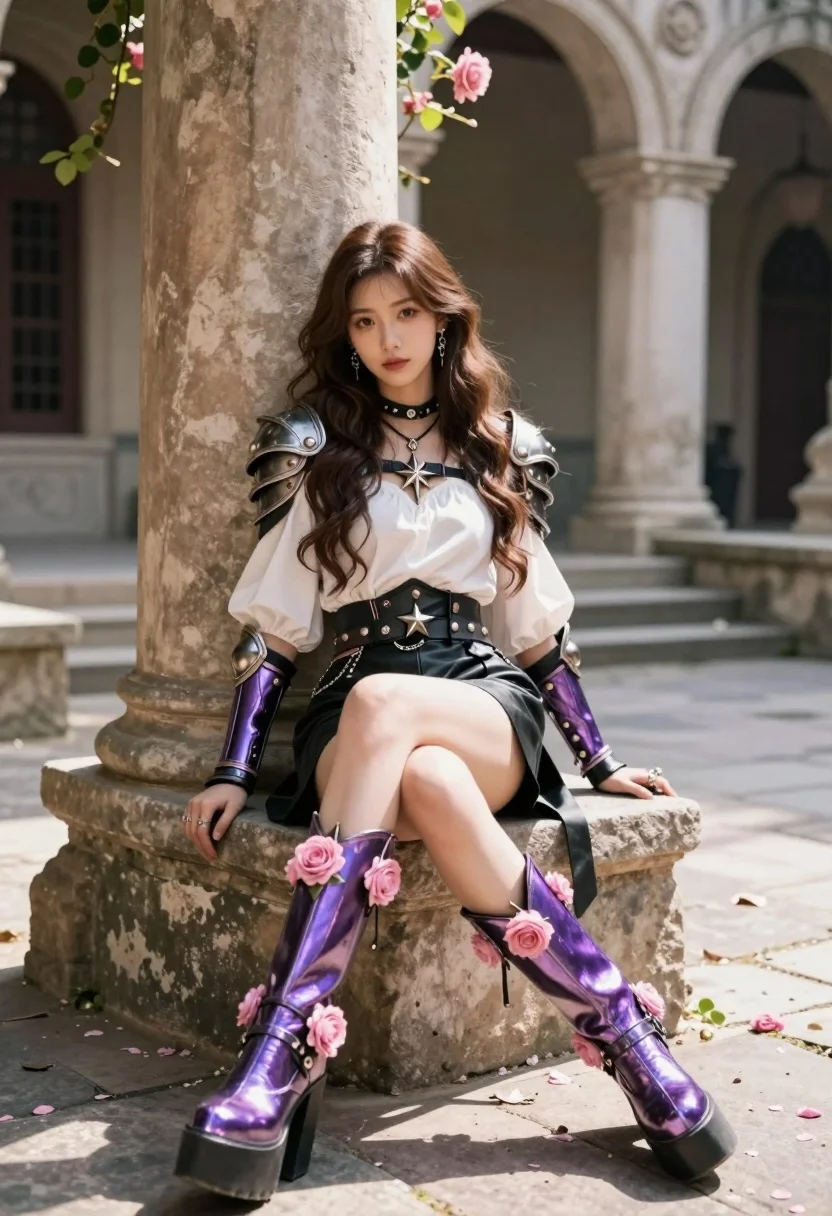
Young woman in fantasy armor leaning on stone pillar in ancient courtyard
Prompt
A young woman with long wavy brown hair sits casually against a large stone pillar in an ancient courtyard.

Subject: A young woman with long wavy brown hair and fair skin, wearing elaborate fantasy armor pieces on her shoulders and arms.

Clothing: She wears a white blouse with puffed sleeves, a black leather skirt, and a wide studded belt adorned with star-shaped metal charms. Her outfit is accessorized with a choker necklace, dangling earrings, rings, and large platform boots that feature iridescent purple metallic plating and are decorated with pink roses.

Action: She leans back against the pillar with one leg bent and resting on the stone block while the other extends forward, looking directly at the viewer with a calm expression.

Environment: The setting is an outdoor courtyard featuring weathered stone architecture, steps leading upward in the background, climbing vines with flowers, and scattered pink rose petals on the ground.

Camera: Shot from a low angle to emphasize the height of her boots, utilizing a shallow depth of field that blurs the architectural background while keeping the subject sharp.

Lighting: Soft natural sunlight filters through the scene, creating gentle highlights on her hair and metallic armor while casting soft shadows against the stone textures.

Style Details: The image features a cinematic fantasy aesthetic with high detail in the textures of leather and metal, vibrant color grading emphasizing pinks and purples, and a polished digital art rendering style.
Description
This prompt is useful for creating character concept art for RPG settings, editorial fantasy fashion spreads, and immersive game environment key art. The combination of 'low angle' perspective with the focus on 'iridescent purple metallic plating' ensures the subject dominates the frame while the 'shallow depth of field' isolates her against the detailed, weathered stone architecture.
Suggestions
- Change 'puffed sleeves' to 'fitted bodice' for a more streamlined silhouette.
- Swap 'pink roses' for 'deep crimson flowers' to increase contrast with the armor.
- Adjust 'soft natural sunlight' to 'dramatic rim lighting' for higher impact.
Category
Tags
ArmorBrown HairDigital ArtFair SkinFemaleLow AngleOutdoorsRealistic
Date added
July 3, 2026
Added by
PromptDexter Team
Related Prompts
More prompts with similar categories and tags.
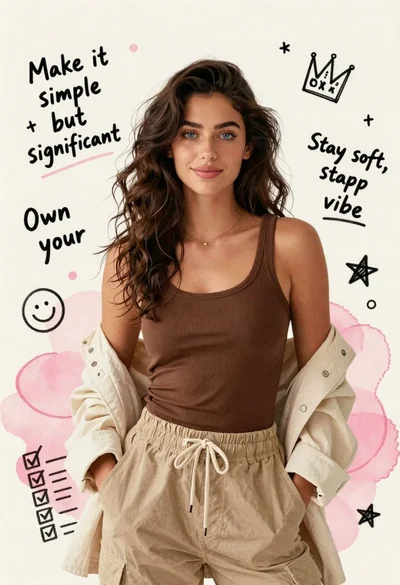
Young woman in brown tank top against pink watercolor doodle background
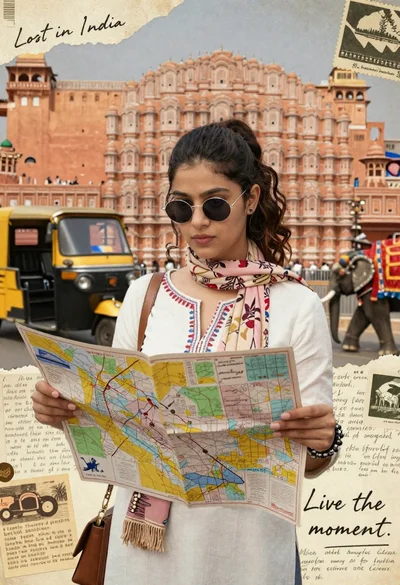
Young woman holding map against indian architectural collage background

Young woman holding ancient book emitting magic under moonlight
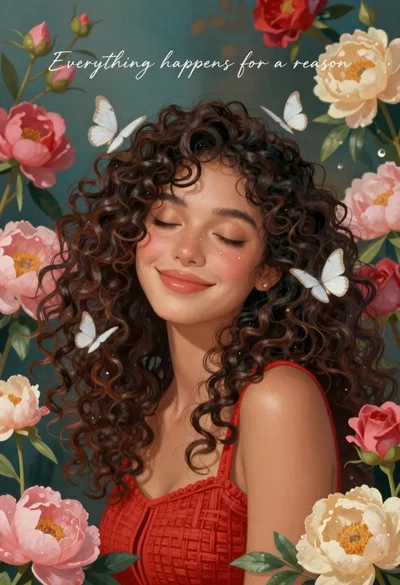
Smiling woman with curly hair in floral garden with white butterflies

Young woman in white sweatshirt with crossed arms against illustrated doodle background
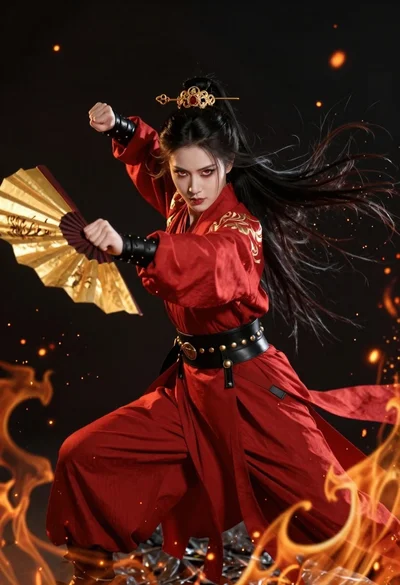
Fierce female warrior in red robe holding golden fan against dark void

Young girl standing in autumn garden with falling red maple leaves
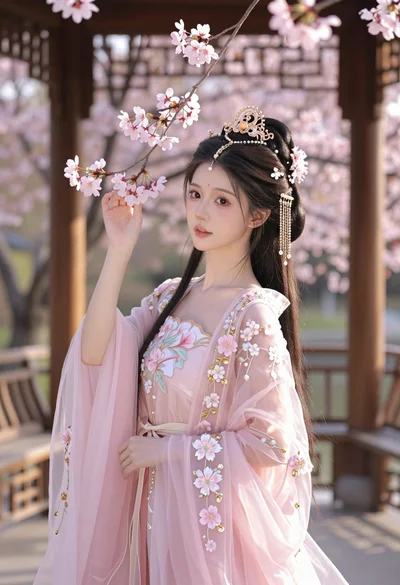
Young woman in pink gown standing in cherry blossom pavilion at golden
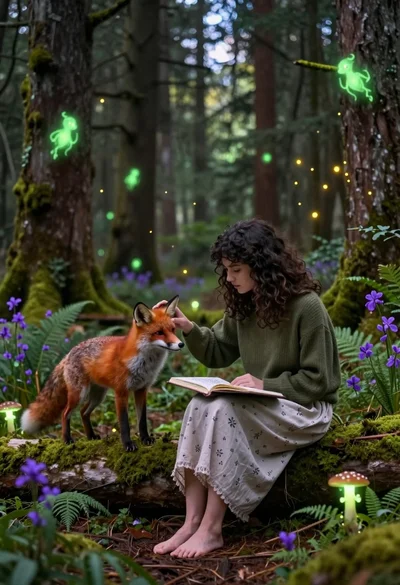
Young woman sketching red fox on mossy log in magical forest setting

Young woman kneeling by mystical pond with deer and whales in forest