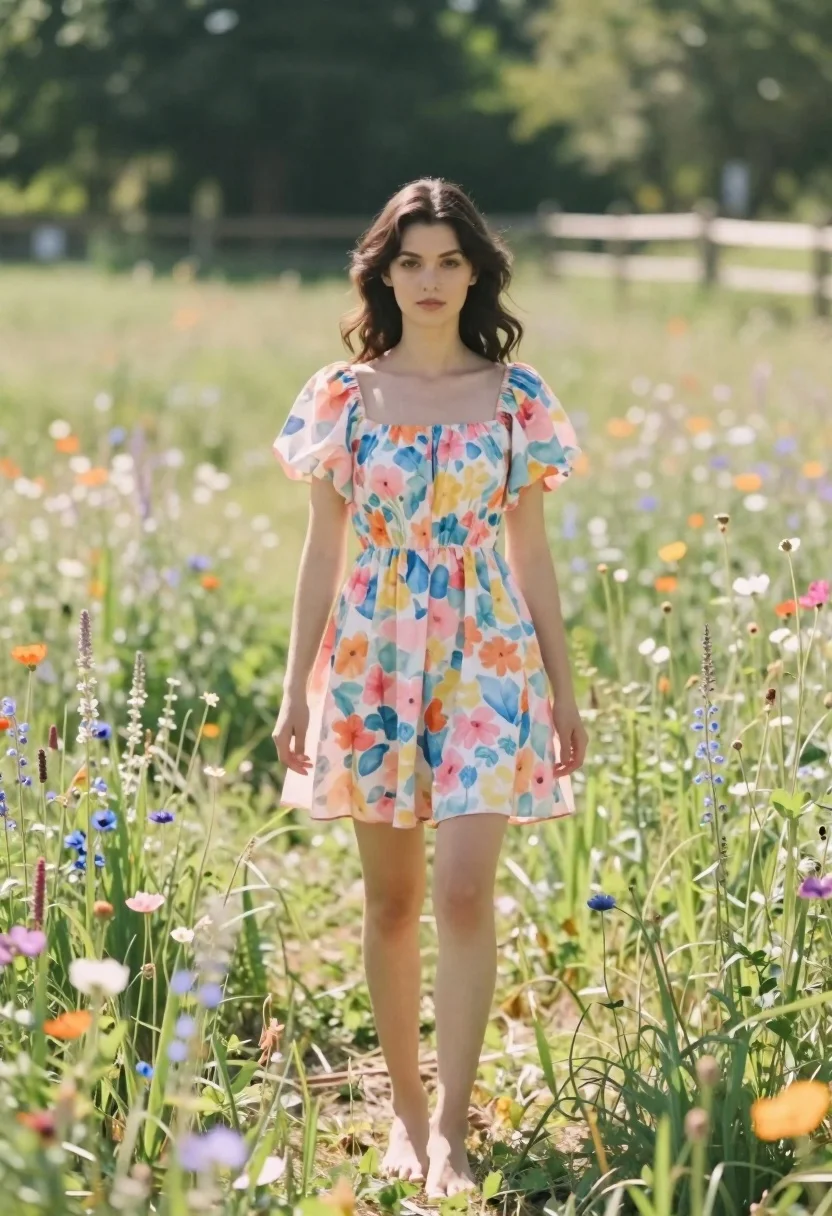
Young woman in floral dress standing in sun drenched meadow field
Prompt
A young woman stands barefoot in a sun-drenched field of tall grass and wildflowers.

Subject: A young woman with dark brown wavy hair that falls past her shoulders, fair skin, and a soft, neutral facial expression looking directly at the camera.

Clothing: She wears a pastel floral mini dress featuring a square neckline, puffy short sleeves, and a gathered waistline; the fabric displays a watercolor-style pattern of pink, blue, yellow, and orange flowers.

Action: She stands facing forward with her arms hanging loosely by her sides and her legs slightly apart in a relaxed stance.

Environment: A lush green meadow filled with tall grasses and small wildflowers surrounds her, with a wooden fence and dense trees visible in the blurred background.

Lighting: Bright natural sunlight illuminates the scene from above, creating soft highlights on her skin and dress while casting gentle shadows on the ground.

Camera: The shot is taken at eye level with a shallow depth of field that keeps the subject sharp while blurring the background into a creamy bokeh.

Style Details: The image has a dreamy, film-like aesthetic with warm tones and soft focus that enhances the summery atmosphere.
Description
This prompt is useful for creating editorial fashion moodboards, romantic lifestyle advertising, and seasonal lookbooks emphasizing natural beauty. The combination of 'pastel floral mini dress' against a 'lush green meadow' background, coupled with the 'shallow depth of field,' ensures the subject remains the sharp focal point while the soft bokeh prevents the detailed wildflowers from becoming visually distracting.
Suggestions
- Change 'pastel floral mini dress' to 'gingham sundress' for a different pattern.
- Swap 'bright natural sunlight' for 'golden hour backlighting' for more rim light.
- Adjust 'shallow depth of field' to 'medium depth of field' if you want the fence visible.
Category
Tags
Brown HairFair SkinFemaleFull BodyMedium ShotNatureOutdoorsPortrait ShotRealistic
Date added
June 21, 2026
Added by
PromptDexter Team
Related Prompts
More prompts with similar categories and tags.
Young woman in pink dress sitting on stone bench in tropical resort
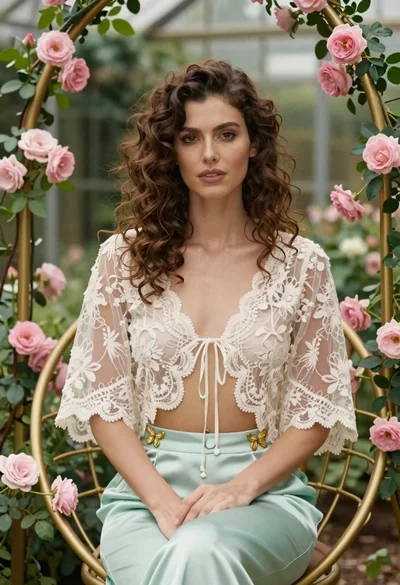
Woman with wavy brown hair in lace jacket sitting among pink roses
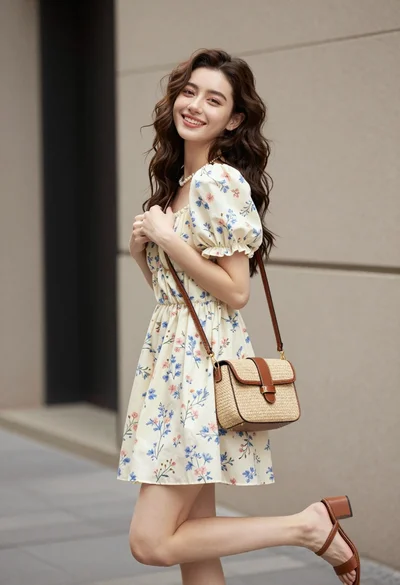
Young woman in floral mini dress standing against beige wall outdoors

Woman in black dress by window overlooking ocean at golden hour
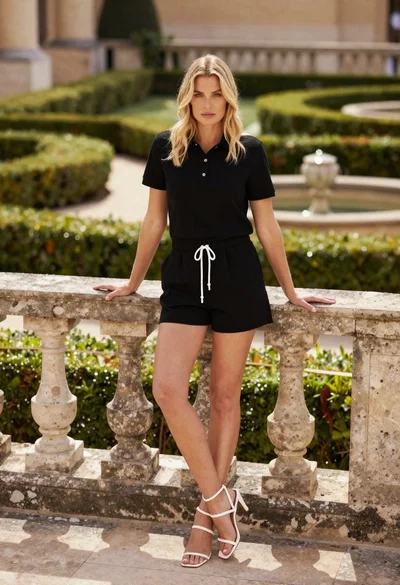
Blonde woman leaning on stone balustrade in manicured garden setting

Young woman sitting among colorful clothes in minimalist studio setting

Fair skinned woman in black sequined outfit sitting elegantly indoors

Young woman in traditional embroidered attire standing in a lush green meadow