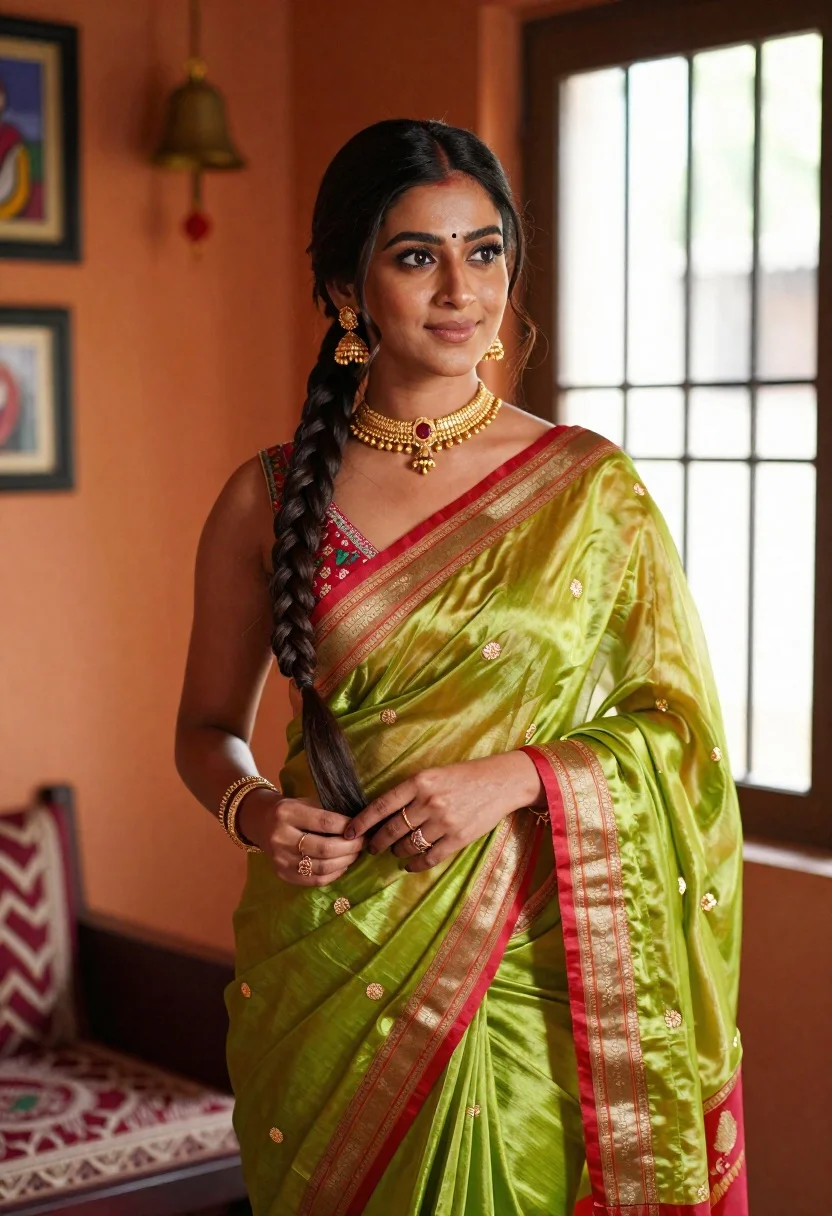
Young woman in green silk saree standing indoors with natural light
Prompt
A woman stands in a warmly lit interior wearing a traditional green silk saree with red and gold borders.

Subject: A young woman with dark hair styled in a long, thick braid draped over her shoulder, featuring a bindi on her forehead and subtle makeup.

Clothing: She wears a vibrant lime green saree made of shiny silk fabric with small golden motifs, paired with a sleeveless blouse that has intricate red and gold floral embroidery along the neckline. She is adorned with traditional gold jewelry including a choker necklace, large dangling earrings, multiple rings on her fingers, and a bracelet.

Action: She stands in a relaxed pose looking off to the side with a gentle smile, her hands gently holding the end of her braid near her waist.

Environment: The setting is an indoor room with warm orange walls, featuring a hanging brass bell, framed artwork, and a large window with vertical bars that lets in bright natural light.

Lighting: Soft, directional sunlight streams through the window from the right, creating a gentle glow on her face and highlighting the texture of the silk fabric while casting soft shadows.

Camera: The shot is a medium close-up taken at eye level with a shallow depth of field that keeps the subject sharp while softly blurring the background elements.

Style Details: High-quality cinematic photography with warm color grading, rich textures, and a polished aesthetic reminiscent of fashion editorial or cultural portrait work.
Description
This prompt is useful for creating cultural portraiture, high-end bridal editorials, and lifestyle content emphasizing heritage textiles. The combination of 'soft, directional sunlight' streaming through the window and the 'shiny silk fabric' ensures that the rich colors and intricate embroidery catch the light beautifully, preventing the luxurious materials from appearing flat against the warm orange walls.
Suggestions
- Change 'lime green saree' to 'emerald green saree' for a deeper jewel tone.
- Swap 'hanging brass bell' for 'carved wooden pillar' to change the background material.
- Adjust 'shallow depth of field' to 'deep focus' if you want more background detail.
Category
Tags
Brown HairDark SkinFemaleIndoorsPortrait ShotRealisticTraditional Wear
Date added
June 19, 2026
Added by
PromptDexter Team
Related Prompts
More prompts with similar categories and tags.
Young woman in black saree sitting on bed touching dark hair
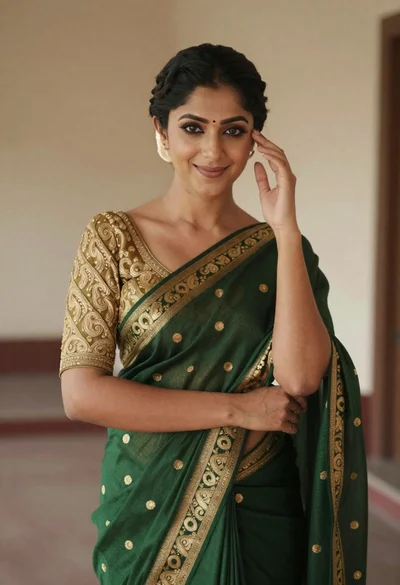
Smiling woman in green saree with gold embroidery indoors
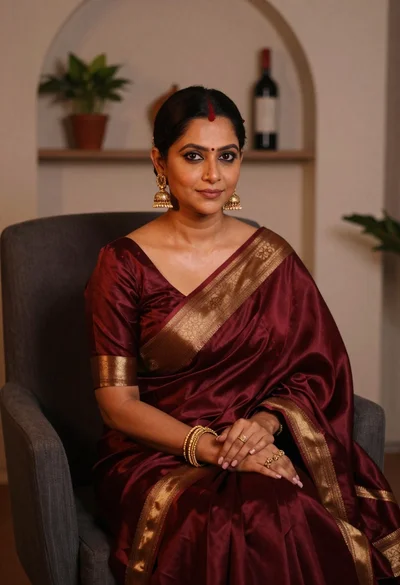
Woman in maroon silk saree seated indoors with gold jewelry
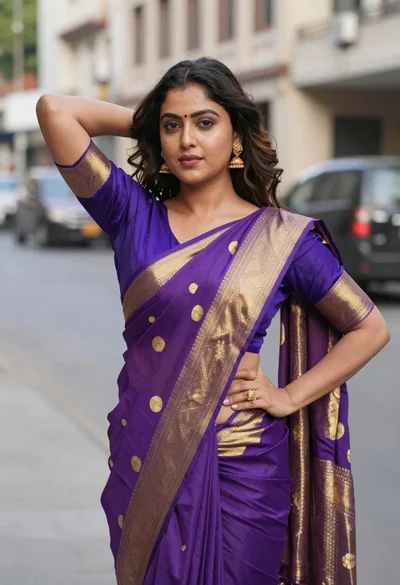
Woman in purple and gold saree standing on an urban city street
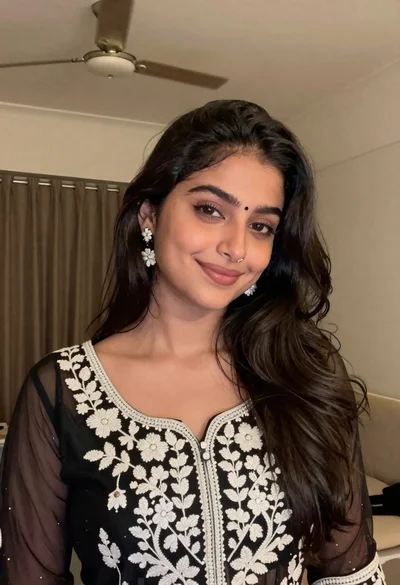
Young woman with dark wavy hair wearing embroidered top indoors portrait

Close up portrait of smiling woman with dark hair resting head on
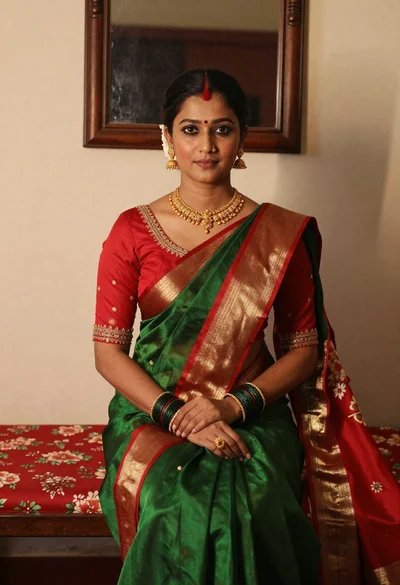
Portrait of woman in green saree and red blouse indoors
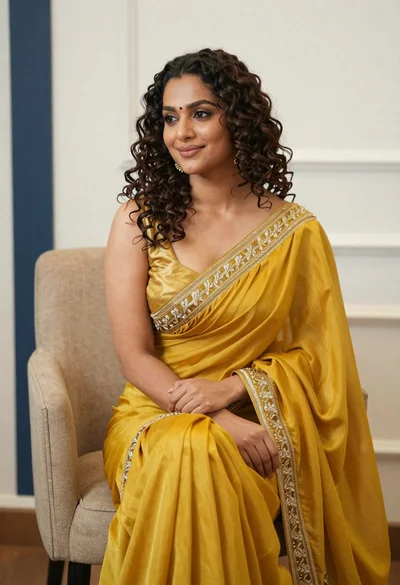
Portrait of woman in yellow embroidered saree seated indoors
Woman in white tshirt against striped sunlight backdrop
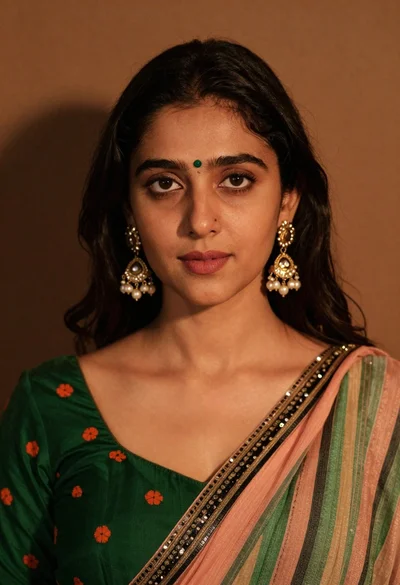
Close up portrait of young woman with dark hair wearing traditional indian