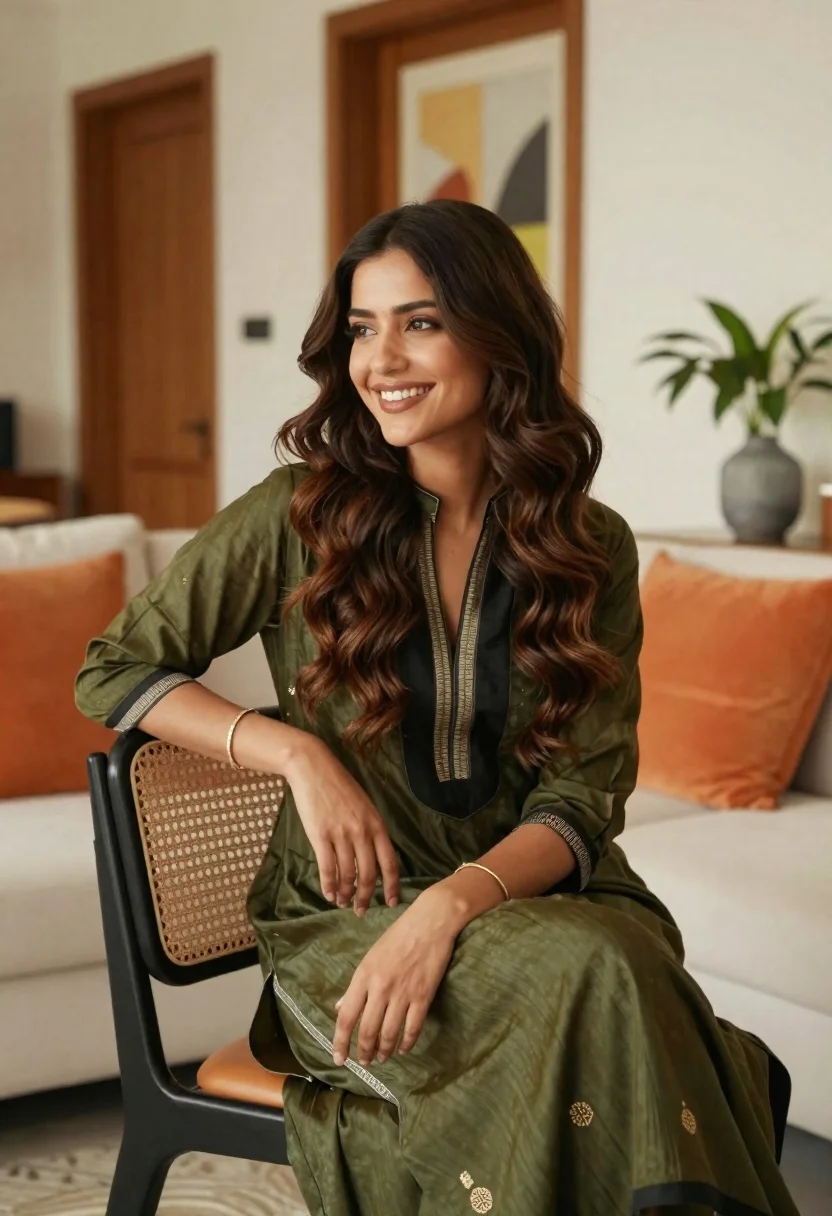
Smiling young woman with brown hair in modern living room setting
Prompt
A smiling woman with long wavy brown hair sits comfortably in a modern living room.

Subject: A young woman with dark skin and long, voluminous wavy brown hair that cascades over her shoulders. She has a bright, engaging smile and is looking off to the side.

Clothing: She wears an olive green and black traditional-style dress or kurta with a deep V-neckline featuring striped trim. The fabric appears soft and flowing, with gold embroidery visible on the lower part of the garment.

Action: She is seated in a relaxed pose, leaning her right arm casually on the backrest of a chair while resting her left hand on her lap. Her expression is warm and happy.

Environment: The setting is a bright, contemporary interior space featuring light-colored walls, wooden door frames, and a framed abstract painting hanging on the wall behind her.

Objects: She sits on a white sofa with large orange cushions. A black chair with a cane-back mesh design is positioned in front of her. To the right, a potted plant with green leaves sits in a grey patterned vase.

Lighting: The scene is illuminated by soft, natural light that creates gentle highlights on her hair and face, casting subtle shadows and contributing to a warm, inviting atmosphere.

Camera: The shot is taken from a medium distance at eye level, utilizing a shallow depth of field to keep the subject in sharp focus while softly blurring the background elements.

Style Details: The image has a high-quality, professional portrait aesthetic with vibrant colors and a clean, polished composition.
Description
This prompt is useful for creating lifestyle magazine features, e-commerce catalog shots for ethnic wear, and personal branding portraits that convey approachability. The combination of 'soft, natural light' and the 'shallow depth of field' ensures the subject remains the primary focus by gently softening the background elements like the abstract painting and potted plant, which prevents visual competition with her warm expression.
Suggestions
- Change 'olive green and black traditional-style dress' to a specific fabric like 'silk kurta' for more sheen.
- Replace 'large orange cushions' with jewel-toned velvet pillows for richer contrast.
- Adjust 'soft, natural light' to 'golden hour window light' for warmer highlights.
Category
Tags
Brown HairBrunetteCasual WearDark SkinFemaleIndoorsMedium ShotPortrait ShotRealisticTraditional Wear
Date added
June 19, 2026
Added by
PromptDexter Team
Related Prompts
More prompts with similar categories and tags.
Young woman pointing at photo collage on wall in warm indoor setting
Young woman in white embroidered saree smiling indoors with soft natural light
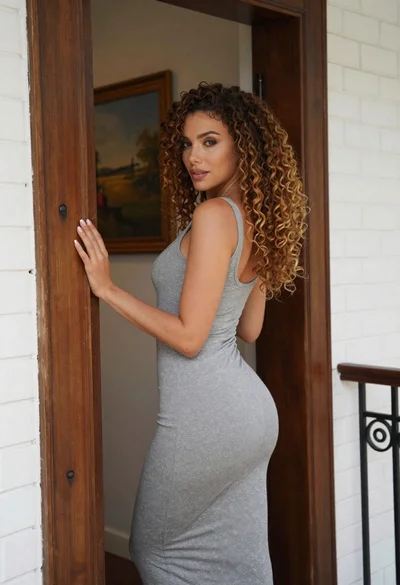
Woman in grey midi dress leaning through doorway looking back over shoulder
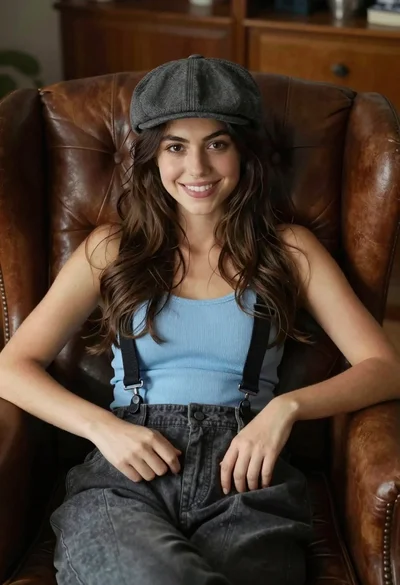
Young woman with brown hair sitting in a leather armchair indoors
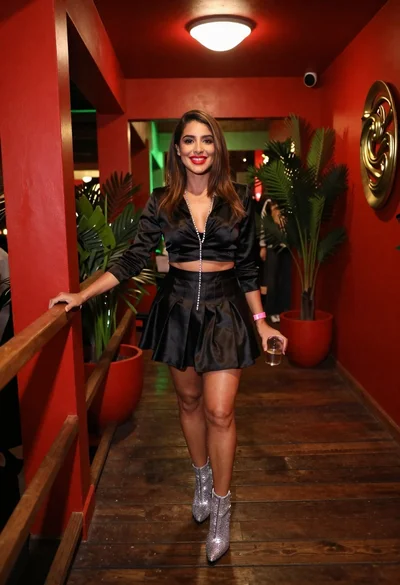
Confident woman smiling indoors on dark wood walkway with red decor
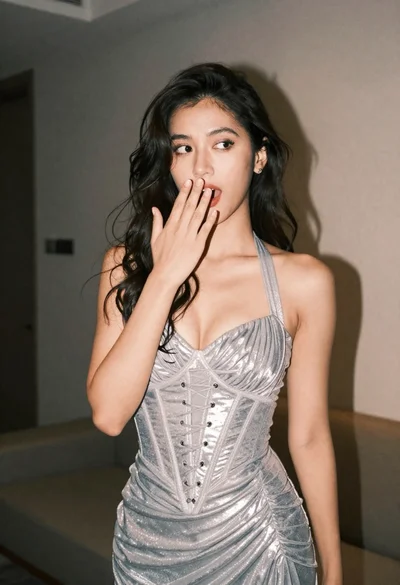
Woman in shimmering silver halter dress posing indoors with playful gesture
Stylish woman taking mirror selfie in room with chandelier
Young woman in white embroidered blouse posing against a plain studio background
Young woman in black saree sitting on bed touching dark hair
Medium close up portrait of woman with dark hair indoors