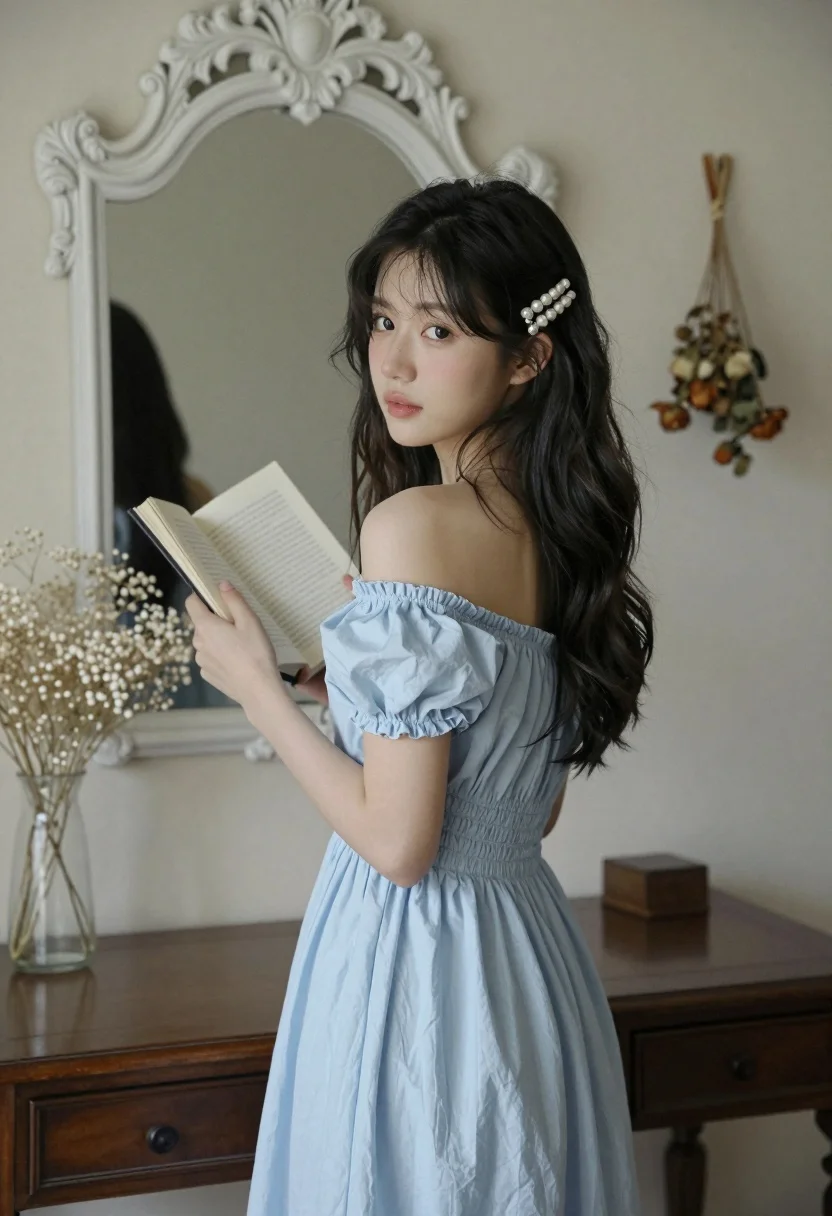
Young woman in light blue dress looking back over shoulder indoors
Prompt
A young woman stands in a softly lit room holding an open book while looking back over her shoulder toward the viewer.

Subject: A young woman with long dark wavy hair and fair skin, wearing a pearl barrette in her hair.

Clothing: She wears a light blue off-the-shoulder dress with puffed sleeves and gathered fabric at the waist.

Action: She holds an open book in both hands near her chest and turns her head to look back over her shoulder with a soft expression.

Environment: The setting is a quiet interior room featuring a large white ornate mirror on the wall, a dark wooden table below it holding a glass vase with baby's breath flowers, and dried floral arrangements hanging from hooks on the walls.

Camera: Medium shot capturing the subject from the waist up with a shallow depth of field that keeps the woman sharp while softly blurring the background elements.

Lighting: Soft natural light filters in from the side, creating gentle highlights on her face and dress with subtle shadows that enhance the calm mood.

Style Details: The image has a dreamy, cinematic quality with muted pastel tones and a slightly grainy texture reminiscent of film photography.
Description
This prompt is useful for creating intimate portraiture, literary-themed editorial spreads, and soft lifestyle branding materials. The combination of 'soft natural light' filtering from the side and the 'shallow depth of field' ensures that the subject remains sharply focused while allowing the background elements—like the ornate mirror and baby's breath—to provide contextual texture without competing with the woman’s expression.
Suggestions
- Change 'light blue off-the-shoulder dress' to 'dusty periwinkle silk' for a richer color.
- Swap 'baby's breath flowers' for 'dried eucalyptus branches' to enhance the muted palette.
- Adjust 'soft natural light' to 'window light, overcast day' for more even illumination.
Category
Tags
Fair SkinFemaleIndoorsMedium ShotRealistic
Date added
August 5, 2026
Added by
PromptDexter Team
Related Prompts
More prompts with similar categories and tags.
Woman with freckles sitting on brown leather sofa
Young woman with brown hair sitting on white sofa in bright modern
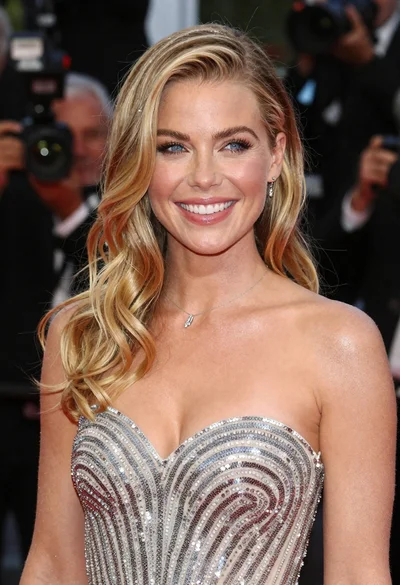
Close up portrait of smiling blonde woman in silver sequin gown

Full length shot of woman in dusty pink lace gown at indoor
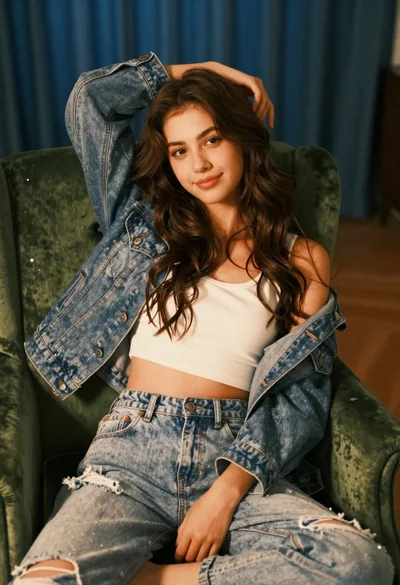
Young woman with brown hair sitting on green velvet chair indoors
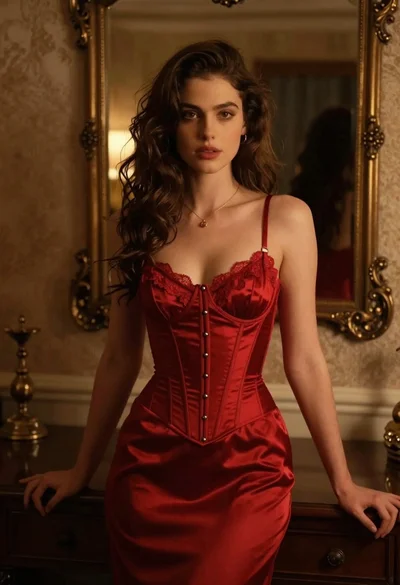
Woman in red corset dress standing in dimly lit room with ornate
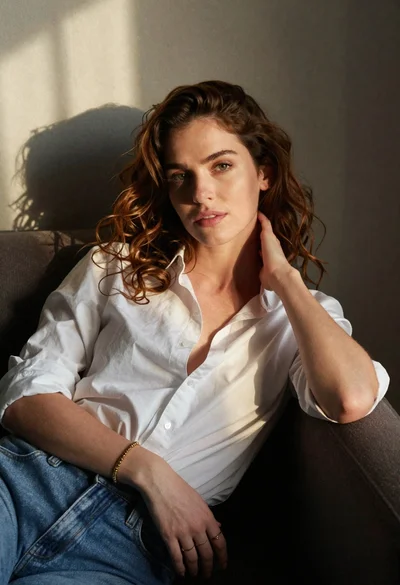
Woman with chestnut hair reclining on dark couch indoors

Blonde woman in black coat leaning against white wall by window
Asian woman in beige halter dress sitting in modern living room
Woman in white dress seated in plush armchair within library bookshelves